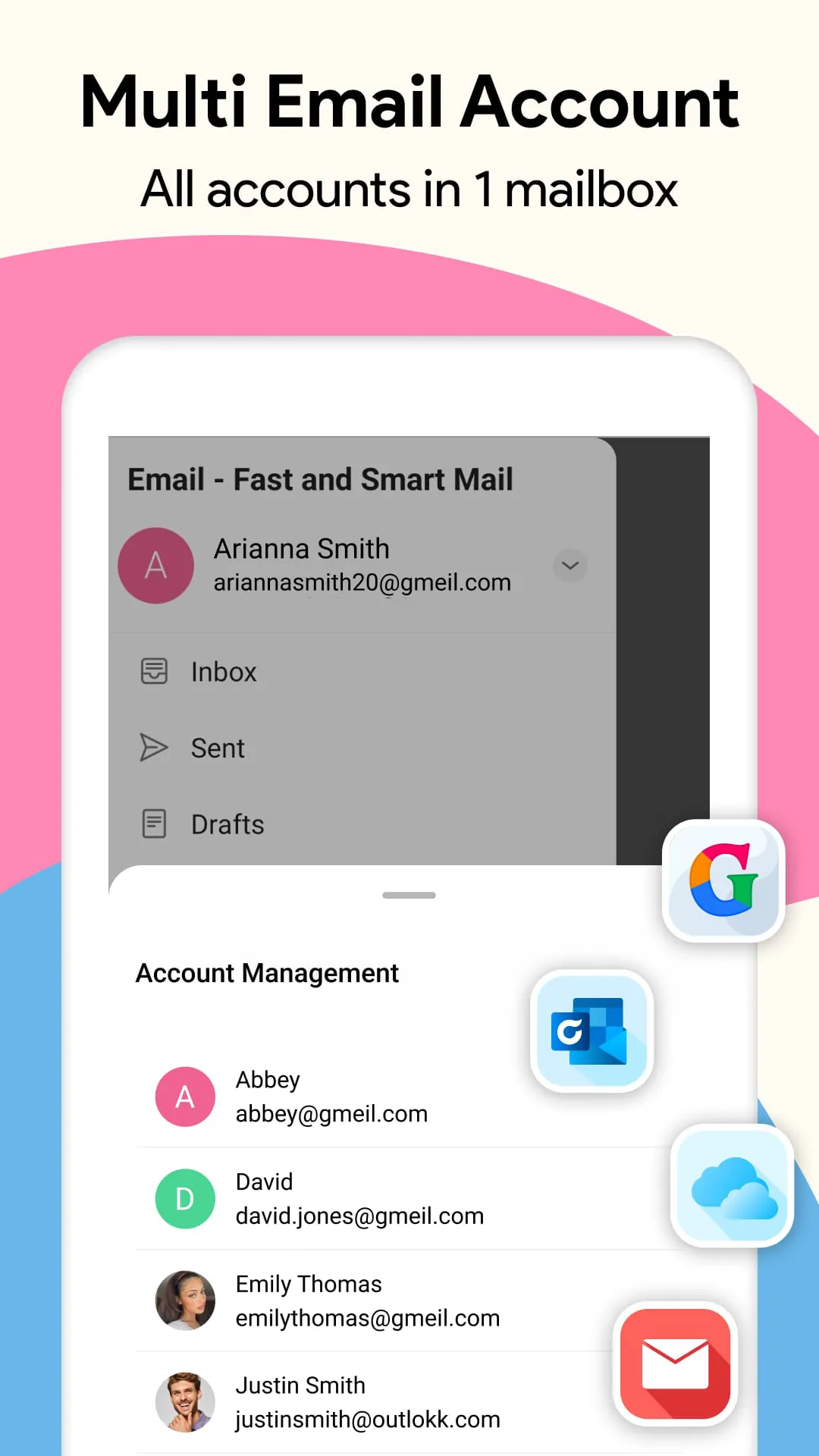
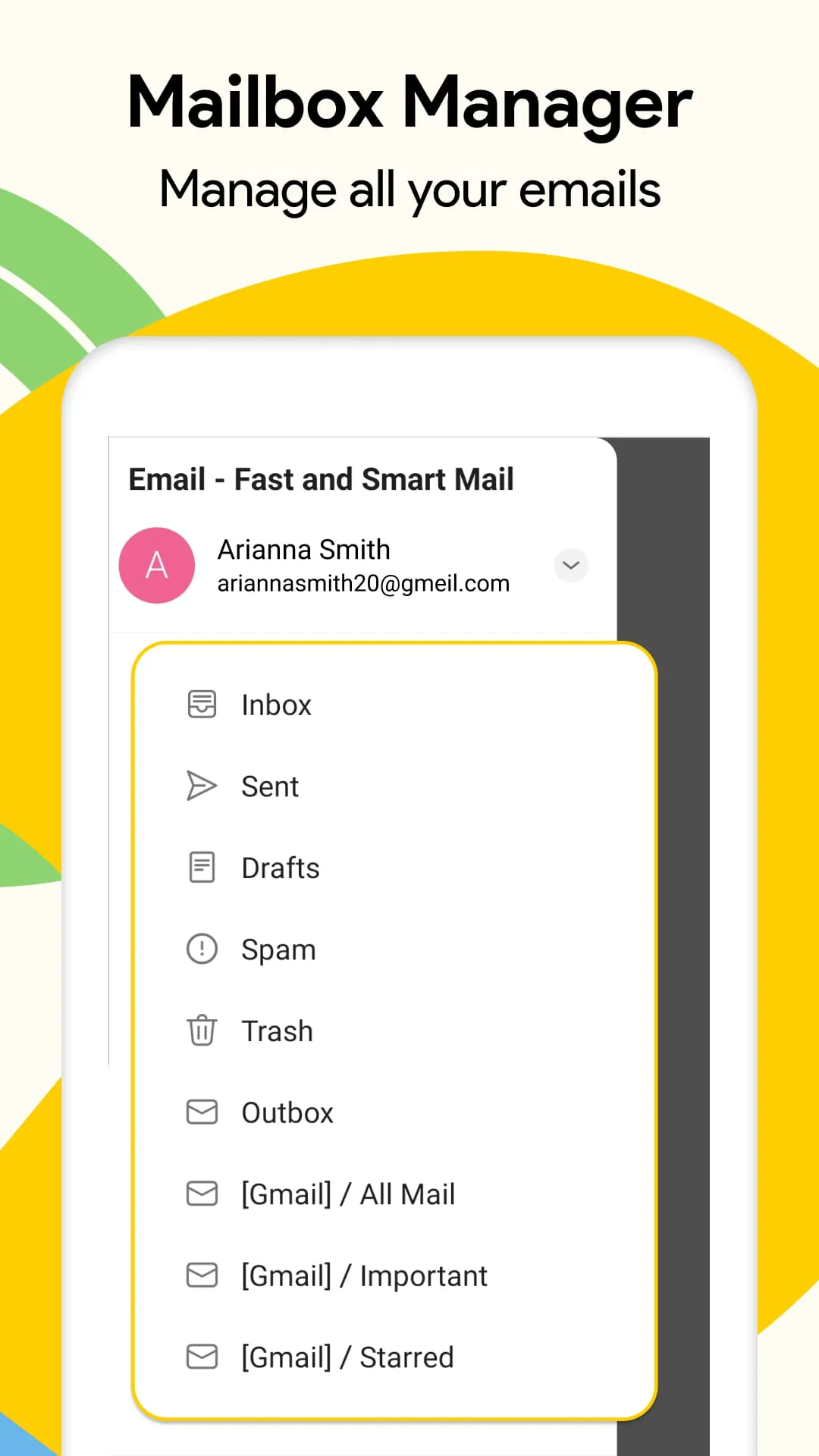
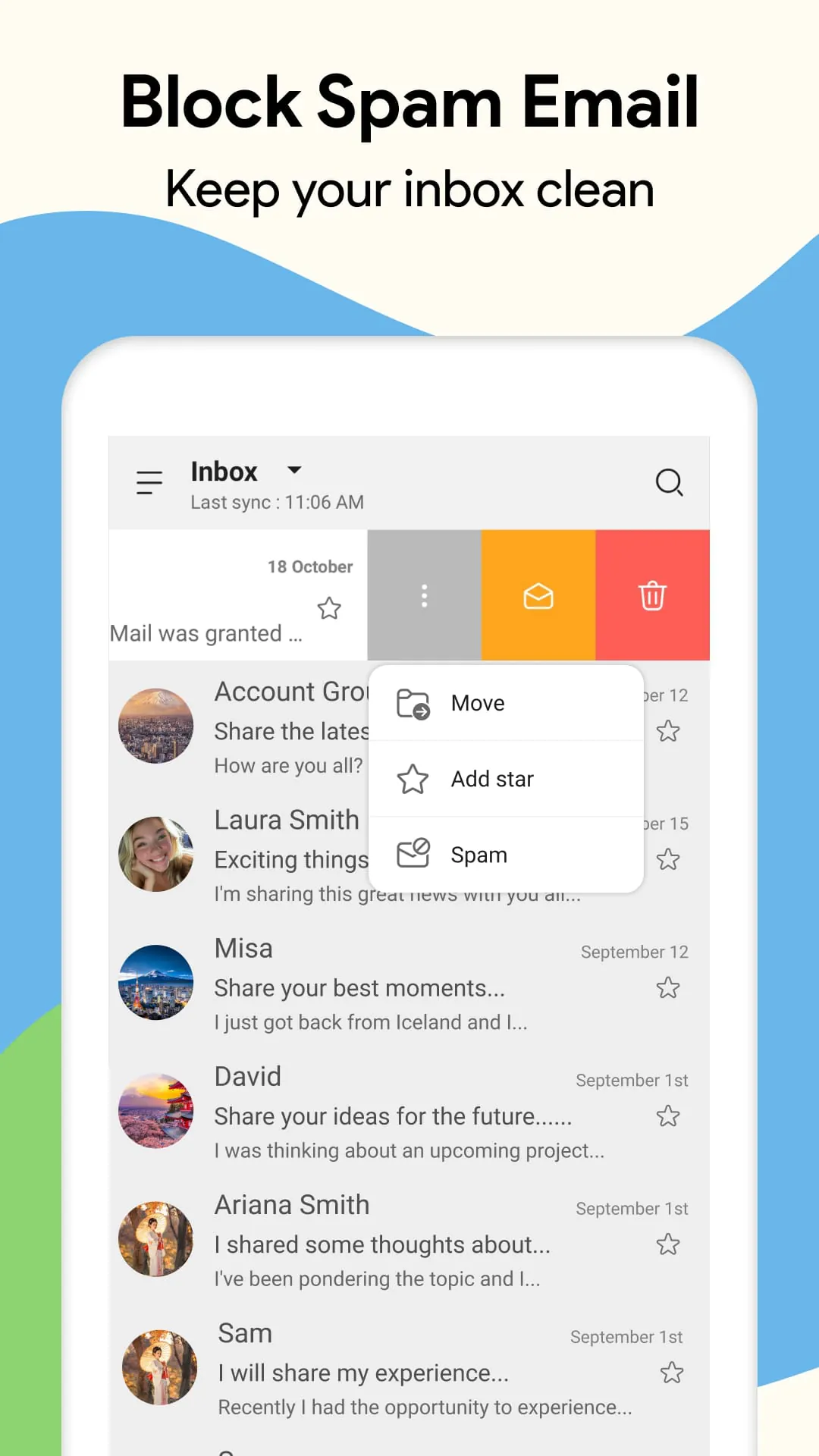
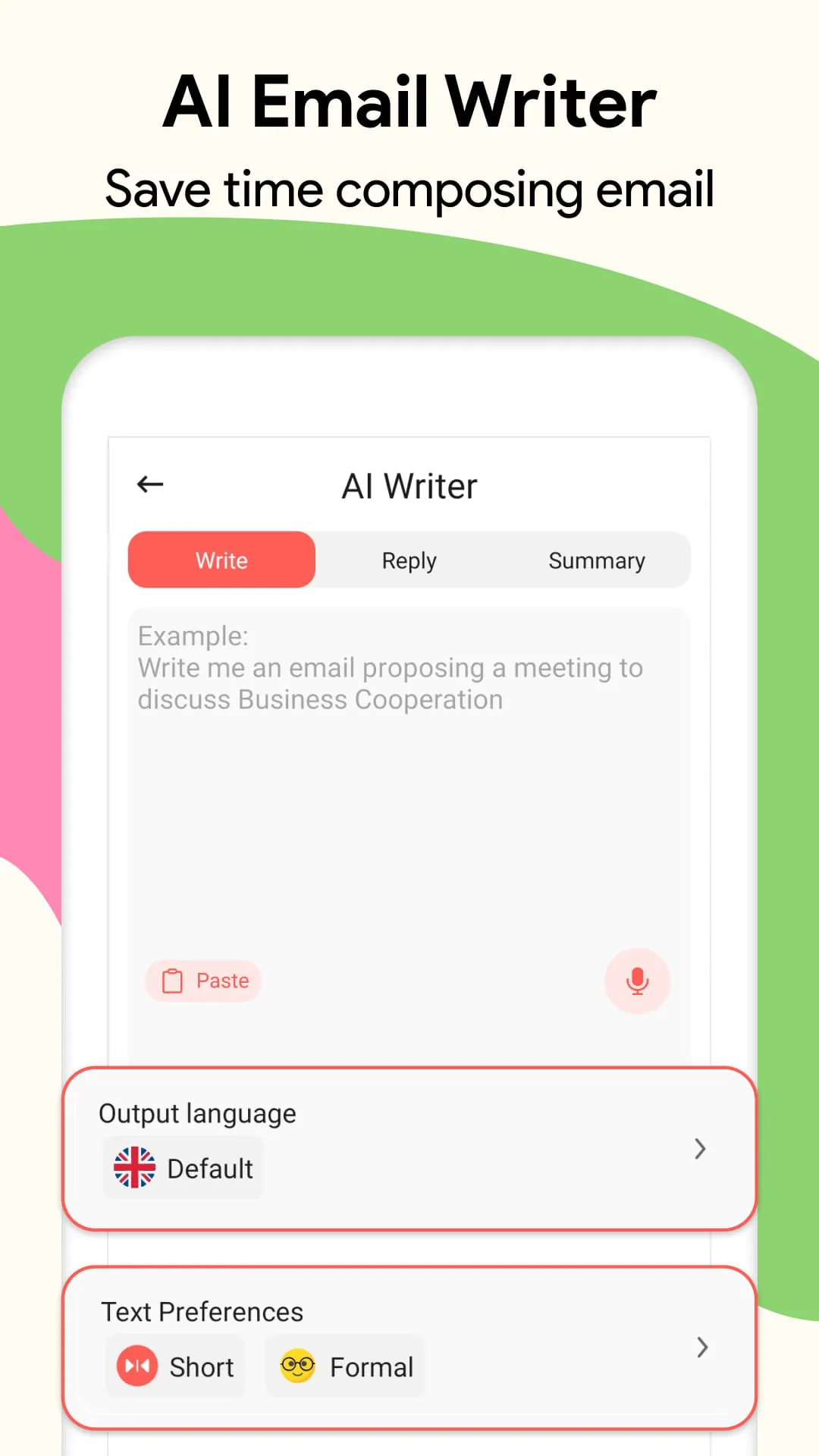
The text describes a fast and smart email application designed to streamline email management for users with multiple email accounts. The application supports various email providers, including Outlook, Hotmail, and Gmail, allowing users to sign in and manage all their email accounts in one place. It emphasizes simplicity and ease of use, featuring an intuitive interface that is familiar to Android users. The primary goal of the application is to enhance the user experience by providing a convenient and efficient way to access, read, write, and manage emails. It also highlights the importance of email in professional life, positioning the application as a tool to help users manage their email in a professional and convenient manner. One of the key features is the ability to handle multiple email accounts, catering to users who have accounts with different providers. This eliminates the need to switch between different apps or web interfaces, simplifying the email management process. The application also offers simple operations such as sending, reading, and writing emails, as well as the ability to completely delete emails from the account. This provides users with full control over their email inbox and ensures that they can easily manage their messages. Instant notifications are another important feature, ensuring that users receive timely updates about new emails. This helps users stay connected and respond to important messages promptly. The application also offers easy management features, allowing users to navigate and manage their emails efficiently. This includes managing drafts and organizing emails in a way that makes it easy to find and access them. The application also includes a professional creation feature that allows users to create smart signatures for their emails. This adds a personal touch to their messages and helps them maintain a professional image. Finally, the application includes special features such as the ability to insert messages into the inbox and the ability to view and modify emails without deleting them. This provides users with greater flexibility and control over their email messages. The email app is presented as a completely free application, and the developers emphasize their commitment to providing the best possible product for users. They also encourage users to provide feedback and suggestions, which they say they will use to improve the application. The text concludes by encouraging users to support the team by voting 5 stars.
The application's focus on supporting multiple email accounts is a significant advantage for users who juggle various email addresses for personal and professional purposes. The ability to consolidate all email accounts into a single application streamlines communication and eliminates the need to constantly switch between different platforms. This feature is particularly beneficial for individuals who manage multiple projects, clients, or roles, as it allows them to stay organized and responsive without the hassle of managing separate email interfaces. The promise of simple operations, such as sending, reading, and writing emails, further enhances the user experience by making it easy to interact with messages. The application aims to provide a straightforward and intuitive interface that allows users to quickly access and manage their emails without unnecessary complexity. This is particularly important for users who are not tech-savvy or who prefer a simple and efficient email management experience. The ability to completely delete emails from the account is another valuable feature that provides users with control over their inbox. This allows them to remove unwanted or outdated messages, ensuring that their inbox remains organized and clutter-free. Instant notifications are crucial for staying connected and responsive in today's fast-paced world. The application's emphasis on providing quick and immediate notifications ensures that users are promptly informed of new emails, allowing them to respond to important messages in a timely manner. This feature is particularly important for professionals who need to stay on top of their email communication. The easy management features of the application are designed to simplify the process of navigating and organizing emails. This includes features such as the ability to manage drafts, create folders, and filter emails based on various criteria. These features help users stay organized and efficient, allowing them to quickly find and access the messages they need. The professional creation feature, which allows users to create smart signatures, adds a personal touch to their emails and helps them maintain a professional image. This feature is particularly useful for professionals who want to create a consistent brand identity across all their email communication. The special features, such as the ability to insert messages into the inbox and the ability to view and modify emails without deleting them, provide users with greater flexibility and control over their email messages. These features can be useful in various situations, such as when users need to save important messages for future reference or when they want to make minor edits to an email before sending it.
The developer's commitment to providing a completely free application is commendable, as it makes the application accessible to a wide range of users. This eliminates the barrier of cost and allows users to experience the benefits of the application without having to pay a subscription fee or make a purchase. The developer's emphasis on listening to user feedback and suggestions is also a positive sign, as it indicates a commitment to continuous improvement and customer satisfaction. By actively soliciting and incorporating user feedback, the developer can ensure that the application meets the evolving needs of its users. The invitation for users to support the team by voting 5 stars is a common practice among app developers, as positive reviews can help to increase the visibility and popularity of the application. This can lead to more downloads and users, which can further contribute to the development and improvement of the application. Overall, the email application described in the text appears to be a promising tool for streamlining email management for users with multiple email accounts. Its focus on simplicity, ease of use, and essential features makes it an attractive option for individuals who want to simplify their email communication. The application's support for multiple email providers, instant notifications, and easy management features further enhance its appeal, making it a potentially valuable tool for both personal and professional use. The developer's commitment to providing a free application and listening to user feedback suggests a dedication to creating a high-quality product that meets the needs of its users. The special features offered by the application such as inserting messages into the inbox and modifying emails before sending them, are unique additions that differentiate it from competitors. These features provide users with greater flexibility and control over their email messages. In conclusion, this email application distinguishes itself through its user-centric design, multi-account support, and unique features, providing a strong foundation for efficient and productive email management.





 APK
APK  Google Play
  iOS
iOS  4.10
4.10