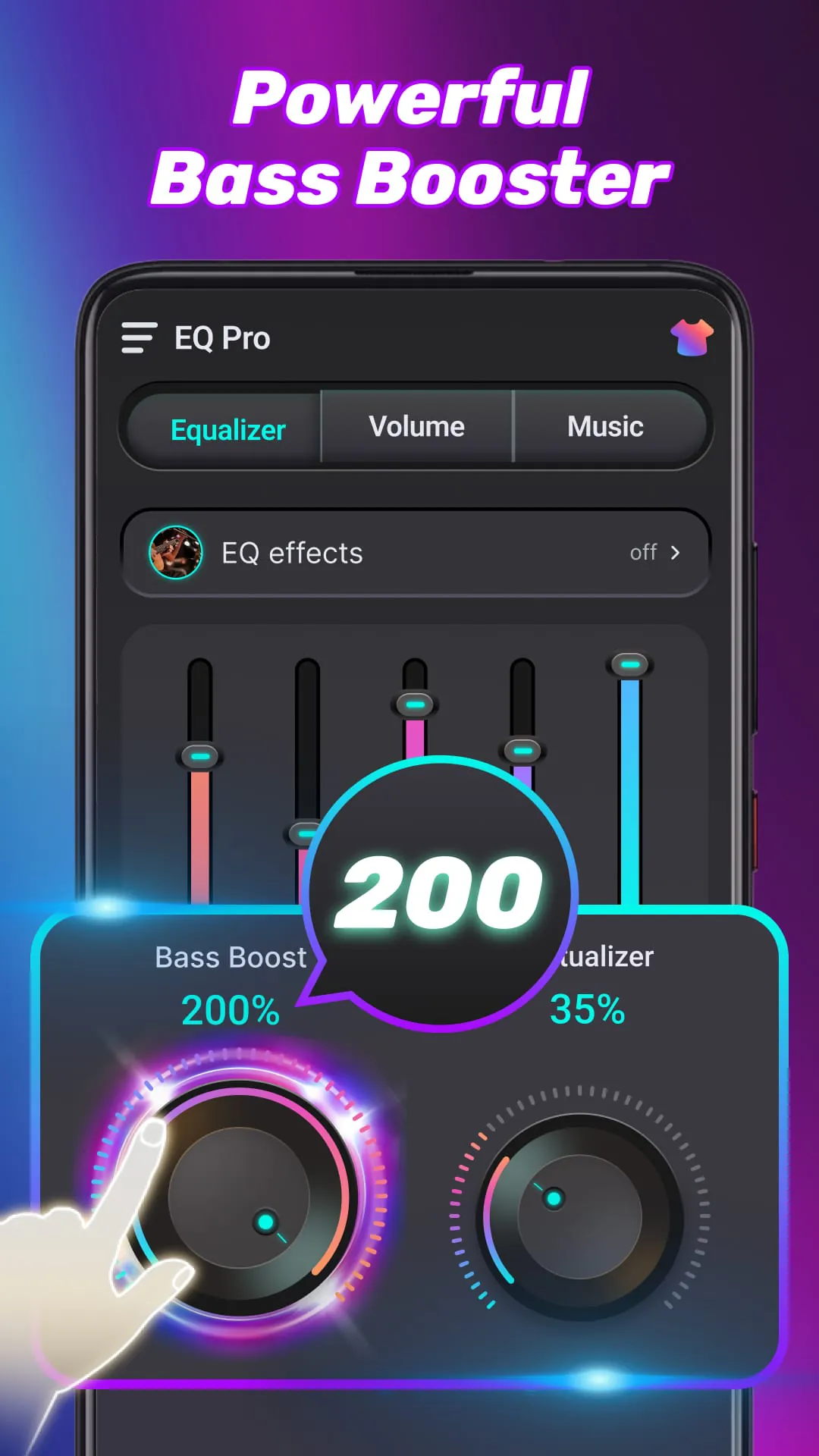
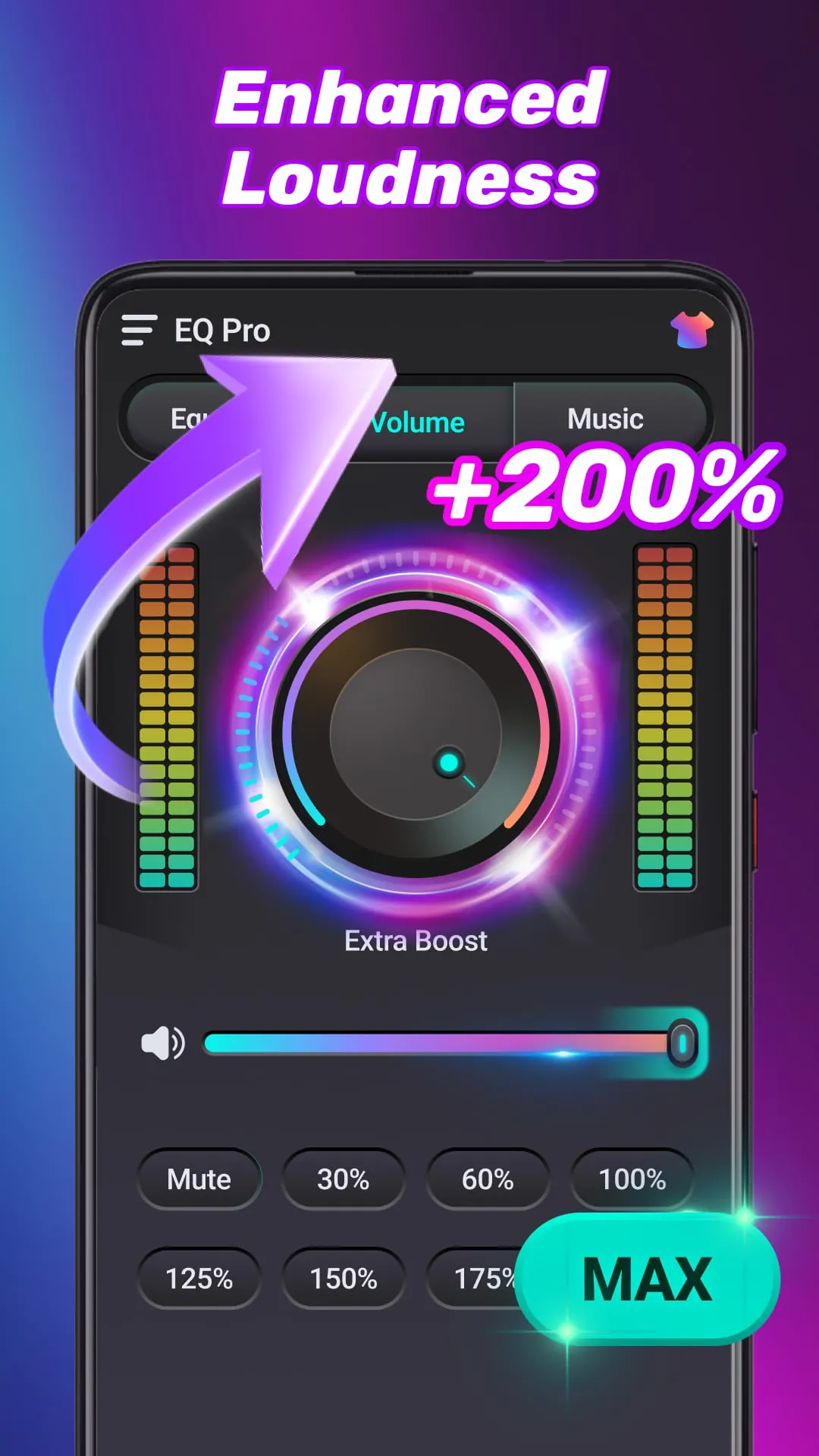
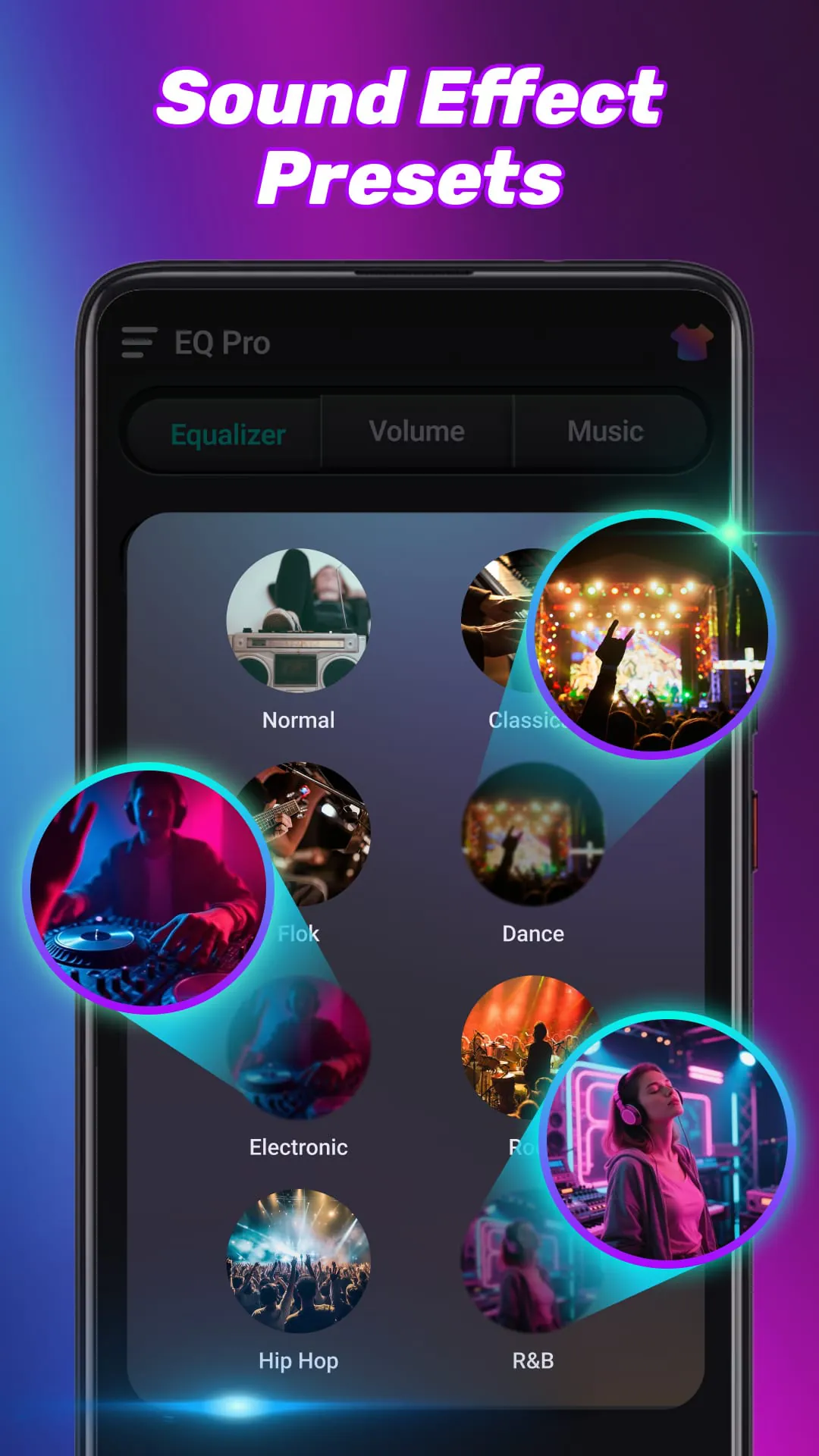
EQ Pro is presented as a comprehensive audio toolkit designed to give users extensive control over their sound experience. The application combines a powerful equalizer with bass and volume amplification features, along with smart speaker and headphone tuning capabilities. The primary goal of EQ Pro is to ensure that every audio track sounds its best, regardless of the device being used. The app's core functionality revolves around its equalizer, which offers users the ability to fine-tune audio frequencies to their specific preferences. On Android 9 and above, EQ Pro provides a 10-band equalizer, while devices running Android 9 or earlier feature a 5-band equalizer. This ensures compatibility across a wide range of devices while still providing a significant degree of control over the audio output. The equalizer allows users to adjust common frequency bands, including 31Hz, 62Hz, 125Hz, 250Hz, 500Hz, 1kHz, 2kHz, 4kHz, 8kHz, and 16kHz. By manipulating these bands, users can shape the sound to emphasize certain frequencies, reduce unwanted noise, or create a custom audio profile that suits their listening habits. The app’s interface is designed to be user-friendly, allowing both novice and experienced users to easily navigate the various settings and options. The real-time visual sound spectrum provides immediate feedback on the changes being made, helping users understand the impact of their adjustments. EQ Pro also includes a range of preset configurations that can be used as starting points for customization, further simplifying the process for those who are new to audio equalization. The combination of detailed frequency control and user-friendly design makes EQ Pro a versatile tool for anyone looking to enhance their audio experience. Furthermore, the app's smart tuning capabilities automatically optimize the sound output for different speakers and headphones, ensuring a consistent and high-quality listening experience across various devices. This feature is particularly useful for users who frequently switch between different audio outputs, as it eliminates the need to manually adjust the equalizer settings each time. The app also supports the creation and saving of custom presets, allowing users to store their preferred settings for different genres of music or types of audio content. This level of customization ensures that the app can be tailored to meet the specific needs of each individual user, making it a valuable addition to any audiophile's toolkit. In addition to its equalization capabilities, EQ Pro offers a suite of powerful volume and bass enhancement tools. These features are designed to provide users with greater control over the loudness and depth of their audio output, ensuring a more immersive and enjoyable listening experience. The volume booster allows users to amplify the media volume by up to 200%, with quick level options available at 30%, 60%, 100%, 125%, 150%, 175%, and max. This feature is particularly useful for users who find that their device's default volume is not loud enough, as it provides a significant boost without sacrificing audio quality. The system-wide media boost extends this volume amplification to various types of audio, including music, videos, ringtones, alarms, and audiobooks. This ensures that all audio output from the device is enhanced, providing a consistent listening experience across all applications. The bass booster amplifies low frequencies, resulting in a deeper and fuller bass response. This feature is especially effective when using headphones, phone speakers, or Bluetooth devices, as it enhances the richness and depth of the audio. Users can customize the level of bass boost to their preference, allowing them to fine-tune the sound to match their individual tastes. The combination of volume and bass enhancement tools makes EQ Pro a versatile solution for anyone looking to improve the overall quality of their audio experience. These features are particularly useful for users who listen to music or watch videos on their mobile devices, as they can significantly enhance the audio output and create a more immersive listening experience. By providing users with greater control over the volume and bass levels, EQ Pro ensures that they can enjoy their favorite audio content to the fullest. The intuitive interface and customizable settings make it easy for users to tailor the app to their specific needs, ensuring that they always get the best possible sound quality.




 APK
APK  Google Play
  iOS
iOS  4.80
4.80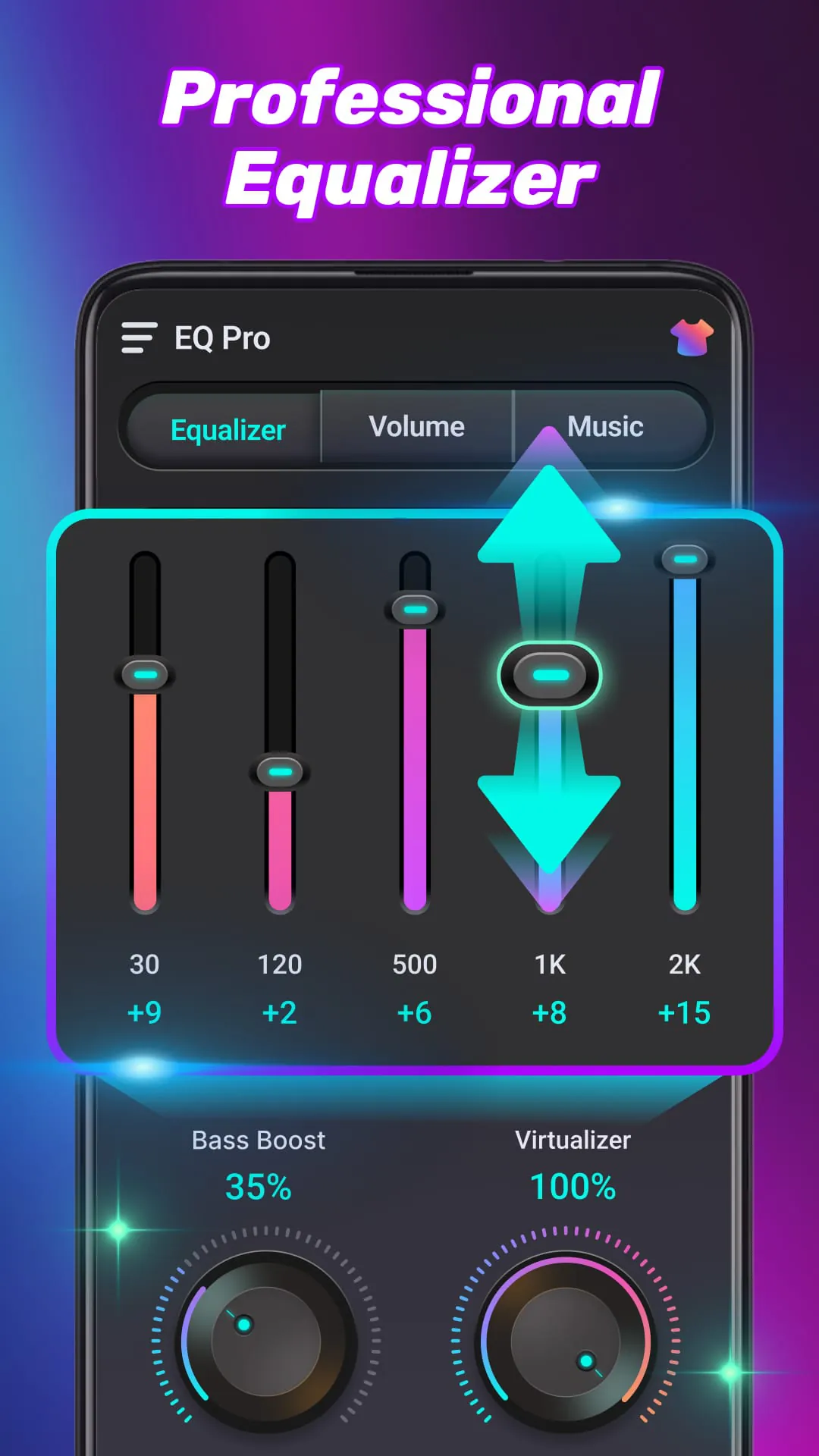
 Download








