The Popeyes App is the official mobile platform for Popeyes Louisiana Kitchen, designed to streamline the experience of ordering its signature Cajun-style fried chicken, sandwiches, and sides. Available for free on iOS and Android, it combines a digital ordering system with a loyalty program, allowing users to place orders for pickup or delivery, customize meals, and earn rewards points on purchases. The app serves as a centralized hub for accessing exclusive deals, locating nearby restaurants, and managing payments, aiming to save time and provide added value for both occasional customers and regular fans of the brand.
Key Features
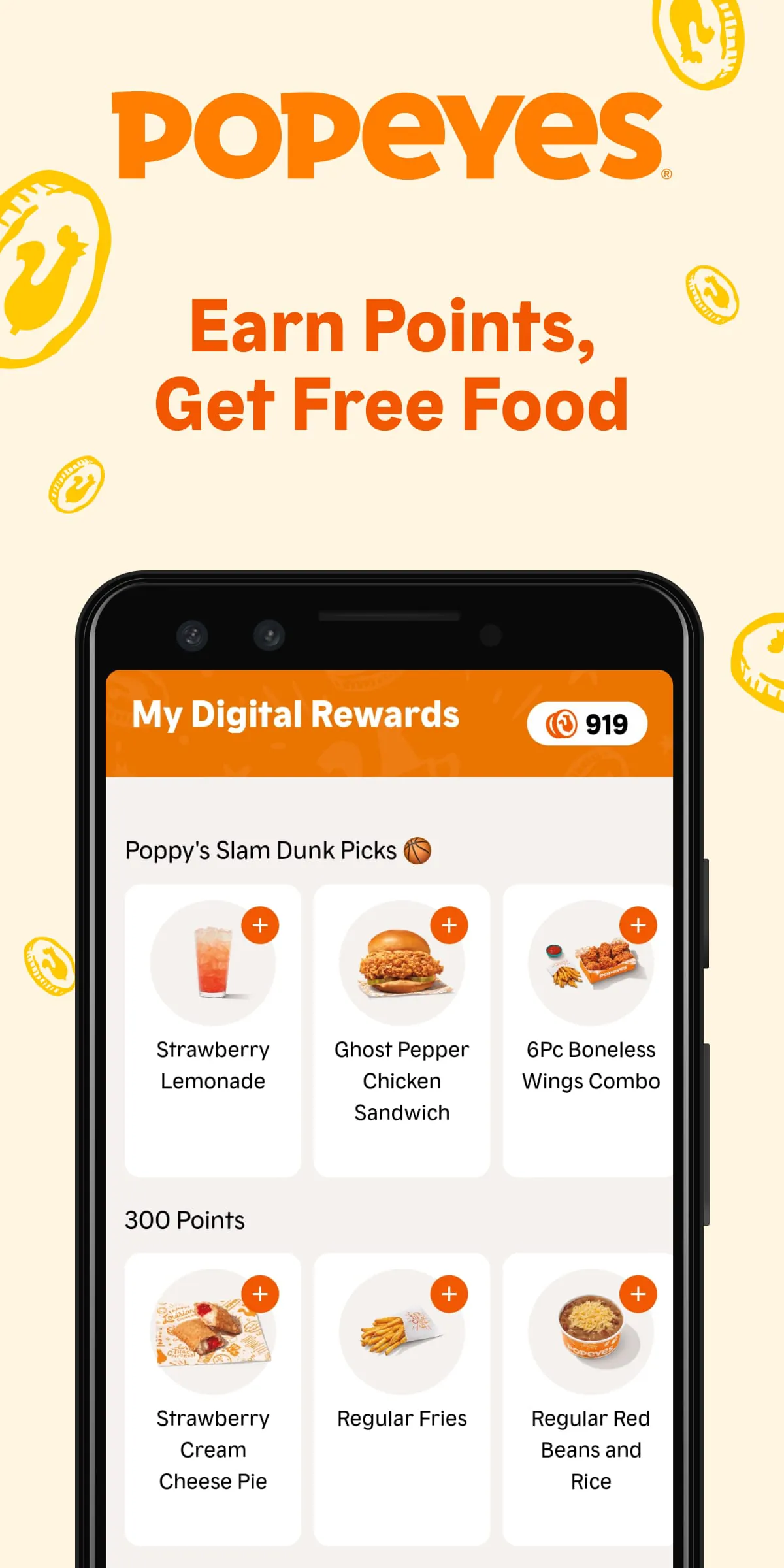
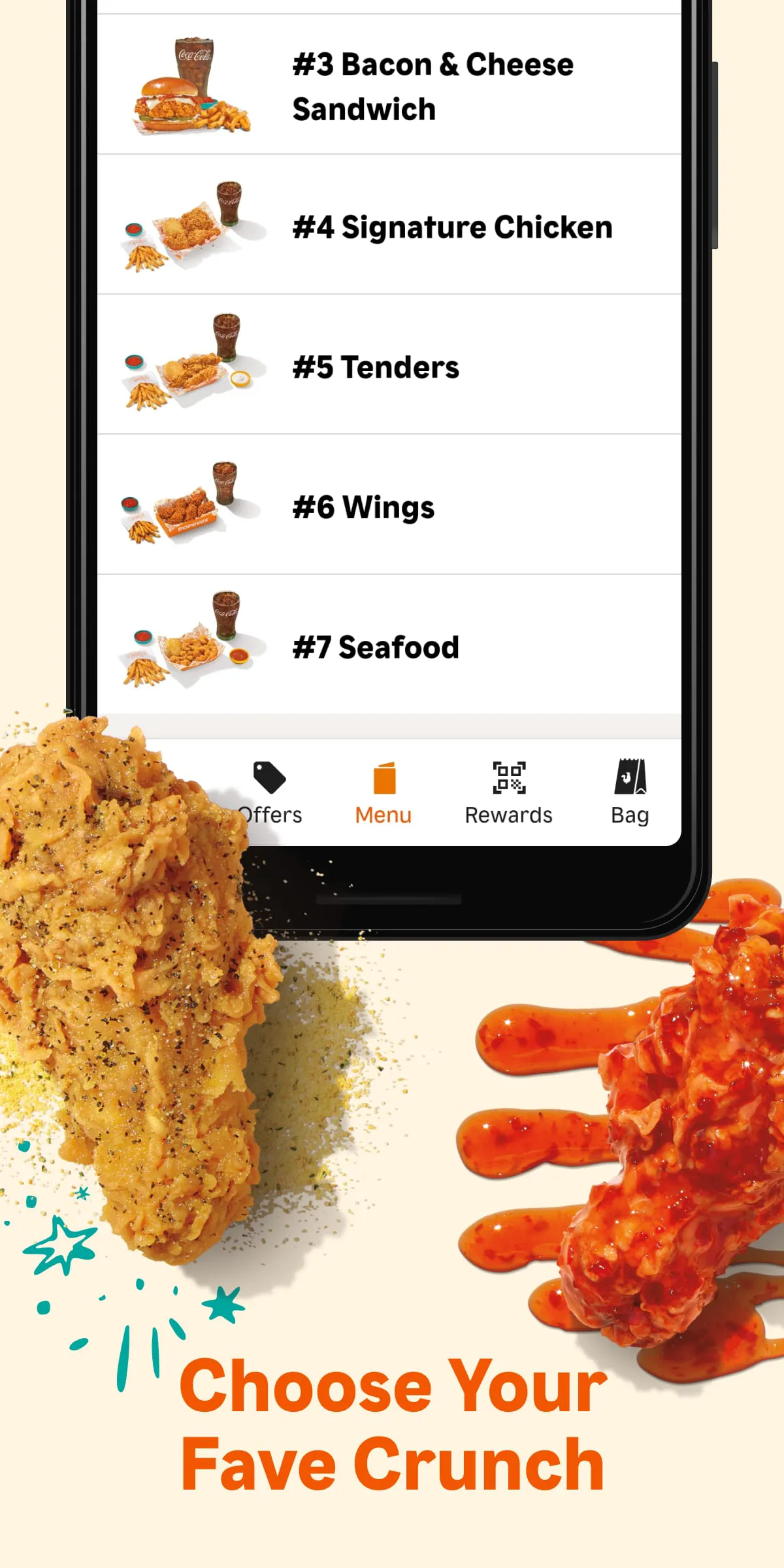
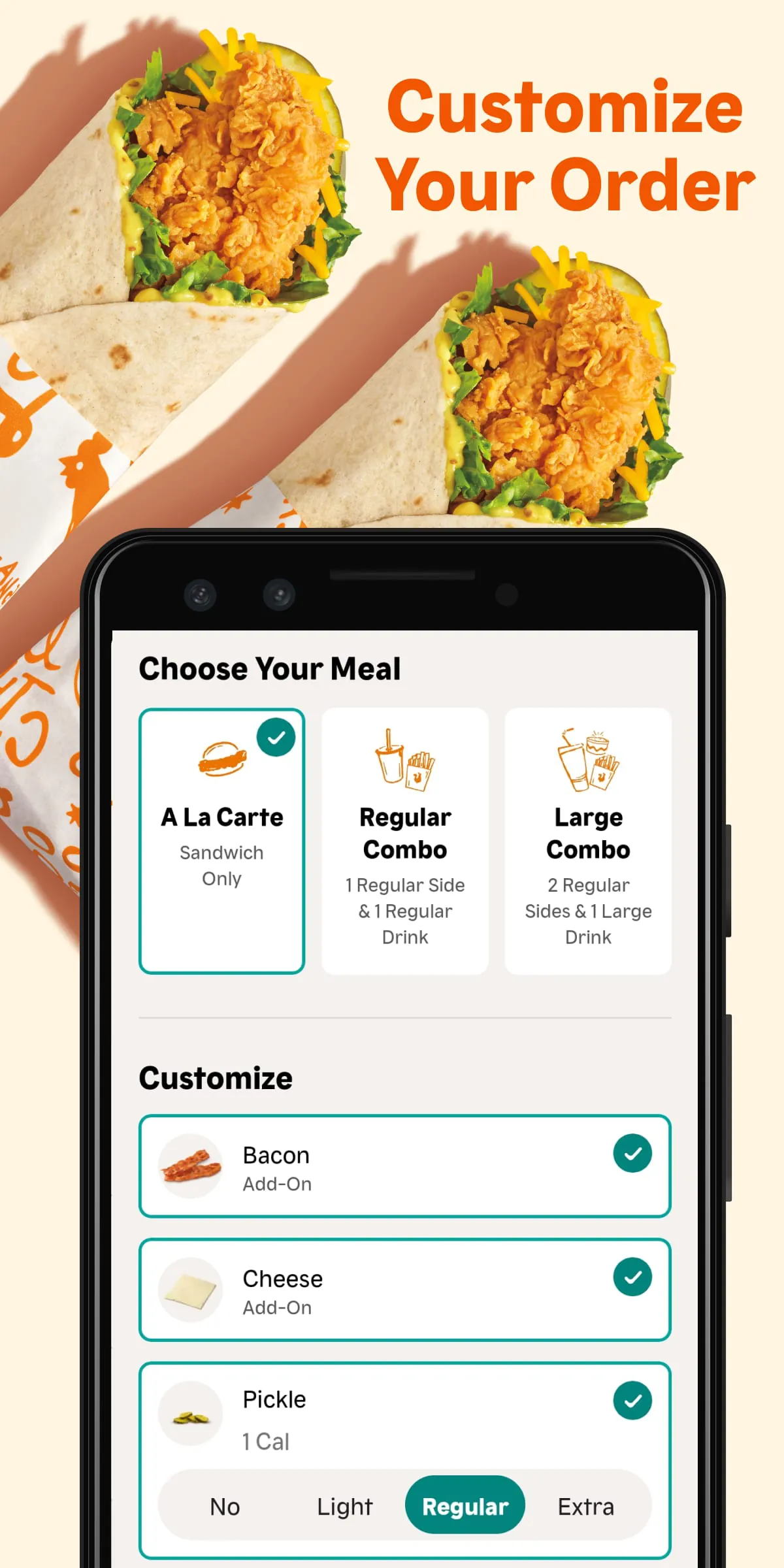
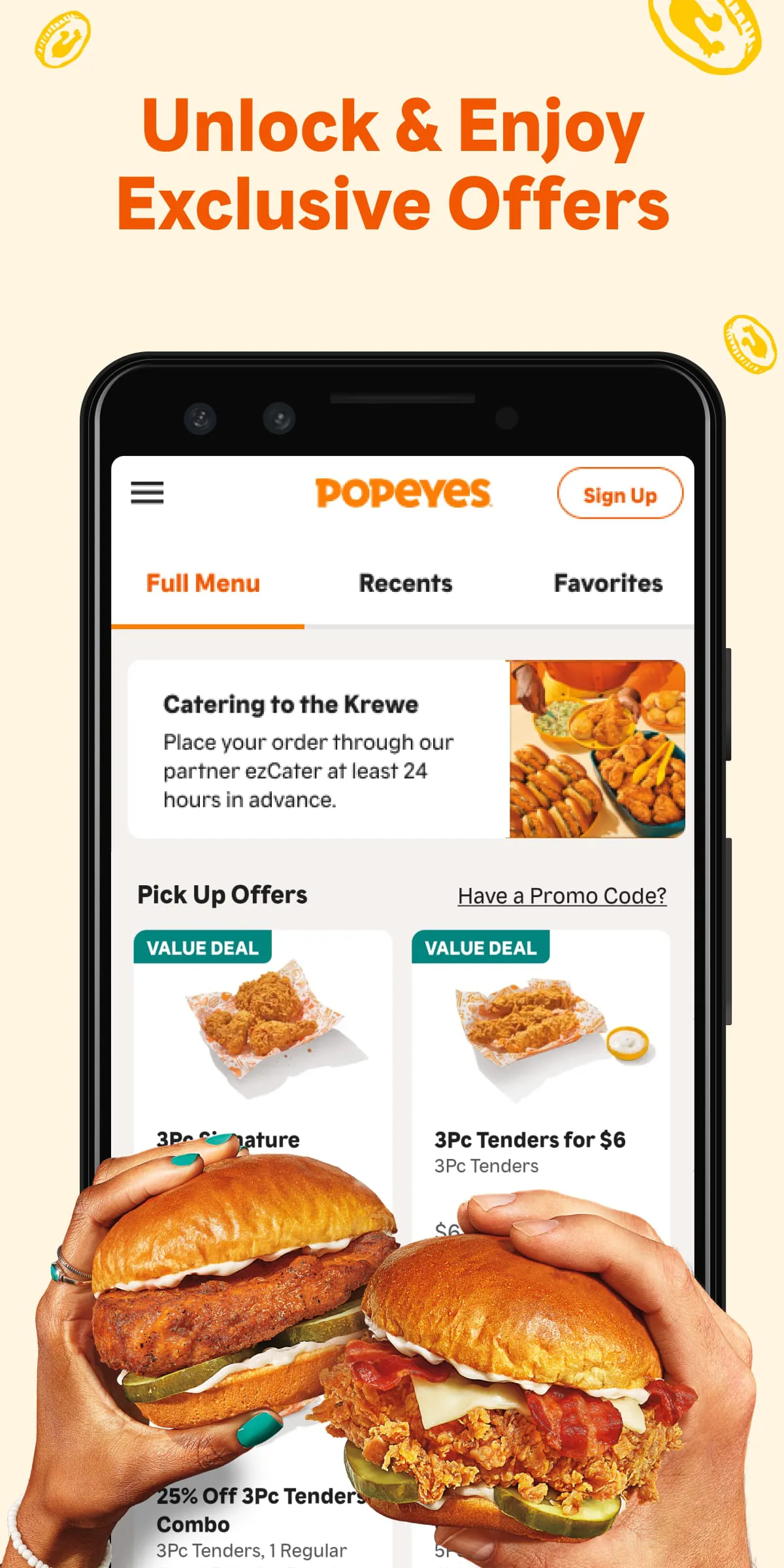
The app’s core appeal lies in its integration of convenience and rewards. It offers a full-menu browsing experience with detailed customization options for items like the famous Chicken Sandwich or bone-in chicken, enabling users to specify spice levels, sides, and add-ons. A key component is the Popeyes Rewards program, which automatically tracks points (typically 10 points per $1 spent) toward free food redemptions. Additionally, the app provides a restaurant locator with real-time hours, supports multiple payment methods including Apple Pay and PayPal, and frequently features app-only promotions such as limited-time offers and happy hour deals on combos.
Pros & Cons
Users benefit from the tangible value of earning free items through the rewards system and the ability to skip lines via mobile ordering. The customization features and exclusive discounts are also significant advantages. However, the app has notable drawbacks, including occasional technical glitches like crashes during checkout or issues applying coupons. Some users report inconsistencies between app prices and in-store pricing, as well as variable fulfillment times where pre-ordered food may not be ready upon arrival. Customer service for resolving order issues can also be slow to respond.
Functions
- Mobile Ordering: Place orders for pickup (ASAP or scheduled) or delivery directly through the app.
- Menu Customization: Modify orders by choosing spice levels, swapping sides, adding toppings, and building combo meals.
- Rewards Tracking: Earn points on every order and redeem them for free menu items like sandwiches, sides, or desserts.
- Deals & Promotions: Access exclusive discounts, limited-time menu items, and special offers not available elsewhere.
- Store Locator: Find nearby locations, check operating hours, and get directions.
- Payment Wallet: Securely store credit/debit cards, Apple Pay, Venmo, or PayPal for faster checkout.
How to Use
Click the button "Check All Versions" below to download and install it. After installation, open the app and create an account or sign in to an existing one. Navigate to the menu to build your order, selecting items and customizing them as needed before proceeding to checkout. Choose your preferred restaurant location and select pickup or delivery, then apply any available rewards or promo codes. Finally, review your order, select a payment method, and complete the purchase. For pickup orders, you will receive a confirmation and can check the app for status updates on when your food is ready.





 APK
APK  Google Play
  iOS
iOS  4.90
4.90