Ebook Reader is a versatile digital reading application designed to provide users with a seamless and customizable experience for enjoying eBooks across multiple formats, including EPUB, PDF, MOBI, and more. It serves as a centralized platform where readers can organize their personal libraries, access both purchased and free titles, and tailor the visual presentation of text to suit individual preferences—making it an ideal companion for casual readers, students, and professionals alike.
Key Features
- Supports a wide range of eBook formats such as EPUB, PDF, MOBI, AZW, and TXT.
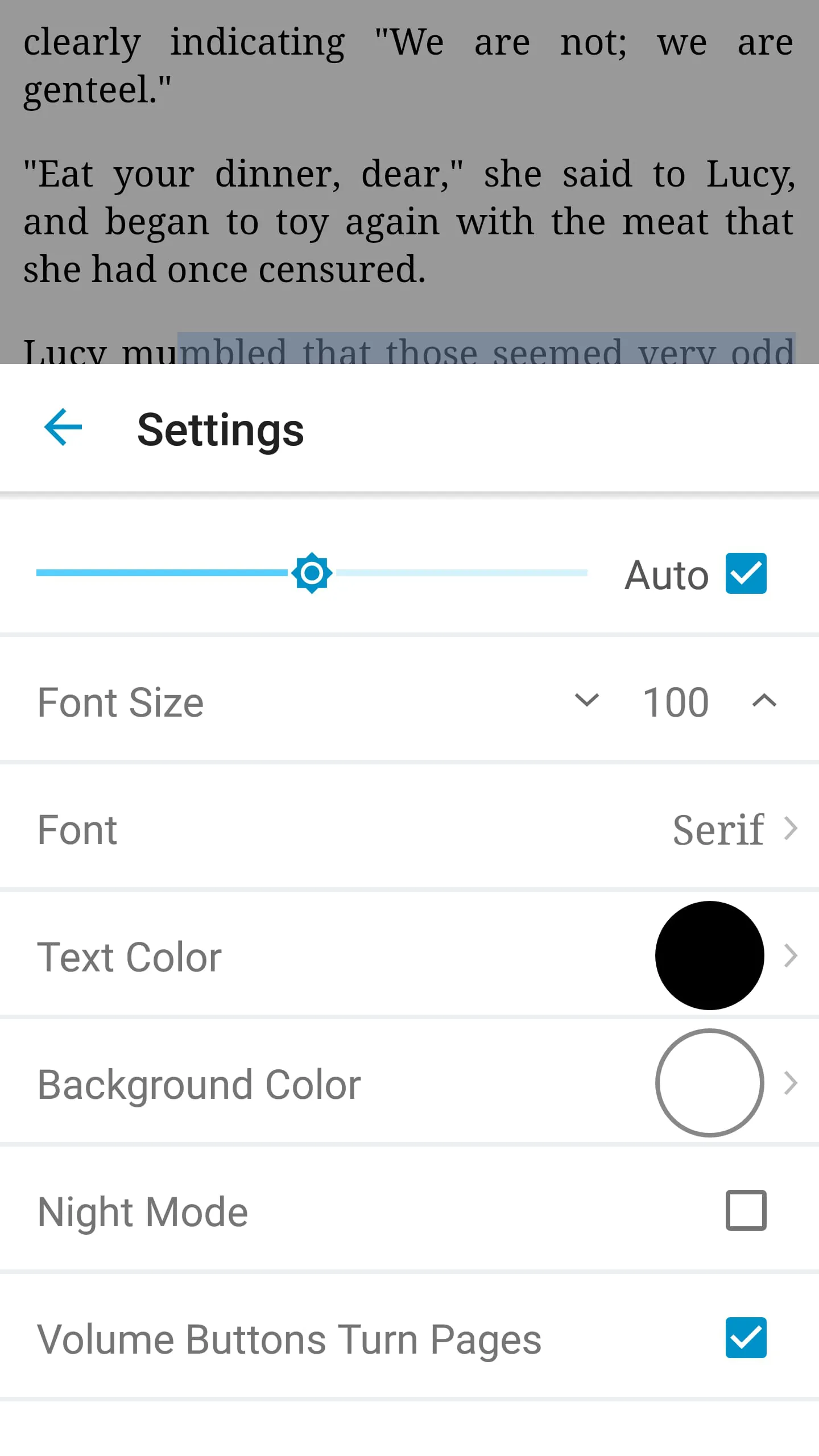
- Fully adjustable reading settings including font type, size, line spacing, margins, and background color.
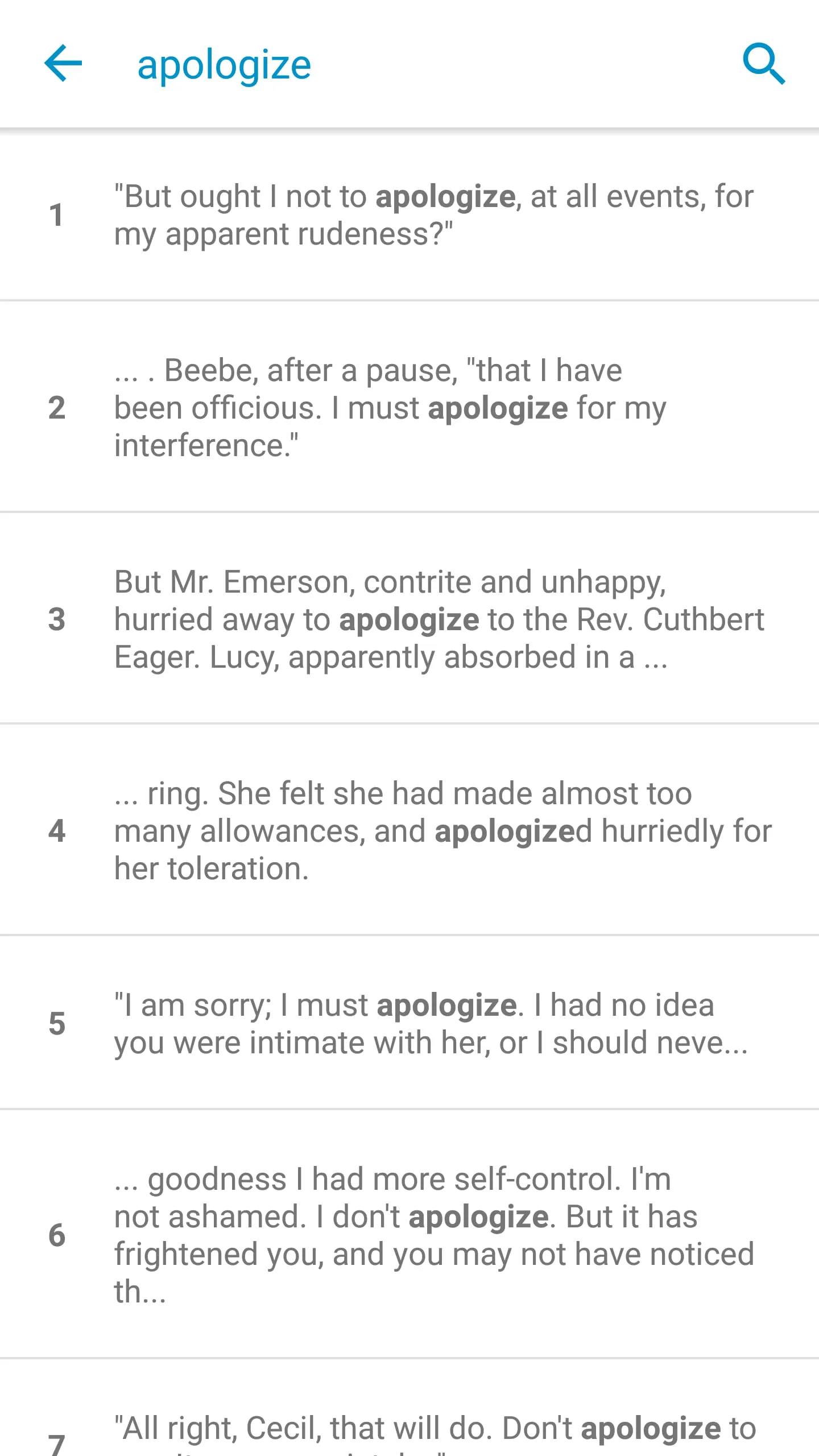
- Built-in dictionary, annotations, bookmarks, and highlighting tools for enhanced study and reference.
- Cloud synchronization across devices for uninterrupted reading progress.
- Night mode and blue light filter to reduce eye strain during extended reading sessions.
- Offline access to downloaded books without requiring a constant internet connection.
Pros & Cons
- Pros:
- Intuitive and clean user interface suitable for all age groups.
- Highly customizable display options for personalized reading comfort.
- Efficient library management with sorting, tagging, and search functions.
- Lightweight performance with fast loading speeds even on older devices.
- Cons:
- Some advanced features may require in-app purchases or subscriptions.
- Limited native support for comic book formats like CBR or CBZ.
- Occasional minor bugs when handling very large PDF files.
Functions
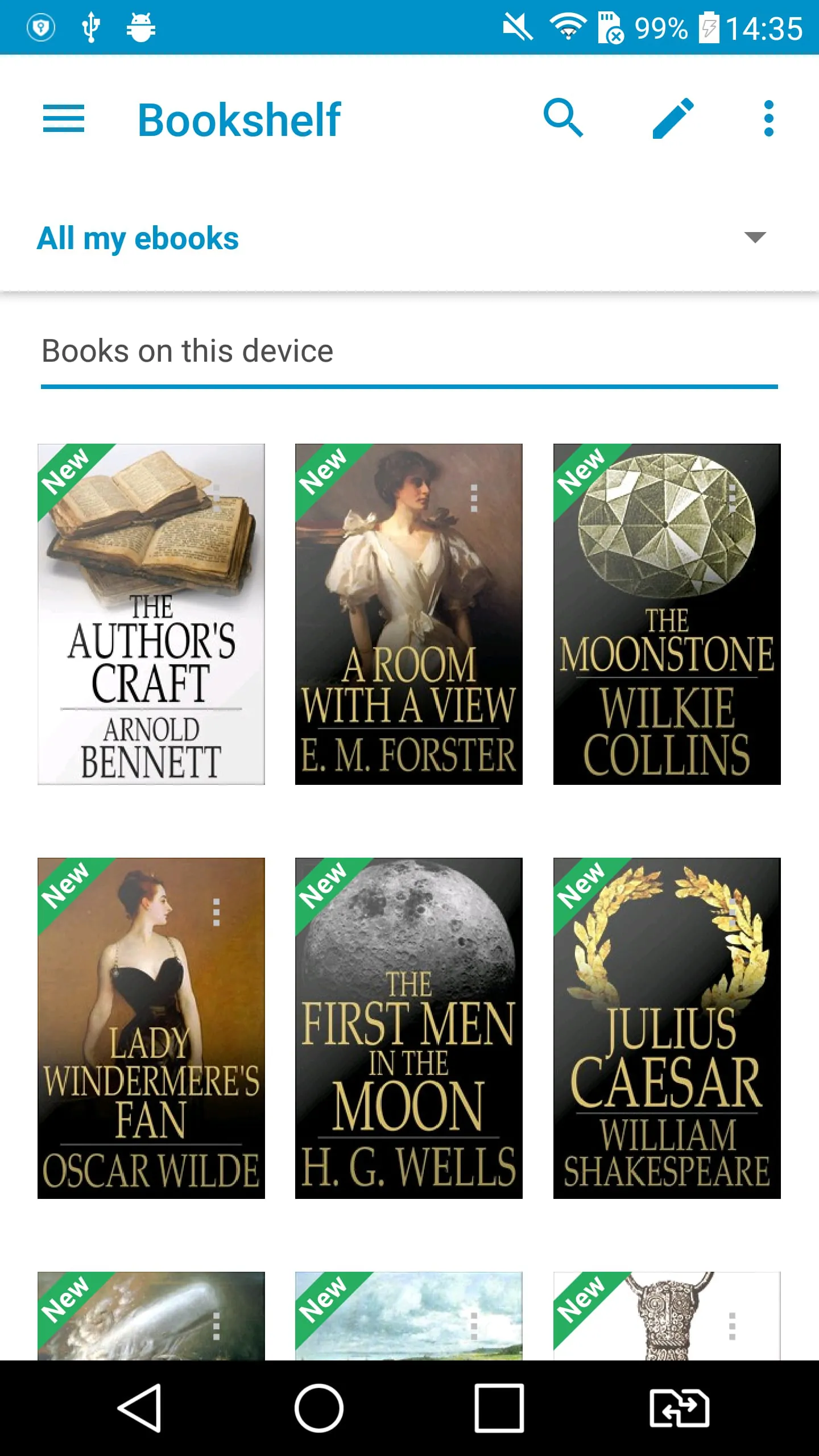
- Library Organization: Automatically scans and catalogs eBooks stored on the device, allowing users to sort by title, author, date added, or custom categories.
- Reading Tools: Offers highlighting, note-taking, and bookmarking features that sync across devices.
- Text-to-Speech: Converts written content into spoken audio for hands-free listening.
- Cross-Platform Sync: Enables users to start reading on one device and continue on another without losing place.
- File Management: Allows importing books via USB, cloud storage services, or direct downloads from online stores.
- Customization Engine: Dynamically adjusts layout and typography based on user-defined presets.
How to Use
Click the button "Check All Versions" below to download and install it. After installation, open the app and grant necessary permissions for file access. Import your eBook files by navigating to the “Library” section and selecting “Add Books.” Choose files from your device storage or cloud accounts. Once imported, tap on any book cover to begin reading. Use the on-screen menu to adjust display settings, add notes, or switch between day and night modes. To sync progress across devices, sign in with your account and enable cloud backup in the settings menu. Regularly update the app to access new features and performance improvements.





 APK
APK  Google Play
  iOS
iOS  3.80
3.80