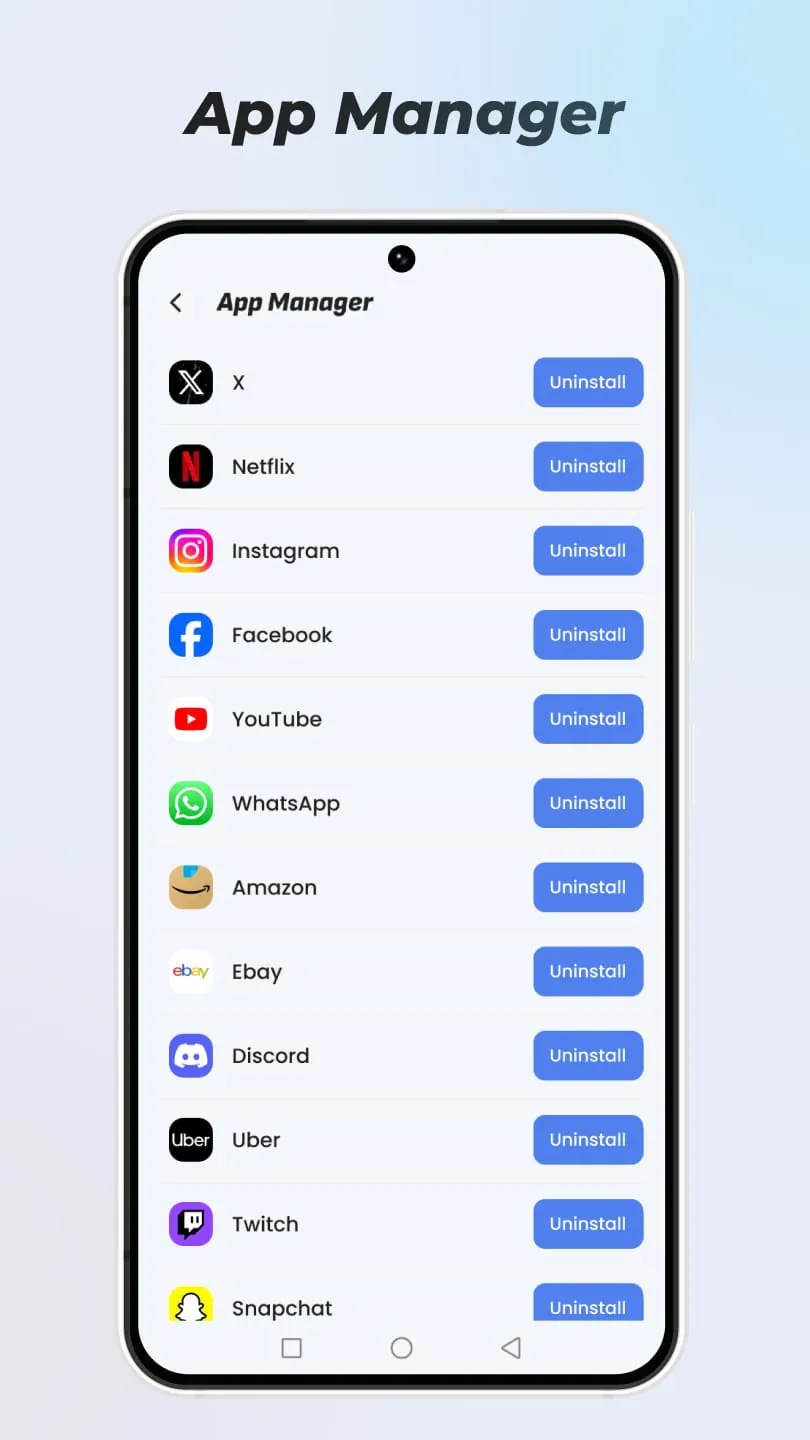
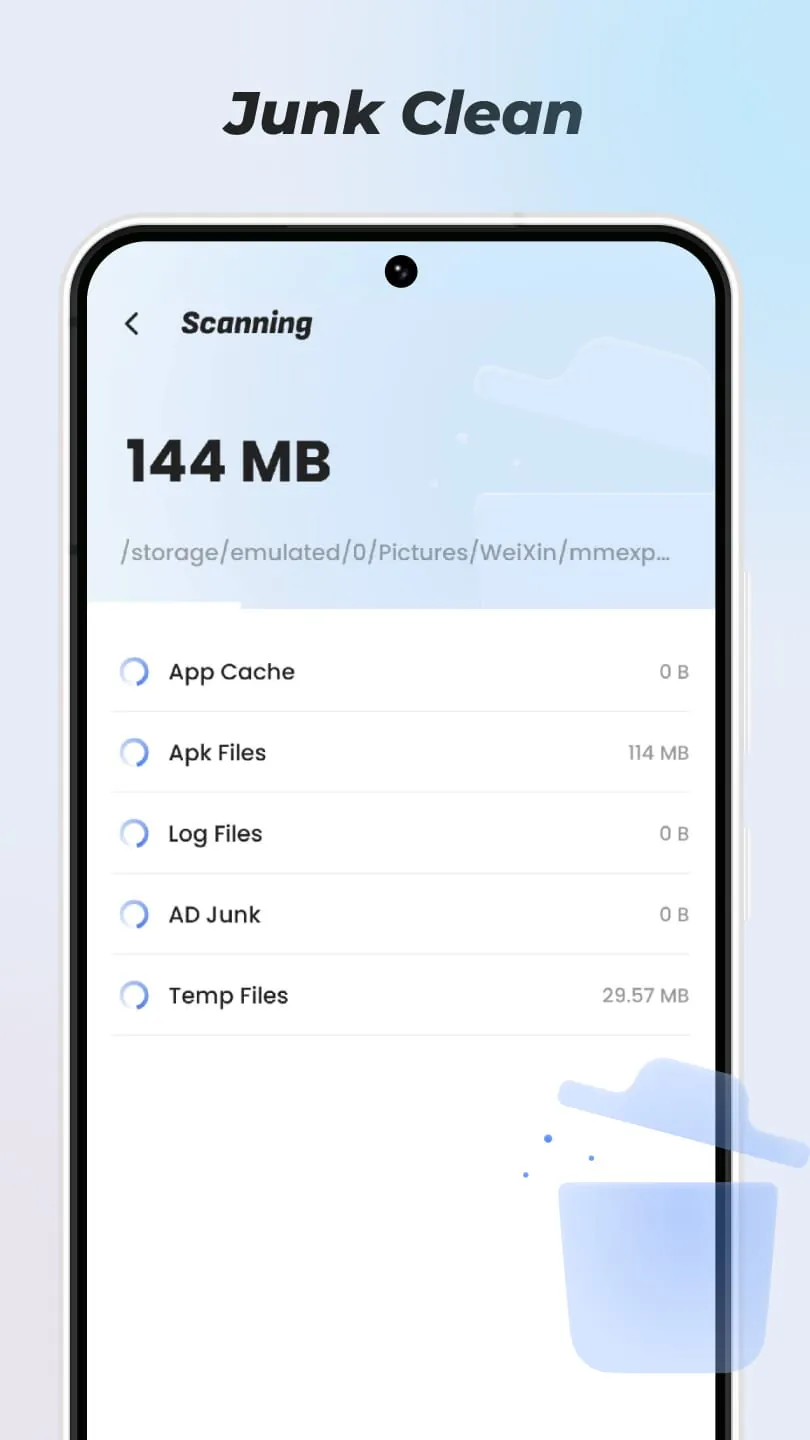
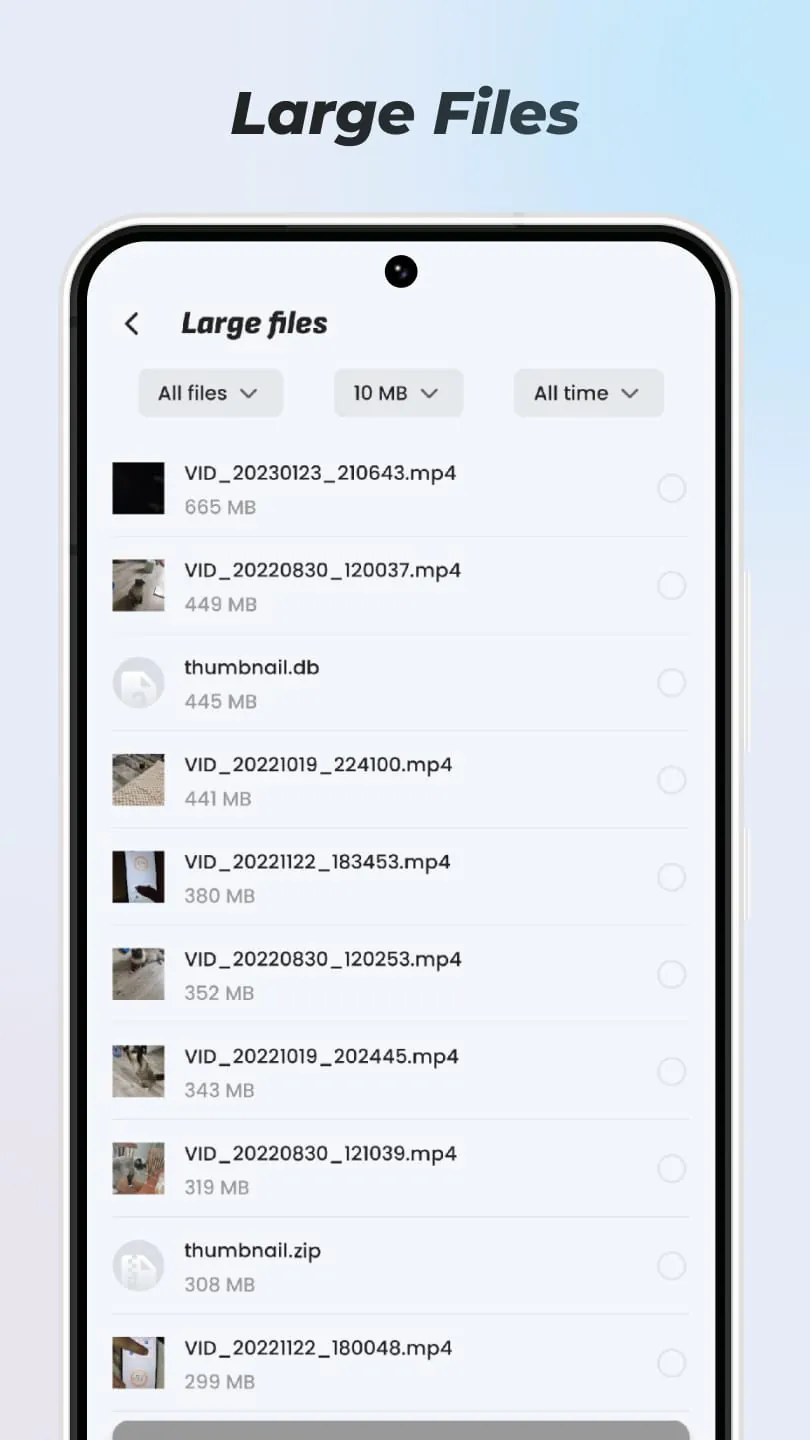
Dust Cleaner is presented as a mobile application designed to optimize the performance and storage capacity of a user's smartphone. Its primary function revolves around assisting users in the effective management of their devices by offering a suite of tools aimed at decluttering, organizing, and monitoring various aspects of the phone's operation. The application emphasizes features that directly impact user experience, such as the removal of junk files, management of installed applications, identification and handling of large files, and tracking of recent application usage. By addressing these key areas, Dust Cleaner seeks to provide users with a comprehensive solution for maintaining a clean, efficient, and responsive mobile environment. The 'Junk Clean' feature specifically targets the elimination of unnecessary files that accumulate over time, potentially freeing up valuable storage space and improving overall system performance. This functionality is crucial for users who frequently download files, install applications, and browse the internet, as these activities often lead to the creation of temporary files, cached data, and residual files that can clog up the device's storage. The application aims to identify and remove these redundant files, ensuring that the phone operates smoothly and efficiently. Moreover, Dust Cleaner includes an 'App Manager' component, which allows users to uninstall rarely used applications. This feature is particularly useful for individuals who tend to install numerous applications but only use a fraction of them regularly. By providing a convenient way to identify and remove these dormant apps, the application helps users reclaim storage space, reduce clutter on their home screen and app drawer, and potentially improve battery life. The 'Big File Filter' functionality assists users in identifying and managing large files stored on their device. These files, which can include videos, images, audio recordings, and documents, often consume a significant portion of the phone's storage capacity. By filtering and presenting these files in an organized manner, the application enables users to easily review and decide which files to keep, move to external storage, or delete, thereby optimizing storage utilization. The 'Recent App' feature provides users with a view of their application launch history, allowing them to track their usage patterns and identify applications that they frequently use. This information can be valuable for optimizing their app organization, prioritizing frequently used apps, and identifying apps that may be consuming excessive battery or resources in the background. Dust Cleaner, therefore, positions itself as a versatile tool for mobile device management, offering a range of features that cater to different user needs and preferences. By focusing on decluttering, organizing, and monitoring, the application aims to enhance the overall user experience and ensure that the device operates at its optimal performance level. The application's emphasis on simplicity and ease of use further contributes to its appeal, making it accessible to users of all technical skill levels.
The comprehensive functionality of Dust Cleaner is strategically designed to address common pain points experienced by smartphone users, particularly those related to storage constraints and performance degradation. The application's architecture is built around a modular design, with each feature addressing a specific aspect of device management. The 'Junk Clean' module, for instance, employs sophisticated algorithms to identify and categorize various types of junk files, including temporary files, cache data, residual files, and obsolete APKs. This process involves scanning the device's storage, analyzing file metadata, and comparing file signatures against a database of known junk file patterns. The application also incorporates a safety mechanism to prevent accidental deletion of important files, ensuring that only truly unnecessary files are removed. The 'App Manager' module provides users with a detailed overview of their installed applications, including their size, installation date, last used date, and resource consumption. This information empowers users to make informed decisions about which applications to keep or uninstall. The module also supports batch uninstallation, allowing users to remove multiple applications simultaneously, saving time and effort. The 'Big File Filter' module utilizes indexing and search techniques to efficiently locate large files stored on the device. Users can specify criteria such as file type, size range, and modification date to narrow down their search. The module also provides a preview function, allowing users to view the contents of a file before deciding whether to keep or delete it. This feature is particularly useful for identifying and removing duplicate files or outdated versions of documents. The 'Recent App' module maintains a log of application launch events, recording the time, date, and duration of each session. This data is then presented to the user in a chronological order, allowing them to easily track their application usage patterns. The module also provides aggregated statistics, such as the total time spent using each application, which can be useful for identifying time-wasting apps or apps that may be consuming excessive battery. Dust Cleaner's user interface is designed with simplicity and intuitiveness in mind. The application features a clean and uncluttered layout, with clear icons and labels that guide users through the various features. The application also provides helpful tooltips and explanations to assist users in understanding the purpose of each function. Furthermore, Dust Cleaner incorporates a scheduling feature, allowing users to automate the junk cleaning process. Users can specify a frequency (e.g., daily, weekly, monthly) at which the application will automatically scan and remove junk files, ensuring that their device remains clean and optimized without requiring manual intervention.
The ongoing evolution of mobile technology has led to increasingly sophisticated applications and services that demand greater storage capacity and processing power. Consequently, the need for effective device management tools like Dust Cleaner has become more pressing than ever. The application's ability to address storage constraints, improve performance, and enhance user experience makes it a valuable asset for smartphone users of all levels. The 'Junk Clean' feature's sophisticated algorithms and safety mechanisms ensure that users can confidently remove unnecessary files without fear of data loss. The 'App Manager' module's detailed application overview and batch uninstallation capabilities streamline the process of managing installed applications, saving users time and effort. The 'Big File Filter' module's indexing and search techniques enable users to efficiently locate and manage large files, optimizing storage utilization. The 'Recent App' module's tracking and analysis capabilities provide valuable insights into user application usage patterns, empowering them to make informed decisions about their device usage. Dust Cleaner's user-friendly interface and scheduling feature further enhance its appeal, making it accessible and convenient for users of all technical skill levels. The application's modular design and ongoing updates ensure that it remains relevant and effective in the face of evolving mobile technology. Furthermore, the application's emphasis on data privacy and security is paramount. Dust Cleaner does not collect or transmit any personal data without the user's explicit consent. The application also employs industry-standard encryption techniques to protect user data from unauthorized access. In conclusion, Dust Cleaner is a comprehensive and versatile mobile device management tool that addresses common pain points experienced by smartphone users. Its focus on decluttering, organizing, and monitoring, combined with its user-friendly interface and emphasis on data privacy, makes it a valuable asset for anyone looking to optimize their device's performance and storage capacity. The application's ongoing evolution and commitment to user satisfaction ensure that it will continue to be a relevant and effective solution for mobile device management in the years to come. The developers have clearly considered the common issues faced by users and provided a balanced suite of tools in a single application to combat these issues.





 APK
APK  Google Play
  iOS
iOS  4.70
4.70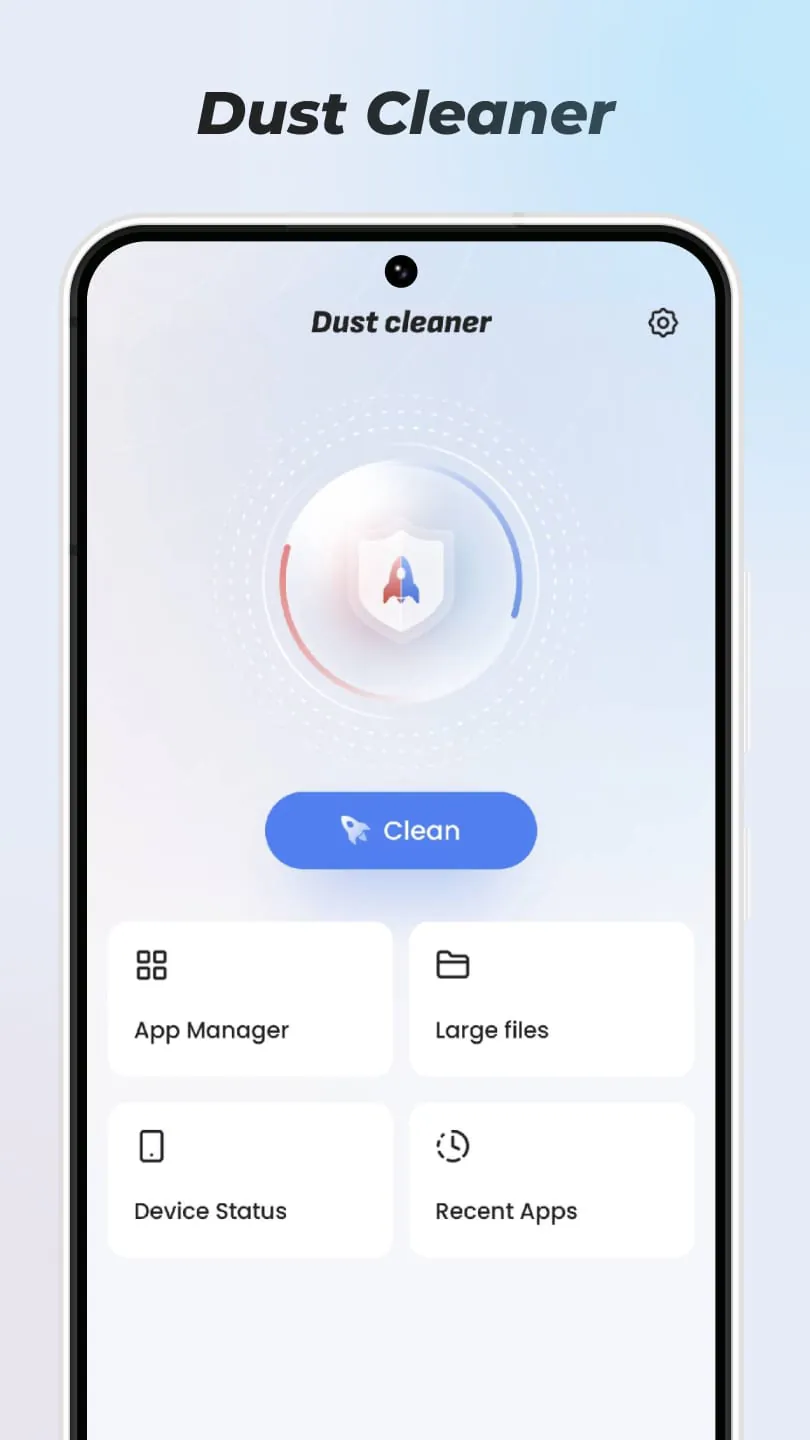
 Download








