Drawing Apps is a versatile tool for artists and enthusiasts looking to create realistic drawings and paintings on their mobile devices. The app offers a range of features including multiple drawing pads such as Sketch Pad, Kids Pad, Coloring Pad, Photo Pad, and Doodle Pad. Each pad is equipped with various tools tailored to different artistic needs, from professional sketching tools to fun options for kids. Users can work offline or online, share their creations directly from the app, and enjoy a simple canvas pad for drawing and coloring. With over 40 brushes available, users can explore different styles and techniques to enhance their artwork.
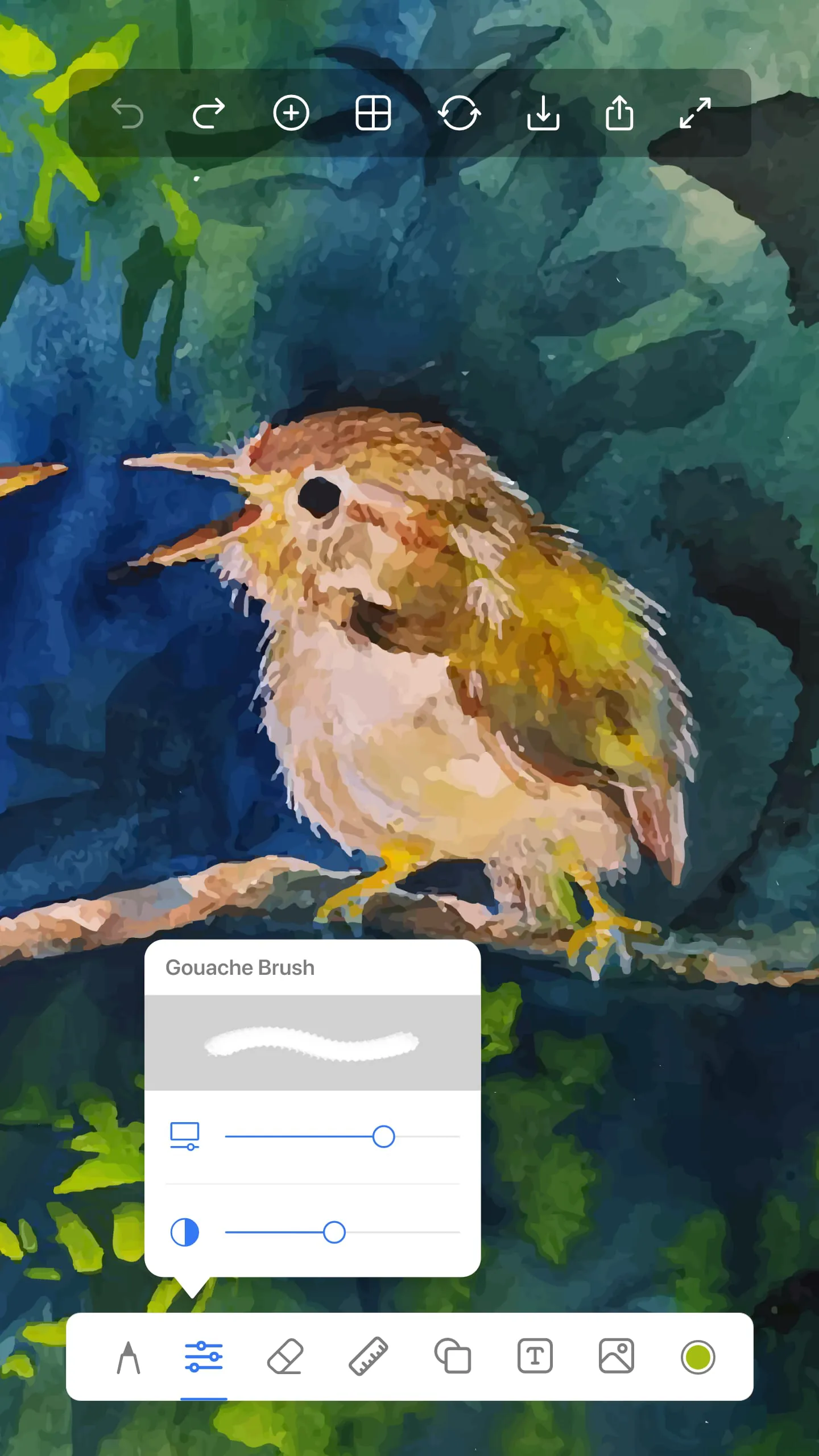
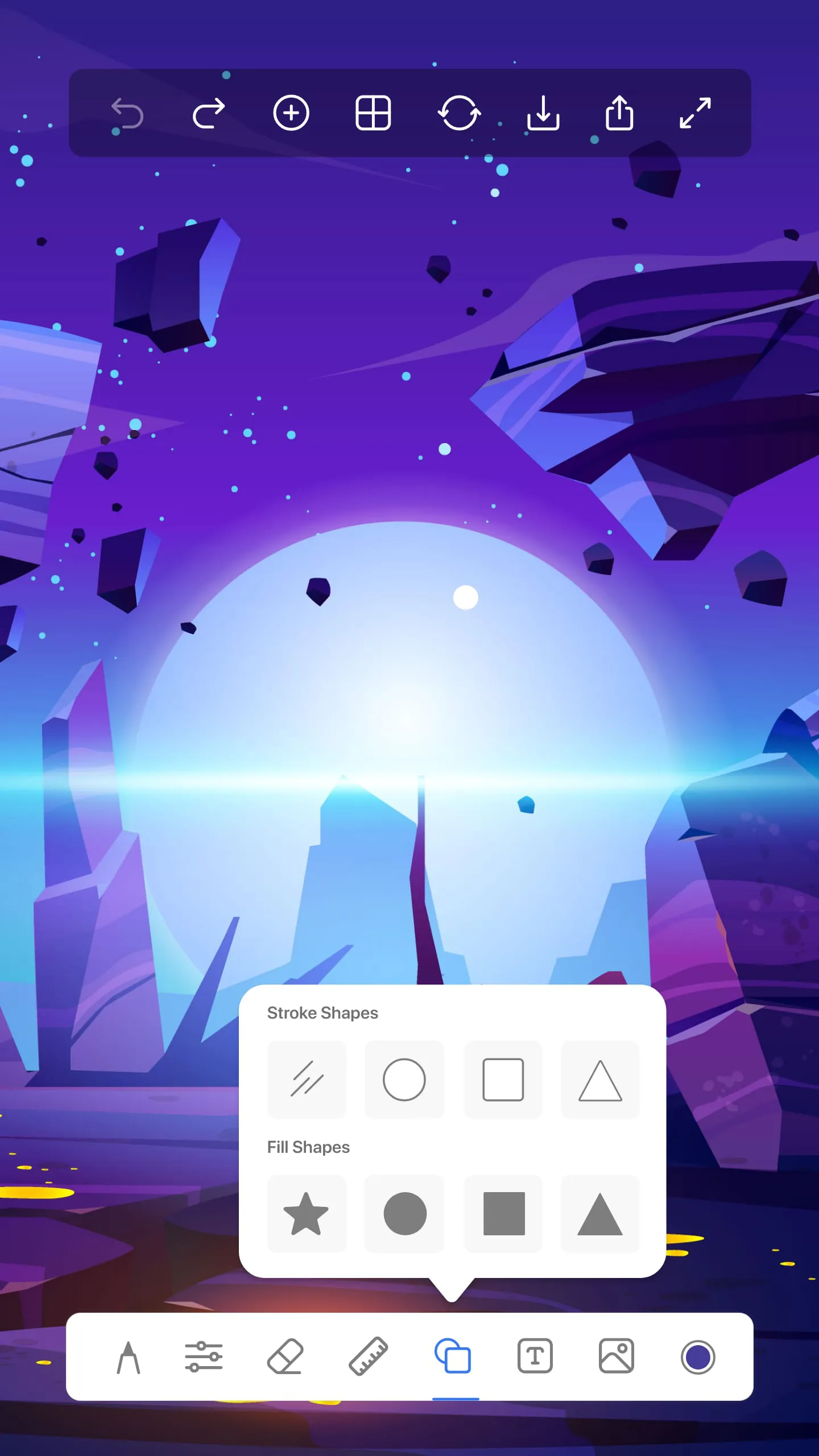
One standout feature of Drawing Apps is the ability to customize canvas sizes, offering options like tablet, landscape, portrait, iPad sizes, and more. This flexibility allows users to work on projects of varying scales and dimensions. The app also provides a diverse collection of over 40 brushes, including pencils, pens, chalk, watercolor brushes, and glow brushes, catering to both kids and adults creating diverse artworks. The ruler tool enables users to create straight lines and line art with ease, while the shape tool allows for the creation of perfect shapes without the need for additional drawing tools.
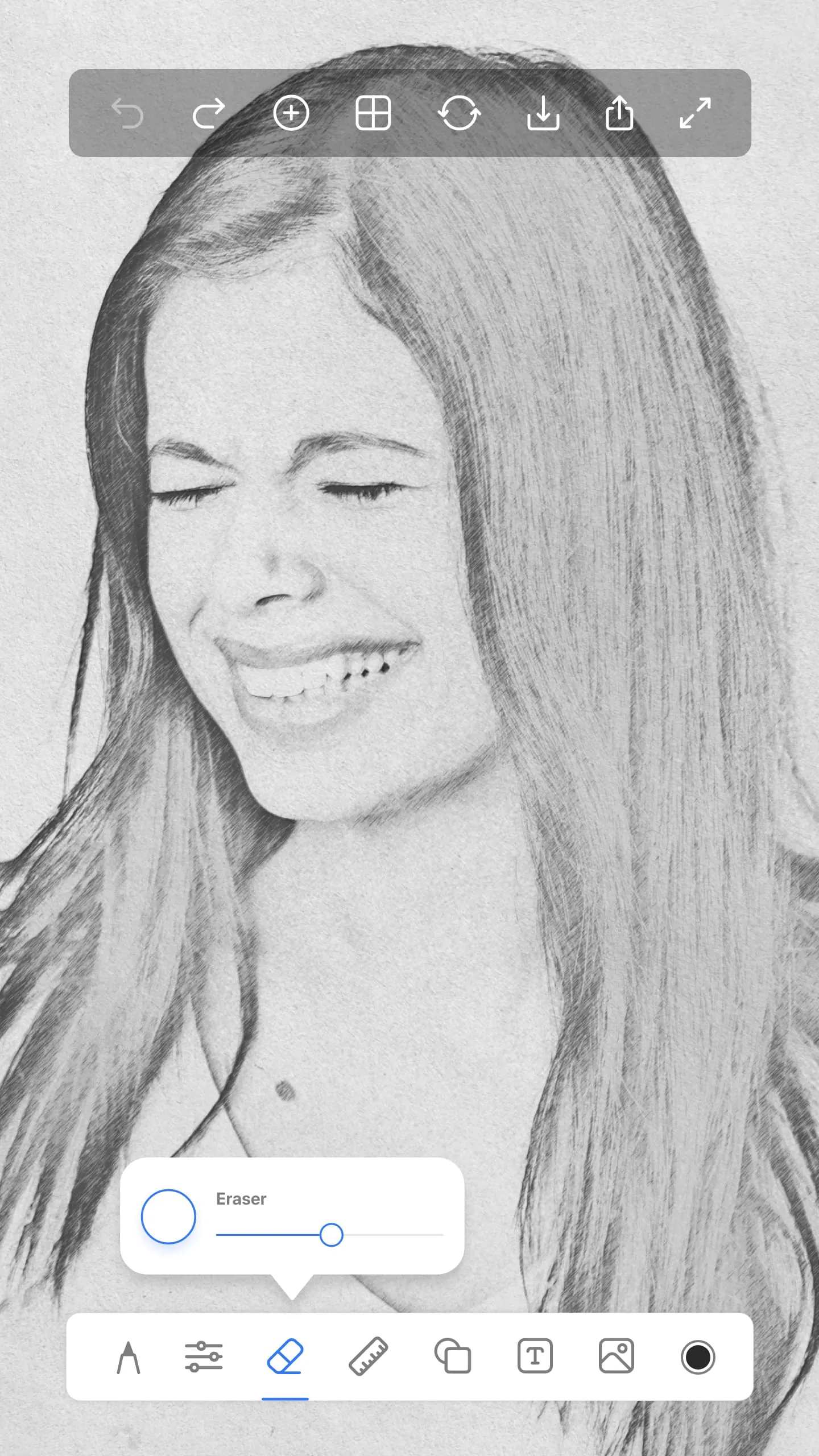
Drawing Apps also offers functionality for drawing on photos, allowing users to import images and trace or draw on top of them. This feature is not only useful for adding artistic elements to photos but also serves as a learning tool for beginners and aspiring artists. Additionally, the app includes a text tool for adding text to photos, offering options for different backgrounds and styles. Users can reach out to the development team for support, feedback, or suggestions for new drawing features, ensuring a responsive and user-centric experience. Overall, Drawing Apps provides a comprehensive platform for digital art creation, catering to a wide range of artistic preferences and skill levels.




 APK
APK  Google Play
  iOS
iOS  4.00
4.00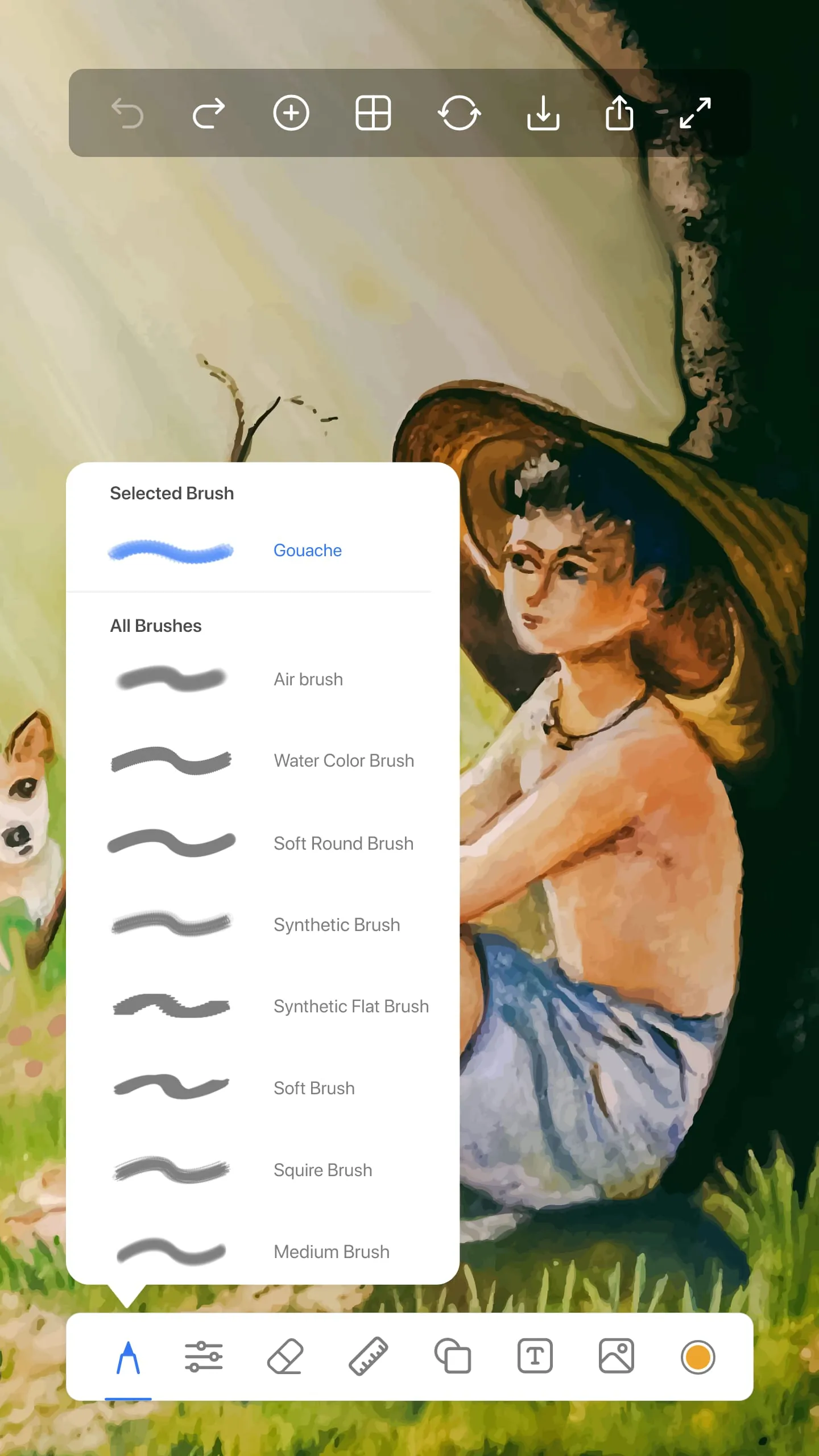
 Download








