




All Document Tools All Document Tools
Category
ToolsTag
Document Management | PDF Editing | Smart Scan | File Security | All-round Reader
Rate
4.10
★★★★★
Reviews
500 +
Installs
10M +
Developer
P & L Studio
Content Rating
Everyone
Your smart document partner
 APK
APK  Google Play
  iOS
iOS  4.10
4.10 Author's Review
Appspicked Review
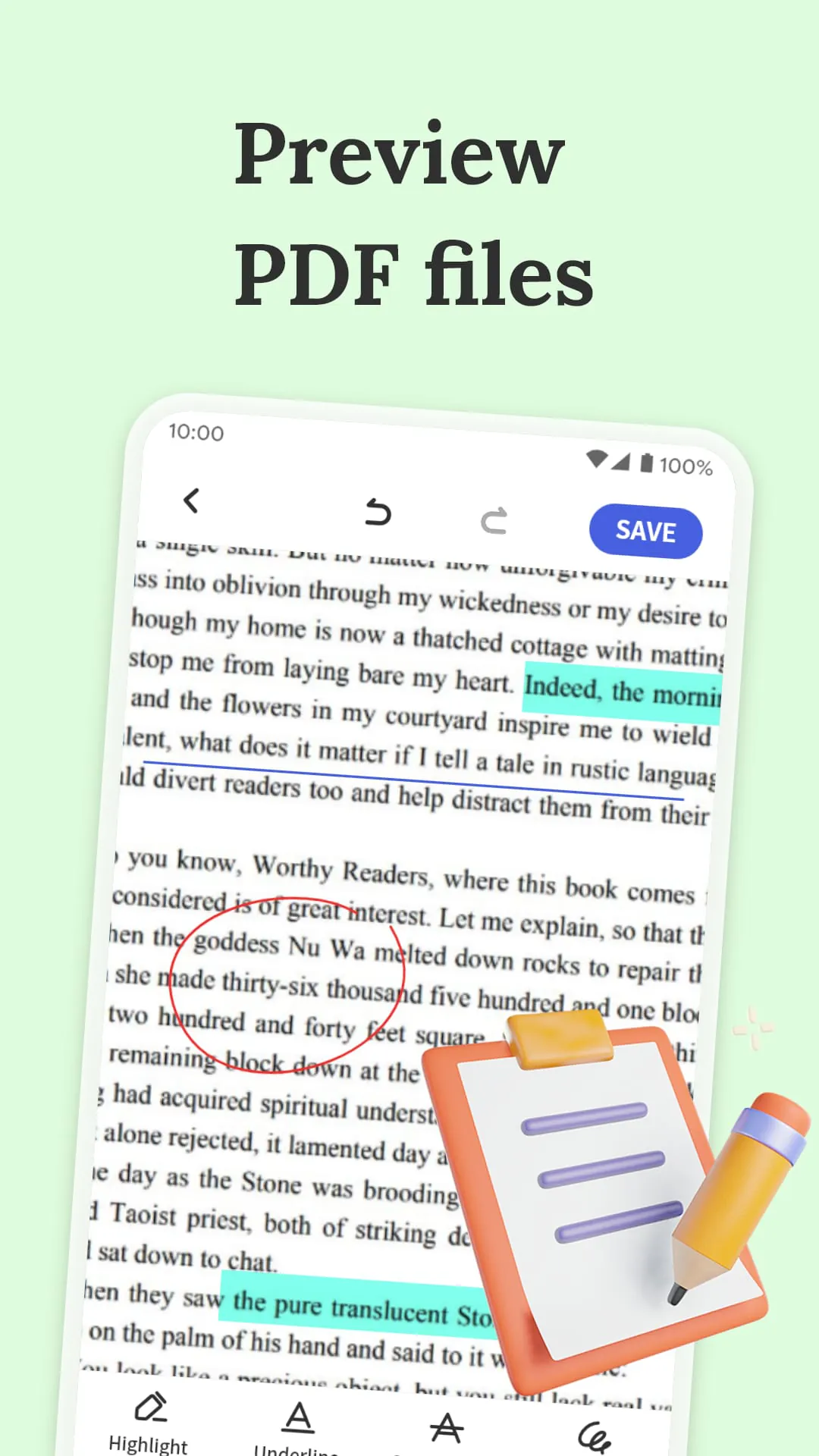
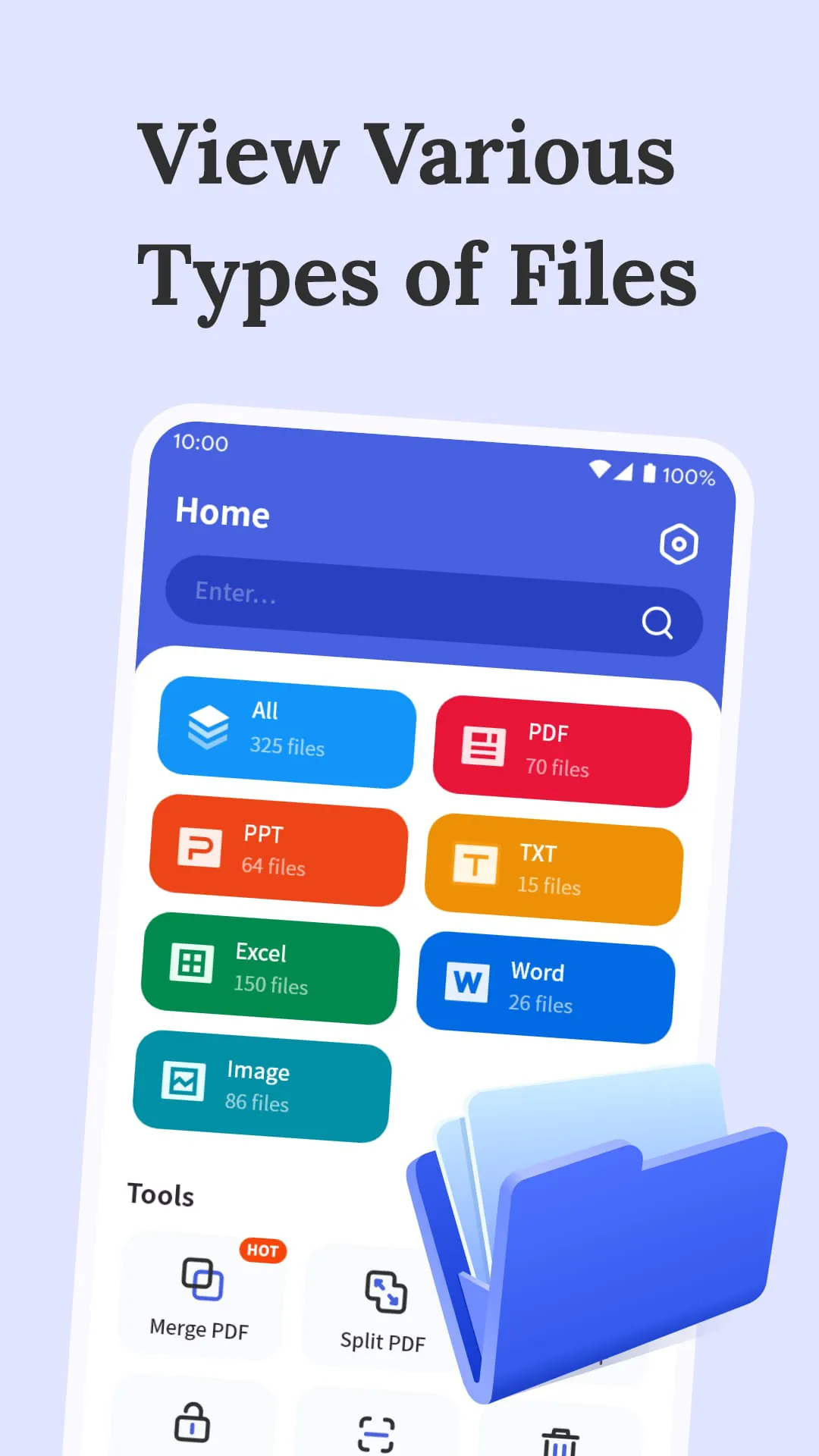
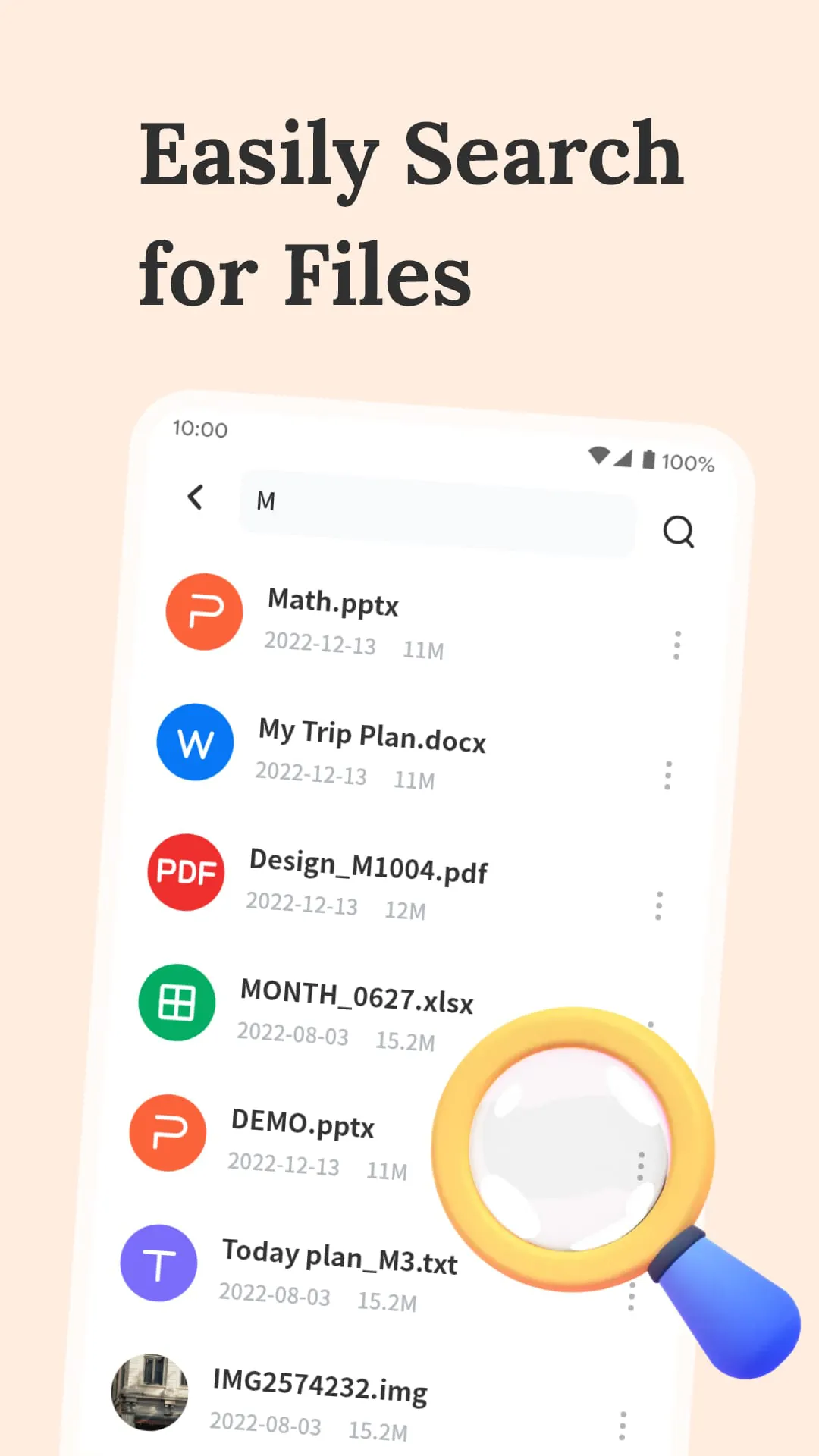
This application, branded as "All Document Tools," presents itself as a comprehensive solution for document management and manipulation, emphasizing ease of use and security. It touts several key features designed to streamline the handling of documents in various formats, making it a versatile tool for both personal and professional use. At its core, the application aims to simplify the often cumbersome process of working with digital documents, offering a suite of functionalities that cater to a wide range of user needs. The primary function highlighted is its smart scanning capability, which leverages image recognition technology to convert paper documents into clear, editable PDFs. This feature is particularly useful for digitizing physical documents, preserving their original layout and formatting while making them easily searchable and modifiable. The application's ability to maintain the original layout is a significant advantage, as it ensures that the digitized documents retain their professional appearance and are easily recognizable. Furthermore, the editable nature of the converted PDFs allows users to make changes, add annotations, or extract information as needed, enhancing their overall productivity. Beyond scanning, the application functions as an all-round reader, supporting a wide array of file formats, including PDF, Word, PPT, Excel, TXT, and JPG. This comprehensive format support eliminates the need for multiple applications to view different types of documents, providing a unified platform for accessing and managing all of one's files. The application emphasizes the ease of reading files, regardless of the user's location, making it a convenient tool for on-the-go access to important documents. Moreover, the ability to edit PDF files directly within the application is a significant value-added feature, enabling users to make quick changes or revisions without having to rely on separate PDF editing software. This professional-grade document editing capability further enhances the application's versatility and positions it as a complete solution for document management. Security is another key aspect of the application, with a focus on ensuring the confidentiality and integrity of users' documents. The application incorporates encryption features to protect sensitive information from unauthorized access, providing a secure environment for storing and managing confidential documents. This security focus is particularly important in today's digital landscape, where data breaches and cyber threats are increasingly common. By offering robust encryption capabilities, the application provides users with peace of mind, knowing that their documents are protected from potential security risks. The application also offers flexible file management capabilities, allowing users to easily organize and manipulate their documents. The one-click PDF merging and splitting features simplify the process of combining multiple PDF files into a single document or separating a large PDF file into smaller, more manageable segments. These features are particularly useful for streamlining workflows and improving document organization, saving users time and effort. The application's smart search functionality further enhances its usability, enabling users to quickly locate specific keywords or phrases within their documents. This feature is invaluable for finding relevant information within large documents or across multiple files, significantly improving work efficiency. By providing a fast and accurate search capability, the application helps users to quickly access the information they need, without having to manually sift through lengthy documents.
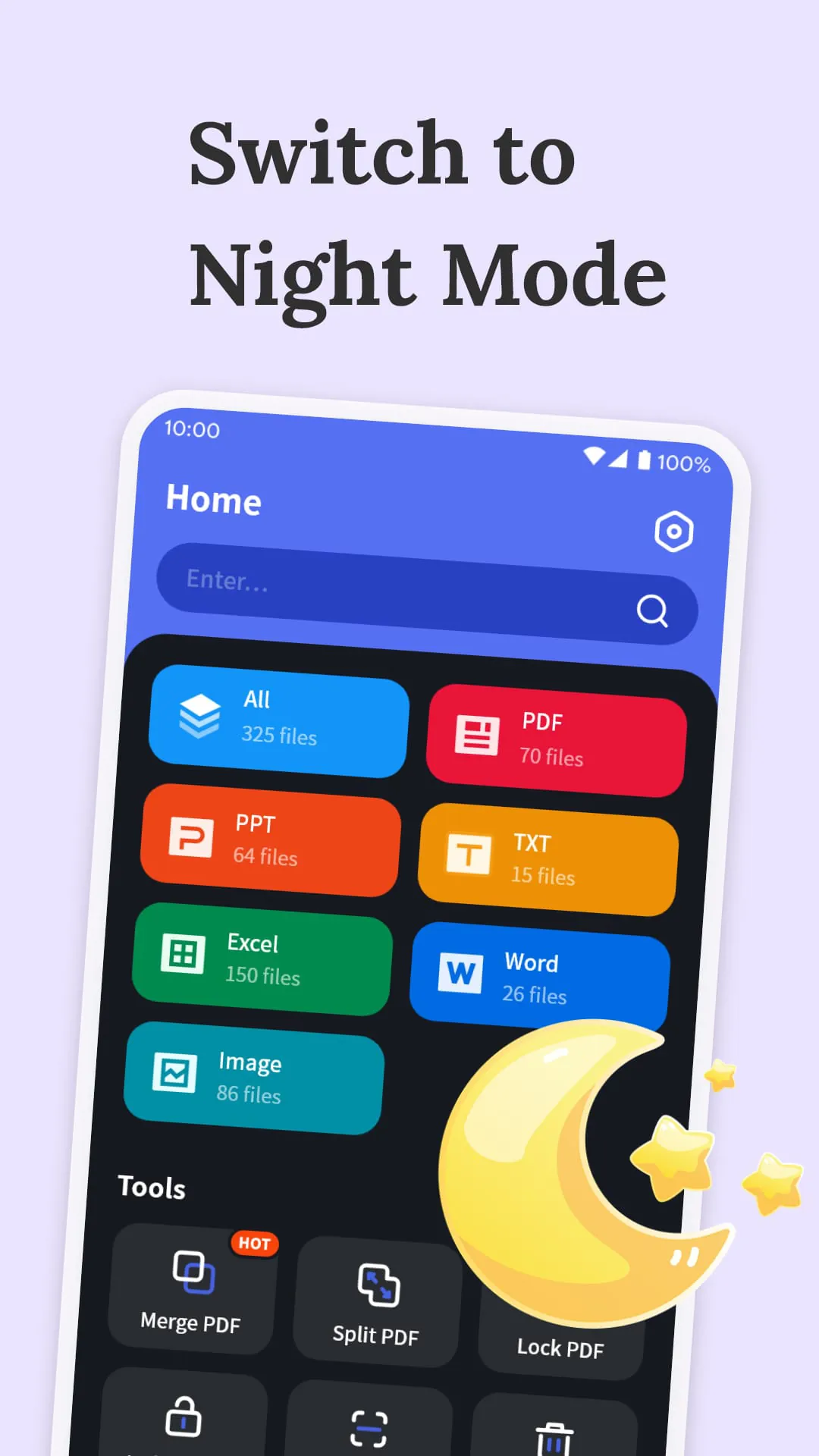
The emphasis on user experience is evident throughout the application's feature set, with a focus on simplifying complex tasks and providing intuitive tools for document management. The application's smart scanning capability, for instance, is designed to be user-friendly, guiding users through the scanning process and automatically optimizing the resulting PDF files. Similarly, the all-round reader functionality is designed to provide a seamless viewing experience, regardless of the file format. The application automatically adjusts the display settings to optimize readability, ensuring that documents are easy to view on a variety of devices. The PDF editing capabilities are also designed to be intuitive, with a user-friendly interface that makes it easy to make changes and annotations. The application provides a range of editing tools, allowing users to add text, highlight important passages, and insert images or other graphics. The security features are also designed to be easy to use, with clear instructions and prompts that guide users through the encryption process. The application uses industry-standard encryption algorithms to ensure the security of users' documents, providing a high level of protection against unauthorized access. The file management features are also designed to be intuitive, with drag-and-drop functionality that makes it easy to organize and rearrange documents. The application provides a variety of sorting and filtering options, allowing users to quickly find the documents they need. The smart search functionality is also designed to be user-friendly, with a simple search bar that allows users to enter keywords or phrases. The application provides real-time search results, highlighting the matching text within the documents. The application's overall design is clean and uncluttered, with a focus on providing a clear and intuitive user interface. The application uses a consistent design language throughout, making it easy for users to learn and use the various features. The application also provides helpful tips and tutorials, guiding users through the more complex features. The "All Document Tools" application is positioned as a user-friendly and secure solution for document management, offering a comprehensive set of features that cater to a wide range of user needs. Its emphasis on ease of use and security makes it an attractive option for both personal and professional users who are looking for a reliable and efficient way to manage their digital documents. The application's smart scanning, all-round reader, PDF editing, security, file management, and smart search functionalities combine to provide a complete solution for document handling, simplifying complex tasks and improving overall productivity. The application's focus on user experience ensures that it is easy to use and navigate, making it accessible to users of all skill levels. The application's security features provide peace of mind, knowing that documents are protected from unauthorized access.
In conclusion, the "All Document Tools" application aims to be a one-stop solution for managing and manipulating digital documents, offering a range of features designed to simplify and streamline document-related tasks. Its smart scanning capability, versatile reader, PDF editing functions, robust security features, flexible file management options, and intelligent search functionality collectively contribute to a comprehensive and user-friendly experience. The application's emphasis on ease of use, combined with its commitment to security, makes it an appealing choice for individuals and professionals alike seeking a reliable and efficient tool for handling their digital documents. By providing a unified platform for scanning, reading, editing, securing, organizing, and searching documents, the application eliminates the need for multiple separate tools, consolidating document management into a single, convenient application. This streamlined approach not only saves users time and effort but also reduces the complexity associated with managing documents across different platforms and applications. The application's smart scanning capability is particularly valuable for digitizing physical documents, allowing users to convert paper-based information into easily searchable and editable digital formats. This feature is especially useful for archiving important documents, reducing paper clutter, and improving access to information. The application's all-round reader functionality ensures compatibility with a wide range of file formats, eliminating the need for multiple viewers and simplifying the process of accessing and reviewing documents. The application's PDF editing capabilities provide users with the tools they need to make quick changes or revisions to their PDF files, without having to rely on dedicated PDF editing software. The application's security features are essential for protecting sensitive information, ensuring that documents are secure from unauthorized access and potential breaches. The application's flexible file management options allow users to easily organize and manage their documents, creating a well-structured and easily accessible document library. The application's intelligent search functionality enables users to quickly locate specific information within their documents, saving time and improving efficiency. Overall, the "All Document Tools" application presents a compelling solution for document management, offering a comprehensive suite of features that cater to a wide range of user needs. Its user-friendly interface, combined with its robust functionality and security features, makes it an attractive option for anyone seeking a reliable and efficient way to handle their digital documents.
Screenshots
 Download
 Additional Information
Category
ToolsVersion
Unknown
Tag
Document Management | PDF Editing | Smart Scan | File Security | All-round Reader
Rate
4.10
★★★★★
Reviews
500 +
Installs
10M +
Developer
P & L Studio
Content Rating
Everyone
Your smart document partner
Previous Versions
ZIP files require a Split APKs Installer (e.g., SAI) from Google Play to install. Steps: 1. Download SAI from Google Play; 2. Open SAI and tap "Install APKs"; 3. Select the ZIP file; 4. Complete installation.
You Might Like









