Cox is a dedicated mobile application that provides users with seamless access to the full range of Cox Communications services, from managing home internet and cable TV accounts to paying bills and troubleshooting equipment, all consolidated within a single, user-friendly interface designed for on-the-go convenience.
Key Features
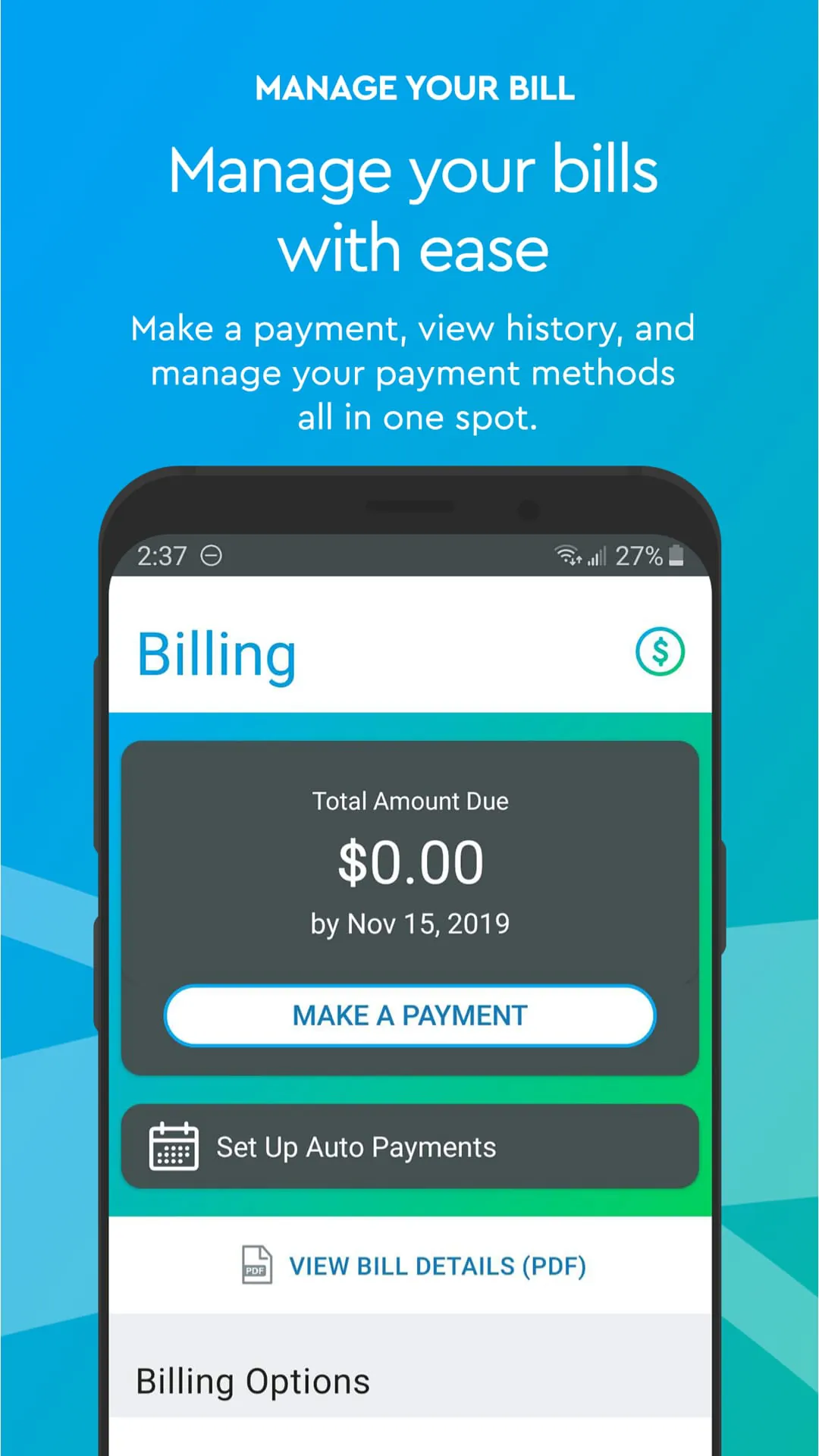
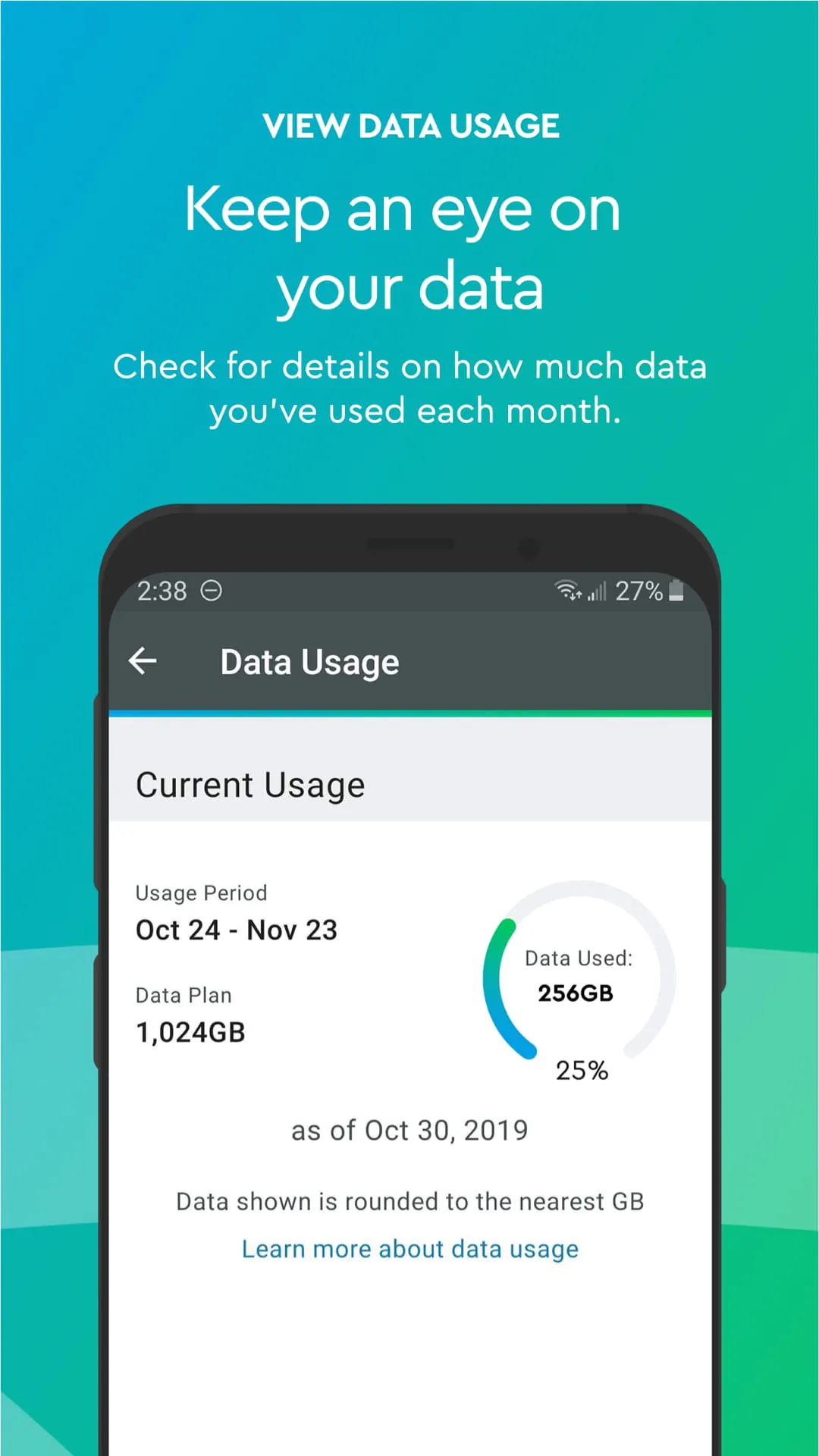
The Cox app stands out by centralizing customer service and account management. It allows for real-time monitoring of your home Wi-Fi network, showing connected devices and letting you pause access with a tap. You can stream live TV and on-demand content from your Cox subscription directly on your mobile device. The app also provides personalized data usage statistics, enables secure bill payments, and facilitates quick scheduling of service appointments or technician visits without needing to call customer support.
Pros & Cons
- Pros: The app offers exceptional convenience for existing Cox customers, consolidating billing, support, and services in one place. Features like Wi-Fi management and live TV streaming are powerful and practical. The interface is generally intuitive, and push notifications for outages or bills are helpful.
- Cons: Its functionality is exclusively valuable to Cox subscribers, offering no utility to others. Some users report occasional bugs or slow performance after updates. Advanced troubleshooting sometimes still requires a phone call, and the feature set can feel limited for users who only have a single service like internet.
Functions
- Account Management: View and pay your bill, check data usage, update personal information, and review current service plans.
- Wi-Fi Control: Monitor your home network, see connected devices, create guest networks, and pause internet access on specific devices.
- TV Everywhere: Stream live channels and on-demand content included with your Cox TV subscription using your mobile device as a receiver.
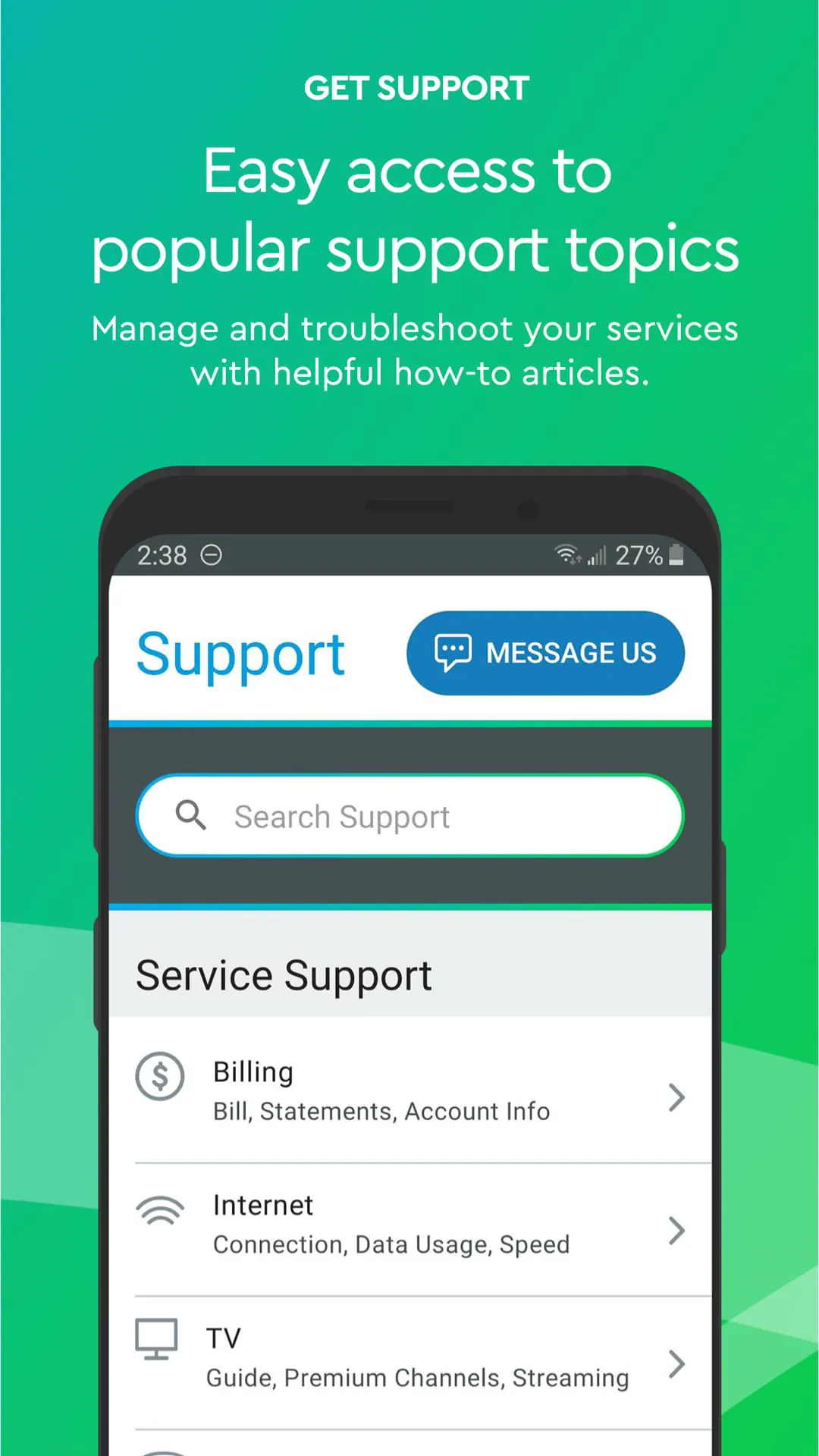
- Support Hub: Access step-by-step troubleshooting guides, restart your equipment remotely, chat with support, and schedule service visits.
- Notifications: Receive real-time alerts about service status, bill reminders, and promotional offers from Cox.
How to Use
Click the button "Check All Versions" below to download and install it. Once installed, open the app and log in using your existing Cox account username and password. Upon first login, you may need to verify your account. The main dashboard will then present an overview of your services. You can navigate using the menu at the bottom or top of the screen to access specific areas like Bill Pay, Internet, or TV. To manage your home Wi-Fi, for example, simply tap the "Internet" section to see the network dashboard and connected device list. For support, use the "Help" section to run diagnostics or initiate a chat with an agent.





 APK
APK  Google Play
  iOS
iOS  4.50
4.50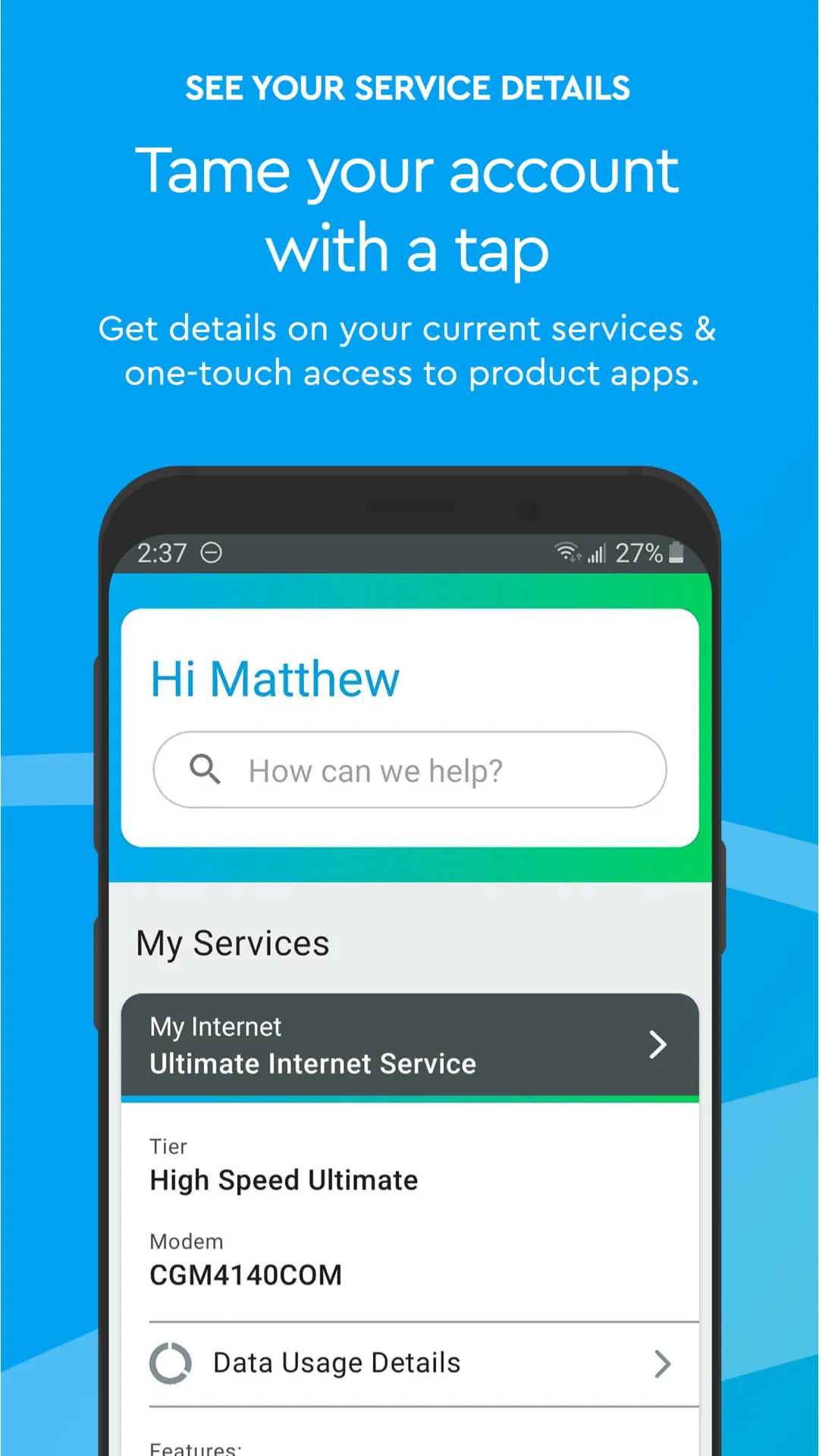
 Download








