XFINITY Home is a smart home security and automation app developed by Comcast that allows users to monitor, control, and protect their homes from anywhere using a smartphone, tablet, or computer. Designed for both convenience and safety, the app connects with XFINITY’s ecosystem of cameras, sensors, smart locks, thermostats, and more—delivering real-time alerts, live video streaming, and remote access in one unified platform.
Key Features
- 24/7 professional monitoring options for enhanced home protection
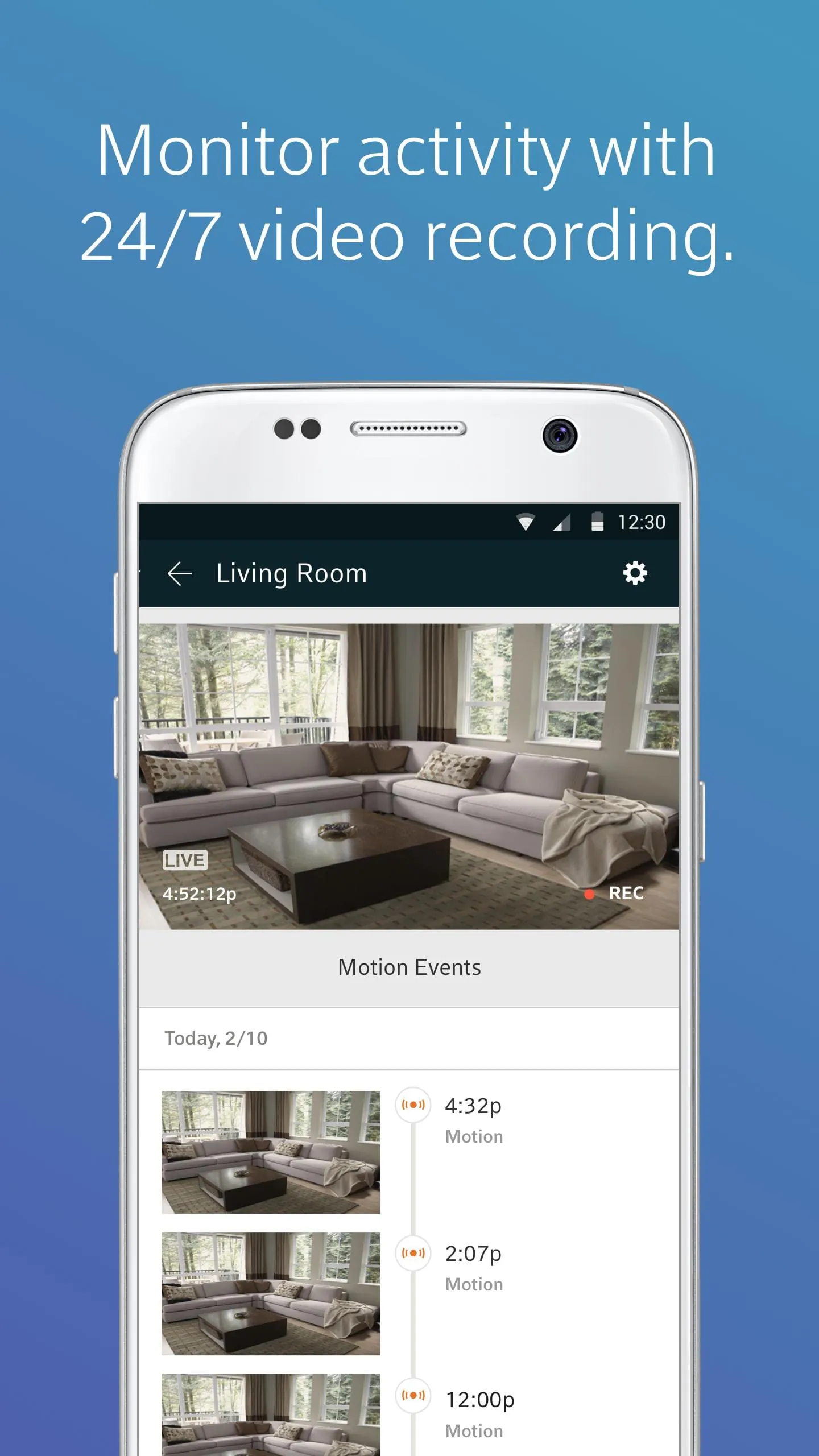
- Live HD video streaming from indoor and outdoor security cameras
- Smart alerts for motion detection, door/window openings, and unusual activity
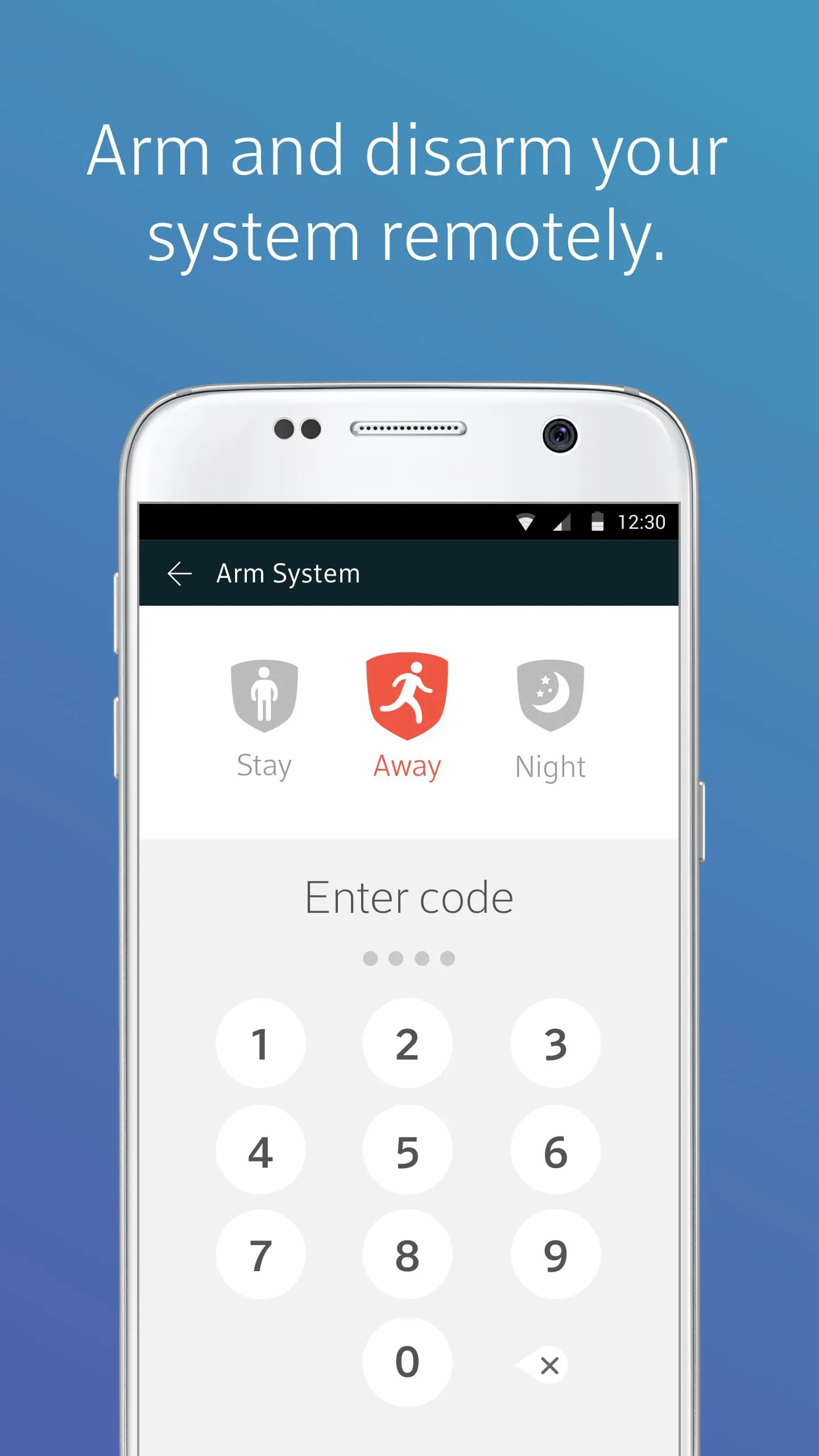
- Remote arm/disarm functionality for your home security system
- Integration with smart home devices like lights, thermostats, and door locks
- Customizable notifications tailored to your preferences
- Family access controls allowing multiple users to manage the system
Pros & Cons
- Pros:
- Seamless integration with other XFINITY services like internet and TV
- User-friendly interface suitable for all experience levels
- Reliable performance with minimal downtime
- Flexible equipment packages for different home sizes and needs
- Cons:
- Requires a subscription for advanced features and professional monitoring
- Some features may be limited without an XFINITY internet plan
- Higher upfront equipment costs compared to some competitors
Functions
- Monitor live video feeds and recorded clips from connected cameras
- Receive instant push notifications for security events
- Control smart locks, lights, and thermostats remotely
- Set personalized security modes such as “Home,” “Away,” and “Night”
- View system status and history logs for past events
- Grant temporary access codes for guests or service providers
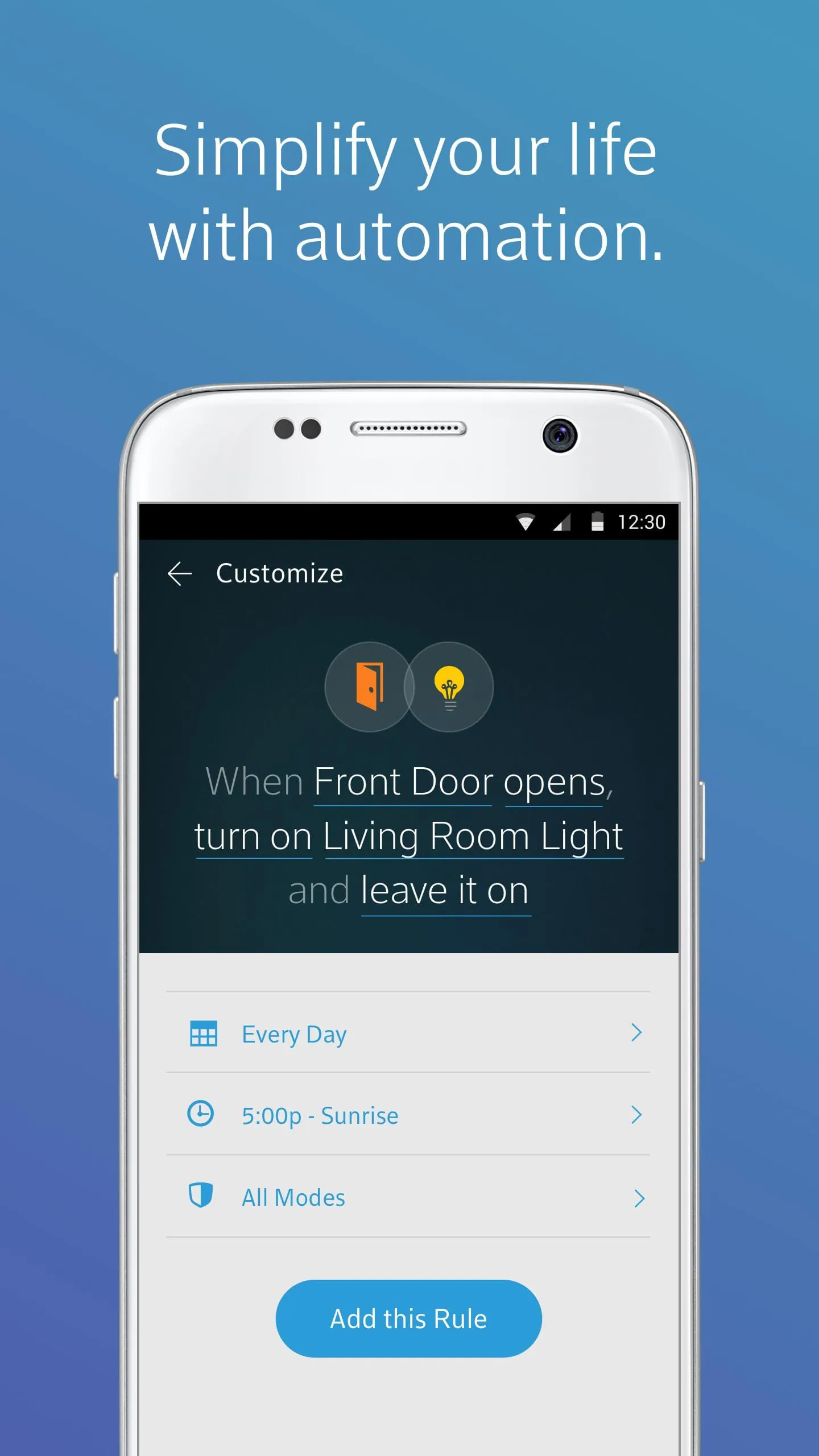
- Automate routines like turning off lights when arming the system
How to Use
Click the button "Check All Versions" below to download and install it. After installation, open the app and sign in using your XFINITY ID and password. Follow the guided setup to connect your security devices and configure your preferred settings. Once set up, you can arm or disarm your system, view live camera feeds, adjust smart home devices, and receive alerts directly on your mobile device. For best results, ensure your phone has notifications enabled and your XFINITY Home system firmware is kept up to date.




 APK
APK  Google Play
  iOS
iOS  4.00
4.00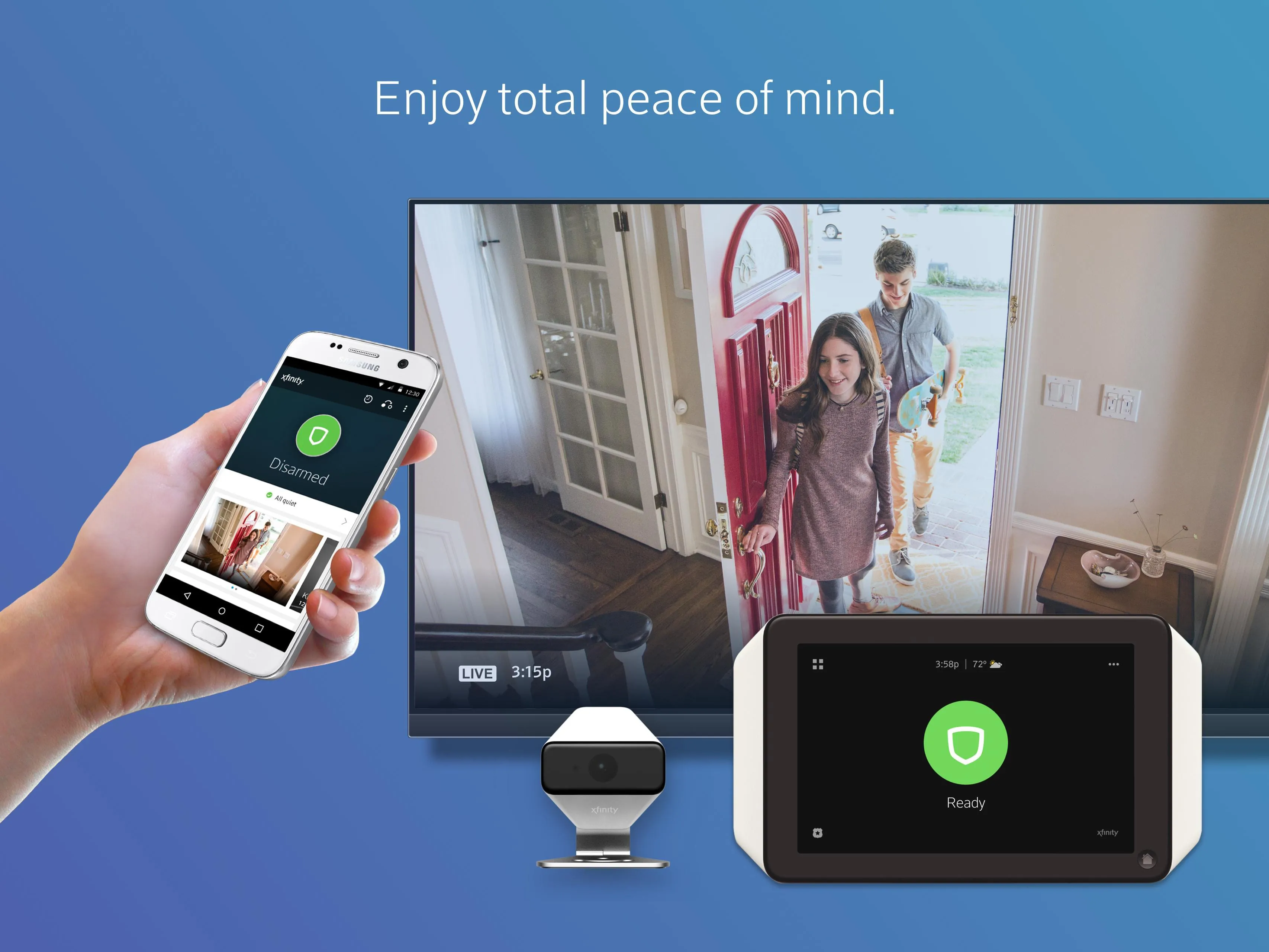
 Download








