Citrix Workspace is a comprehensive digital workspace solution that provides secure, unified access to all the applications, desifktops, files, and collaboration tools needed for work, from any device and location, leveraging virtualization technology to deliver a consistent and high-performance user experience.
Key Features
The platform stands out by integrating a wide array of capabilities into a single portal. Its key features include secure remote access to virtual apps and desktops, robust file synchronization and sharing, and integrated collaboration tools. It supports single sign-on, ensuring a seamless transition between different resources. Advanced security features like contextual access policies, endpoint analysis, and data loss prevention are deeply embedded. Furthermore, it intelligently aggregates applications from various sources, including Software as a Service (SaaS) apps, virtual apps, and local apps, into one organized view for the user.
Pros & Cons
- Pros: Delivers a highly secure and consistent user experience across all devices. Centralizes management, reducing IT overhead and complexity. Enhances productivity by providing a single point of access for all work resources. Strong performance for graphics-intensive and legacy applications via HDX technology. Excellent scalability for enterprises of all sizes.
- Cons: Can be complex and costly to set up and maintain for smaller organizations. Performance is heavily dependent on network quality, especially for high-definition experiences. The full suite of features requires a substantial investment in backend Citrix infrastructure.
Functions
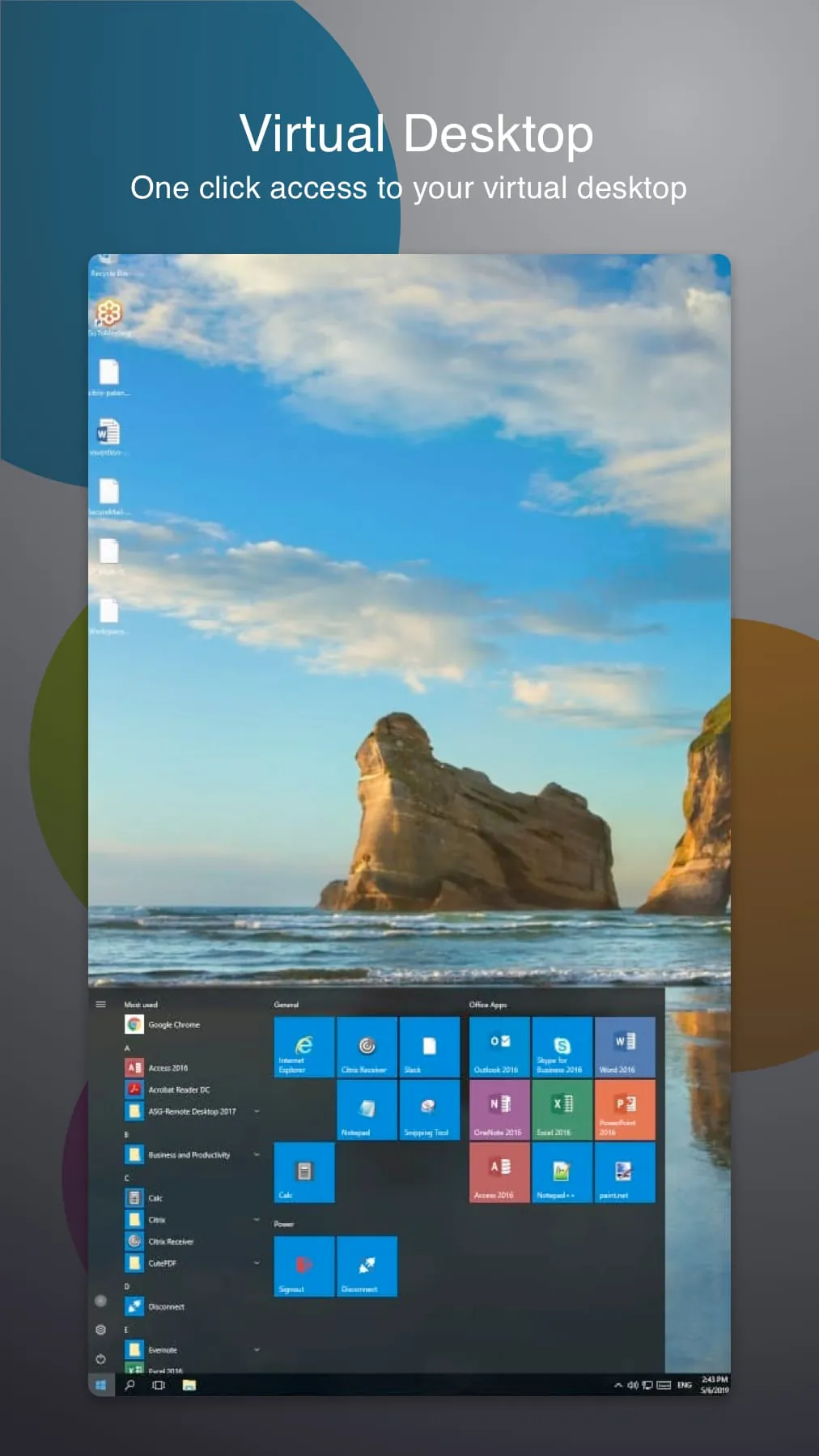
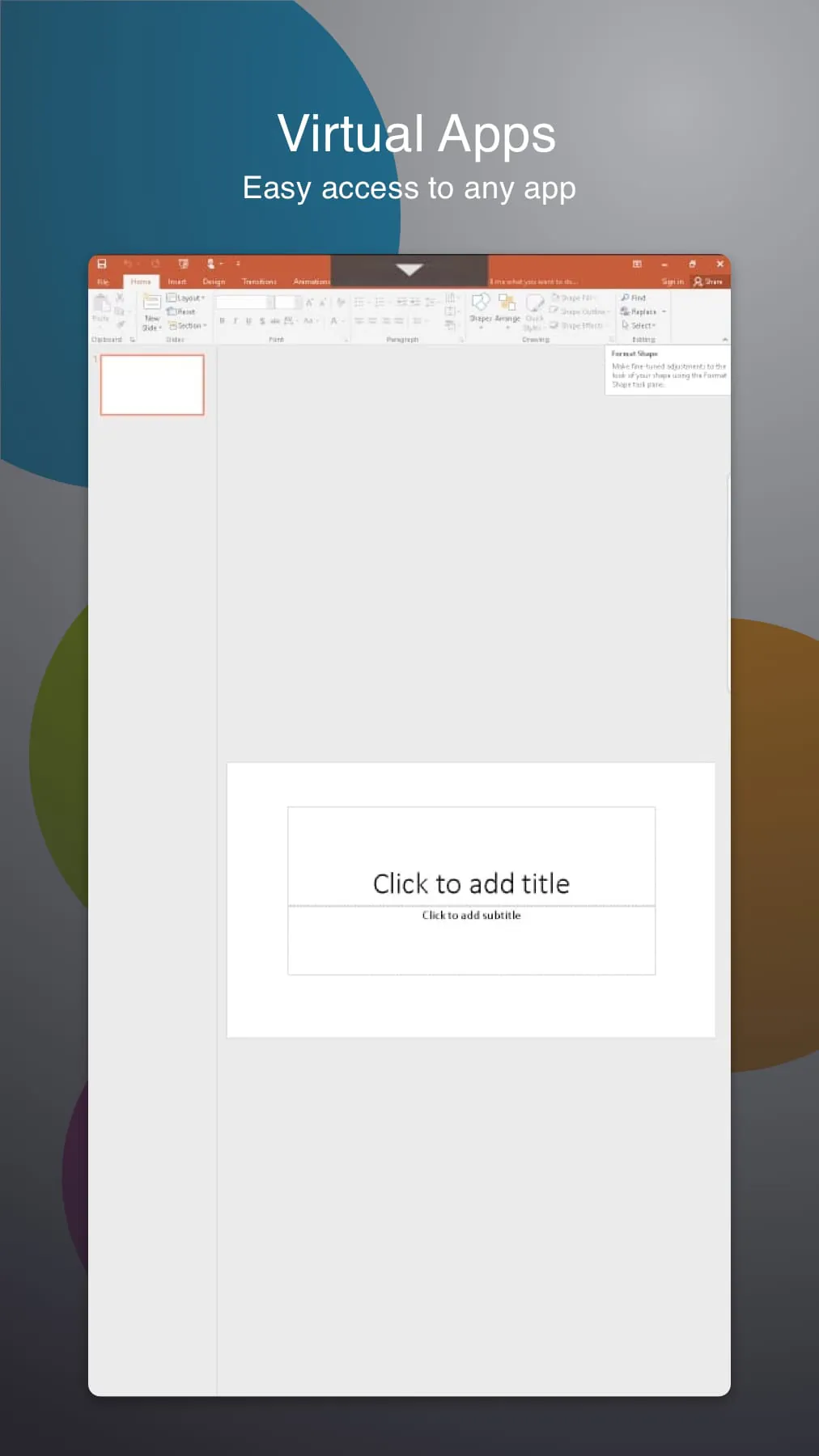
Citrix Workspace functions as the central hub for modern, flexible work. Its primary functions are to virtualize and deliver Windows, Linux, web, and SaaS applications to any endpoint. It enables secure access to Windows and Linux virtual desktops. The solution also provides enterprise-grade file sharing with data governance controls. Additionally, it facilitates collaboration through integrated tools and automates workflow tasks, allowing users to launch the right resources based on their identity, location, and device security posture.
How to Use
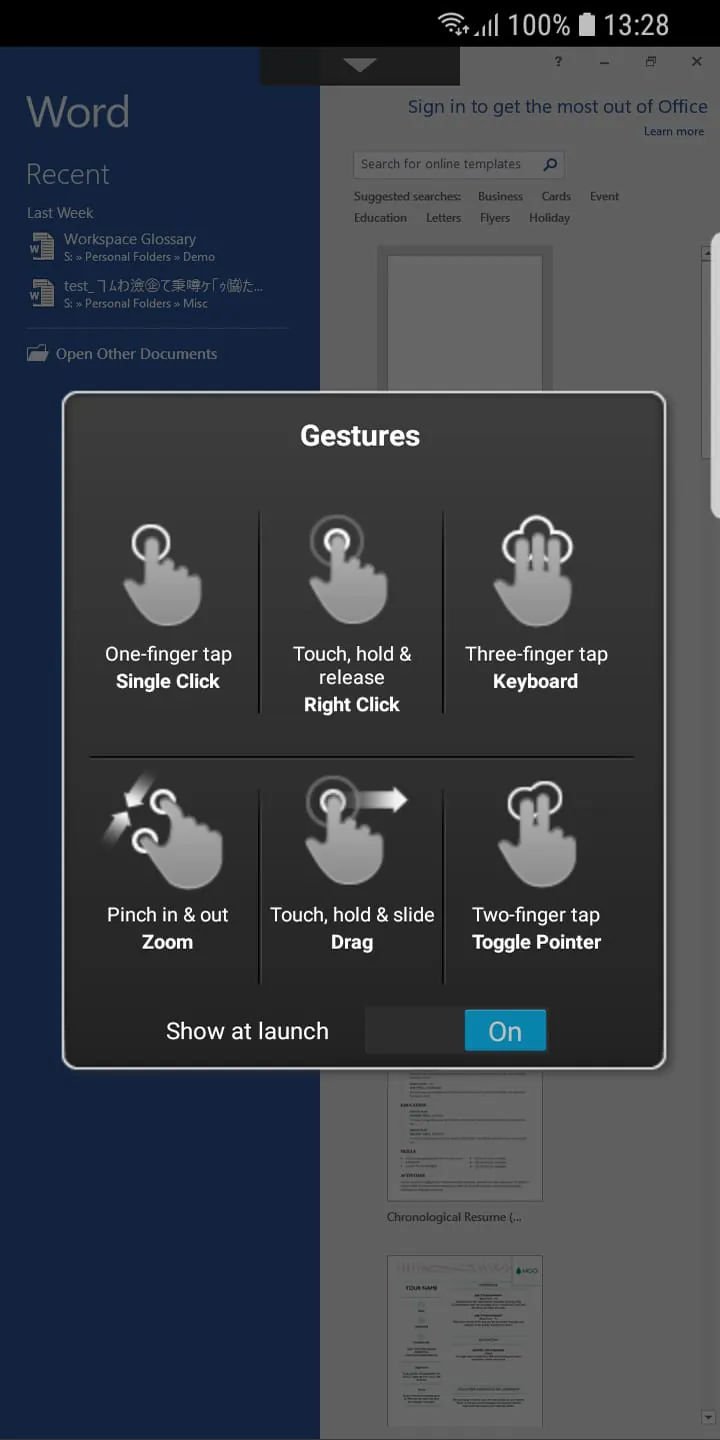
Click the button "Check All Versions" below to download and install it. Once the Citrix Workspace app is installed on your device, launch it and enter the web address provided by your IT department or organization. You will then be prompted to log in with your corporate credentials. After successful authentication, you will be presented with your personalized workspace, displaying all assigned applications, desktops, and files. You can simply click on any resource to start working. The app runs in the background, maintaining a secure connection, and you can typically customize some settings like display resolution or peripheral mappings within the application's preferences.





 APK
APK  Google Play
  iOS
iOS  4.00
4.00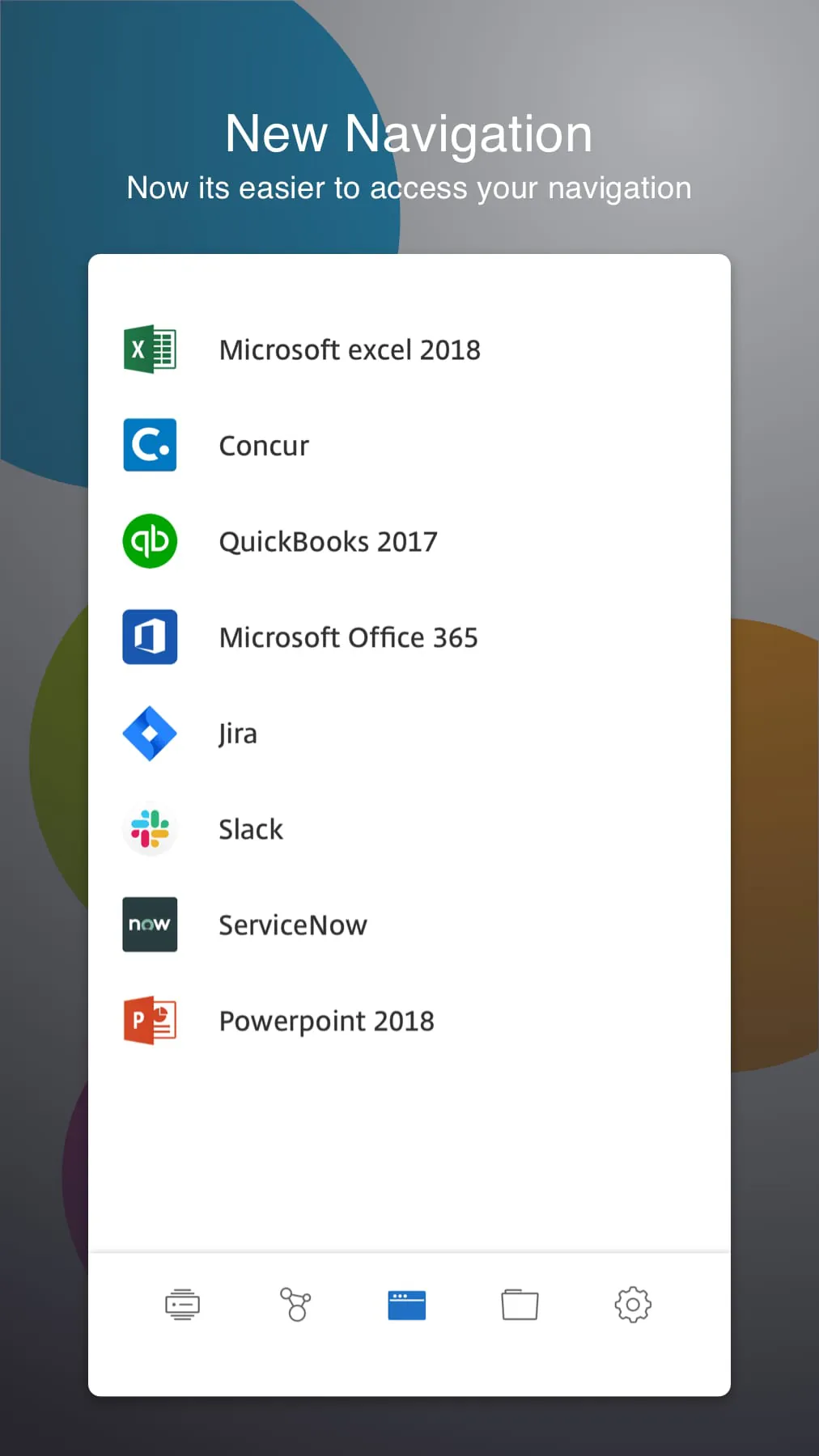
 Download








