Stop Motion Studio is a powerful and user-friendly application designed for creating stop-motion animations on mobile devices and computers. It transforms the intricate process of frame-by-frame animation into an accessible and enjoyable experience for users of all skill levels, from beginners exploring animation basics to professionals crafting detailed projects. The app provides a comprehensive suite of tools that streamline the entire workflow, including advanced camera controls, precise frame management, and intuitive editing features. By offering a seamless interface and robust functionality, Stop Motion Studio empowers creators to bring their imaginative ideas to life with ease, making it a popular choice for educational purposes, hobbyist projects, and professional productions alike.
Key Features
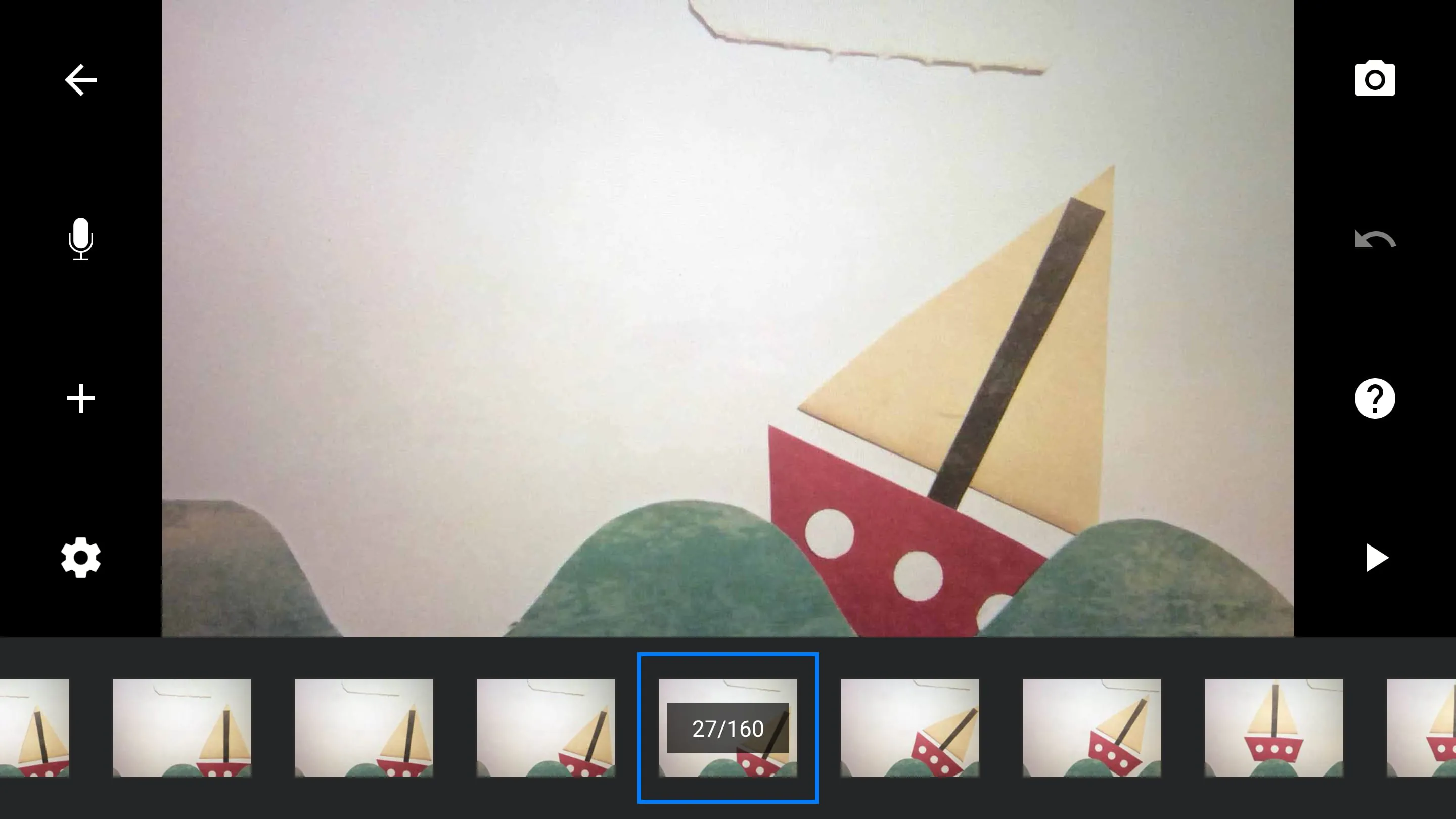
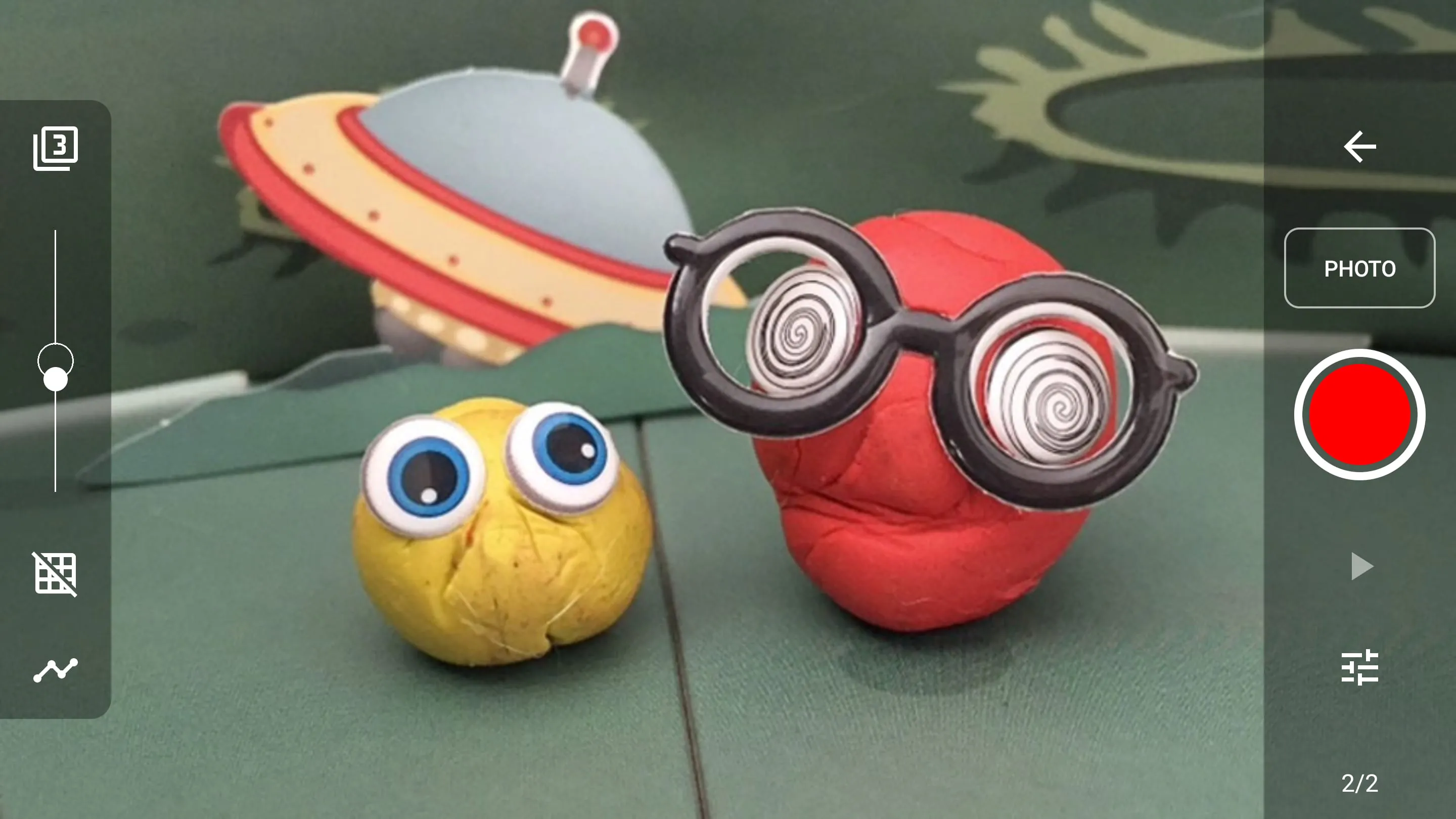
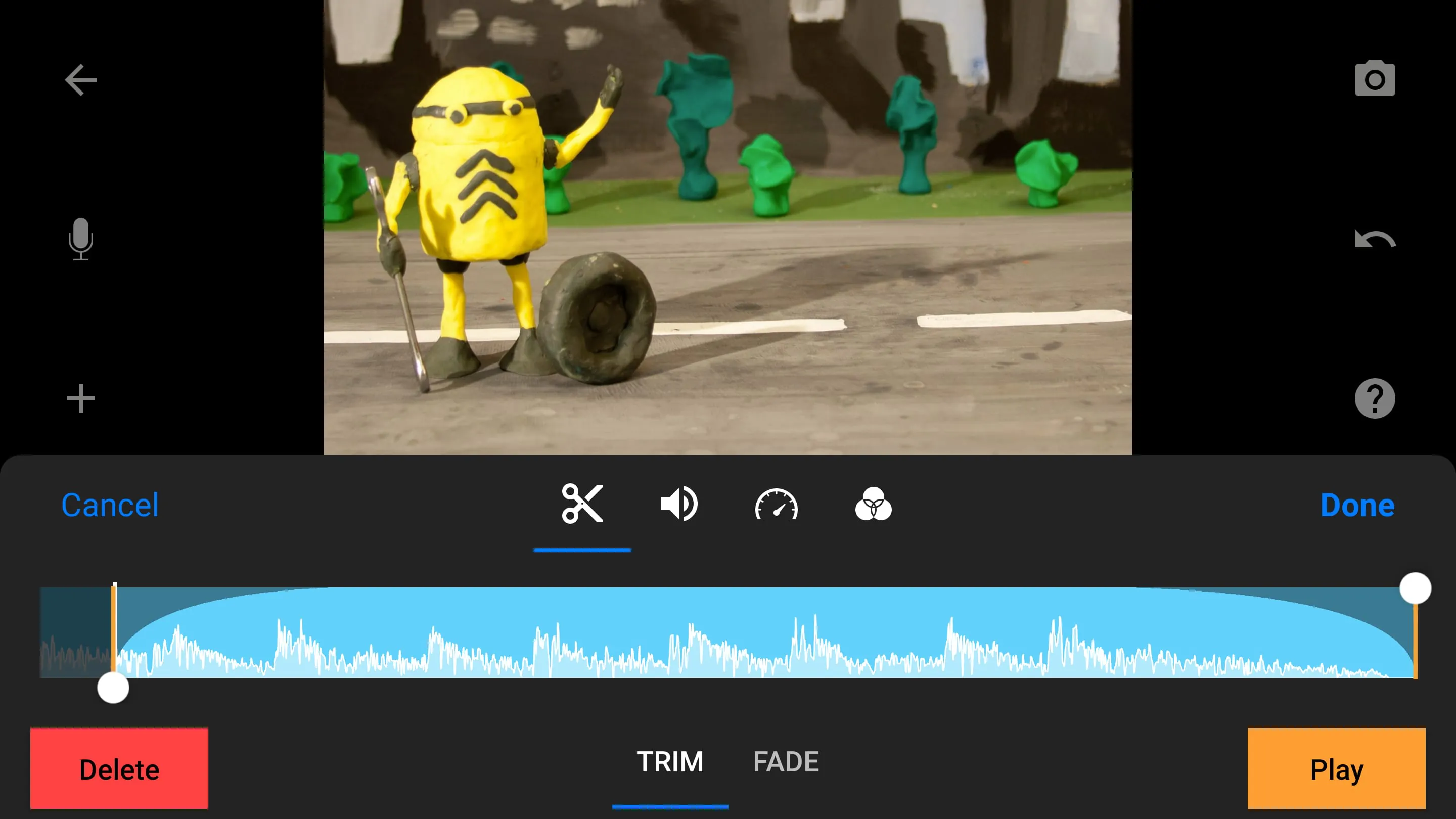
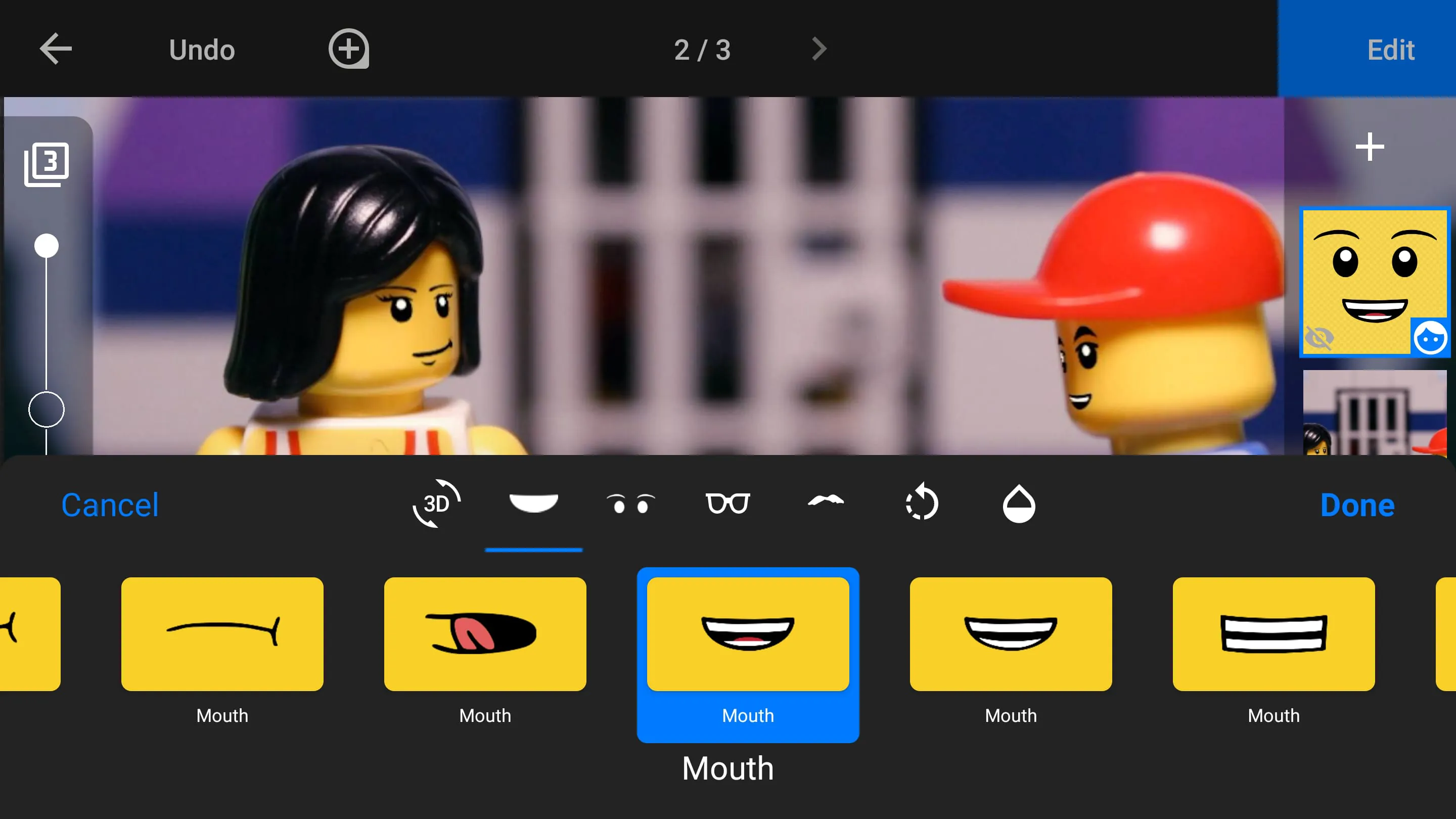
Stop Motion Studio stands out with a rich set of features that cater to both novice and advanced users. Its core functionality includes a powerful camera system with manual controls for focus, exposure, and white balance, ensuring high-quality frame capture. The app supports various capture methods, such as time-lapse and remote camera monitoring via a second device, enhancing flexibility during shooting. For editing, it offers a robust timeline with onion skinning for precise frame alignment, audio recording for voiceovers and sound effects, and a library of music and sound clips. Additional creative tools include green screen (chroma key) for compositing, dynamic titles and text effects, and adjustable playback speed controls. The app also supports multiple export formats and direct sharing to platforms like YouTube, making it a versatile tool for complete animation projects.
Pros & Cons
- Pros: Intuitive interface ideal for beginners; extensive feature set including advanced tools like chroma key and onion skinning; cross-platform compatibility between mobile and desktop; supports 4K export for high-quality output; active user community and regular updates.
- Cons: Some advanced features require in-app purchases or premium version; limited audio editing capabilities compared to dedicated software; occasional performance lag with large projects on older devices; desktop version may have a steeper learning curve for mobile users transitioning.
Functions
Stop Motion Studio encompasses a wide range of functions to support the entire animation pipeline. Key capabilities include:
- Frame Capture: Manual and automated shooting with adjustable time intervals, remote camera control via Wi-Fi, and support for DSLR cameras for professional-grade input.
- Editing Tools: Timeline-based editing with drag-and-drop functionality, onion skinning for frame alignment, and frame-level adjustments for timing and sequencing.
- Audio Integration: Voice recording directly within the app, import of external audio files, and a built-in sound library for background music and effects.
- Visual Effects: Green screen compositing, filters, and color adjustments to enhance visual appeal; text and title overlays for storytelling.
- Export and Sharing: Multiple output formats (e.g., MP4, MOV) up to 4K resolution, direct upload to social media platforms, and cloud storage integration for project backup.
How to Use
Click the button "Check All Versions" below to download and install it. Once installed, launch the app and start a new project by selecting the camera icon. Set up your scene using the device's camera, adjusting focus and exposure as needed. Capture frames manually by pressing the shutter button or use the time-lapse feature for automated shooting. Utilize the onion skinning tool to align each frame with the previous one for smooth motion. After capturing all frames, navigate to the timeline to edit the sequence, add audio tracks for voiceovers or music, and apply effects like green screen if required. Finally, export the finished animation in your preferred format and share it directly to social platforms or save it to your device.





 APK
APK  Google Play
  iOS
iOS  4.10
4.10