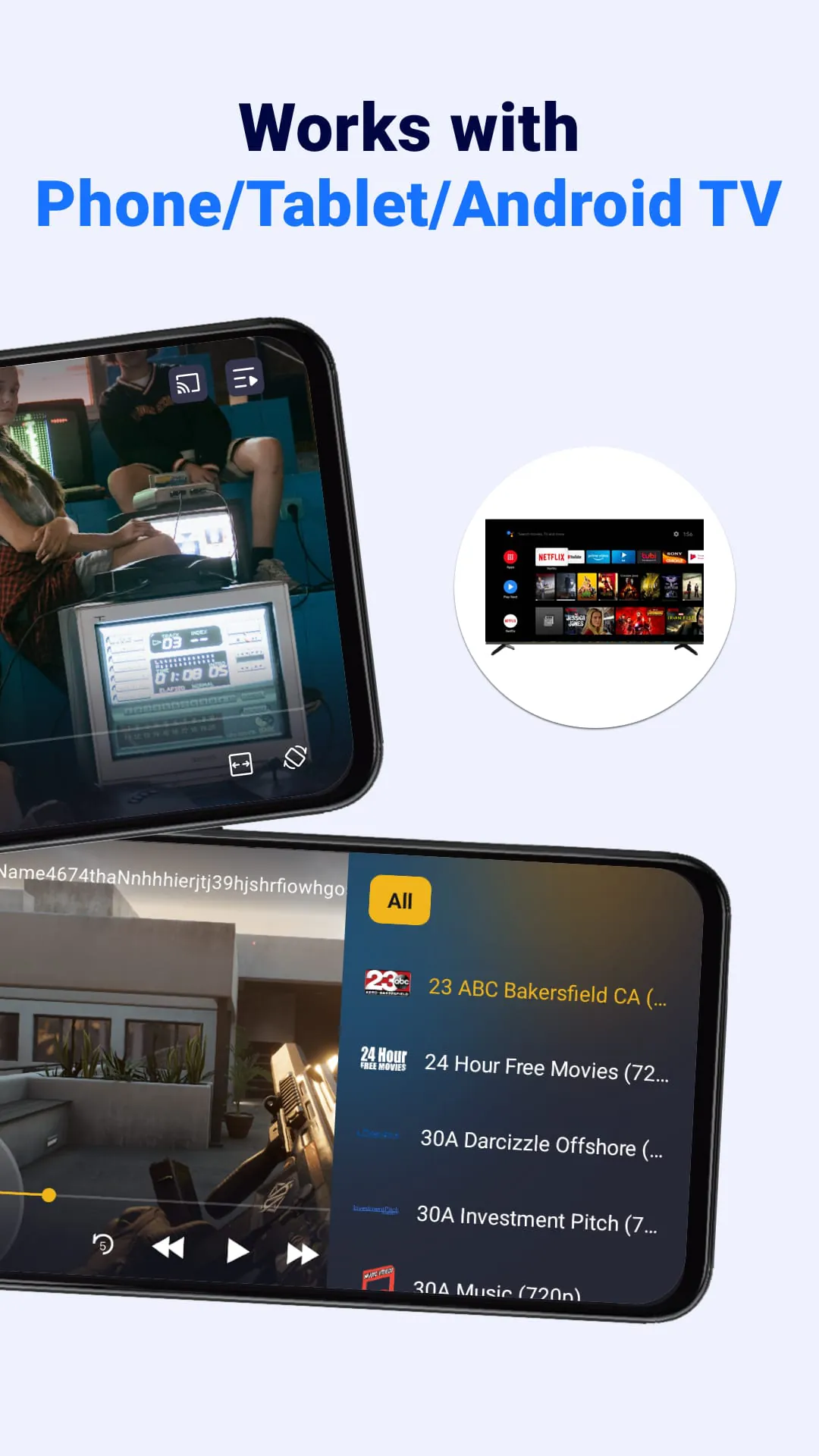
The IPTV player is a versatile media player that supports playing M3U & M3U8 files on various devices such as phones, tablets, and Android TVs. Users can easily add their preferred video sources from online platforms or local folders and enjoy a seamless IPTV streaming experience with the built-in player. The player allows for adding unlimited M3U streaming playlists, adjusting playback settings, casting to Chromecast-enabled smart TVs, and quickly accessing favorite channels and recently viewed programs.
To add M3U/M3U8 files, users can simply click the "Add" button on the playlist page, select "Add M3U link," enter the link in the input box, and wait for the loading to complete. Finding valid IPTV M3U/M3U8 files can be done by searching for sources on platforms like GitHub or using search engines to locate public IPTV playlists. It's important to note that some links may become unavailable due to various reasons, and users can try updating the link, using VPNs to bypass restrictions, or contacting providers for the latest links.
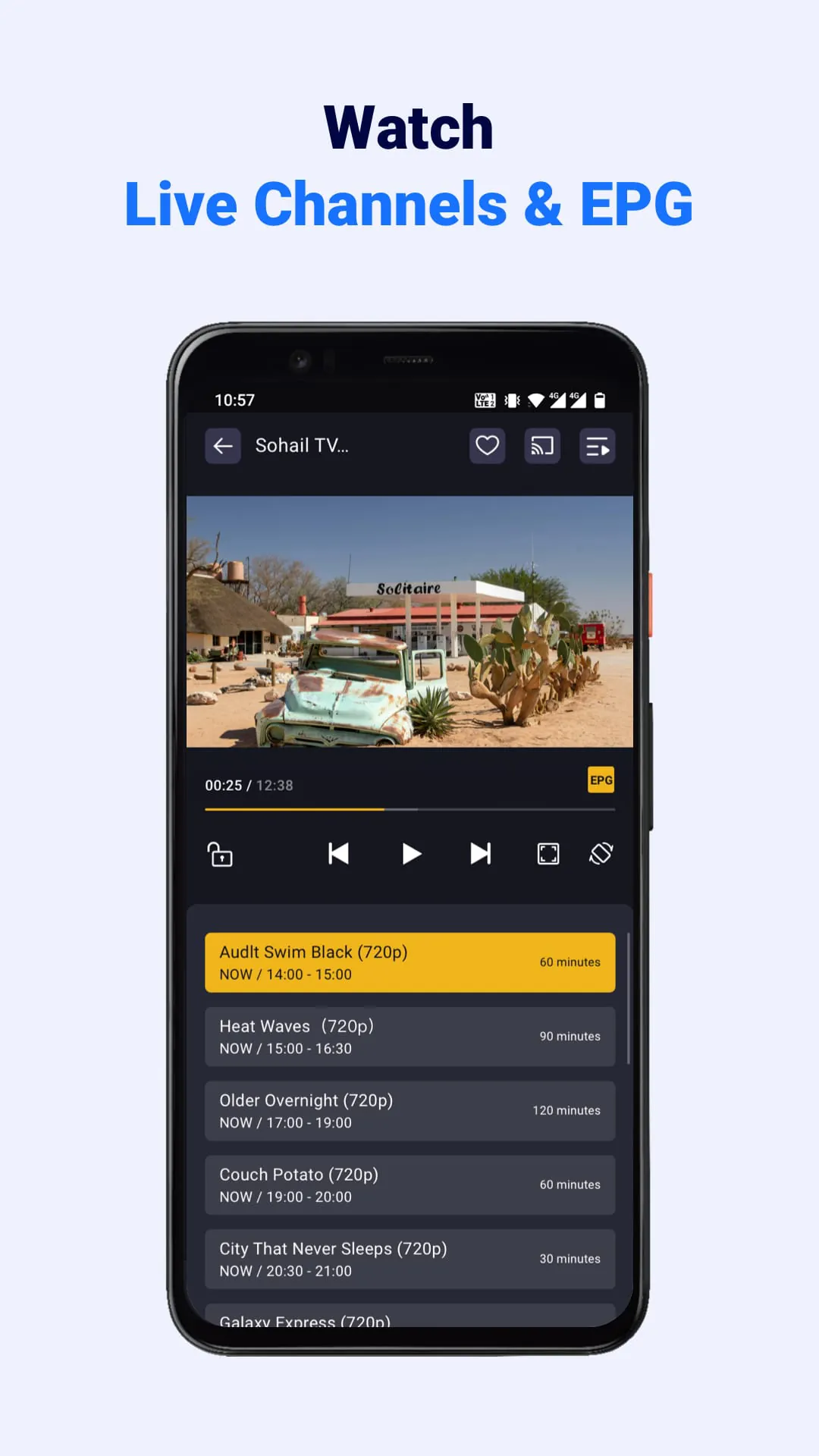
The IPTV player offers a range of advantages, including compatibility with different devices, support for M3U and M3U8 playlists, easy addition of links from online sources or local folders, casting to Chromecast-enabled smart TVs, customizable playback settings, fast channel search, saving favorite programs, and a user-friendly interface. Users can enjoy high-definition quality with fast buffering, easy navigation through the app's design, and access to all features for free. The app does not provide IPTV services or support the streaming of copyright-protected content without permission.





 APK
APK  Google Play
  iOS
iOS  4.40
4.40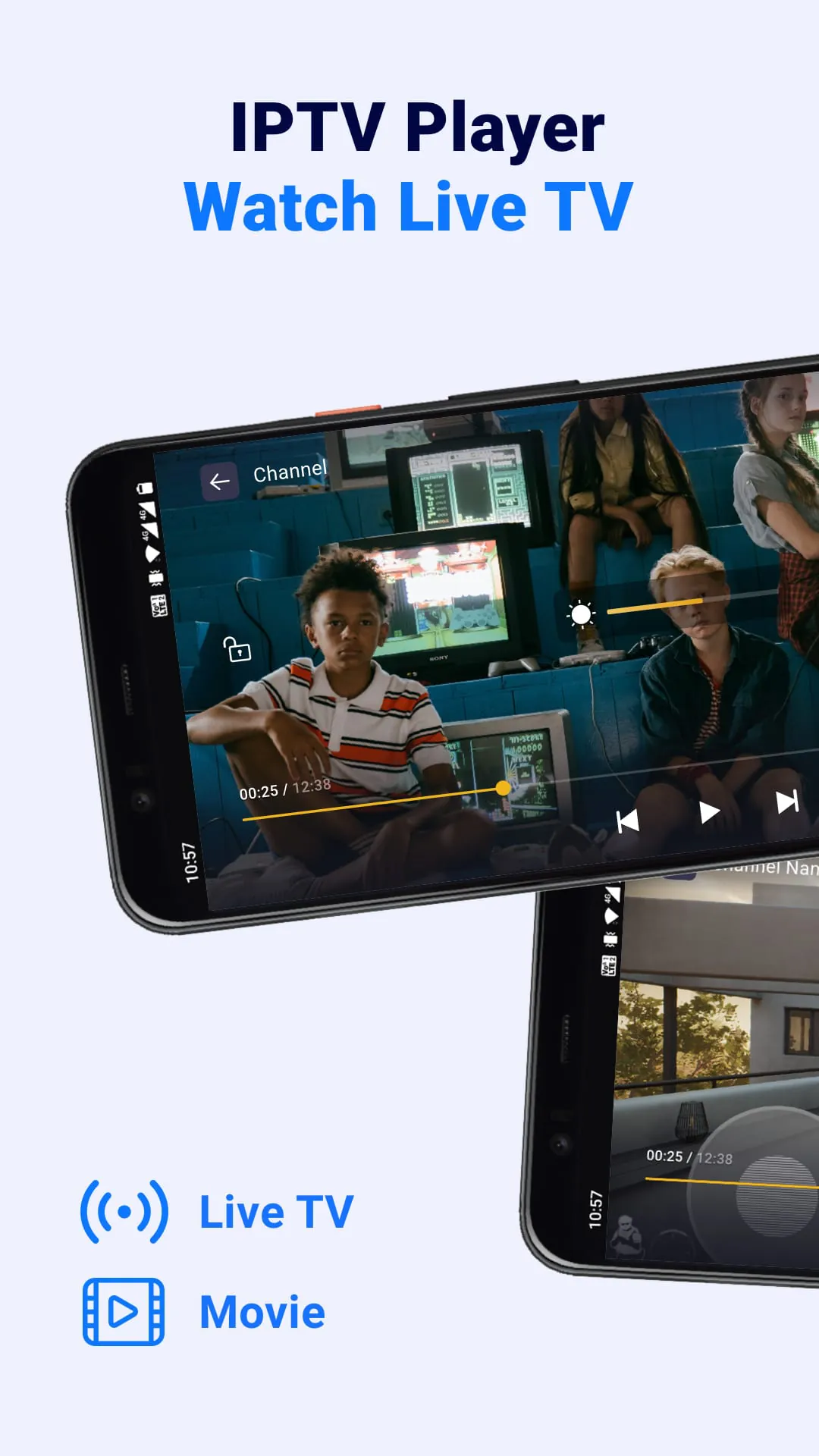

 Download








