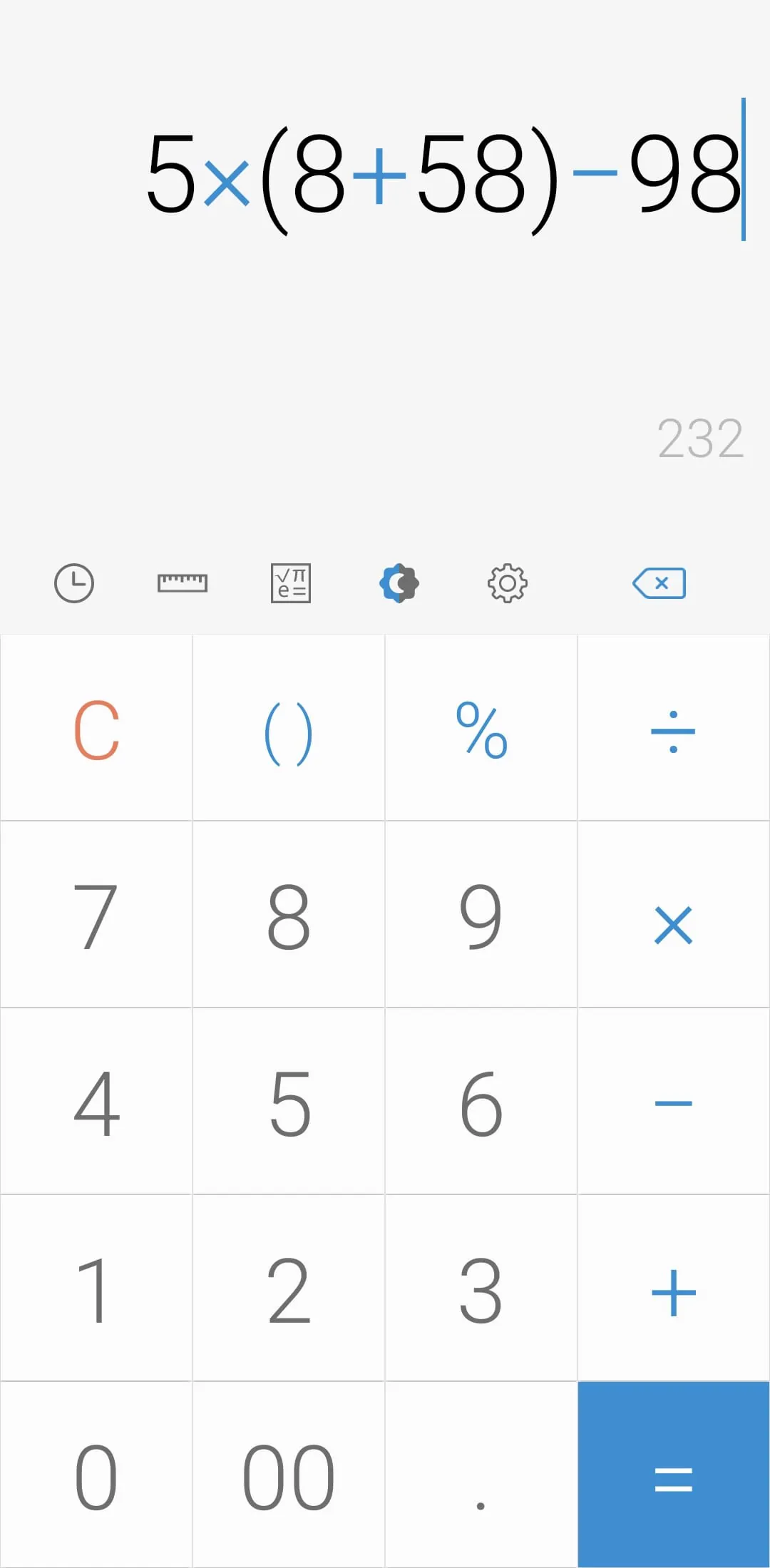
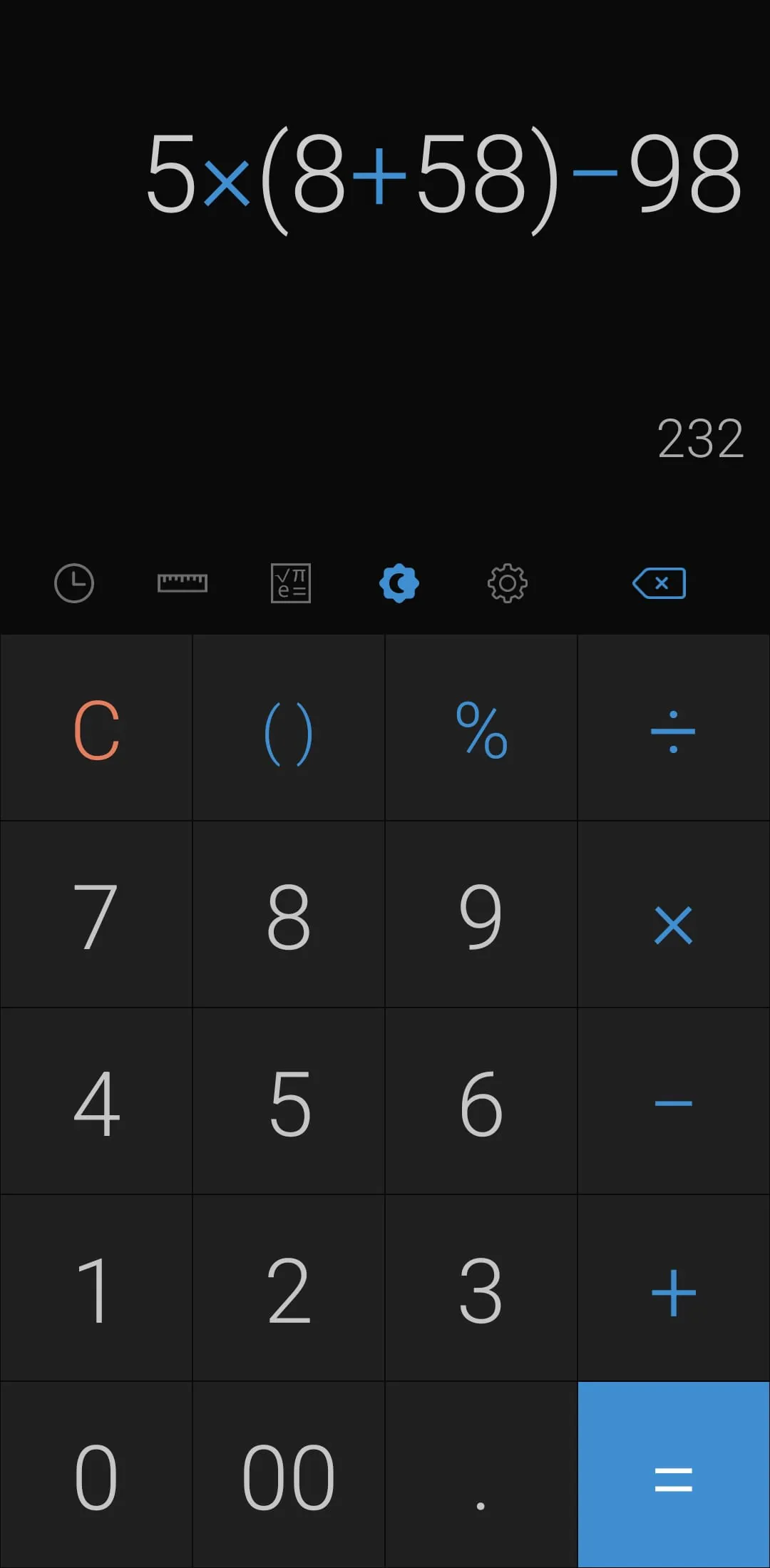
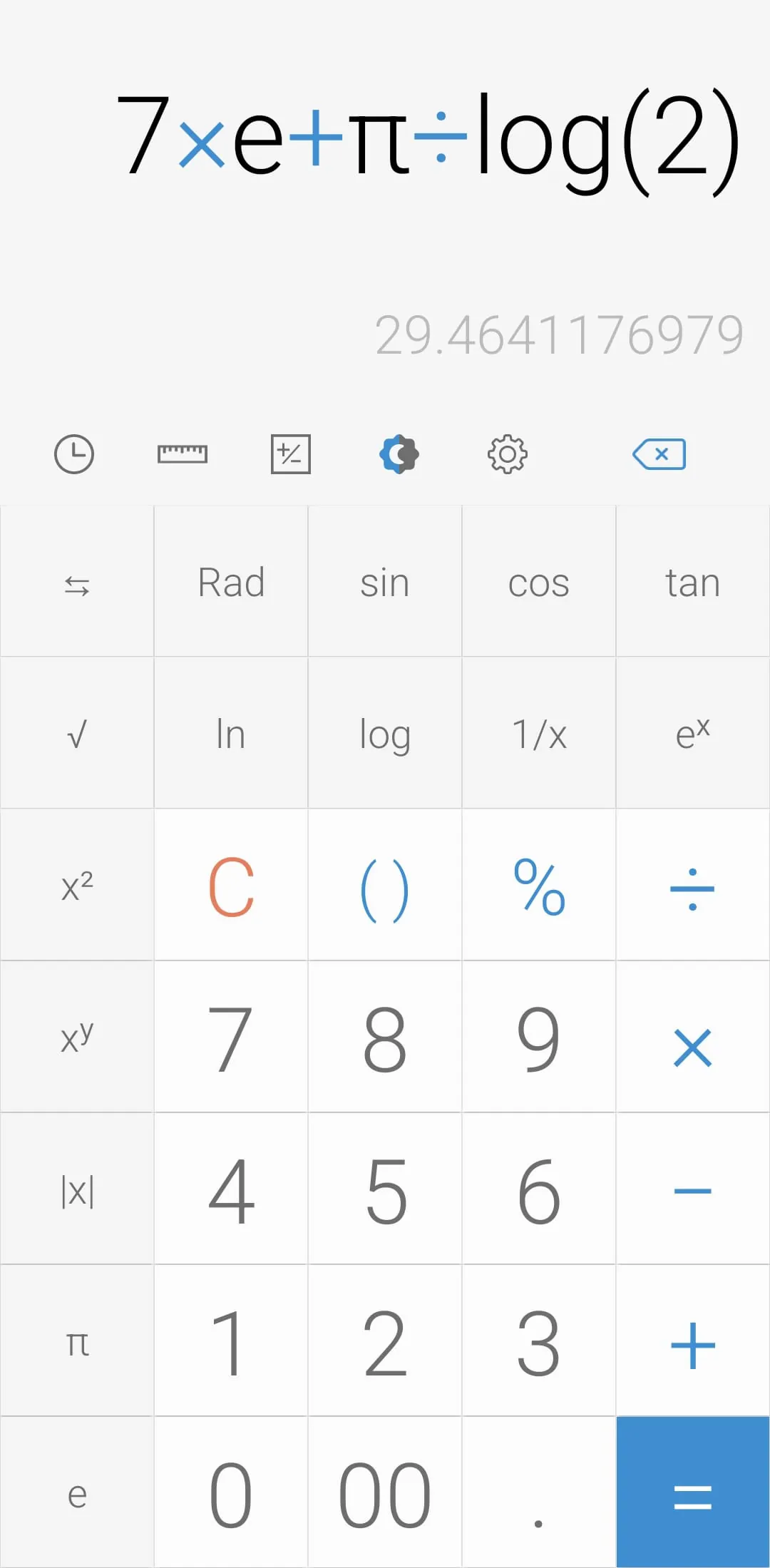
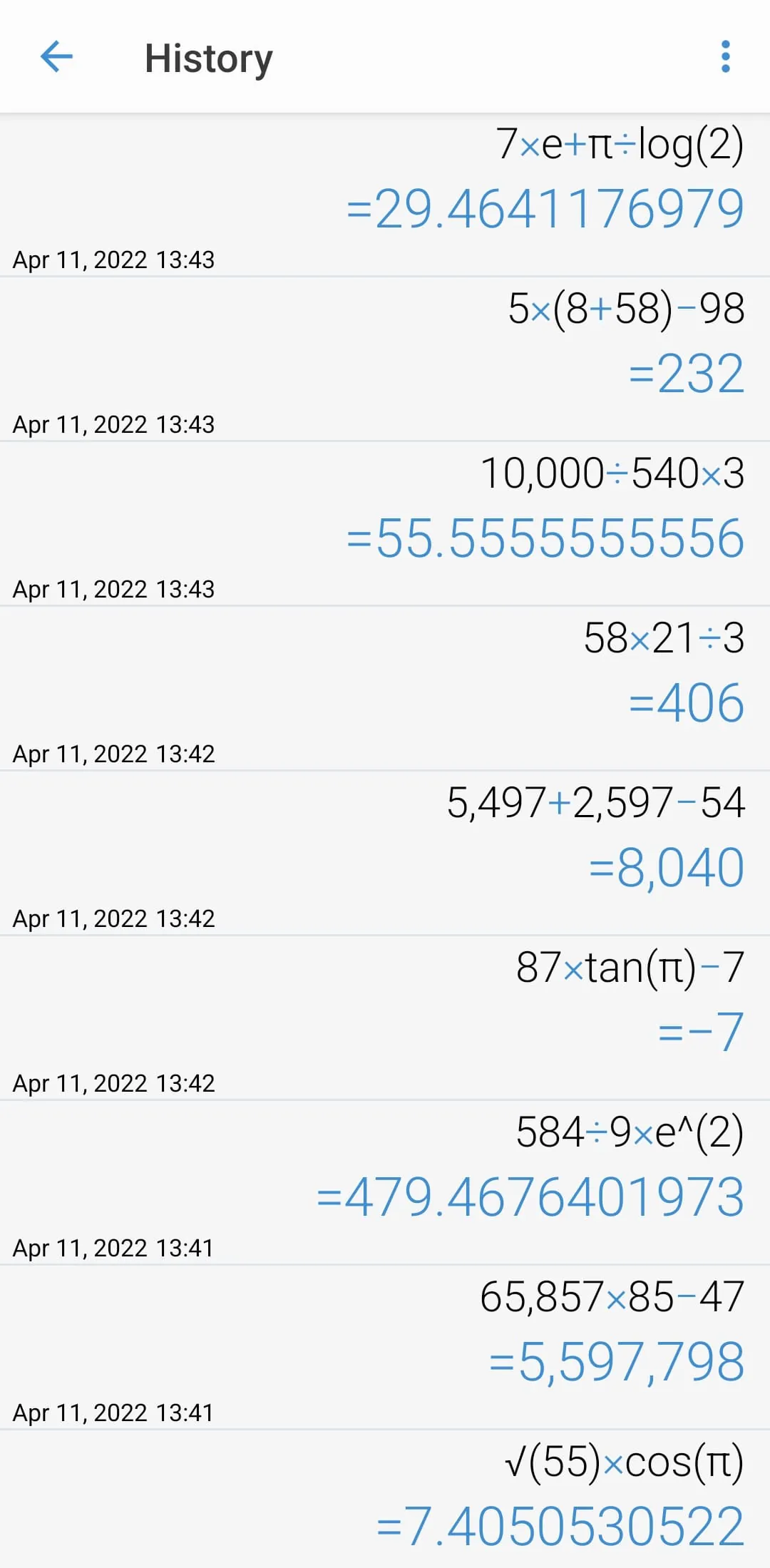
This document outlines the features and functionalities of an engineering calculator application, emphasizing its core operations and extensive conversion capabilities. The application is designed to perform four basic arithmetic operations alongside advanced engineering calculations, catering to a wide range of mathematical needs. To initiate the engineering calculator, users simply tap the designated icon within the application interface. A notable feature is the ability to review past calculations through the calculation history icon, providing a convenient means to revisit and reuse previously entered formulas. Users can select any desired expression from the history, streamlining repetitive calculations and minimizing potential errors. Beyond basic calculations, the application offers a comprehensive suite of unit conversion tools accessible via the unit calculation button. This feature allows users to effortlessly convert between various units across diverse categories, including currency, area, length, temperature, volume, mass, data, speed, time, date, BMI, discount, age, numerical systems, GST, split bill, frequency, fuel, angle, pressure, power, force and loan calculations. This extensive range of conversion options enhances the app's utility, making it an indispensable tool for professionals and students alike. The application further incorporates a customizable theme mode, allowing users to switch to a night mode for enhanced visibility in low-light conditions. The night mode can be configured with specific time ranges, ensuring optimal viewing comfort based on the user's schedule and environment. Color customization is also provided, enabling users to select their preferred color scheme from the settings menu, thereby personalizing the app's appearance to suit individual preferences. Additional settings include options for managing calculation history, such as deleting entries by long-pressing on the history page. Users can also modify the application's language, choosing their preferred language from the settings menu. The app supports auditory and tactile feedback, allowing users to enable or disable beep sounds and vibrations upon button presses. Number formatting options are equally comprehensive, with support for various numeral systems and formats, ensuring compatibility with different regional standards. Users can adjust the number of decimal places displayed after the decimal point, tailoring the precision of calculations to their specific requirements. Furthermore, the application offers the ability to enable or disable full-screen mode, providing flexibility in terms of screen usage. Users can also choose to keep a record of calculations, prevent the screen from turning off during use, and hide icons for a cleaner interface. These features collectively contribute to a highly versatile and user-friendly engineering calculator application, suitable for a wide range of mathematical and conversion tasks. The intuitive design and extensive customization options ensure a seamless and efficient user experience, making it a valuable asset for both professional and academic purposes. The inclusion of a detailed calculation history, coupled with the ability to easily convert between various units, further enhances the application's practicality and overall appeal. The emphasis on user preference and customization, evident in the numerous settings options, underscores the developer's commitment to creating a tool that caters to individual needs and preferences, thereby maximizing user satisfaction and productivity. The application's lightweight design and free availability further solidify its appeal, making it accessible to a broad audience without compromising on functionality or performance. Overall, this engineering calculator application stands out as a comprehensive and user-centric tool, seamlessly integrating essential calculation and conversion functionalities with extensive customization options to deliver a superior user experience.
Continuing the description of this engineering calculator application, several other key features deserve emphasis. The app's design prioritizes user experience, offering a range of options to tailor the application to individual preferences and needs. The ability to customize the theme, including the activation of a night mode and the selection of preferred colors, enhances usability in various lighting conditions and reduces eye strain during prolonged use. The option to specify a time range for night mode activation ensures that the application automatically adjusts its display based on the user's schedule, further optimizing the viewing experience. Furthermore, the application provides extensive control over calculation history, allowing users to easily review and reuse previous calculations. The ability to delete specific entries or clear the entire history ensures that users can maintain a clean and organized record of their calculations. The option to customize the application's language ensures accessibility for a global audience, while the ability to enable or disable auditory and tactile feedback allows users to tailor the app's responsiveness to their personal preferences. The comprehensive number formatting options, including support for various numeral systems and formats, cater to different regional standards and ensure that calculations are displayed in a familiar and easily understandable manner. The ability to adjust the number of decimal places displayed after the decimal point provides users with precise control over the accuracy of their calculations, allowing them to tailor the level of precision to their specific needs. The option to enable or disable full-screen mode maximizes screen real estate and provides a more immersive calculation experience. The ability to keep a record of calculations ensures that users can easily access and review their past work, while the option to prevent the screen from turning off during use eliminates interruptions and maintains focus. The ability to hide icons for a cleaner interface further enhances the user experience by minimizing distractions and providing a more streamlined display. These features collectively contribute to a highly customizable and user-friendly engineering calculator application, suitable for a wide range of mathematical and conversion tasks. The intuitive design and extensive customization options ensure a seamless and efficient user experience, making it a valuable asset for both professional and academic purposes. The inclusion of a detailed calculation history, coupled with the ability to easily convert between various units, further enhances the application's practicality and overall appeal. The emphasis on user preference and customization, evident in the numerous settings options, underscores the developer's commitment to creating a tool that caters to individual needs and preferences, thereby maximizing user satisfaction and productivity. The application's lightweight design and free availability further solidify its appeal, making it accessible to a broad audience without compromising on functionality or performance. Overall, this engineering calculator application stands out as a comprehensive and user-centric tool, seamlessly integrating essential calculation and conversion functionalities with extensive customization options to deliver a superior user experience.
In conclusion, the engineering calculator application described herein represents a highly versatile and user-friendly tool designed to meet the diverse mathematical and conversion needs of professionals and students alike. Its core functionalities, including basic arithmetic operations and advanced engineering calculations, are complemented by an extensive suite of unit conversion tools, covering a wide range of categories from currency and area to mass and speed. The application's design prioritizes user experience, offering a plethora of customization options to tailor the app to individual preferences and needs. These options include theme customization with night mode and color selection, comprehensive control over calculation history, language customization, auditory and tactile feedback settings, and extensive number formatting options. The ability to adjust the number of decimal places, enable or disable full-screen mode, keep a record of calculations, prevent screen timeout, and hide icons further enhances the user experience, providing a seamless and efficient workflow. The application's lightweight design and free availability make it accessible to a broad audience without compromising on functionality or performance. The inclusion of detailed calculation history, coupled with the ability to easily convert between various units, underscores the application's practicality and overall appeal. The emphasis on user preference and customization, evident in the numerous settings options, highlights the developer's commitment to creating a tool that caters to individual needs and preferences, thereby maximizing user satisfaction and productivity. Overall, this engineering calculator application stands out as a comprehensive and user-centric tool, seamlessly integrating essential calculation and conversion functionalities with extensive customization options to deliver a superior user experience. Its intuitive design, extensive features, and customizable settings make it an indispensable asset for anyone requiring a reliable and versatile calculator application. The application's ability to adapt to different user preferences and needs, coupled with its free availability, positions it as a leading choice in the competitive landscape of mobile calculator applications. The developers have successfully created a tool that is both powerful and accessible, catering to a wide range of users with varying levels of mathematical expertise. The application's commitment to user satisfaction is evident in its constant updates and improvements, ensuring that it remains a relevant and valuable tool for years to come. The combination of essential functionalities, extensive customization options, and a user-friendly interface makes this engineering calculator application a standout choice for anyone seeking a reliable and versatile mobile calculation tool.





 APK
APK  Google Play
  iOS
iOS  4.60
4.60