Section 1: Overview of Bloomberg App
The Bloomberg app is a platform that provides users with access to critical business news, financial data, and analysis. The app is designed for modern business leaders and financial professionals who need to stay up-to-date on the latest trends in the stock market, investments, and the global economy. The app offers a range of features, including news, market data, alerts, watchlist, video and audio, and offline reading. Users can customize the app to monitor the stock market and their investment portfolio. The app is available for download on Google Play and requires a subscription to access all Bloomberg content.
Section 2: Features of Bloomberg App
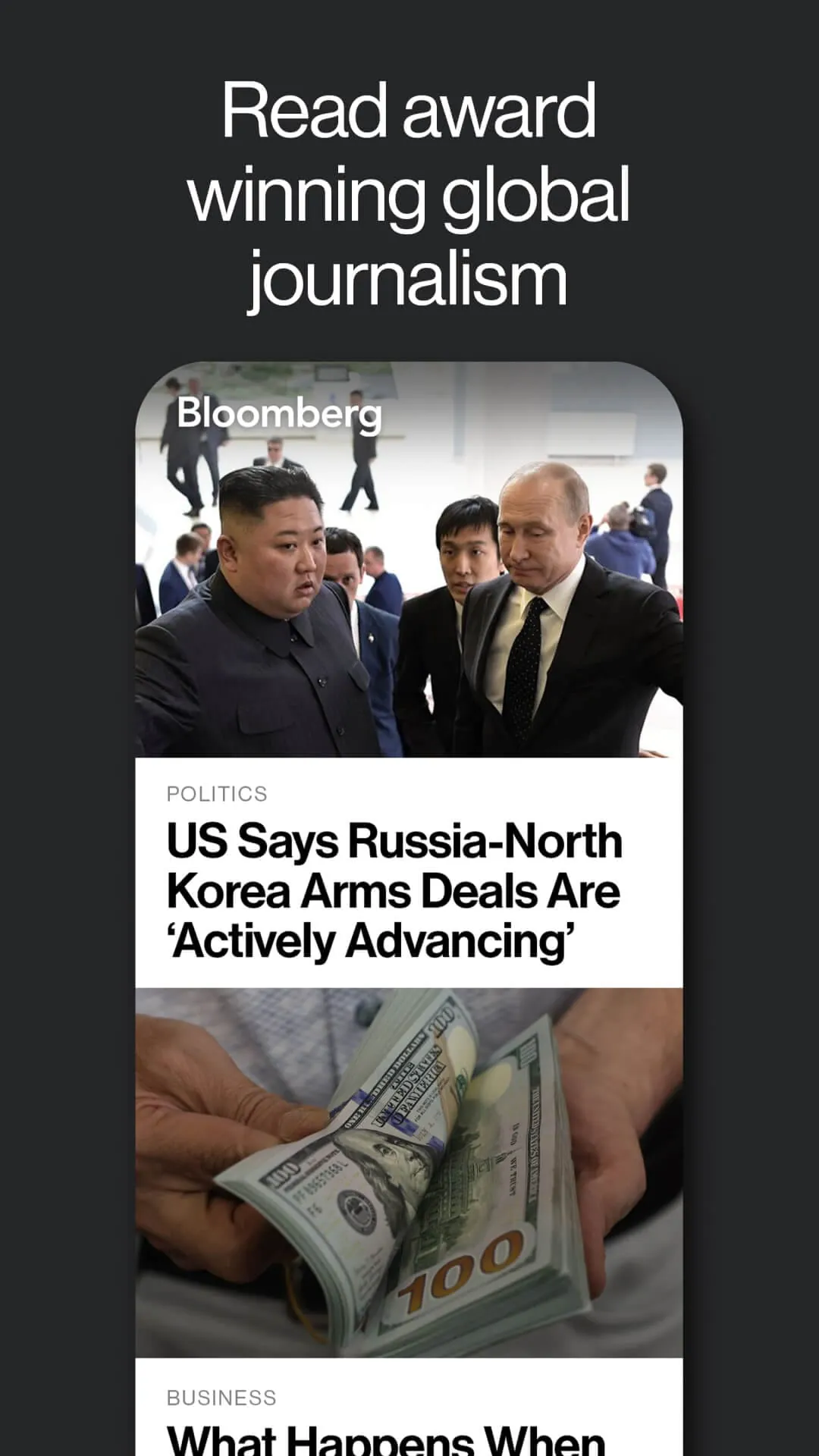
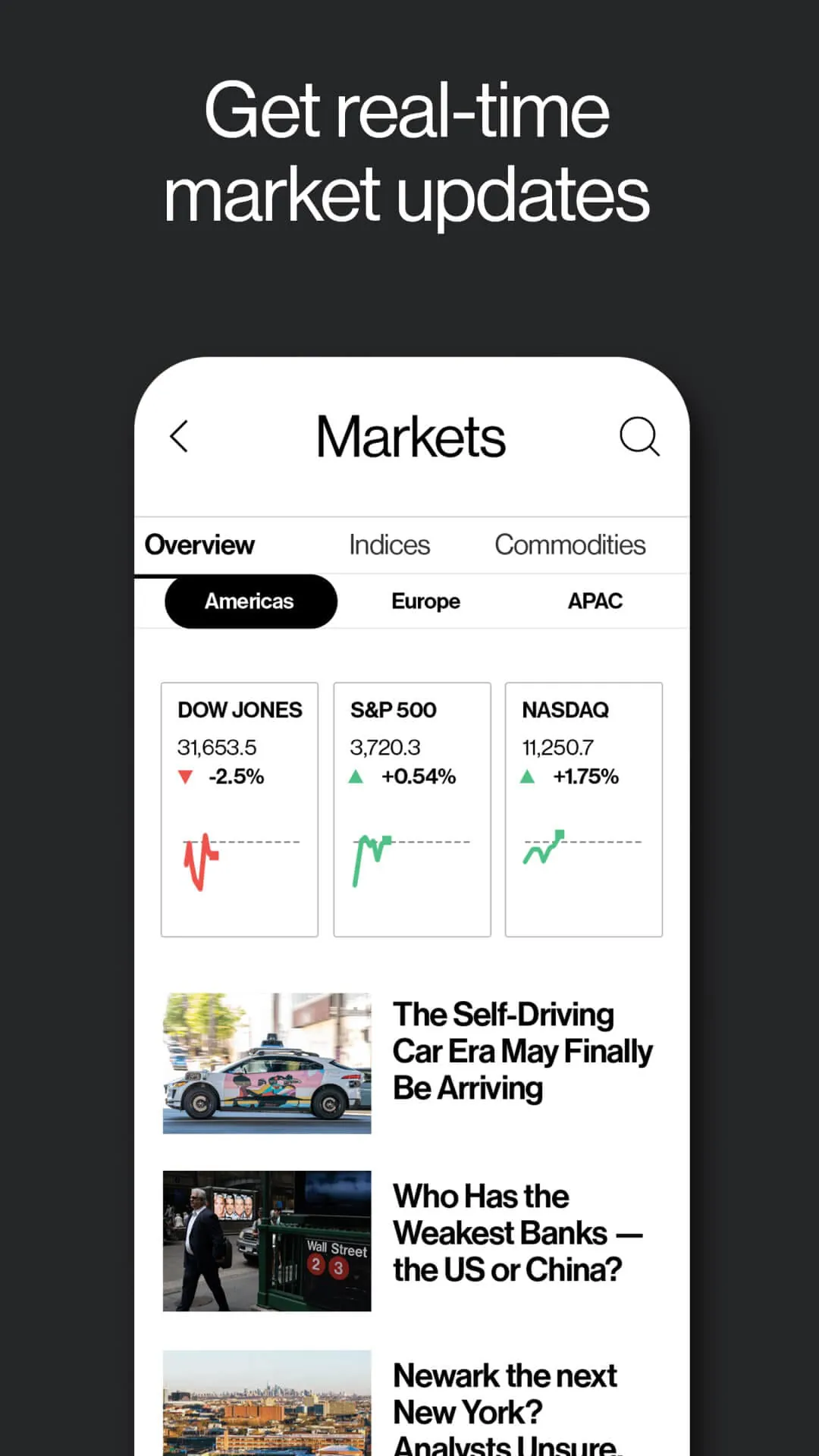
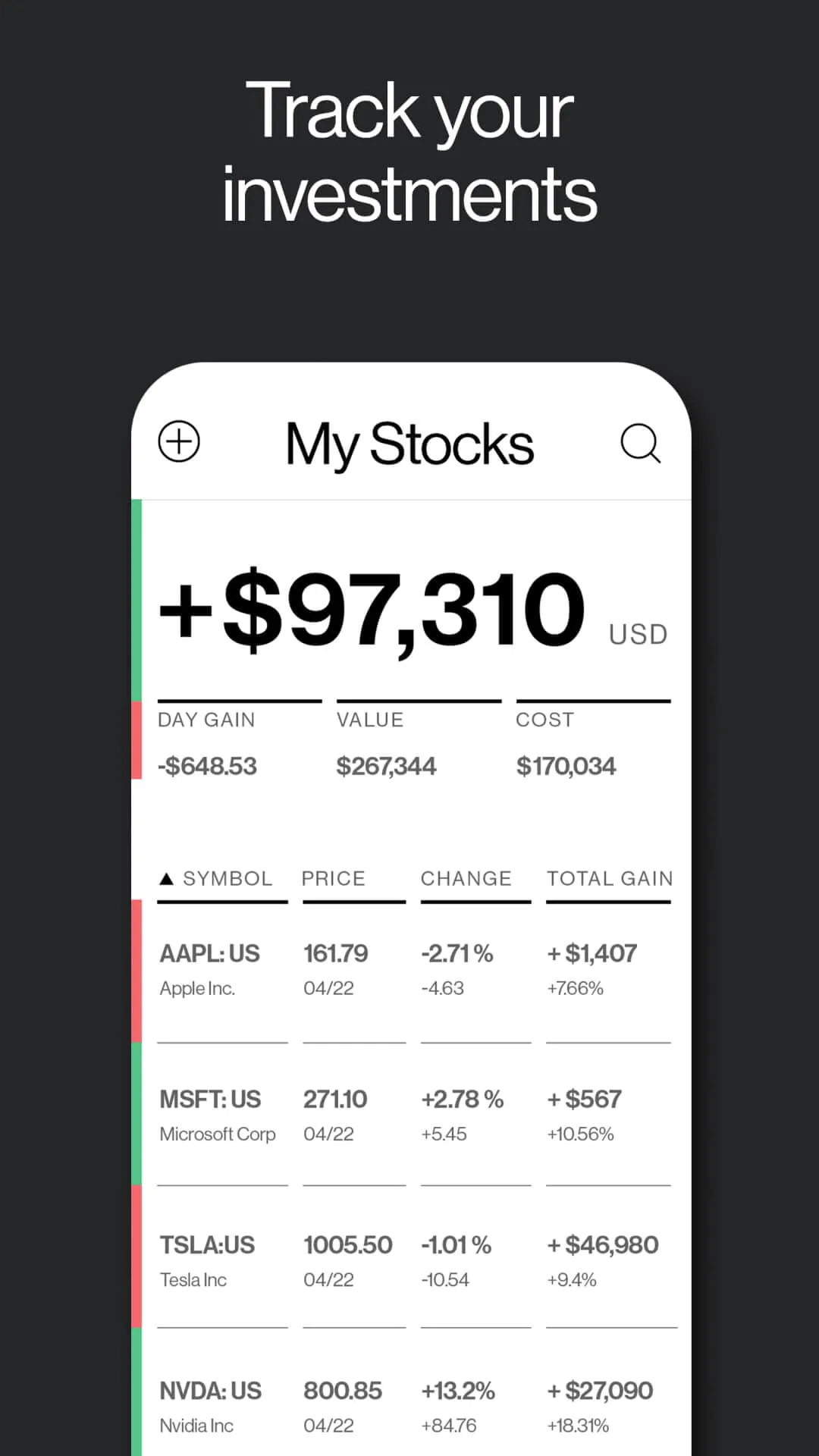
The Bloomberg app offers a range of features that enable users to stay informed about the latest business news and financial data. Users can browse featured and trending stories in various categories, including Business, Markets, Industries, Technology, Politics, Foreign Affairs, Personal Finance, Opinion, and more. The app provides the latest financial data, including stock prices, equity indexes, futures, bonds, commodities, and foreign currencies. Users can receive push notification alerts on the latest briefings on the financial economy and the biggest business headlines. The app also allows users to track their portfolio's performance by adding stocks, mutual funds, ETFs, or currencies to their personal watchlist. Users can stream Bloomberg TV and Bloomberg Radio live to get insights from the smartest names in Global Finance, Business, Economics & Investing, plus discover a catalog of podcasts. Users can also download the latest issue of Businessweek to read offline, wherever they are.
Section 3: Subscription and Payment
The Bloomberg app requires a subscription to access all Bloomberg content. Users can start with a special 3-month introductory offer (monthly subscription regularly $34.99/month). Payment will be charged to the user's Google Play Account at confirmation of purchase. The subscription automatically renews unless auto-renew is turned off at least 24-hours before the end of the current period. The user's account will be charged for renewal within 24-hours prior to the end of the current period. Users can manage their subscription, and auto-renew may be turned off by going to Account Settings after purchase. Any unused portion of a free trial period, if offered, will be forfeited when the user purchases a subscription to that publication, where applicable. The app's Terms of Use and Privacy Policy can be found on the Bloomberg website.





 APK
APK  Google Play
  iOS
iOS  3.90
3.90
 Download








