



Document Editor Document Editor
Category
ToolsTag
File management | Document Scanning | PDF Editing | PDF Scanner | Document Editor
Rate
4.40
★★★★★
Reviews
500 +
Installs
1M +
Developer
FH.Studio
Content Rating
Everyone
PDF Reader-PDF Viewer: PPT,Docx,Excel,word all-in-one tool
 APK
APK  Google Play
  iOS
iOS  4.40
4.40 Author's Review
Appspicked Review
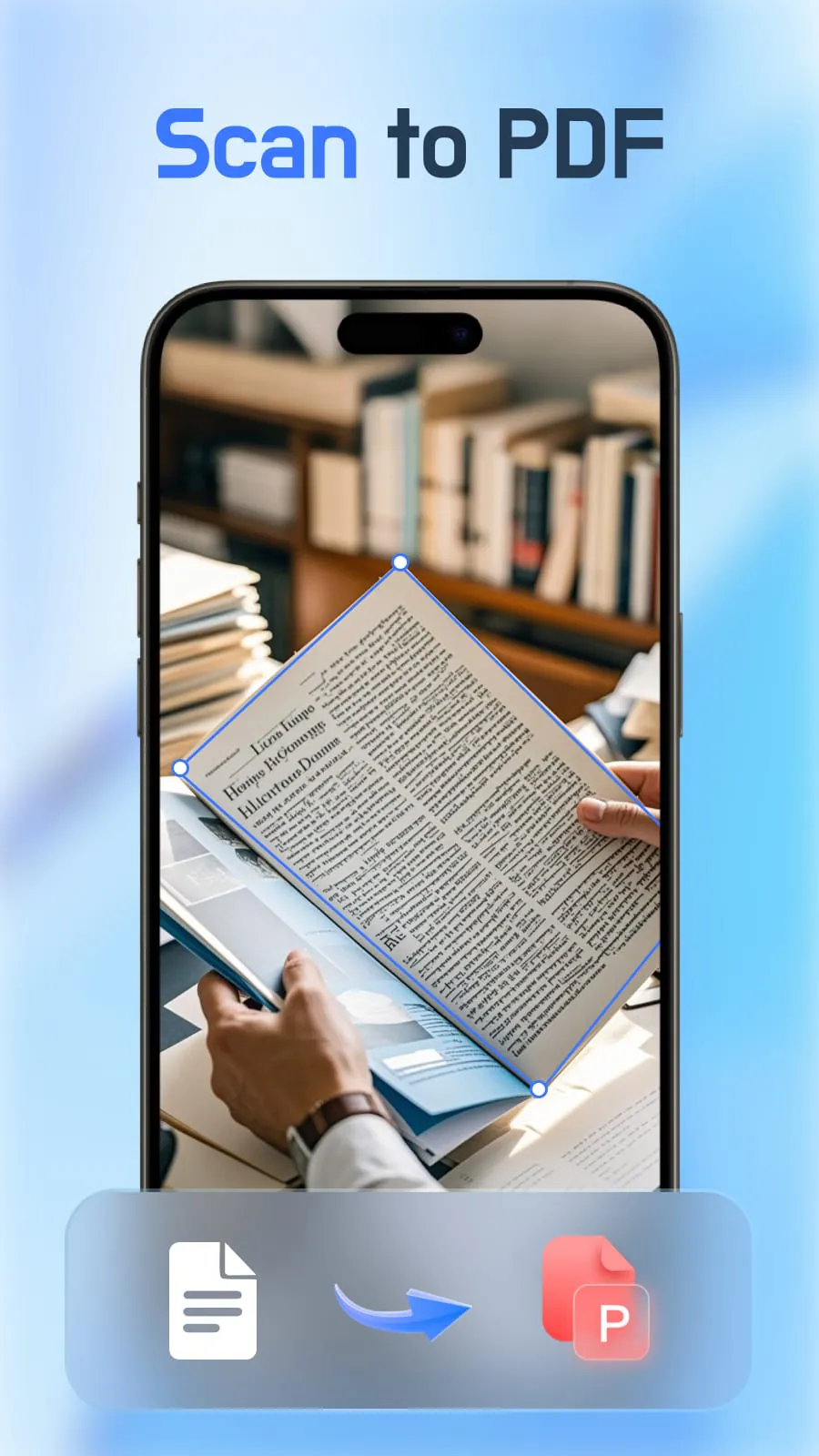
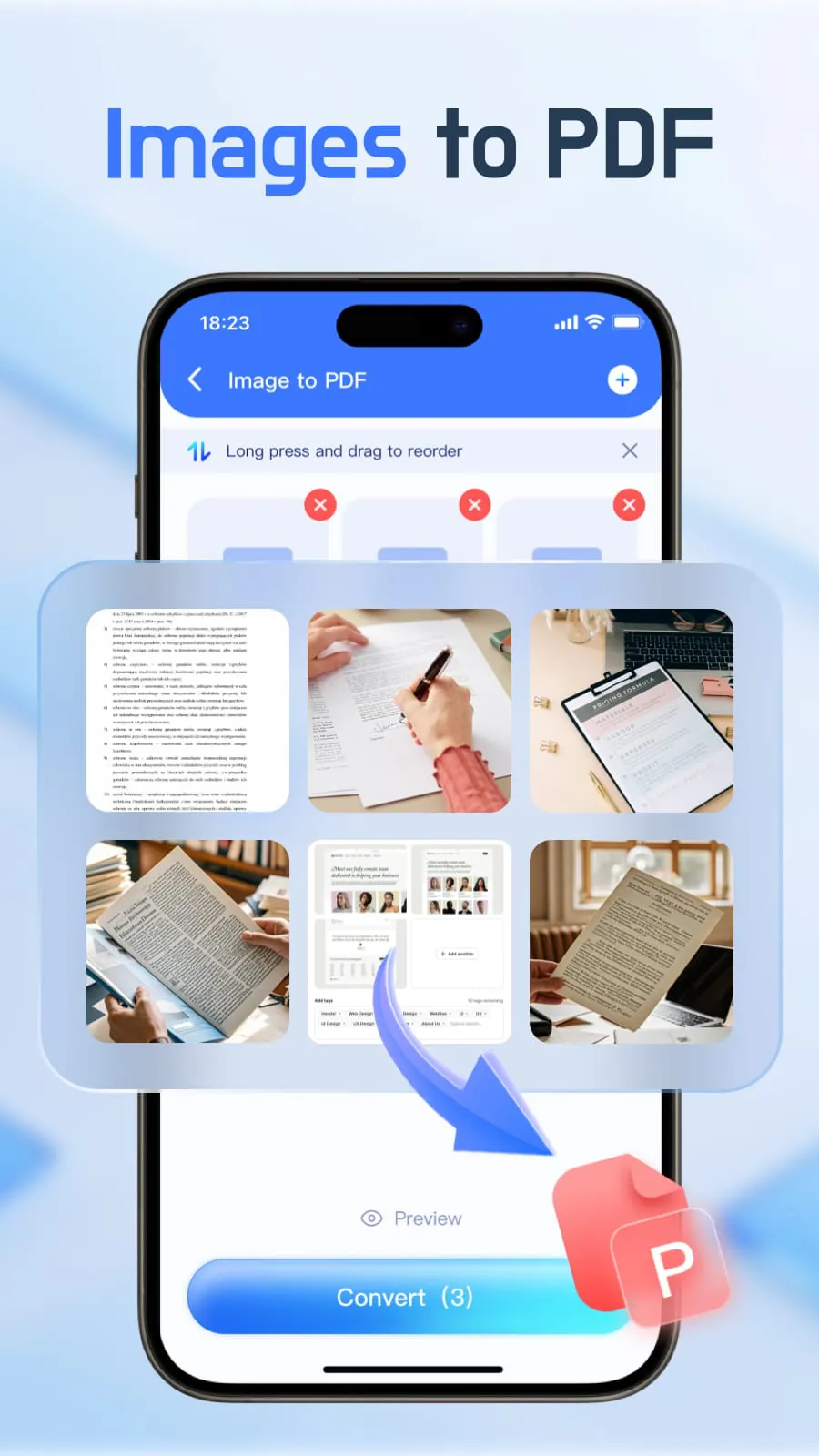
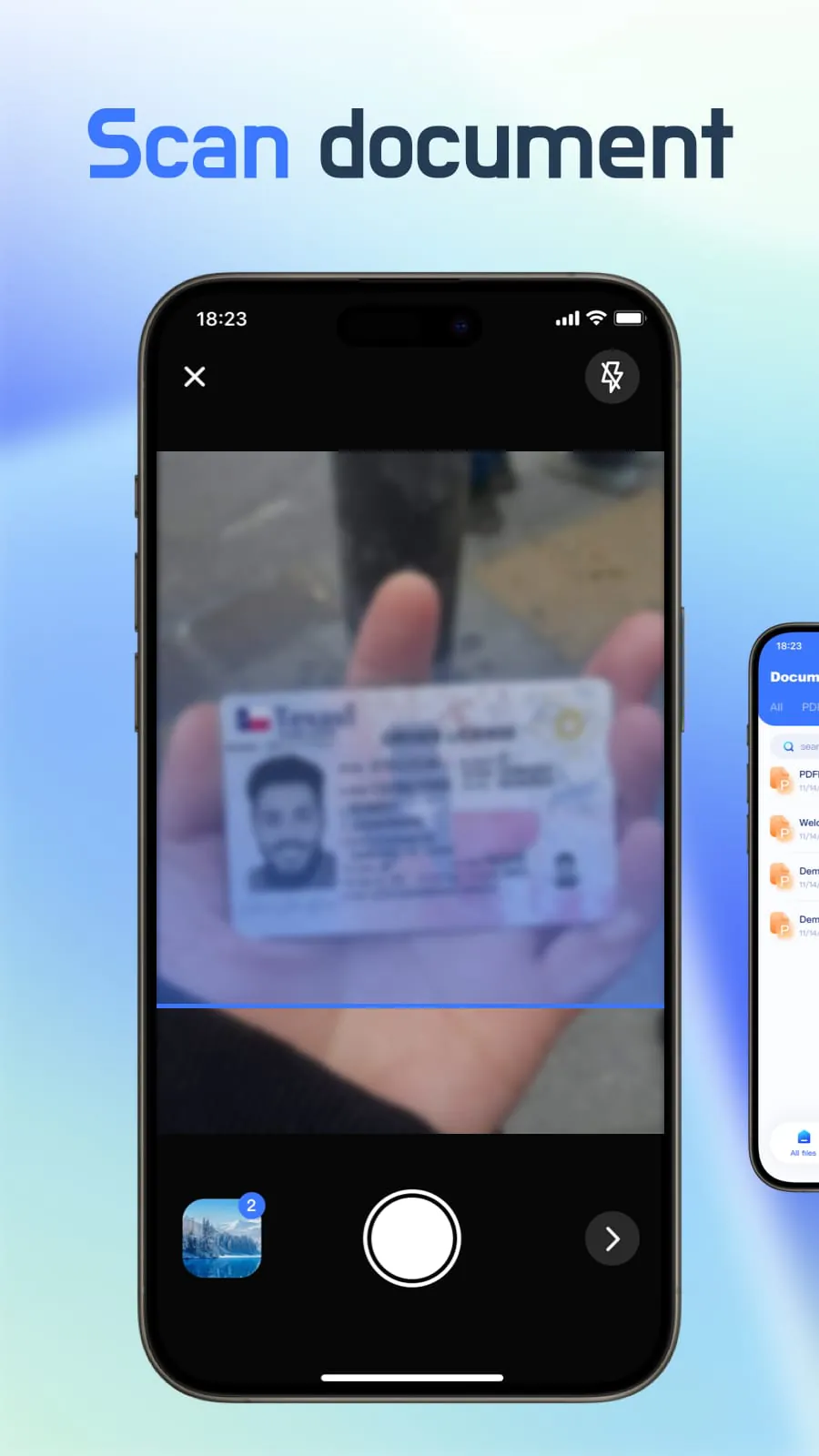
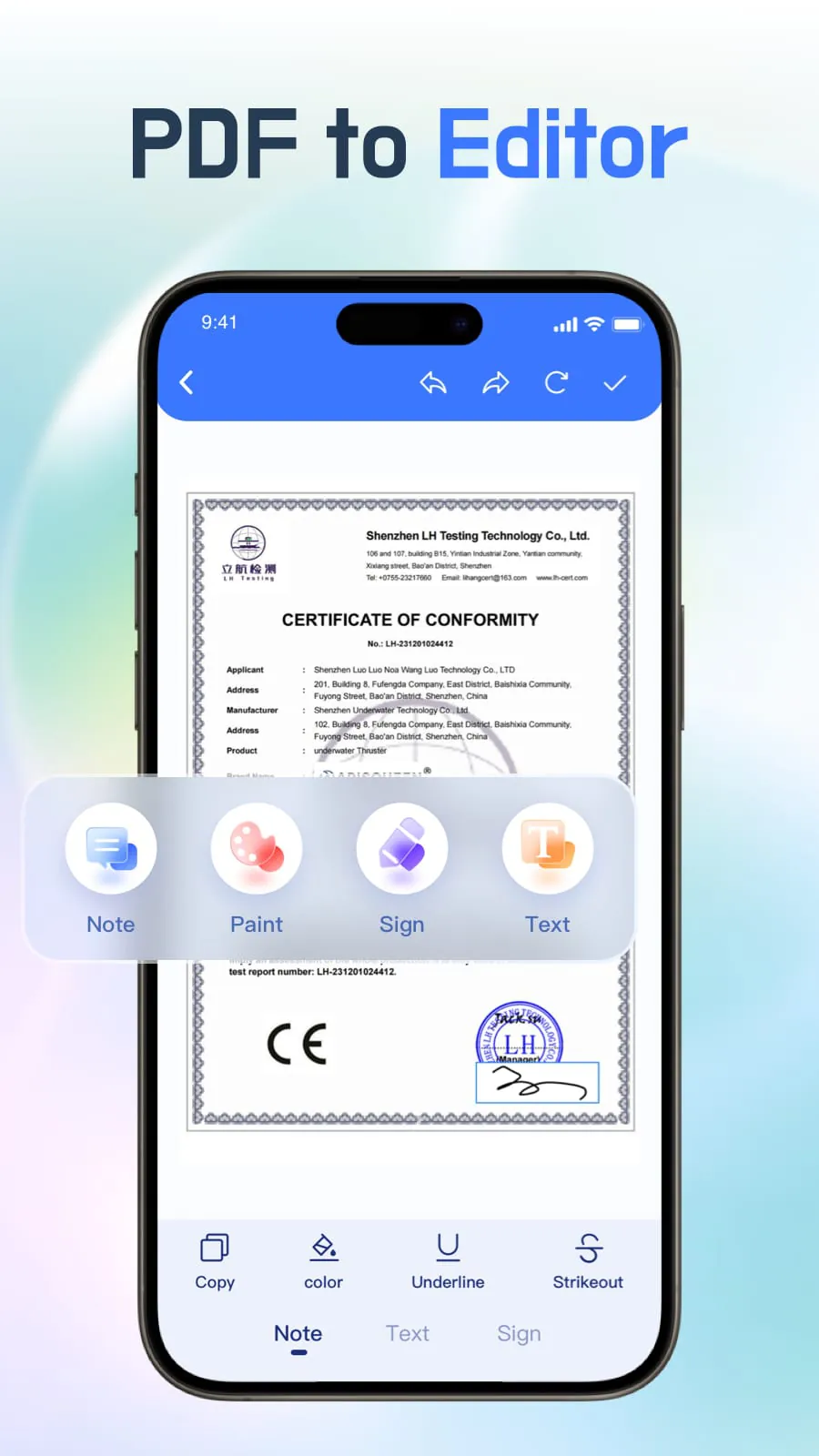
Document Editor - PDF Scanner is presented as a versatile application designed to streamline document handling through a suite of features encompassing multi-format document reading, PDF editing, PDF scanning, and automated file organization. The core proposition revolves around enhancing user convenience by integrating these functionalities into a single, cohesive platform. The application emphasizes a seamless file opening experience, enabling users to efficiently manage and read various document types, including PDFs, Excel files, PPT presentations, and Word documents, all within the application's interface. A key highlight is its powerful PDF viewer, offering a comfortable reading experience with customizable settings such as page-by-page or continuous scroll modes, horizontal and vertical viewing options, direct page navigation via page number input, and zoom functionality. Furthermore, the application facilitates PDF manipulation through split and merge capabilities, alongside direct PDF editing tools. Additional features include file search and file locking mechanisms, enhancing document security and accessibility. The application also supports direct connection to a printer from mobile devices, streamlining the printing process. Central to its functionality is the document scanning feature, allowing users to digitize paper documents such as invoices, manuals, recipes, and business cards into PDF format with a single click. This digitization process aims to simplify document organization and retrieval, eliminating the need for physical storage and enabling quick access via mobile devices. The application also supports image-to-PDF conversion, enabling users to create PDFs from multiple images and customize their order, further enhancing its versatility in document management. The automated file management system automatically sorts files by format, providing a clear and organized view of documents. This feature aims to simplify file navigation and management, enhancing user efficiency. The application's description also includes references to its Privacy Policy, Terms of Service, and Subscription Information, accessible via provided URLs. These references aim to ensure transparency and provide users with access to relevant legal and subscription details. The application is positioned as a comprehensive tool for both work and study, combining document viewing, e-book reading, and file management functionalities into a single package. The developers emphasize ongoing efforts to enhance the application and improve user experience, encouraging user feedback via a provided email address. The description also includes an Important Notification regarding access permissions. The application requires access to all files (MANAGE_EXTERNAL_STORAGE) solely to enable its features and functionalities, assuring users that their files are not used for any other purposes. The application processes and converts files locally on the device to ensure data privacy and security. The FOREGROUND_SERVICE_SPECIAL_USE permission is utilized to prevent interruptions during processing of large files and ensure smooth task execution, with assurances of adherence to the privacy policy and responsible use of the permission. The description concludes with a reiteration of the application's commitment to user privacy and data security, emphasizing that user data unrelated to file processing is not collected or used. The overall message positions Document Editor - PDF Scanner as a comprehensive and user-friendly solution for document management, emphasizing its versatility, convenience, and commitment to user privacy.
The application's comprehensive suite of features is designed to cater to a wide range of document-related tasks, emphasizing efficiency and user-friendliness. The multi-format document reading capability allows users to seamlessly access and manage various file types, eliminating the need for multiple applications. This integration streamlines workflows and enhances productivity by providing a centralized platform for document handling. The PDF editing functionality enables users to modify and annotate PDF documents directly within the application, further enhancing its utility. The PDF scanning feature simplifies the digitization of paper documents, reducing clutter and improving accessibility. The automated file organization system automatically categorizes files by format, making it easier for users to locate and manage their documents. The powerful PDF viewer offers a customizable reading experience with options for adjusting page layout, orientation, and zoom level. The file search and file lock features enhance document security and accessibility, allowing users to quickly locate specific files and protect sensitive information. The direct printing capability enables users to print documents directly from their mobile devices, eliminating the need for transferring files to a computer. The image-to-PDF conversion feature allows users to create PDFs from multiple images, further expanding the application's versatility. The application's commitment to user privacy is evident in its emphasis on local file processing and its transparent communication regarding access permissions. The developers assure users that their files are not used for any purposes other than enabling the application's features and functionalities. The application's subscription model provides users with access to premium features and ongoing support, ensuring a continuous and enhanced user experience. The regular updates and improvements reflect the developers' dedication to providing a reliable and feature-rich document management solution. The user feedback mechanism allows users to contribute to the application's ongoing development, ensuring that it continues to meet their evolving needs. The application's overall design prioritizes user convenience and efficiency, making it an ideal tool for both personal and professional use. The combination of document viewing, editing, scanning, and management capabilities in a single application simplifies document workflows and enhances productivity. The application's intuitive interface and customizable settings make it easy to use for users of all skill levels. The emphasis on security and privacy ensures that users can trust the application with their sensitive documents. The regular updates and improvements demonstrate the developers' commitment to providing a long-term and reliable document management solution. The application's versatility and user-friendliness make it a valuable tool for anyone who works with documents on a regular basis.
The application's permissions, specifically MANAGE_EXTERNAL_STORAGE and FOREGROUND_SERVICE_SPECIAL_USE, are strategically implemented to optimize functionality and user experience while prioritizing data privacy and security. The MANAGE_EXTERNAL_STORAGE permission, granting access to all files on the device, is explicitly stated to be solely utilized for enabling the core features of Document Editor - PDF Scanner. This includes document scanning, PDF conversion, file organization, and editing capabilities, all of which necessitate access to various file types stored on the device. The developers emphasize that this permission is not used for any other purpose, ensuring that user files are not accessed for extraneous data collection or analysis. Instead, the application processes and converts files locally on the device, mitigating the risk of data breaches and maintaining user control over their information. This local processing approach aligns with the app's commitment to data privacy, as it eliminates the need to transmit sensitive files to external servers. The FOREGROUND_SERVICE_SPECIAL_USE permission is employed to prevent interruptions during the processing of large files, ensuring smooth task execution. This permission allows the application to maintain a foreground service, preventing the operating system from suspending or terminating the process due to resource constraints. The developers assure users that this permission is strictly adhered to their privacy policy and used reasonably, solely for the described functions. This targeted usage of the FOREGROUND_SERVICE_SPECIAL_USE permission minimizes its potential impact on battery life and system performance, as it is only active during specific file processing tasks. The developers also explicitly state that user data unrelated to file processing is not collected or used, reinforcing the application's commitment to data minimization and privacy. The transparent communication regarding these permissions aims to build trust with users, demonstrating a proactive approach to addressing potential privacy concerns. By providing clear explanations of the purpose and scope of each permission, the developers empower users to make informed decisions about their data and app usage. The application's adherence to its privacy policy and terms of service further reinforces its commitment to responsible data handling practices. The regular updates and improvements demonstrate a continuous effort to optimize the application's performance and security, ensuring that it remains a reliable and trustworthy tool for document management.
Screenshots
 Download
 Additional Information
Category
ToolsVersion
Unknown
Tag
File management | Document Scanning | PDF Editing | PDF Scanner | Document Editor
Rate
4.40
★★★★★
Reviews
500 +
Installs
1M +
Developer
FH.Studio
Content Rating
Everyone
PDF Reader-PDF Viewer: PPT,Docx,Excel,word all-in-one tool
Previous Versions
ZIP files require a Split APKs Installer (e.g., SAI) from Google Play to install. Steps: 1. Download SAI from Google Play; 2. Open SAI and tap "Install APKs"; 3. Select the ZIP file; 4. Complete installation.
You Might Like









