



ADVERTISEMENT
ADVERTISEMENT

Sketch Pro Sketch Pro
Category
Art & DesignTag
Digital Art | AI Drawing Tools | SketchPro | Drawing App | Graphic Design
Rate
4.60
★★★★★
Reviews
500 +
Installs
1M +
Developer
4Axis Technologies
Content Rating
Everyone
Digital illustration drawing & painting pad app to paint Anime and Manga art
 APK
APK  Google Play
  iOS
iOS  4.60
4.60ADVERTISEMENT
ADVERTISEMENT
Author's Review
appspicked Review
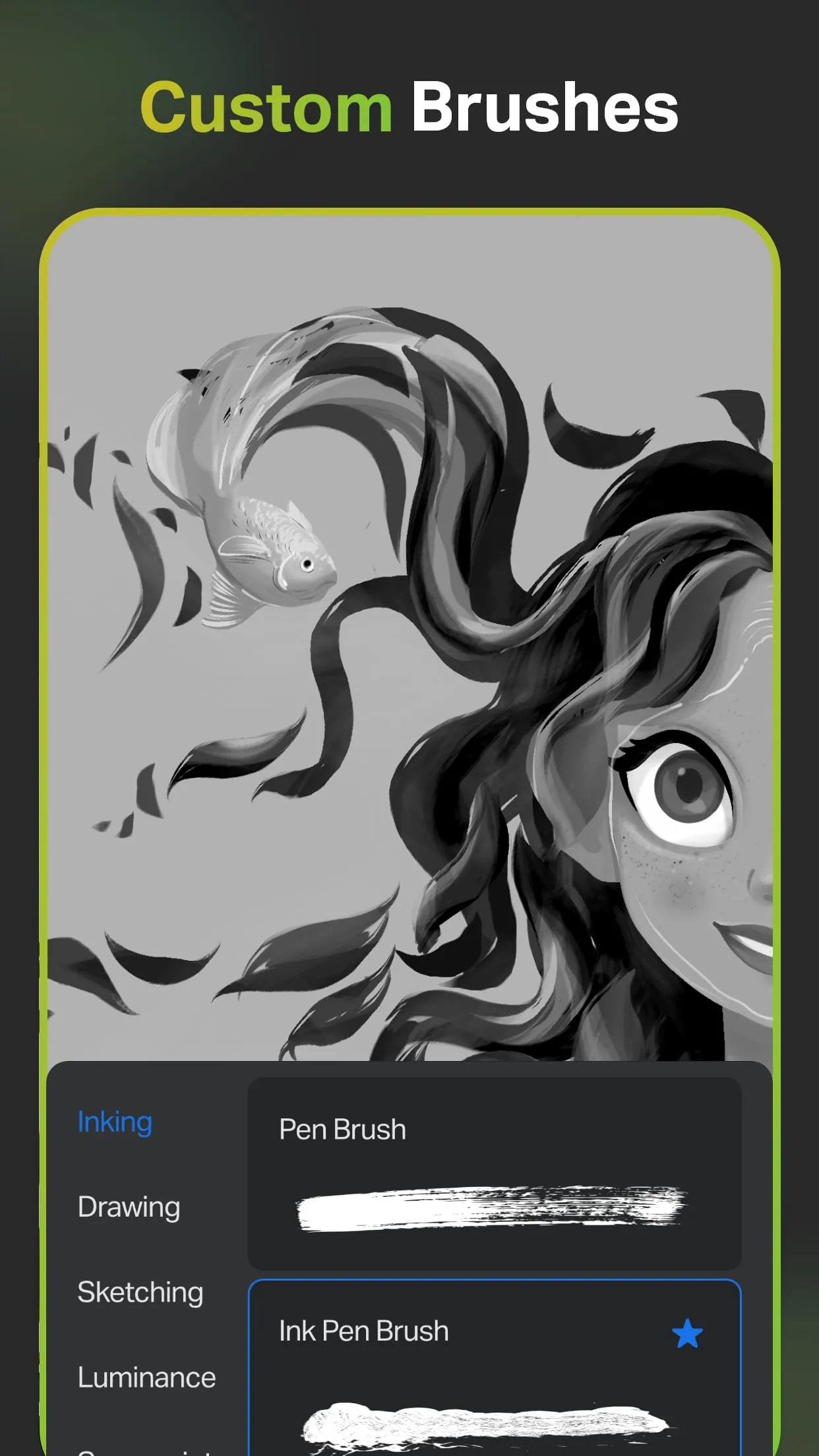
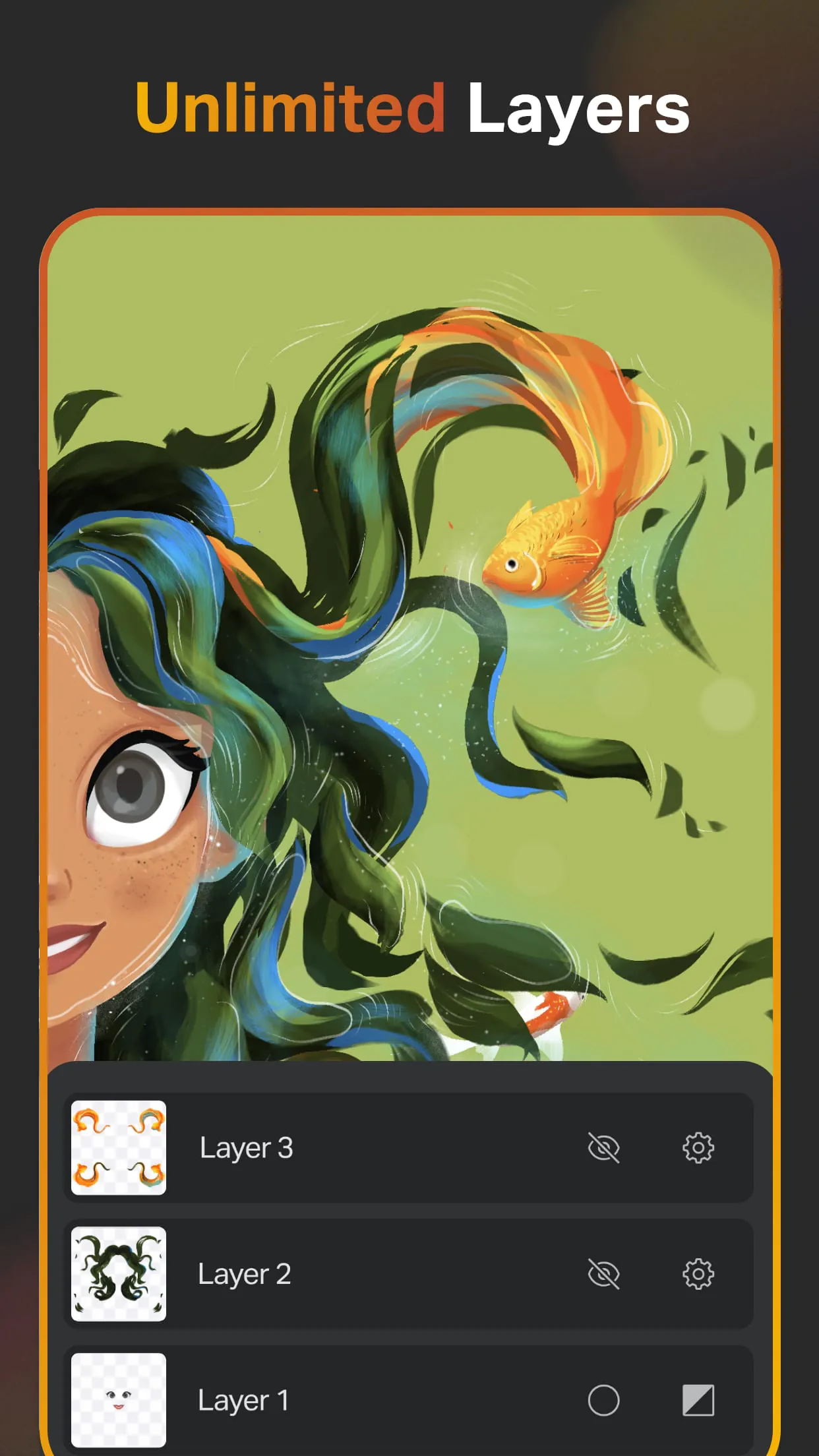
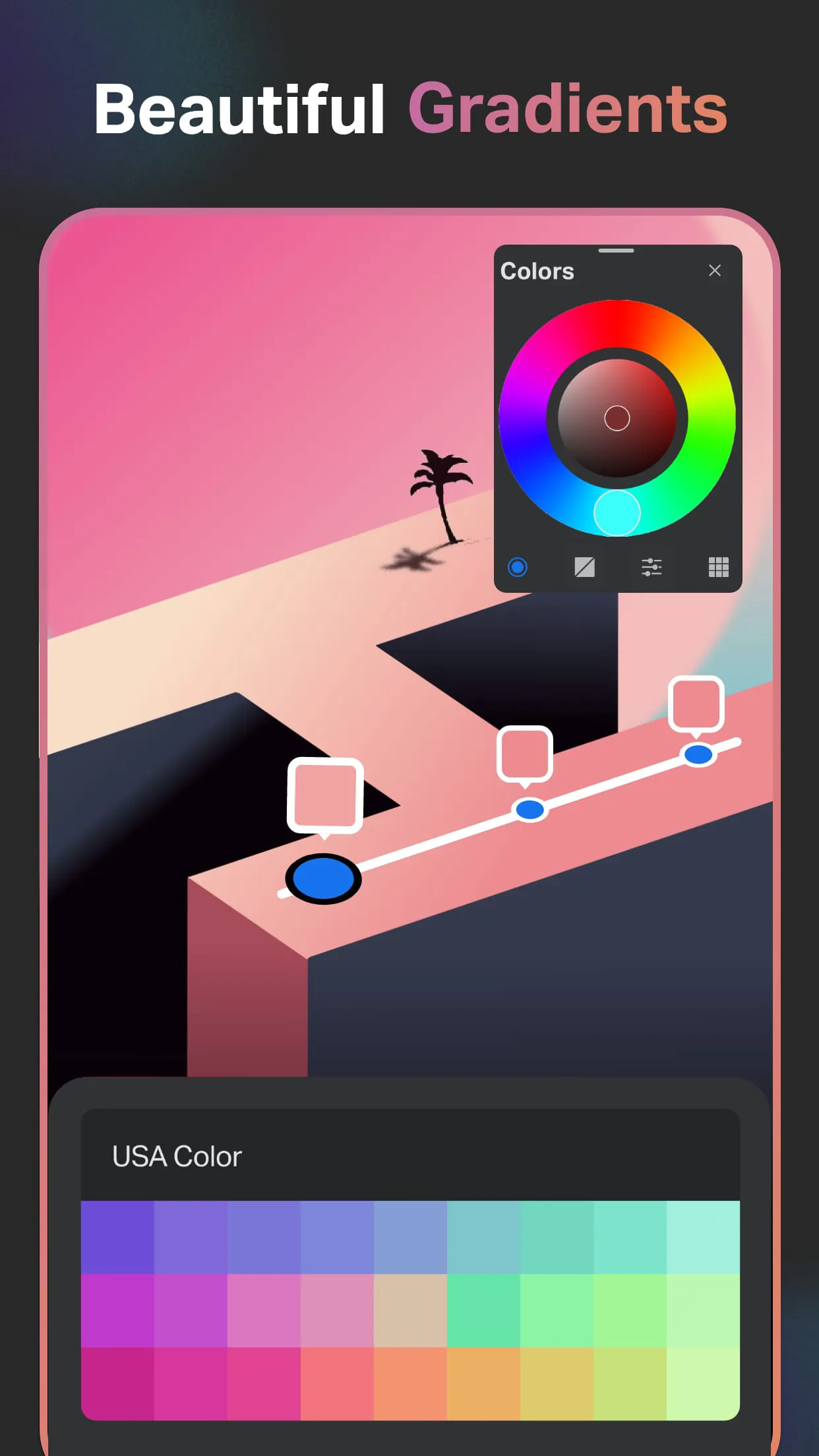
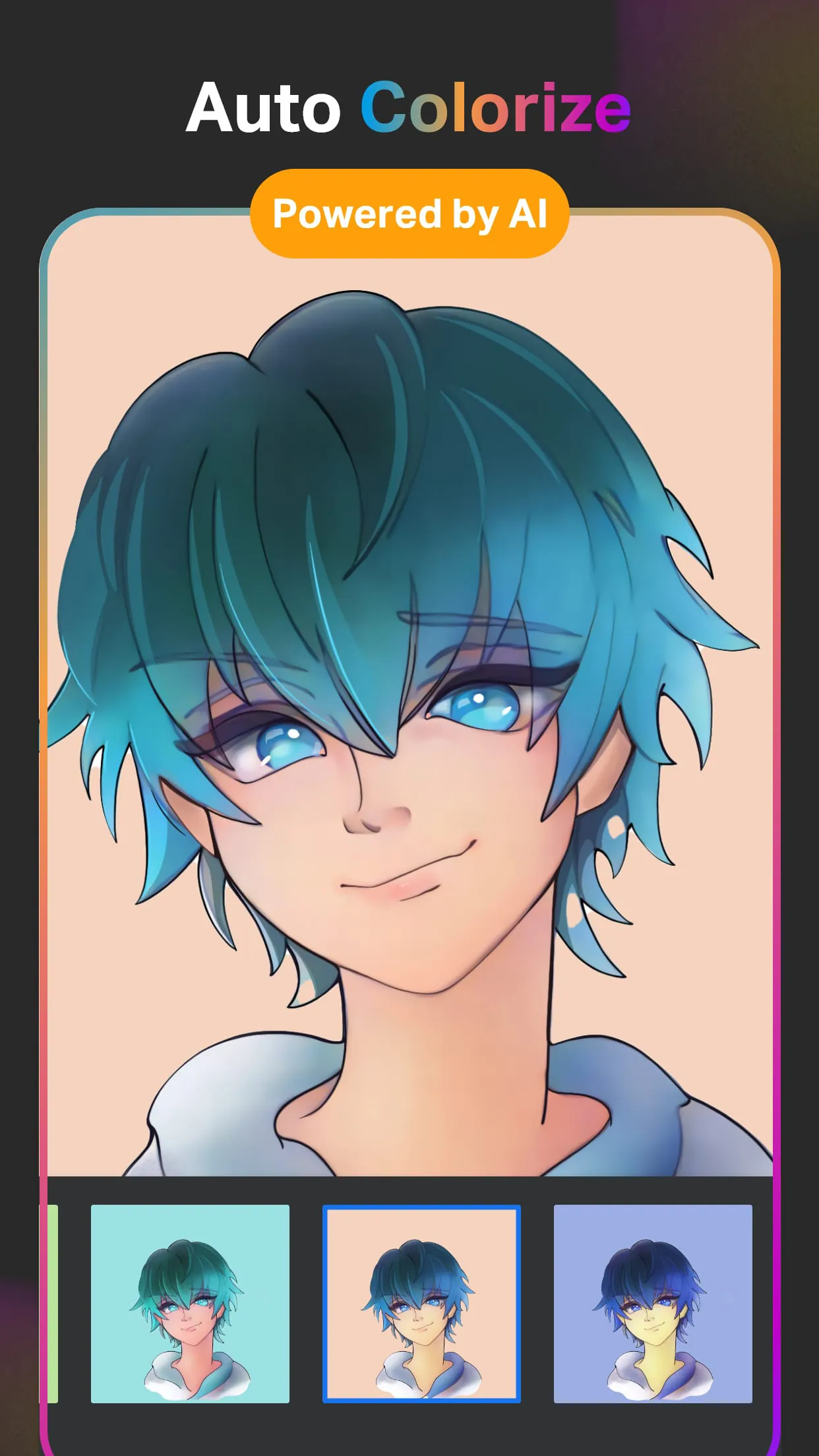
SketchPro is a professional-grade drawing, design, illustration, and art application meticulously crafted for tablets and phones by the Drawing Desk Team. This application has recently undergone a significant upgrade with the integration of advanced Artificial Intelligence (AI) tools, specifically designed to enhance the creative workflow of professional digital artists. SketchPro is particularly well-suited for creative professionals such as graphic designers, illustrators, and comic book artists, offering a comprehensive suite of drawing and AI-powered tools that facilitate the creation of professional-quality drawings and artwork. The application boasts an array of customizable brushes that cater to a wide range of artistic styles and techniques, allowing users to sketch, paint, doodle, illustrate, and create professional drawings with unparalleled precision and control. These brushes can be tailored to individual preferences, enabling artists to achieve their desired effects with ease. Furthermore, SketchPro allows users to create personalized lists of favorite brushes, ensuring quick access to the tools they use most frequently. One of the standout features of SketchPro is its innovative Free Roller Brush, which comes equipped with over 100 patterns, providing endless possibilities for creating unique and intricate designs. The application's pro digital AI drawing tools are designed to accelerate the creative process, empowering artists to bring their visions to life more efficiently. The Text to Image AI tool enables users to generate artwork from simple text prompts, transforming their ideas into visual representations with remarkable accuracy. The Sketch to Image AI tool takes hand-drawn sketches and converts them into polished images, adding detail and refinement based on user-provided prompts. The Magic Edit AI tool allows artists to manipulate colors and textures, as well as add or replace objects within their images using simple AI prompts. The Expand Artwork AI tool expands the digital canvas seamlessly, filling in the newly created space with content that matches the original artwork, all without compromising image quality. The Auto-Coloring AI tool automatically adds color to sketches, while the Auto-Colorization AI tool allows users to prompt color hints, resulting in fully colored and visually stunning drawings. The AI Object Remove and Pro BG Remove tools enable users to effortlessly remove unwanted objects or backgrounds from their drawings, ensuring a clean and professional finish. Additionally, SketchPro can generate and extract line art from any image, providing artists with a versatile resource for incorporating into their own creations. SketchPro includes a range of pro creative tools that further enhance the drawing and design process. The Smart Shapes feature allows users to instantly create perfect geometric shapes, while the Symmetry Tool enables the creation of flawlessly mirrored drawings, illustrations, and designs. The Gradient tool offers both Linear and Radial options, providing artists with a versatile means of adding depth and dimension to their work. The Layer Transform Tool simplifies the process of manipulating layers, while the Assisted Drawing feature provides guidance and support for artists of all skill levels. The application incorporates a comprehensive Layer System, offering unlimited layers for digital painting and drawing. Users can rasterize, duplicate, and merge layers, as well as utilize options such as Fill, Color Invert, Lock Alpha, and Lock Layer to achieve precise control over their artwork. The Text Tools in SketchPro allow users to customize font styles for designing and professional drawing, while the Color Palette provides a full color wheel with adjustable color values and shades. Artists can create themed color palettes and import colors from photos and images. SketchPro also features an extensive Shapes Library with over 15 categories of free shapes, signs, and symbols, as well as the ability to favorite shapes for easy access. Essential tools such as the Smudge Tool, Fill Bucket, Cutter Tool, Custom Canvas, and Reference tool further enhance the drawing experience. Artists can organize and save their digital artwork, with automatic saving, methodical storage, cloud syncing, and the ability to delete projects. Time Lapse Playback allows users to review their creative process, and Dark Mode provides a comfortable viewing experience in low-light environments.
SketchPro distinguishes itself through its AI-driven functionalities that significantly streamline and enhance the creative workflow for digital artists. The Text to Image AI tool is a standout feature, allowing users to generate intricate artwork simply by inputting text prompts, thus transforming conceptual ideas into visual representations with remarkable efficiency. This tool is particularly useful for rapidly prototyping concepts, exploring different artistic directions, and creating unique and imaginative pieces without the need for extensive manual drawing. Complementing this, the Sketch to Image AI tool bridges the gap between traditional sketching and digital refinement. By converting hand-drawn sketches into polished, high-quality images based on user-defined prompts, this tool enables artists to seamlessly integrate their initial concepts with advanced digital editing capabilities. The Magic Edit AI tool further refines the creative process by enabling users to manipulate colors, textures, and objects within their images through simple AI-driven commands. This feature simplifies complex editing tasks, allowing artists to experiment with different visual elements and achieve desired effects with minimal effort. The Expand Artwork AI tool addresses the common challenge of canvas limitations by seamlessly expanding the digital workspace and intelligently filling in the new areas with content that harmonizes with the existing artwork, ensuring a cohesive and visually appealing final product. Colorization, a traditionally time-consuming task, is revolutionized by SketchPro's Auto-Coloring AI tool, which can automatically add color to sketches or provide color hints based on user prompts. This feature accelerates the coloring process, enabling artists to quickly explore different color palettes and achieve a polished, professional look. The AI Object Remove and Pro BG Remove tools offer efficient solutions for removing unwanted elements from drawings, ensuring a clean and focused composition. The AI-powered line art generation and extraction capabilities enhance the versatility of SketchPro, allowing artists to incorporate existing images and designs into their own creations with ease. These AI-driven tools not only streamline the creative process but also empower artists to explore new techniques, experiment with different styles, and achieve results that would otherwise require significant time and effort. By integrating these advanced AI features, SketchPro positions itself as a cutting-edge application that caters to the evolving needs of professional digital artists.
Beyond its AI capabilities, SketchPro offers a comprehensive suite of creative tools that cater to a wide range of artistic needs, from basic sketching to professional-grade illustration and graphic design. The application's customizable brushes are a cornerstone of its functionality, allowing artists to tailor their drawing tools to achieve specific effects and styles. With a wide array of options for adjusting brush size, opacity, texture, and other parameters, SketchPro enables artists to create unique and personalized brush sets that cater to their individual preferences. The inclusion of the Free Roller Brush with over 100 patterns adds another layer of creative potential, providing artists with a diverse range of decorative elements and textures that can be seamlessly integrated into their artwork. The Smart Shapes tool streamlines the creation of geometric shapes, ensuring accuracy and efficiency in design projects. The Symmetry Tool empowers artists to create perfectly balanced and mirrored designs, which is particularly useful for creating intricate patterns and symmetrical compositions. The Gradient tool, with its linear and radial options, provides artists with the tools to add depth and dimension to their artwork, creating visually appealing gradients and color transitions. The Layer Transform Tool simplifies the process of manipulating layers, allowing artists to easily scale, rotate, and distort elements within their compositions. The Assisted Drawing feature provides guidance and support for artists of all skill levels, offering helpful tips and techniques to improve their drawing skills. SketchPro's comprehensive Layer System provides artists with unlimited layers, allowing them to create complex and multi-layered compositions with ease. The ability to rasterize, duplicate, and merge layers provides further flexibility in the design process. The Text Tools in SketchPro allow artists to seamlessly integrate text into their artwork, with options for customizing font styles, sizes, and colors. The Color Palette provides artists with a full color wheel and adjustable color values, allowing them to create custom color palettes and achieve precise color accuracy. The extensive Shapes Library offers a wide range of pre-designed shapes, signs, and symbols that can be easily incorporated into artwork. Essential tools such as the Smudge Tool, Fill Bucket, Cutter Tool, Custom Canvas, and Reference tool further enhance the drawing experience, providing artists with the tools they need to create professional-quality artwork. SketchPro's intuitive interface and comprehensive feature set make it an ideal choice for digital artists of all skill levels, from beginners to seasoned professionals.
Screenshots
 Download
 Additional Information
Category
Art & DesignVersion
Unknown
Tag
Digital Art | AI Drawing Tools | SketchPro | Drawing App | Graphic Design
Rate
4.60
★★★★★
Reviews
500 +
Installs
1M +
Developer
4Axis Technologies
Content Rating
Everyone
Digital illustration drawing & painting pad app to paint Anime and Manga art
ADVERTISEMENT
ADVERTISEMENT
Previous Versions
ZIP files require a Split APKs Installer (e.g., SAI) from Google Play to install. Steps: 1. Download SAI from Google Play; 2. Open SAI and tap "Install APKs"; 3. Select the ZIP file; 4. Complete installation.
ADVERTISEMENT
You Might Like









