Insta360 is a comprehensive mobile application designed to fully unlock the creative potential of Insta360 brand cameras, serving as a central hub for wireless connectivity, advanced editing, and seamless sharing of immersive 360-degree and traditional flat videos and photos directly on your smartphone.
Key Features
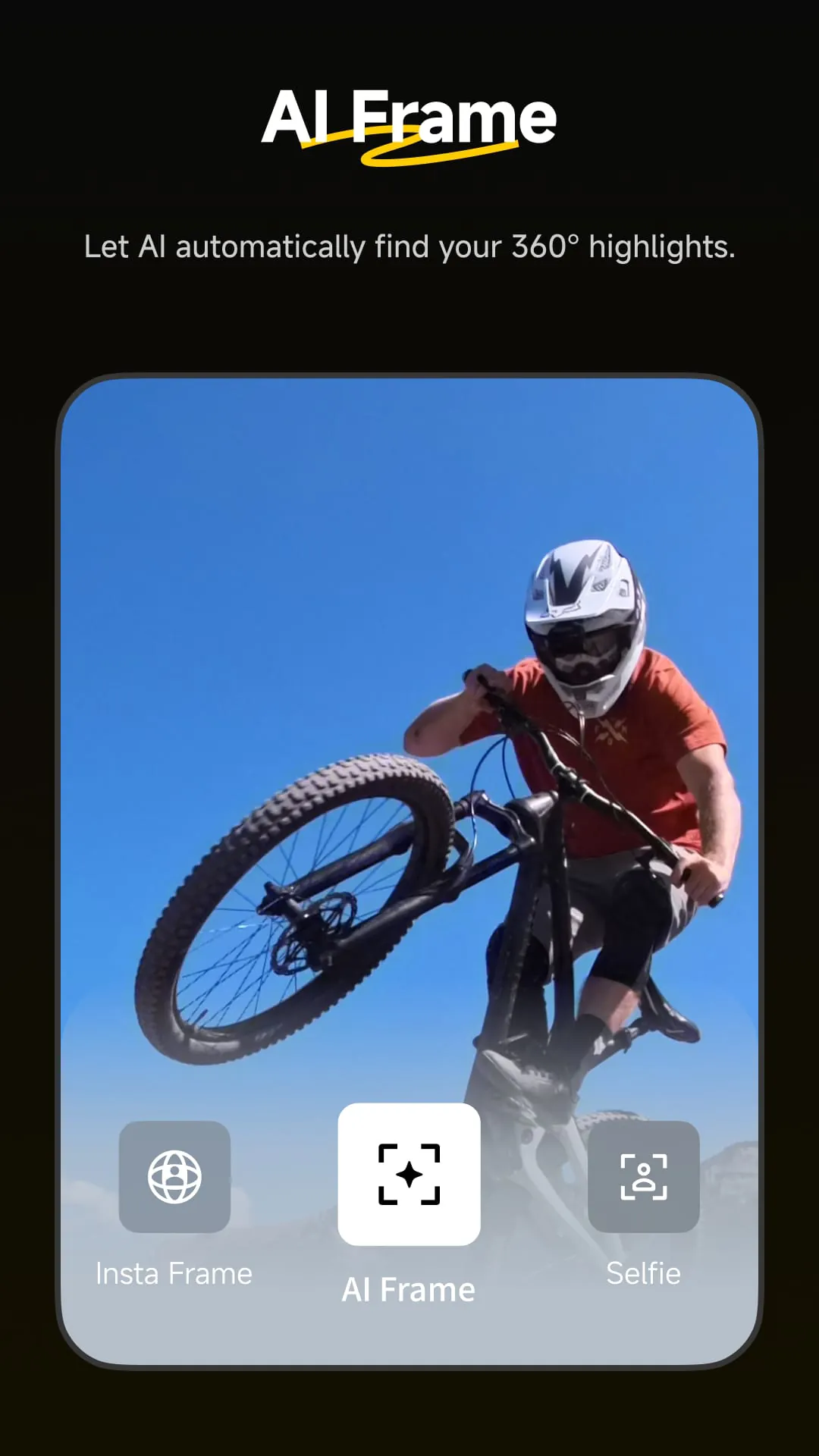
The Insta360 app stands out with its powerful, AI-driven editing tools that simplify complex workflows. It offers exclusive features like the revolutionary Auto Frame for automatically creating dynamic, director-like cuts from 360 footage, and Deep Track for subject tracking in 360 videos. The app also provides a vast library of creative shooting modes and templates, enabling users to produce professional-looking videos with minimal effort. Its seamless wireless connection for live preview and transfer, along with direct sharing to social media platforms, makes the entire process from capture to publication incredibly fluid.
Pros & Cons
- Pros: The app provides an exceptionally intuitive and powerful editing suite specifically tailored for 360 content, with unique AI features unavailable elsewhere. The wireless workflow is robust and reliable. It is regularly updated with new creative modes and effects, keeping the user experience fresh. The integrated community and tutorial section is excellent for learning and inspiration.
- Cons: Some of the most advanced AI editing features require a paid subscription. Processing high-resolution footage can be demanding on older smartphone models, potentially causing slowdowns or overheating. The wealth of features can be overwhelming for absolute beginners, despite the helpful tutorials.
Functions
The application’s functionality is built around three core pillars: connection, creation, and community.
- Camera Control & Connectivity: Pair your Insta360 camera wirelessly for a live preview, remote control of settings, and fast file transfer to your phone’s gallery.
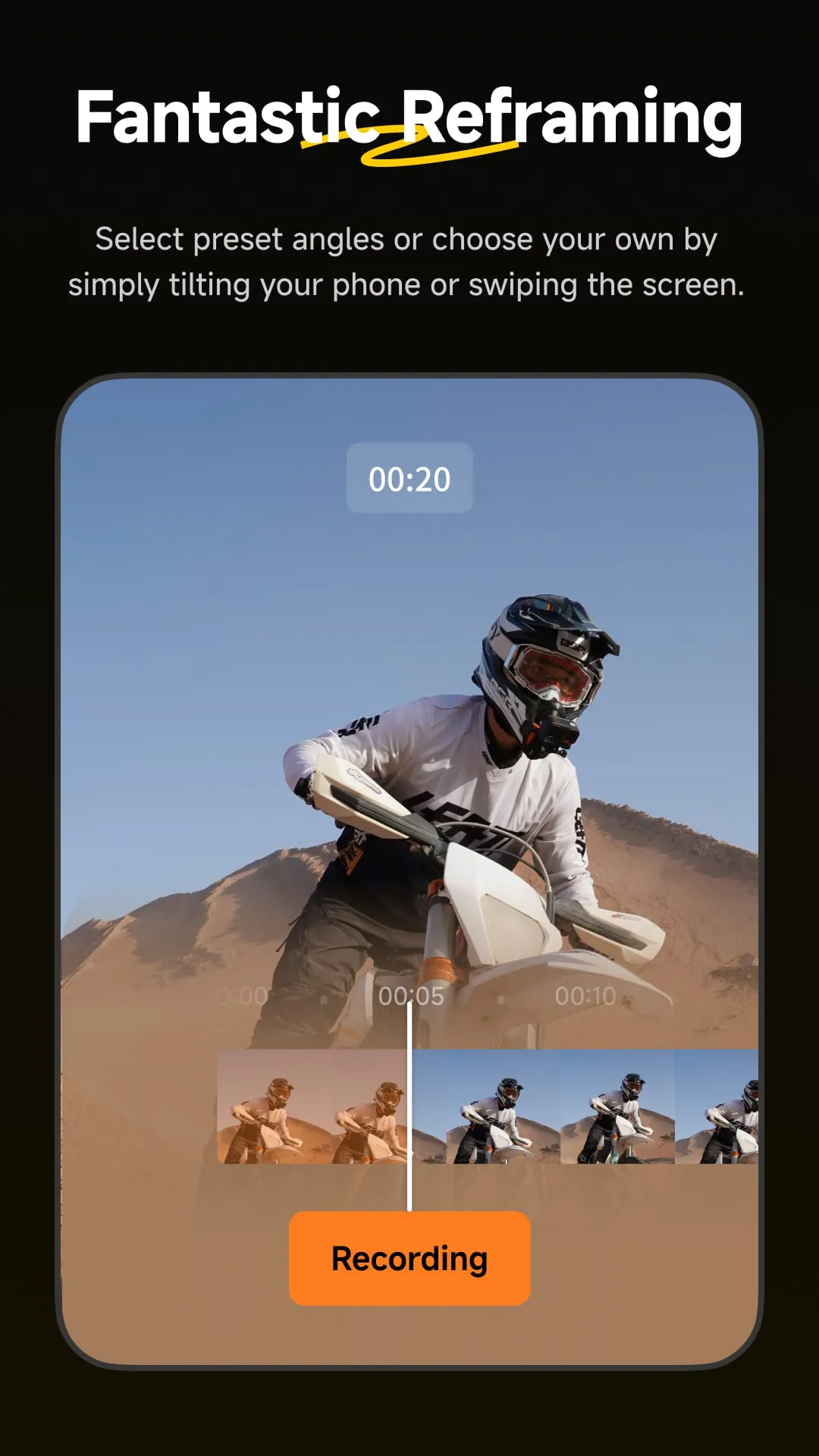
- Advanced Editing Studio: This is the heart of the app, featuring tools for reframing 360 videos, applying FlowState stabilization, color grading, adding music, and using Speed Ramp for dramatic slow-motion effects.
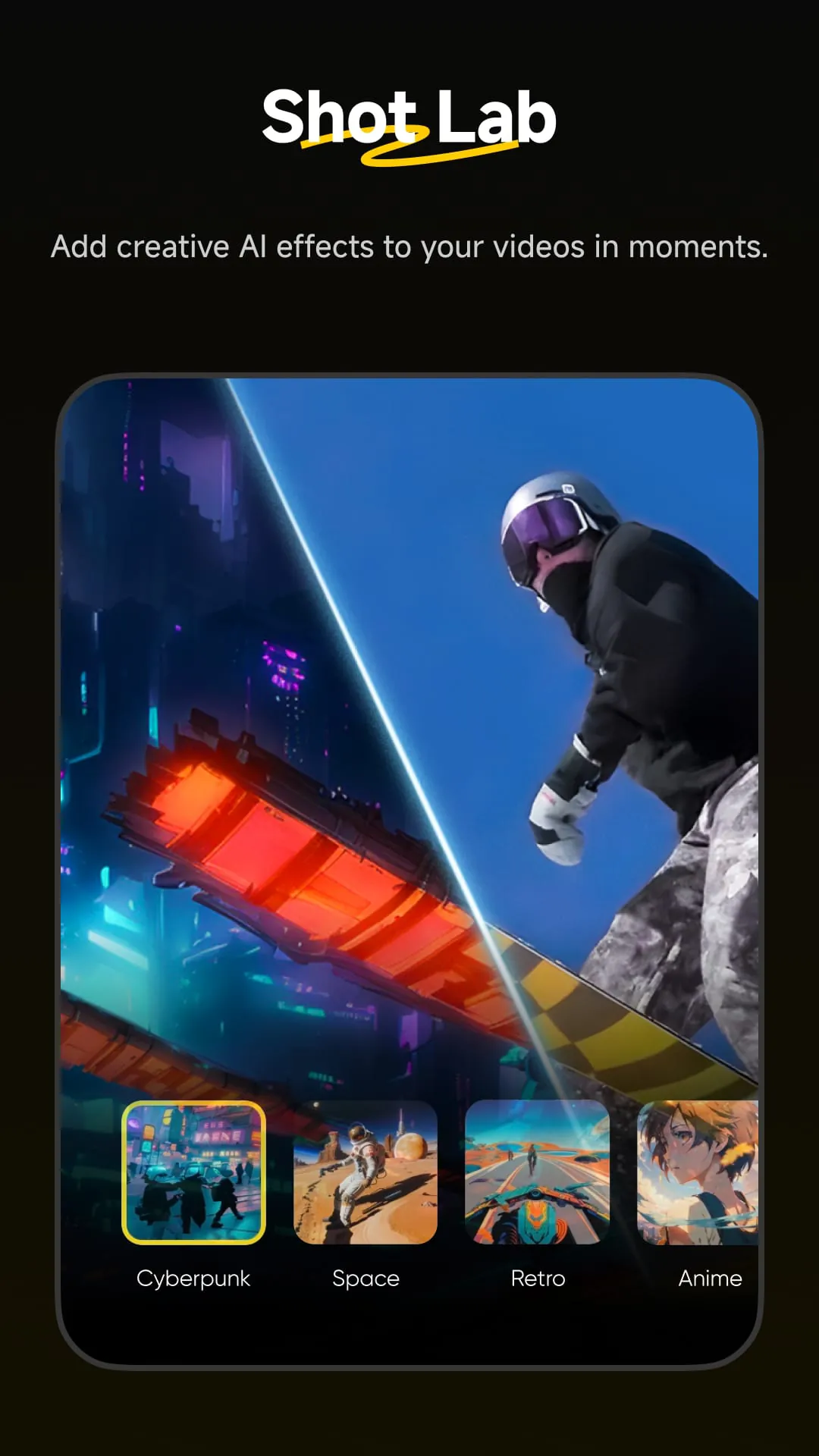
- AI & Creative Tools: Utilize Auto Frame, Deep Track, and AI Warp for smart edits. Access Shot Lab for trendy, template-driven effects and Invisible Selfie Stick removal for magical, floaty camera angles.
- Sharing & Community: Directly export and share to platforms like YouTube, Instagram, and TikTok. Explore the “Moments” feed to see creations from other users around the world.
How to Use
Click the button "Check All Versions" below to download and install it. Once installed, open the app and create an account. Enable Bluetooth and Wi-Fi on your phone, then power on your Insta360 camera. Follow the in-app prompts to easily pair your camera. You can then begin exploring:
- Use the Camera tab for live preview and remote shooting.
- Import footage to the Studio tab to start editing. Tap on a clip to open the editing interface where you can reframe, adjust speed, add stickers, and apply filters.
- For quick creations, go to the Create tab and select a template from Shot Lab, then simply follow the instructions to produce a video in minutes.
- Finally, use the export button to choose your resolution and frame rate before saving to your device or sharing online.





 APK
APK  Google Play
  iOS
iOS  3.50
3.50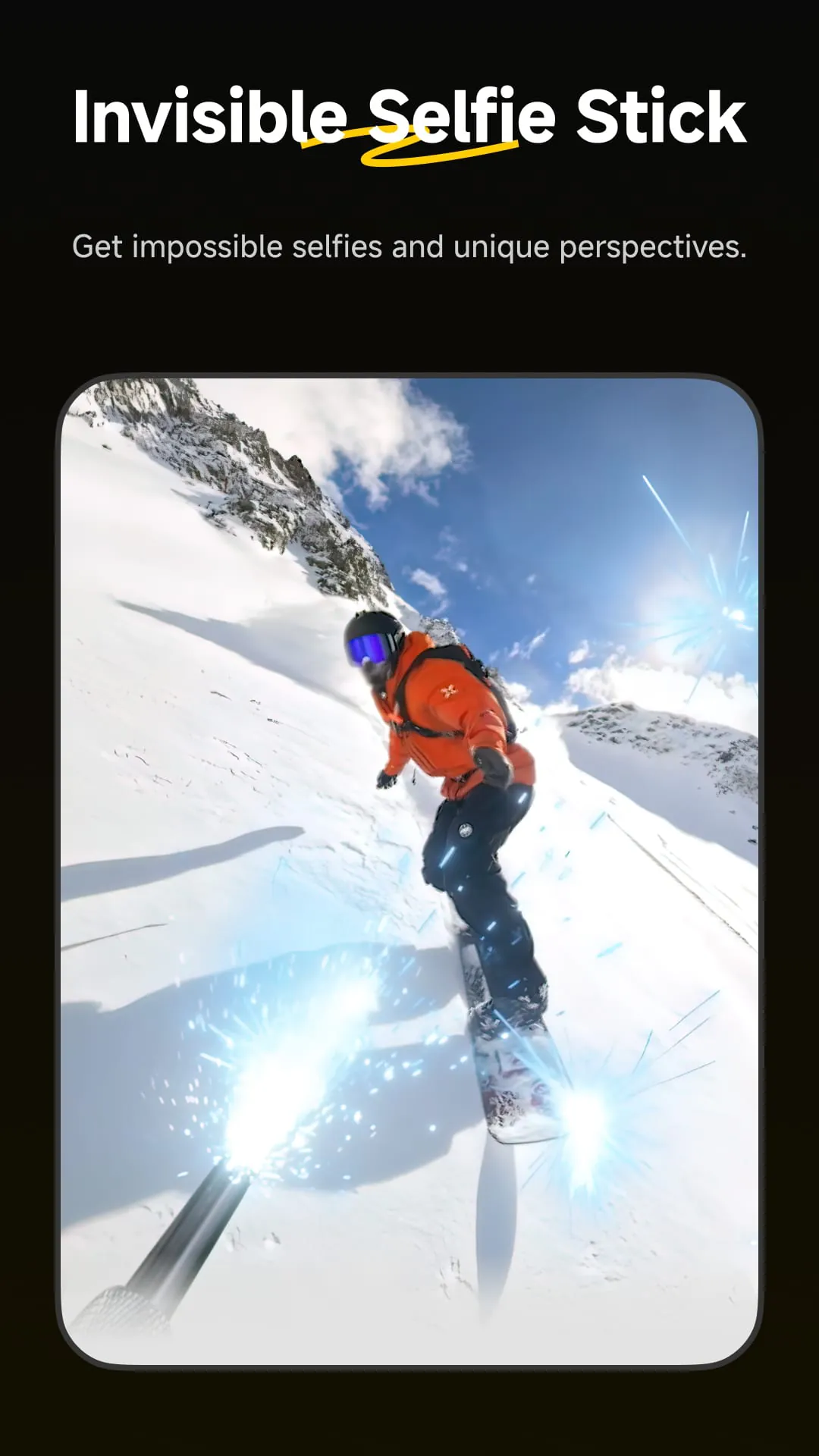
 Download








