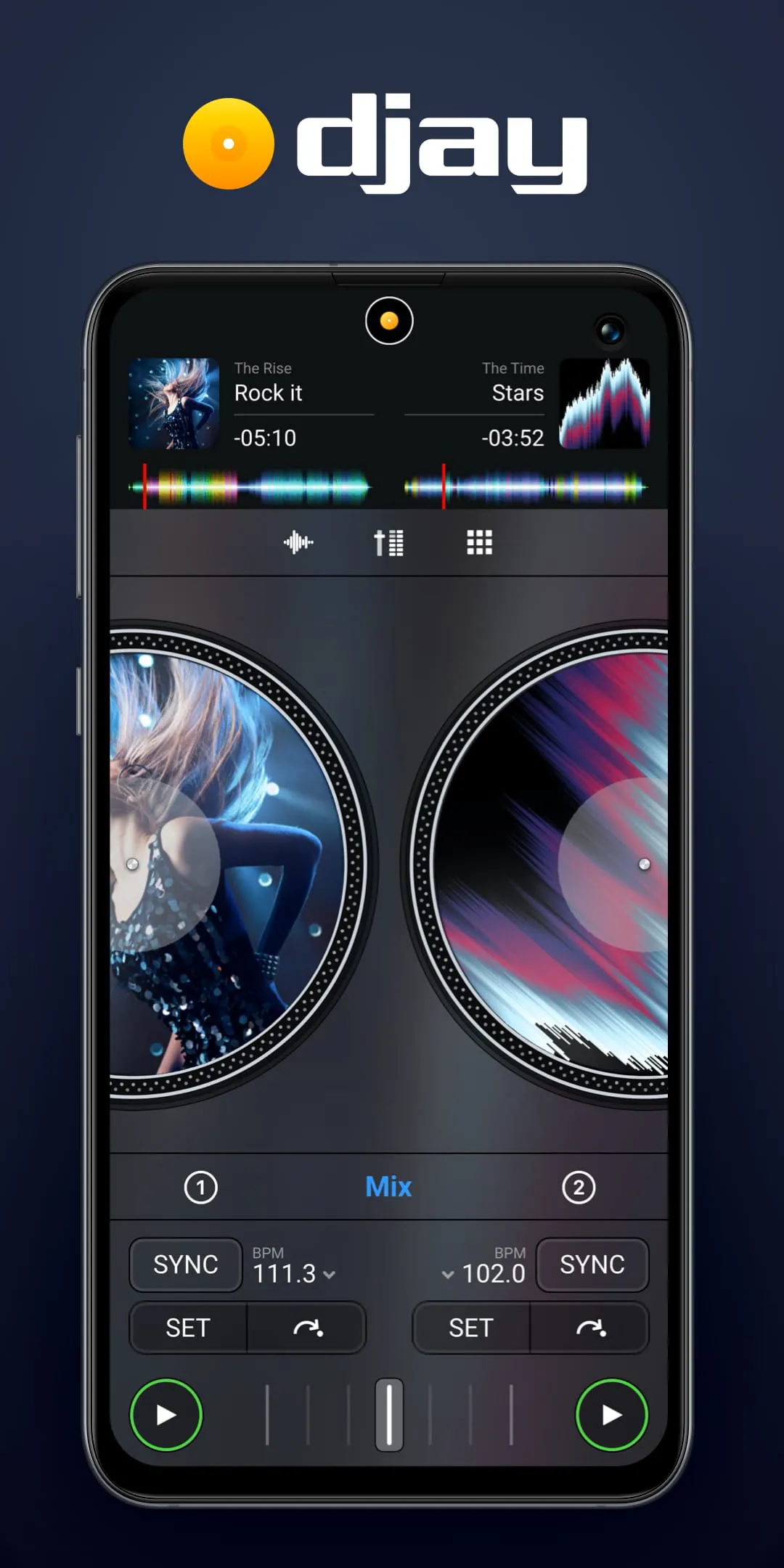
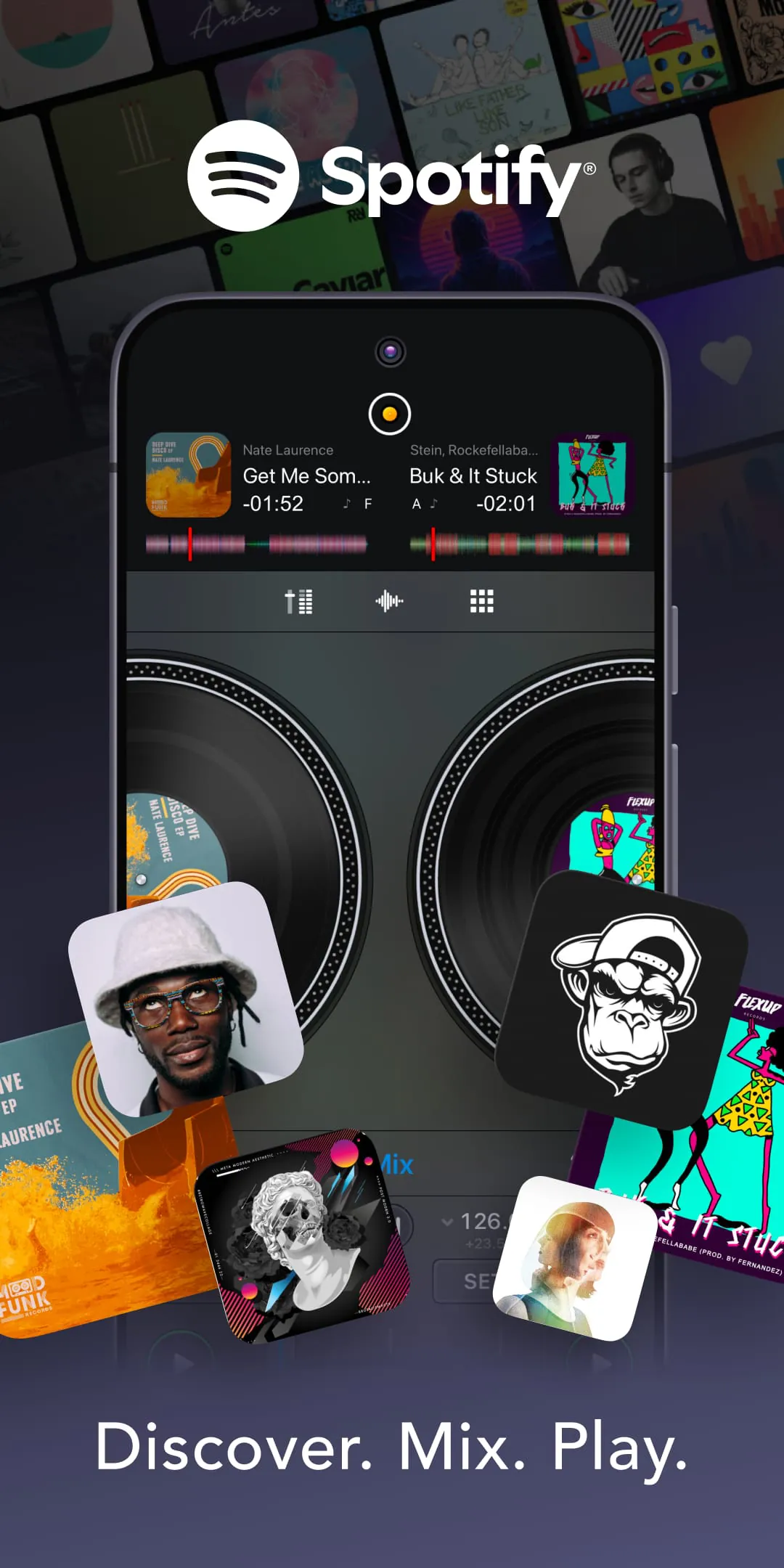
Djay is a professional and award-winning music mixing application designed for mobile devices and computers, transforming your smartphone, tablet, or computer into a full-featured DJ system. It seamlessly integrates with popular streaming services and your local music library, allowing users to mix tracks, apply real-time effects, loop sections, and perform live scratches with intuitive, tactile controls that make advanced DJ techniques accessible to both beginners and seasoned professionals.
Key Features
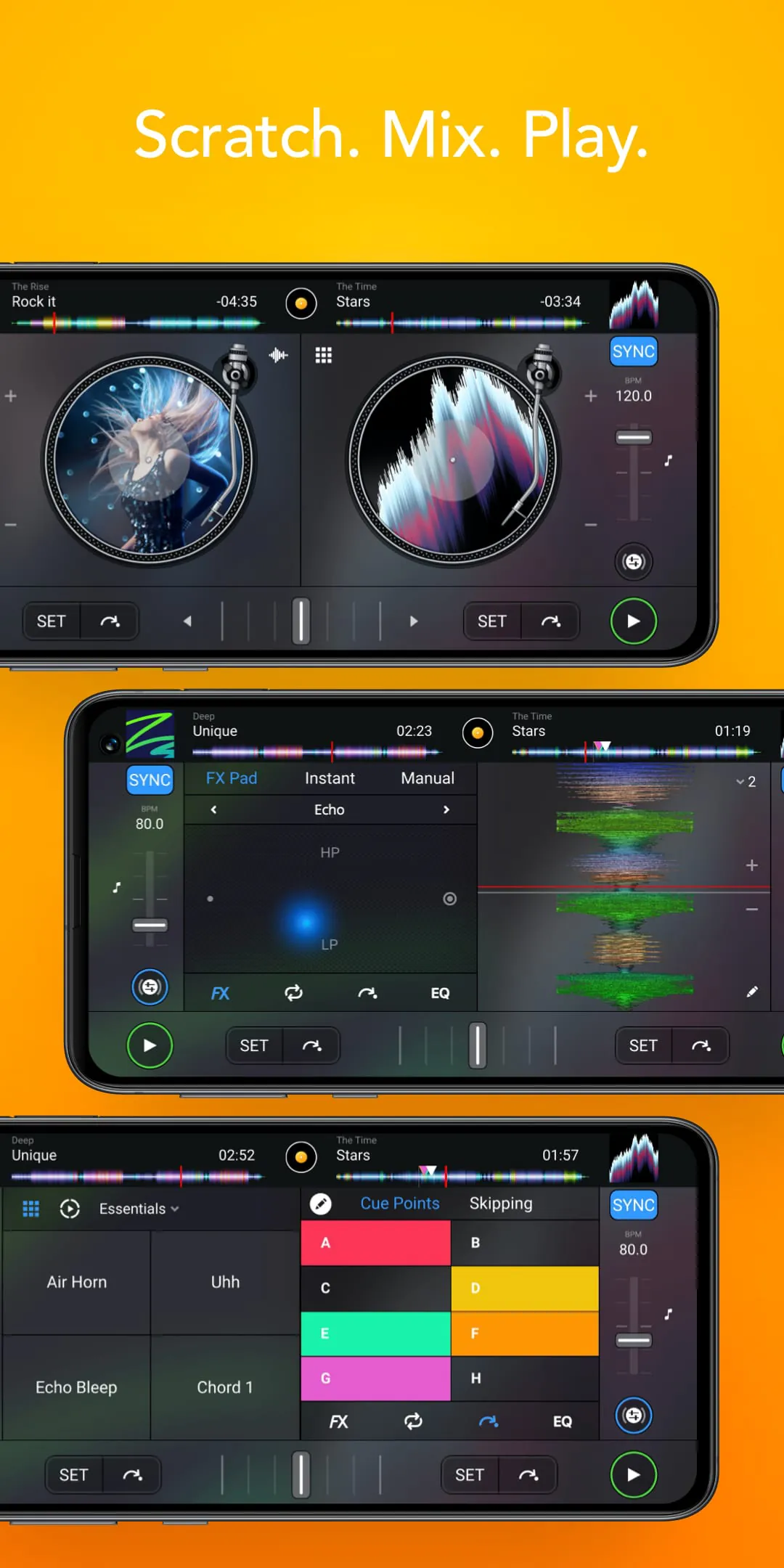
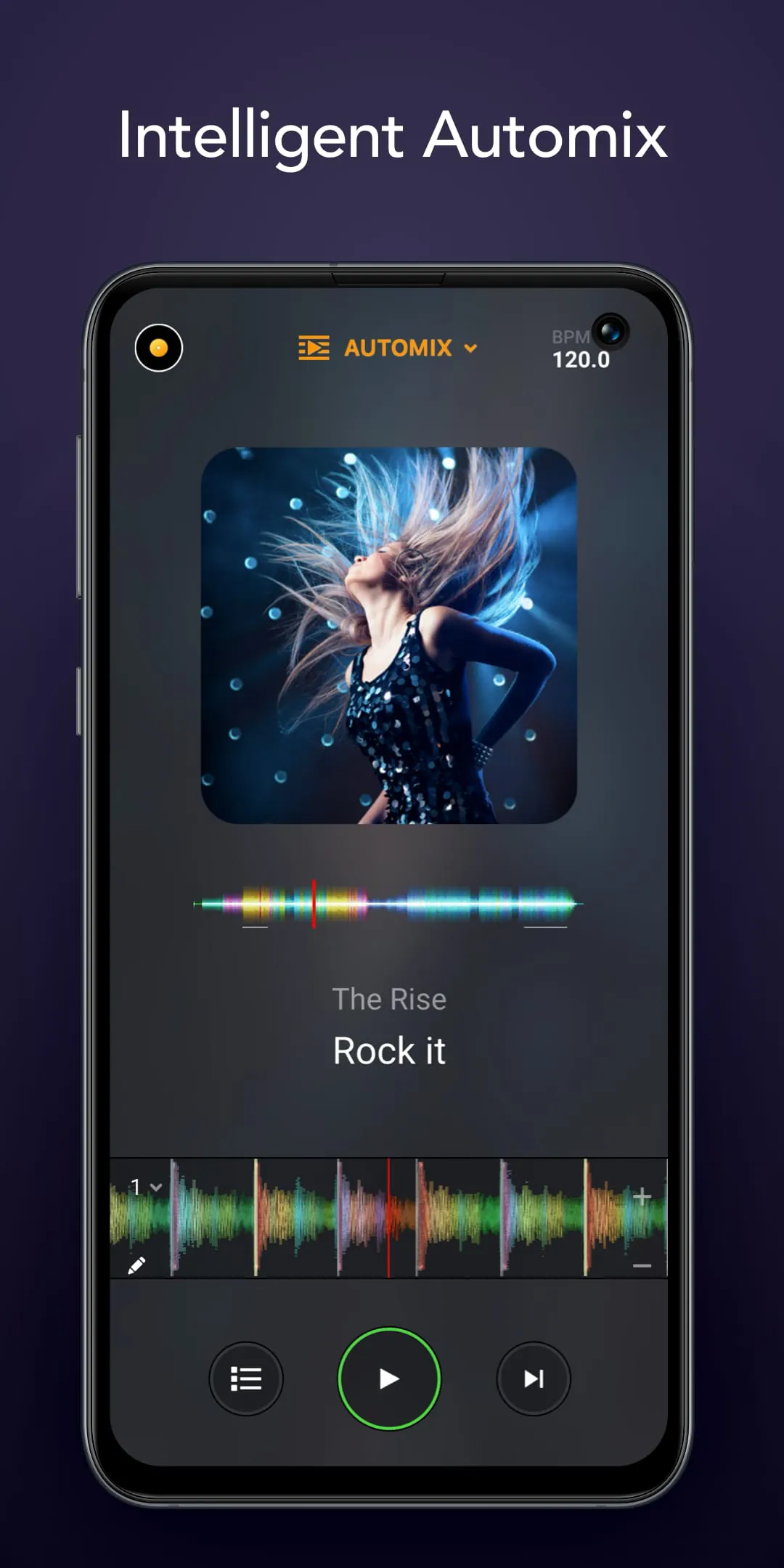
The app stands out with its powerful, studio-quality tools wrapped in a user-friendly interface. Its key features include a sophisticated dual-deck mixer with waveform displays, a wide array of high-fidelity audio effects like filters, echoes, and flangers, and seamless integration with streaming platforms such as Apple Music and Spotify (on certain versions) for instant access to millions of tracks. The innovative Automix AI can automatically blend songs, while the sampler lets you trigger sound clips on the fly. Key features are encapsulated below:
- Professional dual-deck interface with detailed waveform displays.
- Deep integration with major music streaming services for vast track access.
- Extensive real-time effects library and a multi-pad sampler for live performance.
- Automix AI for automatic smooth transitions between songs.
- High-quality, latency-free audio processing for precise mixing.
Pros & Cons
Like any software, Djay offers a compelling set of advantages alongside some limitations depending on the user's needs and device. Its strengths lie in its professional output and accessibility, while its drawbacks may relate to platform-specific features or hardware demands.
- Pros: Exceptionally intuitive and polished user interface; genuine professional-grade mixing capabilities; revolutionary streaming service integration; powerful Automix feature is perfect for beginners; regular updates with new features and content.
- Cons:Full feature sets, especially streaming integration, can vary between platforms; some advanced hardware controller support may require additional purchases; the free version has significant limitations, pushing users toward a subscription.
Functions
Djay's functionality extends far beyond simple playback, offering a comprehensive suite for music creation and performance. It operates as a complete mobile DJ studio, enabling precise tempo and pitch synchronization between tracks, key matching for harmonic mixing, and the ability to record and share your mixes directly. The app also supports external hardware controllers for a tactile club-style experience and provides video mixing capabilities in some versions, syncing your music to visual effects.
- Beat and tempo synchronization with sync lock.
- Key detection and harmonic mixing for seamless blends.
- Full recording suite to capture and export your mixes.
- Compatibility with a range of external MIDI hardware controllers.
- Video mixing and visual effects (on supported platforms).
How to Use
Click the button "Check All Versions" below to download and install it. Once installed, launch the app and grant necessary permissions to access your music library or streaming account. You can start by loading tracks onto the two virtual decks, using the waveform display to find cue points. Practice using the crossfader to transition between songs and experiment with applying effects to individual channels. Utilize the sync button to match tempos automatically, then try manual beatmatching as you advance. Explore the sampler pads for adding hits and the Automix mode to understand professional transitions.
- Download and install the app from the official store for your device.
- Connect your music source (local library or streaming service).
- Load tracks, use cue points, and experiment with mixing with crossfader.
- Apply real-time effects and try the sampler during playback.
- Record your final mix and share it directly from the app.





 APK
APK  Google Play
  iOS
iOS  3.90
3.90