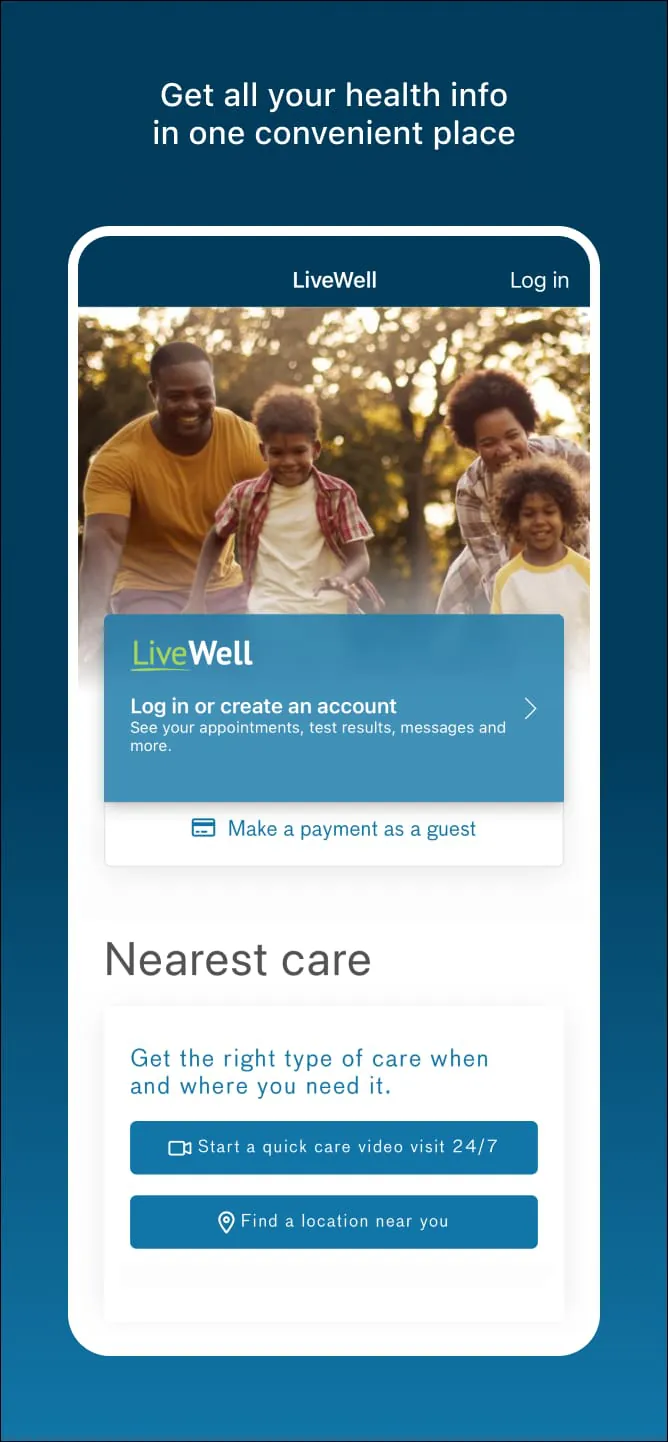
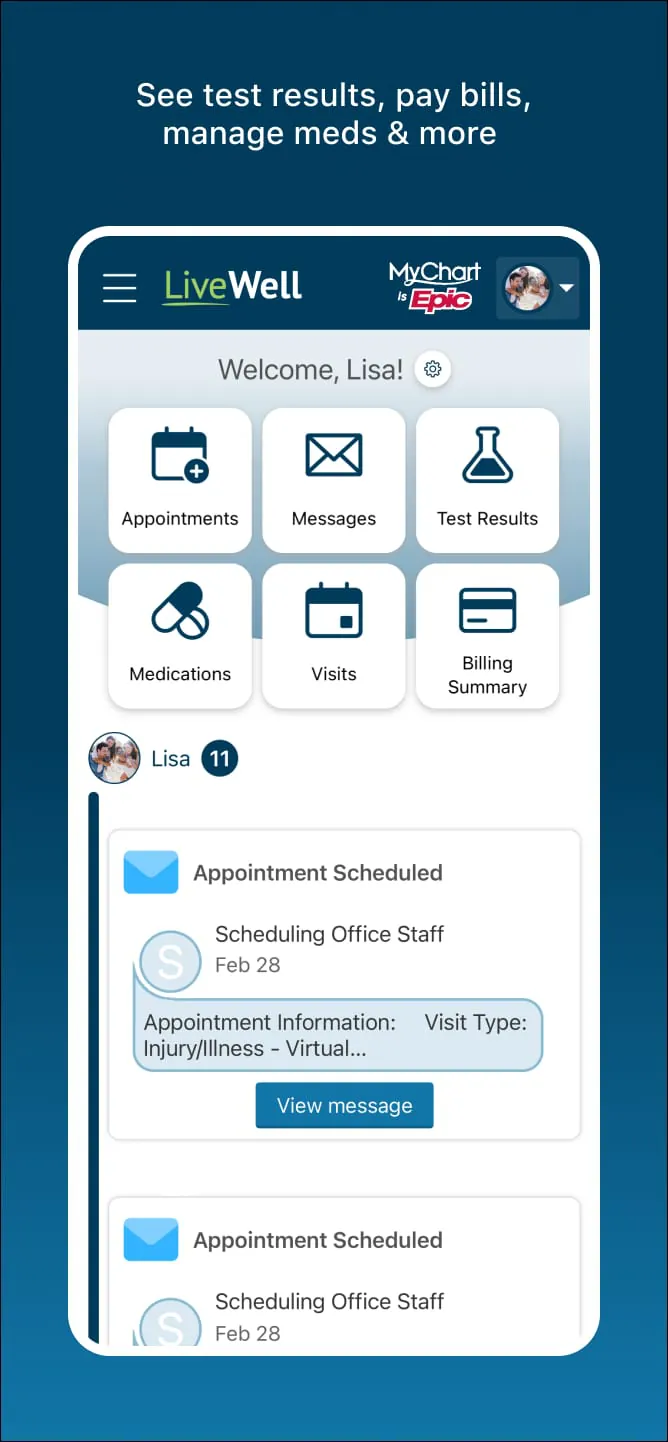
The LiveWell with Advocate Aurora app is a comprehensive mobile health companion developed by Advocate Aurora Health, designed to centralize all of your personal health information and wellness resources into one convenient, accessible location. It serves as a digital gateway for patients within the Advocate Aurora network, allowing individuals to seamlessly manage their own medical care as well as the healthcare needs of family members or dependents who rely on them, effectively eliminating the need to juggle multiple platforms or make frequent phone calls to the provider's office.
Key Features
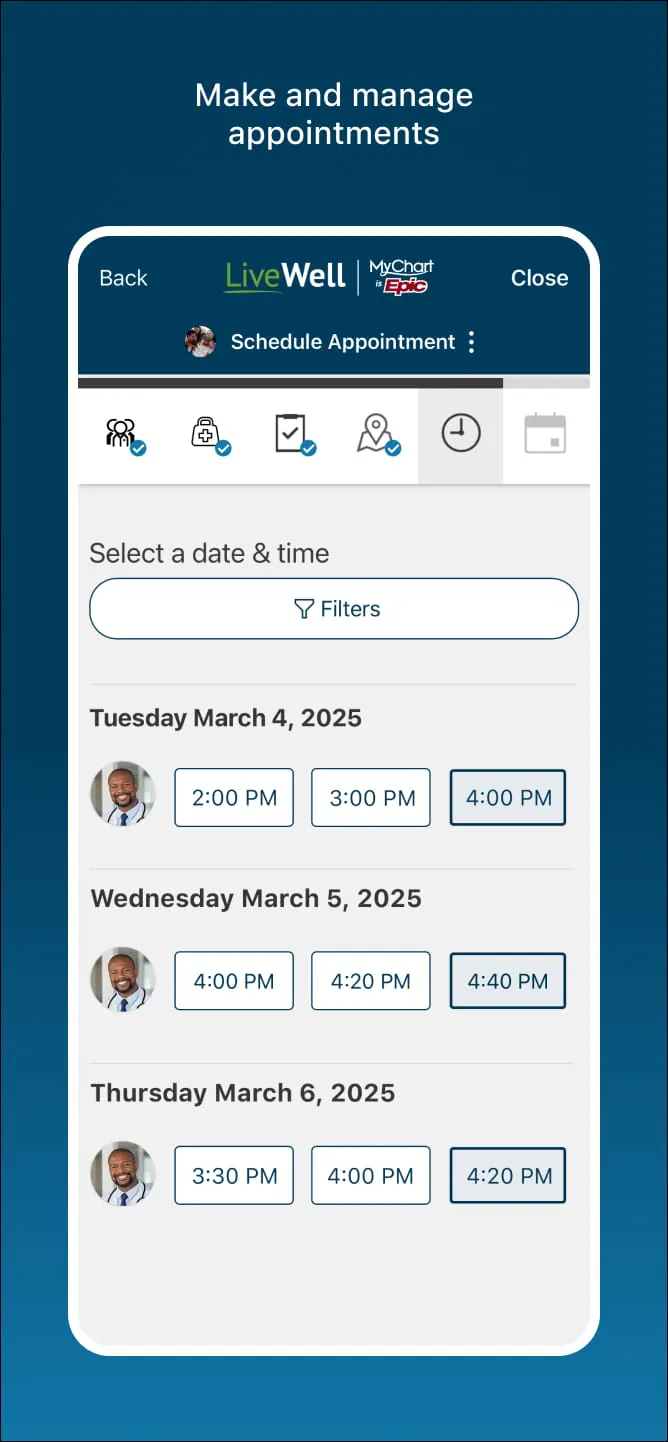
The application boasts a robust suite of tools aimed at simplifying healthcare logistics and promoting proactive wellness management. Users can initiate on-demand video visits or e-visits to receive fast diagnoses and treatment plans without leaving home, as well as schedule, reschedule, or cancel in-person appointments with ease. The app includes a powerful provider search function to find doctors or locations nearby, complete with maps and driving directions. For daily health management, it offers secure messaging directly with your care team, the ability to view and pay medical bills, and immediate access to lab and test results as soon as they are released. Additionally, the platform extends beyond clinical care by offering health quizzes, the latest wellness insights, and guided meditation exercises to encourage mindful living. It also supports the integration of external health and fitness data, syncing seamlessly with platforms like Apple Health or Health Connect when users are enrolled in self-tracking programs.
Pros & Cons
Pros:
- All-in-one convenience: Consolidates medical records, appointments, prescriptions, and billing into a single dashboard.
- Family-centered care: Allows users to manage the health and wellness of dependents alongside their own profile.
- Telehealth access: Provides quick and easy entry to video or electronic visits for minor illnesses or follow-ups.
- Holistic wellness tools: Includes unique features like guided meditations and health quizzes not always found in standard patient portals.
- Data integration: Syncs with popular third-party fitness apps and devices to give a broader view of personal health metrics.
Cons:
- Network limitation: Exclusively available to patients within the Advocate Aurora Health system, limiting utility for those outside the network.
- Initial setup complexity: Some users report that the account verification and initial registration process can be somewhat cumbersome.
- Interface navigation: Certain users find specific features, such as locating appointment rescheduling options, slightly unintuitive or buried within menus.
- Authentication friction: The security timeout and multi-factor authentication requirements, while secure, can feel repetitive for frequent users on personal devices.
Functions
The core functionality of the LiveWell app revolves around giving patients secure, real-time control over their healthcare journey. It acts as a digital health record repository where users can check lab results, view immunization histories, and review provider notes. The appointment management function allows for browsing available slots and booking visits directly within the calendar interface. Through the medication management tools, users can request prescription refills and track current medications for themselves and their proxies. The billing function provides transparent access to statements, allowing for secure credit card or electronic payments and the setup of payment plans. Furthermore, the communication function facilitates HIPAA-compliant messaging, ensuring that questions sent to nurses or doctors are delivered securely, with push notifications alerting users to new replies or upcoming care reminders.
How to Use
Click the button "Check All Versions" below to download and install it. Once the app is installed on your iOS or Android device, open it and either log in with your existing Advocate Aurora Health credentials or select the registration option to create a new account. You will need to verify your identity using your personal information, such as your date of birth and medical record number or the last four digits of your social security number, to link your healthcare profile to the app. After successfully logging in, you will land on the home dashboard where you can immediately begin exploring your options. To schedule a visit, navigate to the appointments section and choose a provider or reason for the visit; to check a recent lab result, simply tap on the results icon; and to message a doctor, go to the messaging tab and select the appropriate care team member. The app is designed to be intuitive, ensuring that whether you are paying a bill, starting a video visit, or syncing your step count from a fitness tracker, the process is straightforward and guided.





 APK
APK  Google Play
  iOS
iOS  4.50
4.50