




Audacity User Manual App Audacity User Manual App
Category
EducationTag
audacity | Audio Editor | User Manual | Audio Editing | Open Source
Rate
4.10
★★★★★
Reviews
500 +
Installs
50k +
Developer
RHaka
Content Rating
Everyone
Contains explanations and guides on how to edit audio using the Audaicity App.
 APK
APK  Google Play
  iOS
iOS  4.10
4.10 Author's Review
Appspicked Review
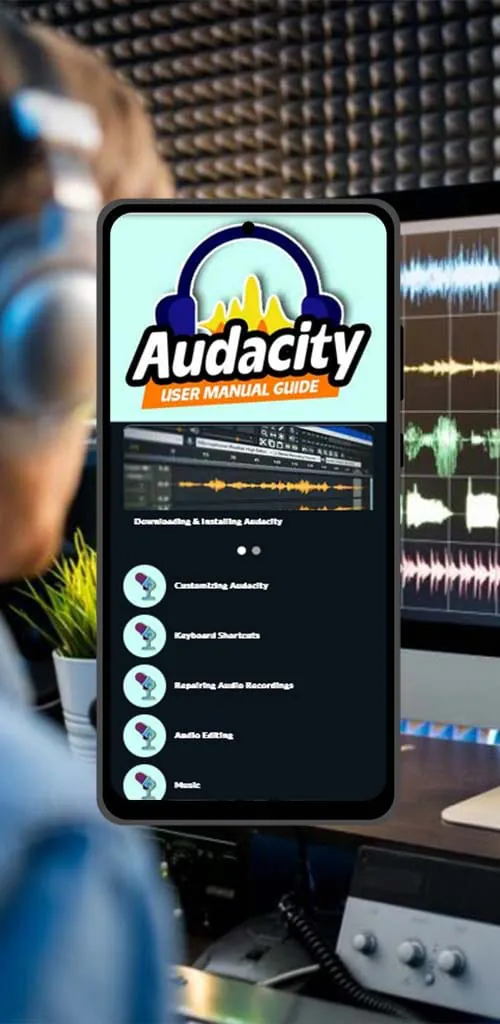
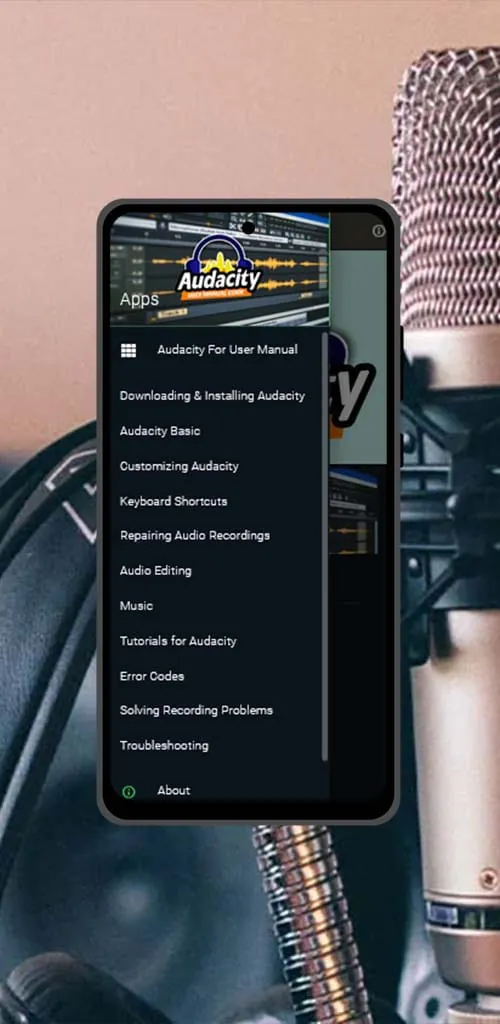
Audacity is a widely used, open-source digital audio editor, but many new users find its features and functions challenging to understand fully. To address this issue, the Audacity User Manual App was created as a guide, offering comprehensive explanations and instructions on effectively using Audacity. This app aims to help users navigate the software, from installation to advanced audio editing techniques. It covers essential aspects such as recording audio, editing tracks, removing noise, and understanding error codes, providing a foundational understanding for beginners. The Audacity User Manual App serves as an educational resource, designed to guide users through the complexities of audio editing with Audacity. It simplifies the learning process by breaking down each feature and function into manageable steps, enhancing the user experience and encouraging more individuals to explore the capabilities of this powerful tool. The app is structured to cater to a wide range of users, from those completely new to audio editing to individuals with some experience who wish to deepen their understanding of Audacity. The user manual emphasizes practical application, providing clear, step-by-step instructions that allow users to immediately apply what they learn. It also includes a section on keyboard shortcuts, which can significantly speed up the editing process once mastered. The app’s comprehensive approach ensures that users gain a solid understanding of the software's capabilities, enabling them to create high-quality audio projects. Furthermore, the Audacity User Manual App is designed to be user-friendly and accessible, ensuring that users of all skill levels can benefit from its guidance. Its clear explanations and practical examples demystify the technical aspects of audio editing, empowering users to confidently explore and experiment with different features and techniques. This accessibility is particularly important for users who may be intimidated by the complexities of audio editing software. By providing a clear and approachable learning path, the Audacity User Manual App encourages more individuals to engage with Audacity and discover its potential. Additionally, the app includes troubleshooting tips and solutions to common problems encountered while using Audacity. This feature helps users overcome challenges and avoid frustration, ensuring a smoother and more productive editing experience. The app is regularly updated to reflect the latest version of Audacity, ensuring that users have access to the most current information and guidance. The Audacity User Manual App stands as a valuable resource for anyone looking to master the art of audio editing with Audacity, promoting both skill development and creative expression. It helps users learn and understand audio editing to a degree that gives them the confidence to start any future project with ease. With its comprehensive coverage and user-friendly design, the app significantly enhances the user experience, making Audacity more accessible and enjoyable for all.
The Audacity User Manual App provides detailed instructions on installing the Audacity software, a crucial first step for new users. It walks users through the installation process, ensuring they correctly set up the software on their computers, regardless of their operating system. The guide covers potential installation issues and offers solutions to help users troubleshoot common problems, ensuring a smooth and hassle-free experience. This attention to detail is particularly beneficial for users who may not be familiar with software installation procedures. Once Audacity is installed, the app guides users through the basics of audio recording and editing. It explains how to use the software's various recording features, including setting up microphones, adjusting input levels, and monitoring audio quality. The guide also covers fundamental editing tasks, such as cutting, copying, pasting, and trimming audio segments. Users learn how to manipulate audio tracks to create seamless transitions, remove unwanted sections, and arrange audio elements in a desired sequence. The app emphasizes the importance of audio quality, teaching users how to optimize recording settings and use editing tools to enhance the clarity and fidelity of their audio projects. Furthermore, the Audacity User Manual App offers in-depth explanations of Audacity's advanced features, such as noise reduction, equalization, and special effects. The noise reduction guide teaches users how to identify and eliminate unwanted background noise from their recordings, significantly improving the overall audio quality. The equalization section explains how to adjust the frequency balance of audio tracks to enhance specific sounds and create a more balanced and pleasing listening experience. The app also explores Audacity's special effects, such as reverb, echo, and distortion, demonstrating how to use these effects creatively to add depth and character to audio projects. These features are explained in detail, with practical examples and tips on how to use them effectively. The Audacity User Manual App also includes a comprehensive section on troubleshooting common issues. It covers a wide range of problems that users may encounter while using Audacity, such as audio distortion, software crashes, and compatibility issues. The guide provides step-by-step solutions to these problems, helping users quickly resolve issues and continue working on their projects without significant interruptions. This troubleshooting section is particularly valuable for users who may not have extensive technical knowledge. By providing clear and concise solutions to common problems, the app empowers users to take control of their audio editing experience and overcome technical challenges. The app also includes a glossary of audio editing terms, helping users understand the technical language used in the field. This glossary is a valuable resource for new users, providing definitions and explanations of key concepts and terminology.
A critical feature highlighted in the Audacity User Manual App is the process of removing noise from voice recordings. The guide offers detailed instructions on how to effectively use Audacity's noise reduction tools to eliminate unwanted background sounds, such as hums, hisses, and static. It explains how to analyze noise profiles, adjust noise reduction settings, and apply noise reduction filters to audio tracks. The app emphasizes the importance of using noise reduction techniques carefully to avoid degrading the quality of the original audio. It provides practical tips on how to achieve optimal results while minimizing the risk of introducing artifacts or distortion. This noise reduction guide is particularly valuable for users who record audio in noisy environments. By following the instructions in the app, users can significantly improve the clarity and quality of their voice recordings, making them more professional and listenable. The Audacity User Manual App also provides a detailed explanation of error codes and shortcuts within Audacity. Understanding error codes is crucial for troubleshooting problems and resolving technical issues. The app provides a comprehensive list of common error codes, along with explanations of their meanings and potential solutions. This information helps users quickly identify the cause of errors and take appropriate steps to fix them. In addition to error codes, the app also highlights Audacity's keyboard shortcuts. These shortcuts allow users to perform common tasks more quickly and efficiently, streamlining their workflow and saving valuable time. The guide provides a list of essential keyboard shortcuts, along with instructions on how to customize them to suit individual preferences. By mastering these shortcuts, users can significantly increase their productivity and become more proficient with Audacity. The educational purpose of the Audacity User Manual App is to guide users on how to properly use the Audacity App for audio editing. It is an unofficial guide and is not affiliated with the Audacity software developers. The app emphasizes that it is developed for educational purposes only, aiming to provide users with accurate and helpful information. It encourages users to contact the app developers if they have any questions or encounter any incorrect information. This transparency and commitment to accuracy demonstrate the app's dedication to providing a reliable and trustworthy resource for Audacity users. Overall, the Audacity User Manual App is a valuable tool for anyone looking to learn and master the art of audio editing with Audacity. Its comprehensive coverage, user-friendly design, and focus on practical application make it an essential resource for both beginners and experienced users. The app not only simplifies the learning process but also empowers users to unlock the full potential of Audacity and create high-quality audio projects with confidence. It serves as a clear and concise guide, breaking down complicated processes into easy-to-understand steps. By providing the Audacity User Manual App, it ensures that the user experience for Audacity is seamless and effective.
Screenshots
 Download
 Additional Information
Category
EducationVersion
Unknown
Tag
audacity | Audio Editor | User Manual | Audio Editing | Open Source
Rate
4.10
★★★★★
Reviews
500 +
Installs
50k +
Developer
RHaka
Content Rating
Everyone
Contains explanations and guides on how to edit audio using the Audaicity App.
Previous Versions
ZIP files require a Split APKs Installer (e.g., SAI) from Google Play to install. Steps: 1. Download SAI from Google Play; 2. Open SAI and tap "Install APKs"; 3. Select the ZIP file; 4. Complete installation.
You Might Like









