The extensively updated calculator application introduces a suite of innovative features, revolutionizing the conventional calculator experience while retaining its familiar usability. This upgrade aims to provide more profound and versatile support for users' calculation needs, catering to everyday calculations, specialized analyses, and even programming tasks. The update focuses on three major areas: a comprehensive calculation library, JavaScript scripting capabilities, and intuitive key customization, empowering users to tailor the app to their specific requirements and preferences. The new calculation library offers over 90 pre-defined calculation templates accessible with a single tap, eliminating the need to memorize complex formulas. These templates cover a wide range of practical calculations, including BMI, target weight, water hardness, the Urashima effect, age calculation, Japanese calendar conversion, baseball batting averages, and financial calculations like the Black-Scholes model and deposit calculations. The library allows users to record, edit, and save calculation steps, enabling the creation of personalized calculation libraries. A 'heart' system provides free trials of certain advanced premium features, allowing users to sample their functionality before committing to a subscription. This approach democratizes access to advanced calculation tools, enabling users to explore and evaluate premium features without immediate financial commitment. The introduction of JavaScript scripting functionality represents a significant departure from traditional calculator apps, allowing users to write and execute custom JavaScript programs directly within the app. The integrated text editor facilitates code creation, and over 20 sample programs, including trigonometric functions, logarithmic functions, and exponential calculations, are provided to jumpstart user development. This feature transforms the calculator app into a versatile programming environment, enabling users to tackle complex calculations and automate repetitive tasks. Users can leverage their programming knowledge to extend the app's functionality and create custom solutions tailored to their specific needs. This capability caters to advanced users, programmers, and those seeking highly specialized calculation tools. The key customization feature allows users to personalize the calculator interface to optimize their workflow and enhance usability. In addition to the traditional menu-based settings, users can now directly rearrange keys using drag-and-drop functionality. This allows users to place frequently used keys in easily accessible locations, creating a personalized calculator layout that maximizes efficiency and comfort. The customization options extend beyond key placement, encompassing visual themes, button styles, and font choices, allowing users to create a truly personalized calculator experience. This level of customization caters to individual preferences and ensures that the app adapts to the user's unique needs and style. Furthermore, the app includes widget support, allowing users to perform quick calculations directly from their home screen without launching the full application. This feature enhances convenience and accessibility, making it easy to perform simple calculations on the go. The incorporation of retro entertainment features, such as the inclusion of Casio VL-1 sounds and support for the AR-7778 and VL-80 music performance functionalities, adds a touch of nostalgia and amusement to the calculator experience. These features provide a playful diversion and pay homage to classic calculator models, enhancing the app's overall appeal and engagement.
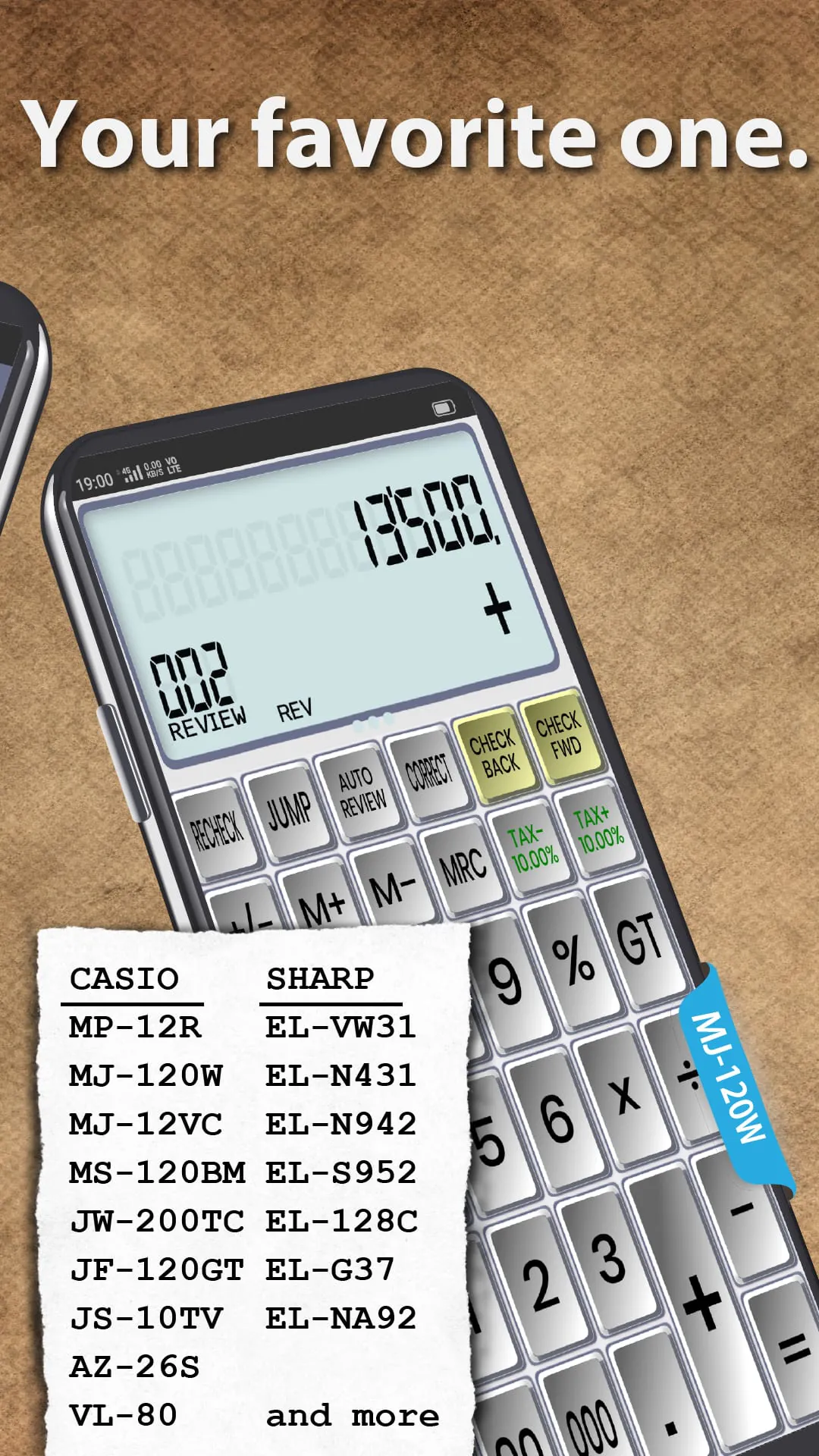
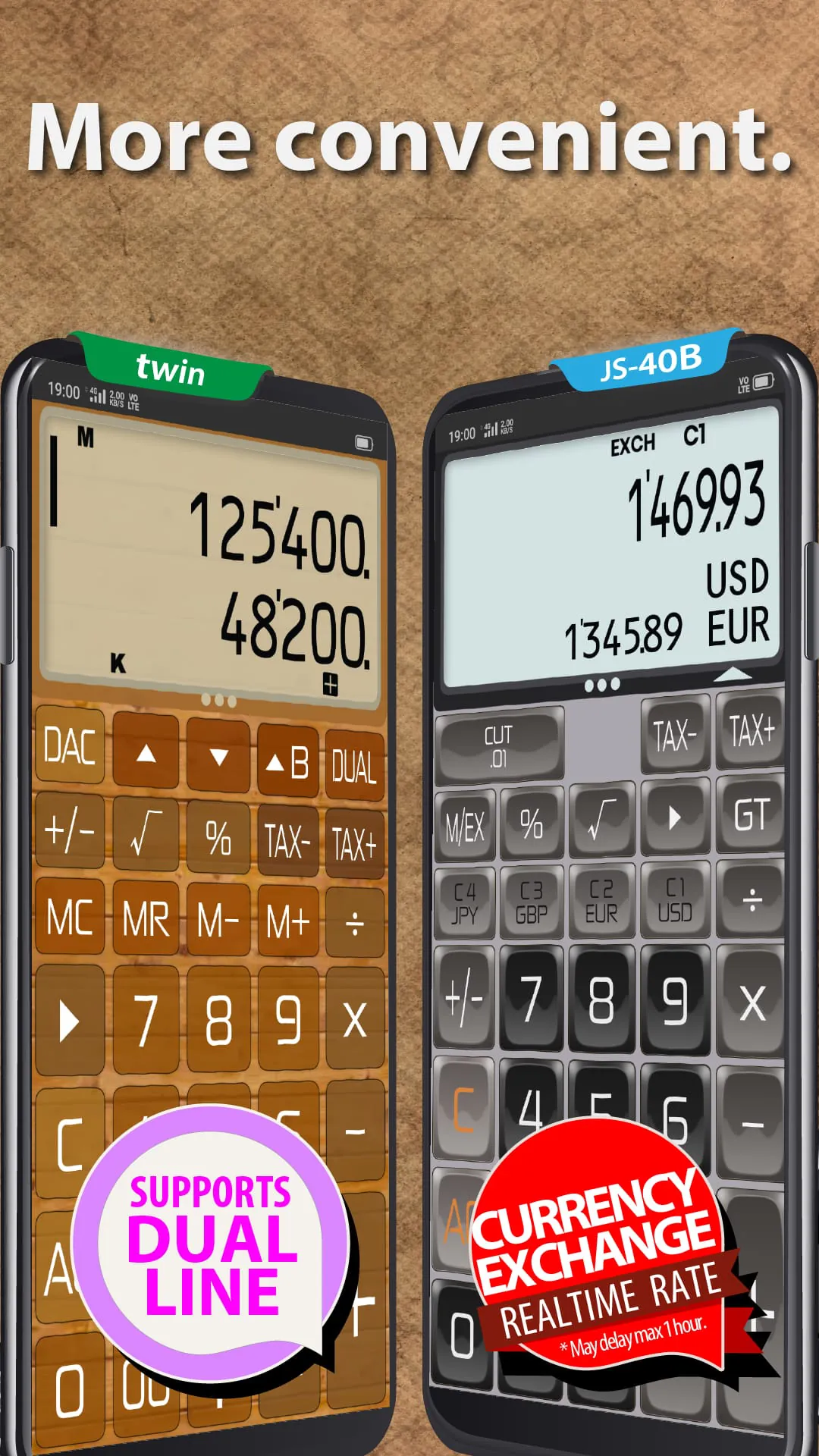
The calculator application's premium features enhance its functionality and offer advanced capabilities to users who require more sophisticated tools. Access to these premium features is managed through a 'heart' system, which grants users temporary access to specific premium items. Each user is initially provided with two 'hearts,' which can be used to unlock premium items for a 20-minute period. The hearts regenerate after a 20-minute cooldown, allowing users to periodically access premium features without a subscription. This system provides a flexible and accessible way for users to sample premium features and determine whether a subscription is necessary for their needs. Users who have previously purchased the 'ad-free' version of the app receive an additional 'heart,' granting them a total of three hearts and increased access to premium features. This rewards loyal users and provides them with added value for their past purchases. A subscription option is also available, providing unlimited access to all premium features without any restrictions. This option caters to power users who require frequent access to advanced calculation tools and scripting capabilities. The premium features encompass advanced calculations within the calculation library and access to specialized JavaScript scripts. These features cater to professionals, students, and enthusiasts who require advanced tools for specific tasks. The app retains and enhances its existing features, ensuring a seamless transition for existing users while providing new functionalities for all. The app offers a complete emulation of Casio and Sharp calculator operating modes, providing a familiar and intuitive experience for users accustomed to these traditional calculator brands. This is particularly beneficial for accounting, bookkeeping, and educational purposes, where familiarity with established calculator layouts and logic is crucial. The inclusion of multiple built-in calculators allows users to switch between different calculator types based on their specific needs. Users can also download additional themes and calculators from an online gallery, expanding the app's versatility and customization options. Advanced calculation functions include currency conversion with support for 168 currencies and automatic exchange rate updates, time, day, and date calculations for tasks such as calculating work hours and wages, remainder calculations, reduced tax rate and invoice aggregation, cost/sale price/gross profit margin calculations, discount calculations, and tax calculations. These functions provide a comprehensive suite of tools for various financial and mathematical tasks. Additional features include GT (Grand Total) memory, multiple percentage calculations, square root function, constant calculation, approximation calculation, and an ANS (Answer) key, further enhancing the app's functionality and versatility.
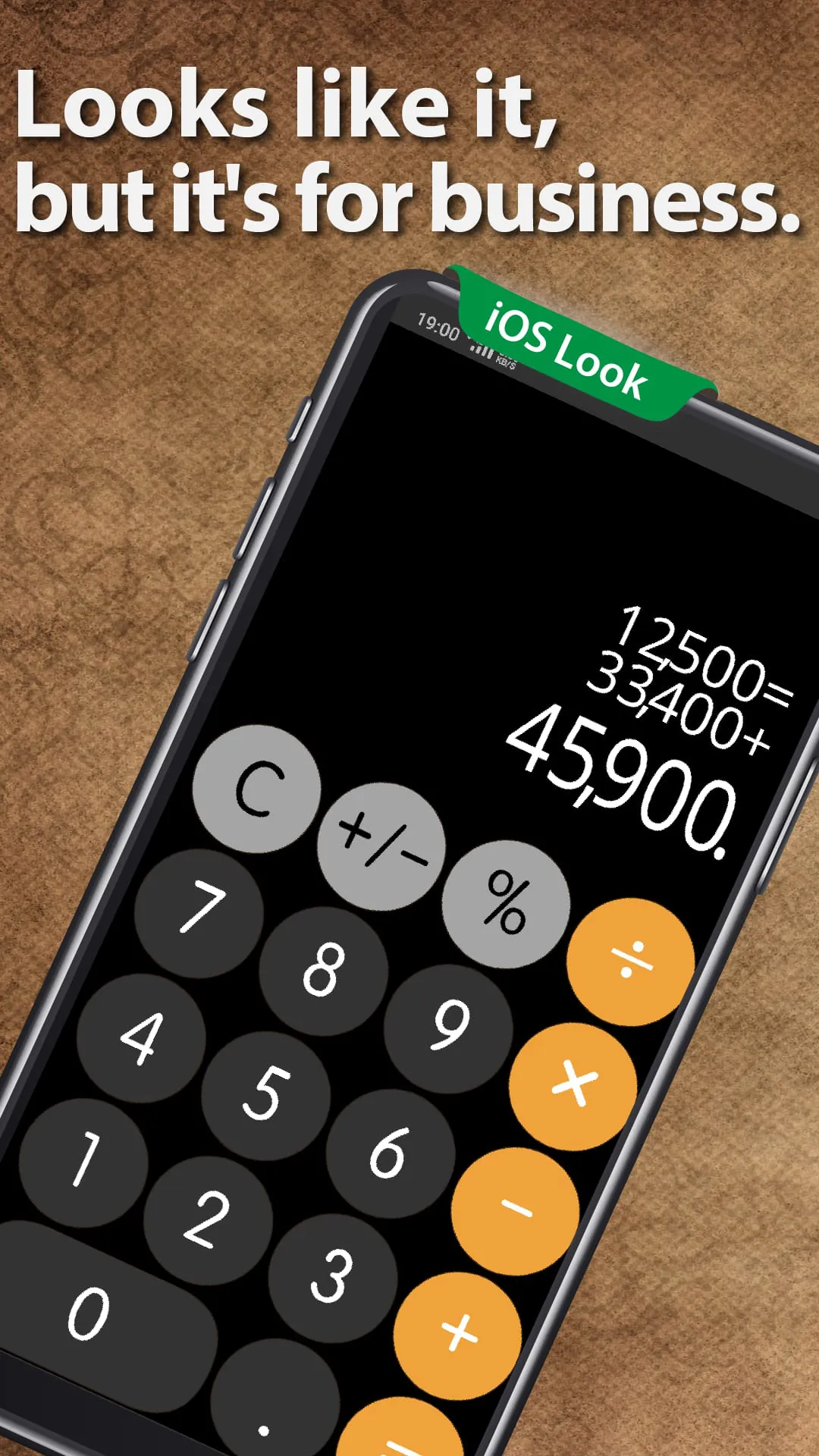
The calculator application boasts a variety of display features that enhance usability and clarity, especially when dealing with complex calculations and large numbers. The twin display feature allows users to perform two calculations simultaneously, enabling comparisons and facilitating complex problem-solving. This feature is particularly useful for tasks that require comparing different scenarios or evaluating multiple options. The calculation history function provides a detailed record of past calculations, with the ability to add notes, search for specific entries, and copy results to the clipboard. This function facilitates review, analysis, and reuse of previous calculations. The option to display numbers in 'hundred million' format or in the Indian numbering system enhances readability for large values. This catering to different regional preferences and improves comprehension of large numbers. The app also includes a three-digit separator and a digit counter display, further enhancing readability and clarity. A wide array of customization options allows users to tailor the app's appearance and functionality to their individual preferences. Users can save custom key layouts, display settings, and calculation preferences, allowing them to quickly switch between different configurations based on their needs. Wallpaper options include built-in images and the ability to use custom images from the user's device. Seven different button shapes and three font options are available, allowing users to personalize the app's visual appearance. The digit selection feature allows users to choose between 8 and 14 digits, accommodating different calculation requirements. The reading function allows input and calculations to be confirmed verbally. The calculator application positions itself as a comprehensive solution for all calculation needs, from everyday tasks to professional applications and even programming. Its extensive feature set, customization options, and user-friendly interface make it a versatile tool for a wide range of users. The developer encourages users to download the app and experience a new level of calculation convenience and power.





 APK
APK  Google Play
  iOS
iOS  4.70
4.70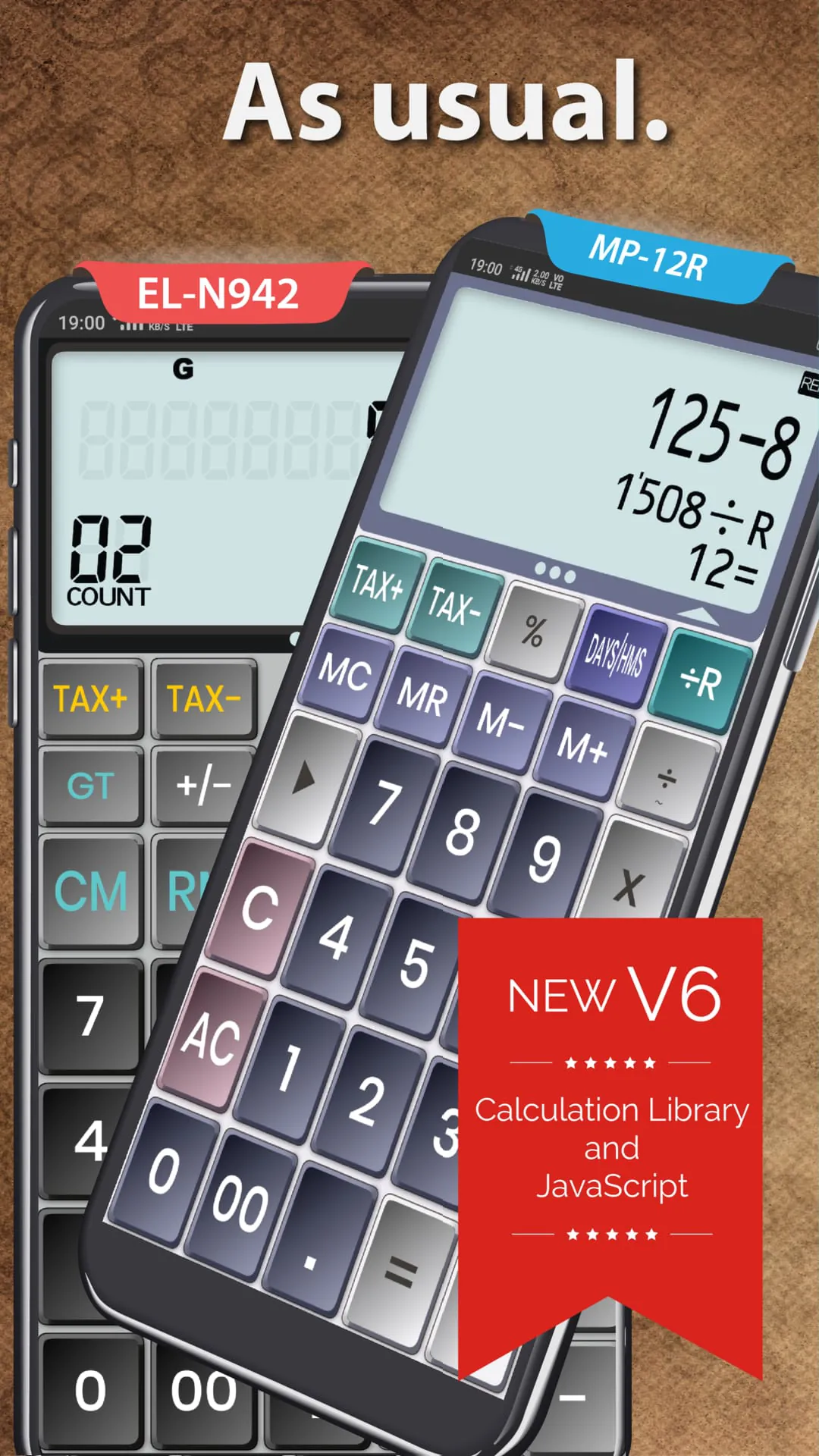
 Download








