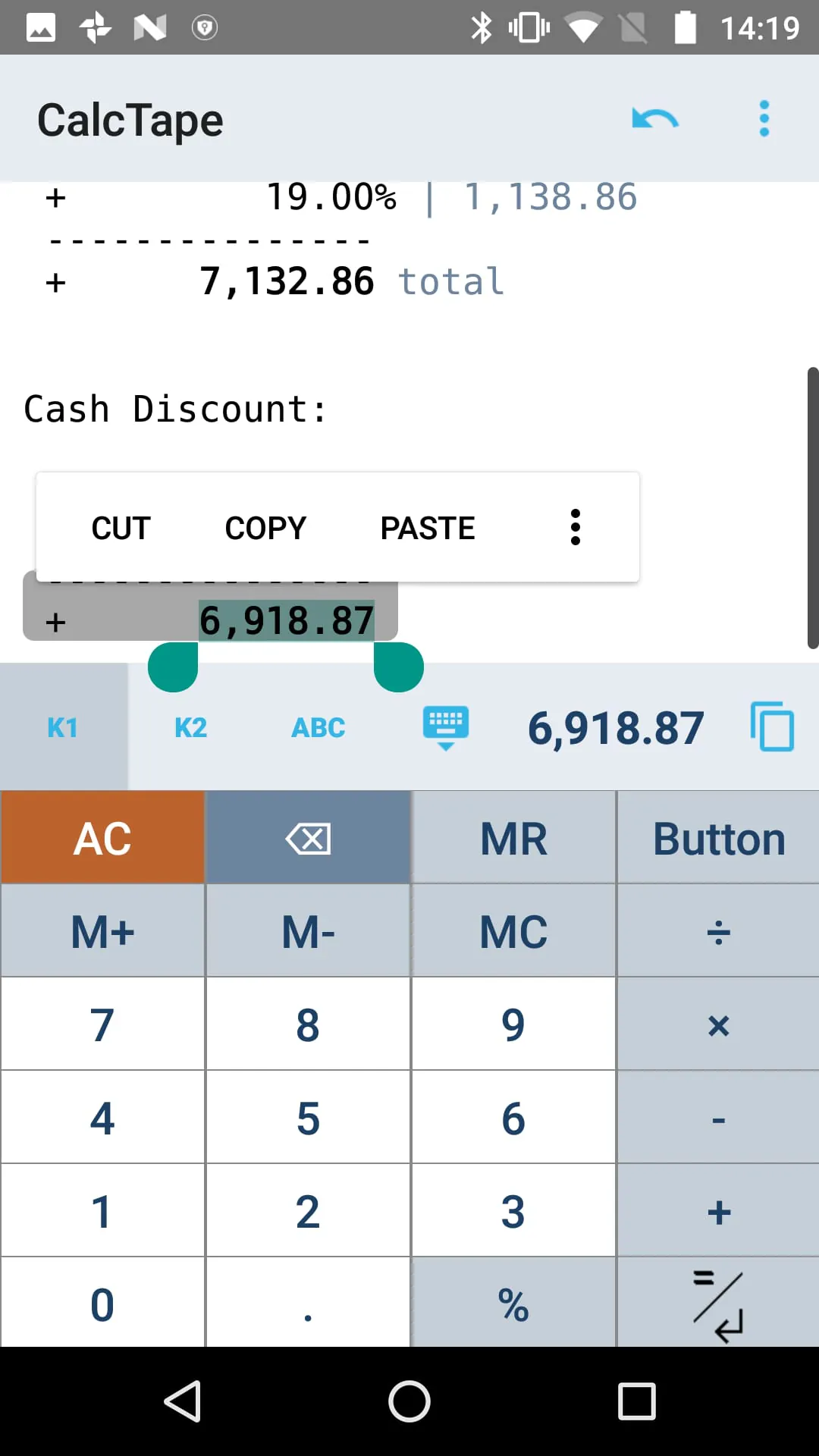
CalcTape is an innovative application that reimagines the traditional calculator experience by seamlessly integrating features from standard calculator apps, classic desktop calculators, and note-taking applications. This unique combination provides users with a versatile tool that goes beyond basic arithmetic, catering to a wide range of daily calculation needs. Unlike conventional calculators, CalcTape prioritizes clarity and accuracy, addressing common frustrations associated with complex calculations. One of the key advantages of CalcTape is its ability to maintain a comprehensive overview of every calculation. Users can easily review all entered figures, ensuring accuracy and preventing errors that can often occur in lengthy computations. This feature is particularly useful for tasks that require meticulous attention to detail, such as financial planning, budgeting, and data analysis. In addition to its error-checking capabilities, CalcTape allows for real-time corrections. If a mistake is identified, users can instantly modify the incorrect figure, and all subsequent results will be automatically adjusted. This eliminates the need to start the calculation from scratch, saving time and reducing the risk of further errors. CalcTape's flexibility extends beyond simple corrections. Users can insert new lines within the calculation to add missed figures or steps, ensuring that the computation remains accurate and complete. This feature is especially helpful when dealing with complex formulas or multi-stage calculations. Furthermore, CalcTape offers a unique level of interactivity, allowing users to place the cursor anywhere within the calculation. This enables them to modify any number or operator at any point in the process, providing unparalleled control over the computation. The changes are reflected immediately, ensuring that the results are always up-to-date and accurate. CalcTape can be described as a “spreadsheet with a calculator interface” because of this functionality. This analogy highlights the app's ability to combine the ease of use of a calculator with the organizational capabilities of a spreadsheet. The app's note-taking features allow users to add comments and annotations to their calculations, providing context and clarity. This is particularly useful for complex computations that involve multiple variables or steps. By adding comments, users can easily understand the logic behind their calculations and avoid confusion when reviewing them later. CalcTape also offers extensive customization options, allowing users to tailor the app to their specific needs and preferences. The keypad can be customized to include only the buttons that are frequently used, streamlining the calculation process and reducing clutter. Users can also create their own functions, such as adding a specific percentage rate with a single tap. This feature is particularly useful for repetitive calculations that require the same operations to be performed repeatedly. CalcTape is available in both a free basic version and a paid Pro version. The basic version provides all the essential features for daily calculations, while the Pro version unlocks additional functionality, such as the ability to save calculations into files, create custom functions, and design personalized keypad layouts.
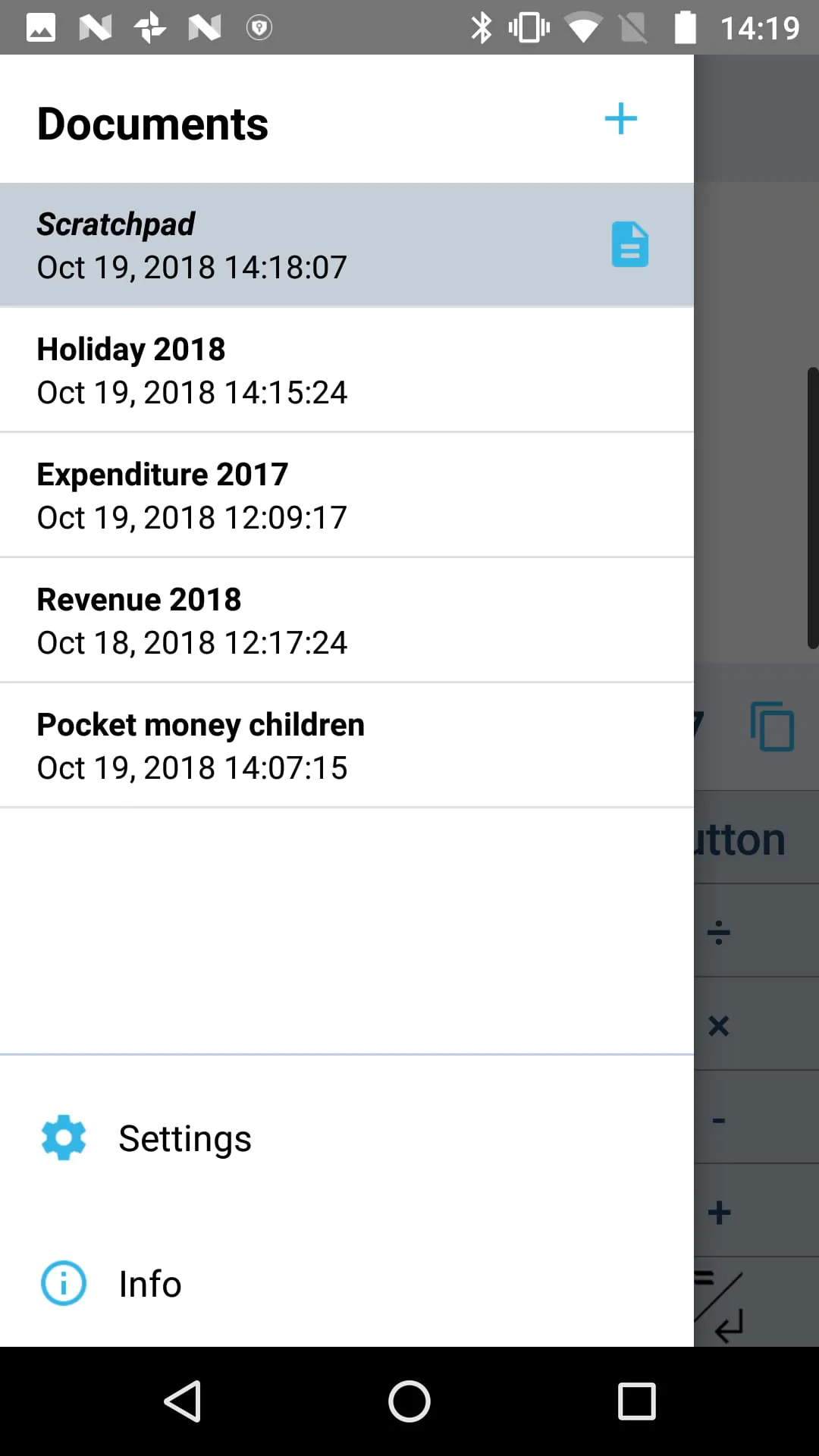
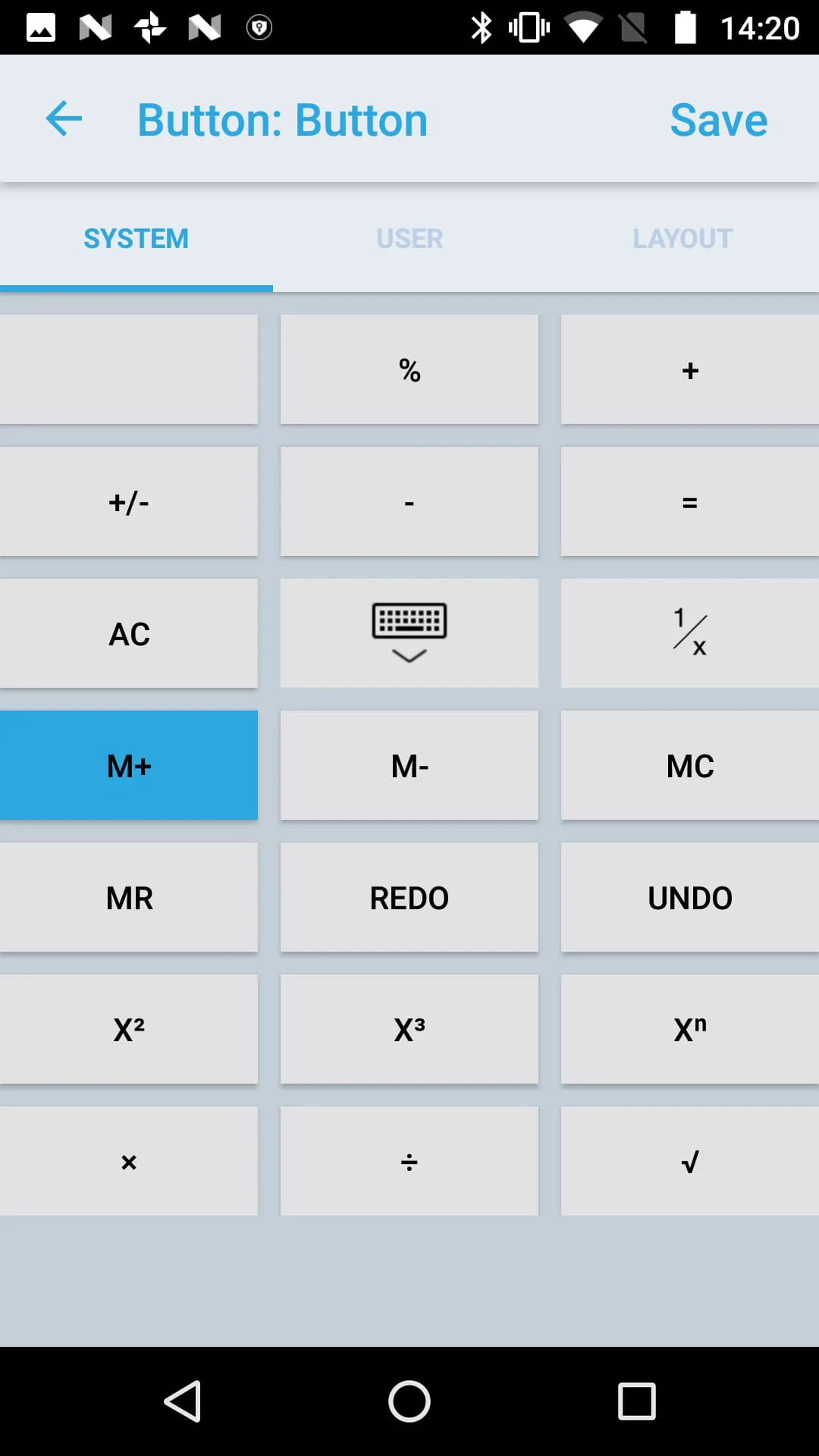
The Pro version of CalcTape significantly expands the app's capabilities, offering a range of advanced features that cater to power users and professionals. One of the most notable enhancements is the ability to save calculations into files. This allows users to store their work for future reference, ensuring that important computations are not lost or forgotten. Saved calculations can be easily retrieved and modified, making it simple to update or reuse previous work. The Pro version also introduces the ability to create custom functions. This feature allows users to define their own operations, which can then be executed with a single tap. Custom functions can be used to automate complex calculations, streamline repetitive tasks, and personalize the app to specific needs. The possibilities are endless, limited only by the user's imagination and programming skills. CalcTape Pro also offers extensive customization options for the keypad layout. Users can change the assignment of buttons, adjust button sizes, and select from different keypad layouts. This level of customization allows users to create a calculator interface that is perfectly tailored to their individual preferences and workflow. The Pro version includes a “function keypad” that contains no numbers and is completely customizable. This keypad can be used to store frequently used functions, text snippets, or other commands, providing quick access to essential tools. Two keypads are directly accessible in the main screen, allowing users to switch between different layouts with ease. Sharing capabilities are also enhanced in the Pro version. Users can share their calculations using standard Android sharing options, such as email, messaging apps, and social media platforms. This makes it easy to collaborate with colleagues, share results with clients, or simply keep a record of important computations. CalcTape Pro also introduces printing capabilities. Users can print their calculations directly from the app, providing a convenient way to create hard copies for documentation or record-keeping purposes. The Pro version also includes an export feature that allows users to save their calculations as HTML files. These files can be easily opened in a web browser or shared via email, making it simple to present calculations in a professional and visually appealing format. The export feature also includes a clipboard option, allowing users to copy the HTML code directly into other applications. CalcTape Pro is a powerful tool for anyone who needs to perform complex calculations on a regular basis. Its advanced features, customization options, and sharing capabilities make it an ideal choice for professionals, students, and anyone who values accuracy and efficiency.
CalcTape distinguishes itself from traditional calculator applications through its unique blend of functionalities, combining the familiar interface of a standard calculator with the enhanced features of a desktop calculator and the organizational capabilities of a note-taking application. This integration provides users with a comprehensive and versatile tool that caters to a wide array of calculation needs, far exceeding the limitations of conventional calculators. One of the key differentiators of CalcTape is its emphasis on transparency and error prevention. Unlike standard calculators where calculations are often performed blindly, CalcTape provides a clear and detailed record of every input and operation. This allows users to easily review their calculations, identify any mistakes, and make corrections in real-time. The ability to check figures and correct them instantly sets CalcTape apart from traditional calculators, significantly reducing the risk of errors and improving overall accuracy. CalcTape's ability to adjust subsequent results automatically after a correction is made is another significant advantage. This feature eliminates the need to recalculate the entire computation, saving time and effort. The ability to insert missed figures or steps into the calculation further enhances the app's flexibility and accuracy. CalcTape's interactive nature also distinguishes it from traditional calculators. The ability to place the cursor anywhere within the calculation and modify any number or operator provides users with unparalleled control over the computation process. This feature is particularly useful for complex calculations that require multiple adjustments and iterations. The app's “spreadsheet with a calculator interface” design further enhances its usability and functionality. This analogy highlights the app's ability to combine the ease of use of a calculator with the organizational capabilities of a spreadsheet, providing users with a powerful tool for managing and analyzing numerical data. CalcTape's note-taking features also set it apart from traditional calculators. The ability to add comments and annotations to calculations provides context and clarity, making it easier to understand and review complex computations. This feature is particularly useful for collaborative projects where multiple users need to understand and contribute to the same calculations. CalcTape's customization options further enhance its versatility and user-friendliness. The ability to customize the keypad layout, create custom functions, and select from different keypad layouts allows users to tailor the app to their specific needs and preferences. This level of customization ensures that CalcTape remains a valuable and efficient tool for a wide range of users. The availability of both a free basic version and a paid Pro version makes CalcTape accessible to a broad audience. The basic version provides all the essential features for daily calculations, while the Pro version unlocks advanced features for power users and professionals. This dual-tier approach ensures that CalcTape can meet the needs of both casual users and experienced professionals alike. CalcTape's innovative approach to calculation, its emphasis on transparency and accuracy, its interactive nature, and its extensive customization options make it a unique and valuable tool for anyone who needs to perform calculations on a regular basis.





 APK
APK  Google Play
  iOS
iOS  4.70
4.70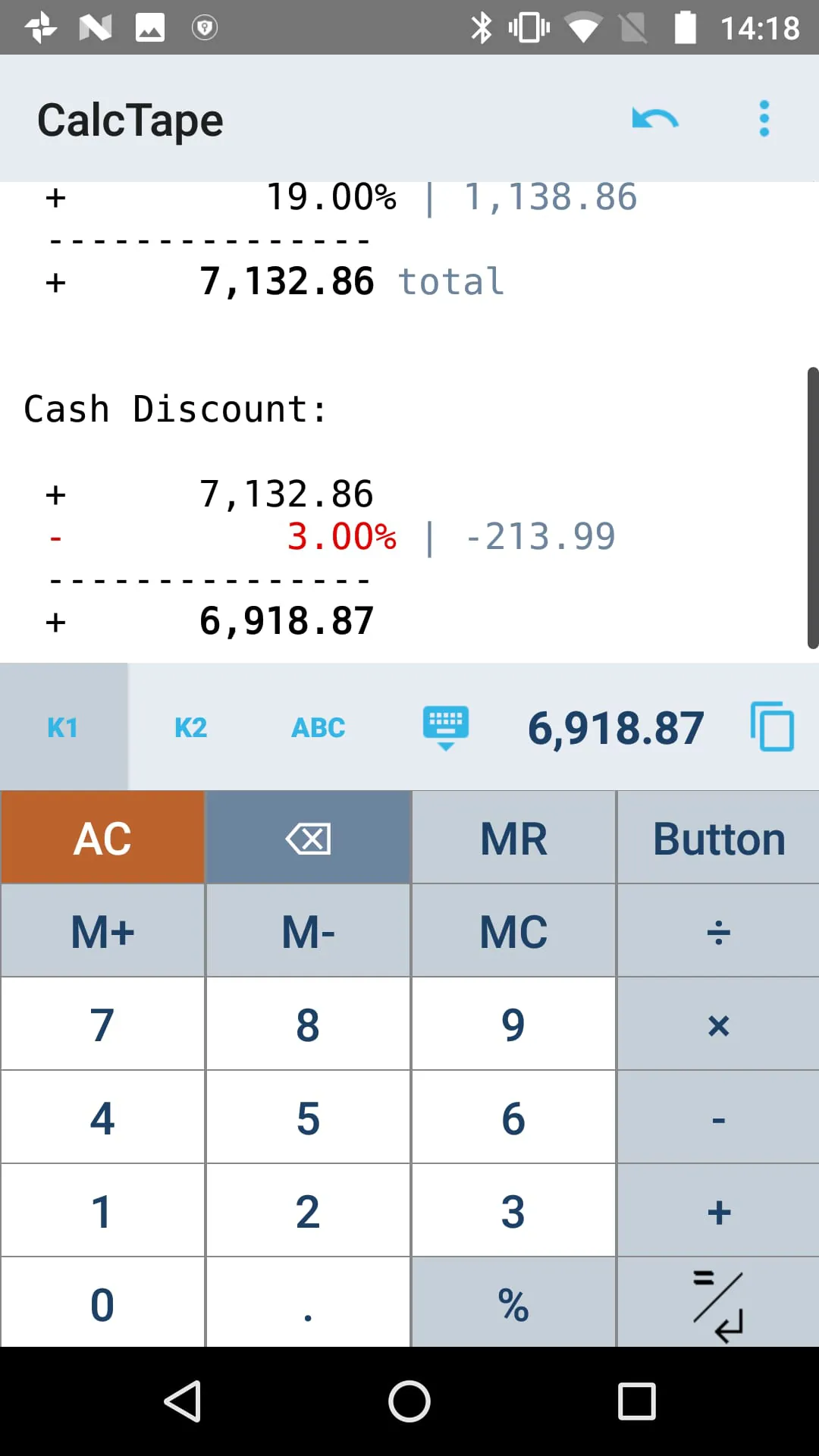
 Download








