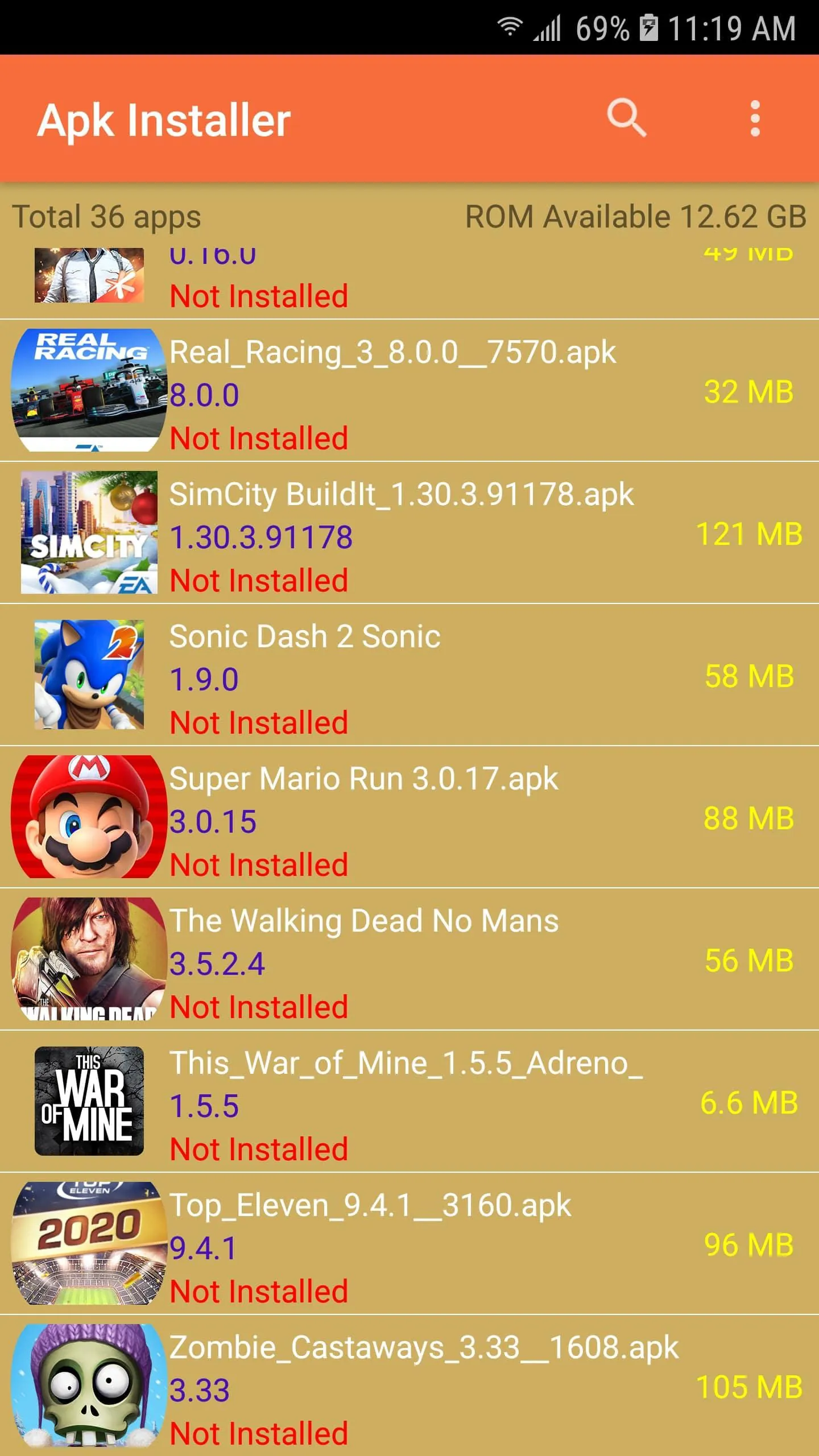
Apk Installer is a lightweight yet powerful Android utility designed to simplify the process of installing applications from APK files. Whether you’ve downloaded an app directly from a developer’s site, received it via file sharing, or backed up your own apps for reinstallation, this tool ensures smooth installation without complicated steps. It supports single and batch installations, works seamlessly across most Android versions, and eliminates compatibility issues that often arise when sideloading apps outside of official stores.
Key Features
- Batch installation support for multiple APKs at once
- Automatic detection of corrupted or incomplete files
- Clear storage usage breakdown for installed apps
- Easy management of previously installed APK archives
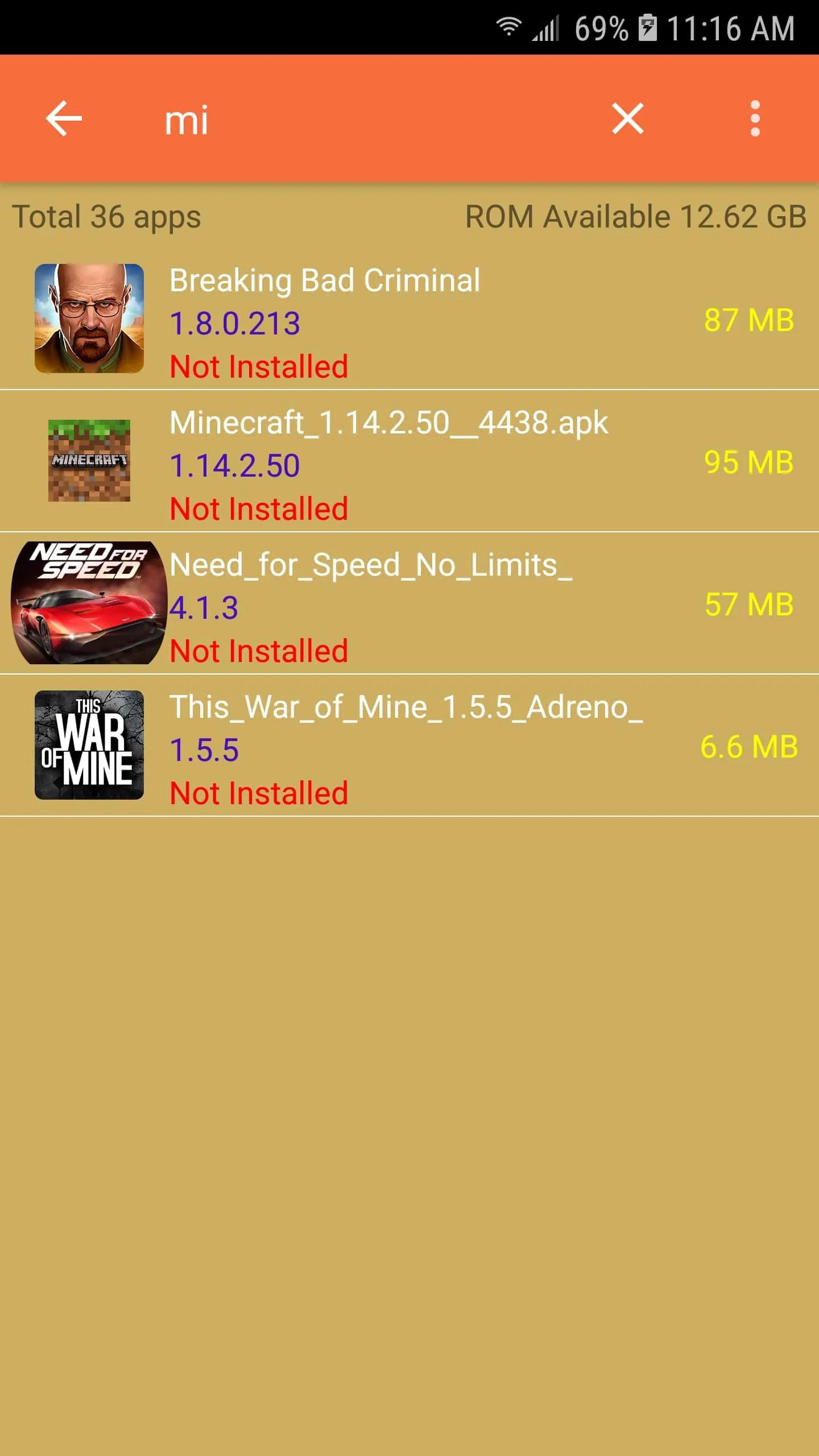
- Fast scanning for newly added APK files on your device
- Lightweight design with minimal battery and memory usage
Pros & Cons
- Pros: Simple interface, fast performance, no unnecessary permissions required, works offline
- Cons: Lacks advanced app management tools, may not support certain encrypted APKs
Functions
- Install APK files individually or in bulk
- View detailed information such as version code, package name, and permissions
- Delete residual APK files after installation to free space
- Extract installed apps into APK files for backup
- Verify app signatures for security checks
How to Use
Click the button "Check All Versions" below to download and install it. After installation, open Apk Installer and grant the necessary permissions for file access. Navigate to the folder containing your APK files, select one or more apps you wish to install, and tap “Install.” You can monitor progress directly within the app. For batch installs, simply check all desired APKs before tapping the install button. Once finished, the app will notify you if any installations failed and provide reasons, such as missing dependencies or incompatible architecture.





 APK
APK  Google Play
  iOS
iOS  4.40
4.40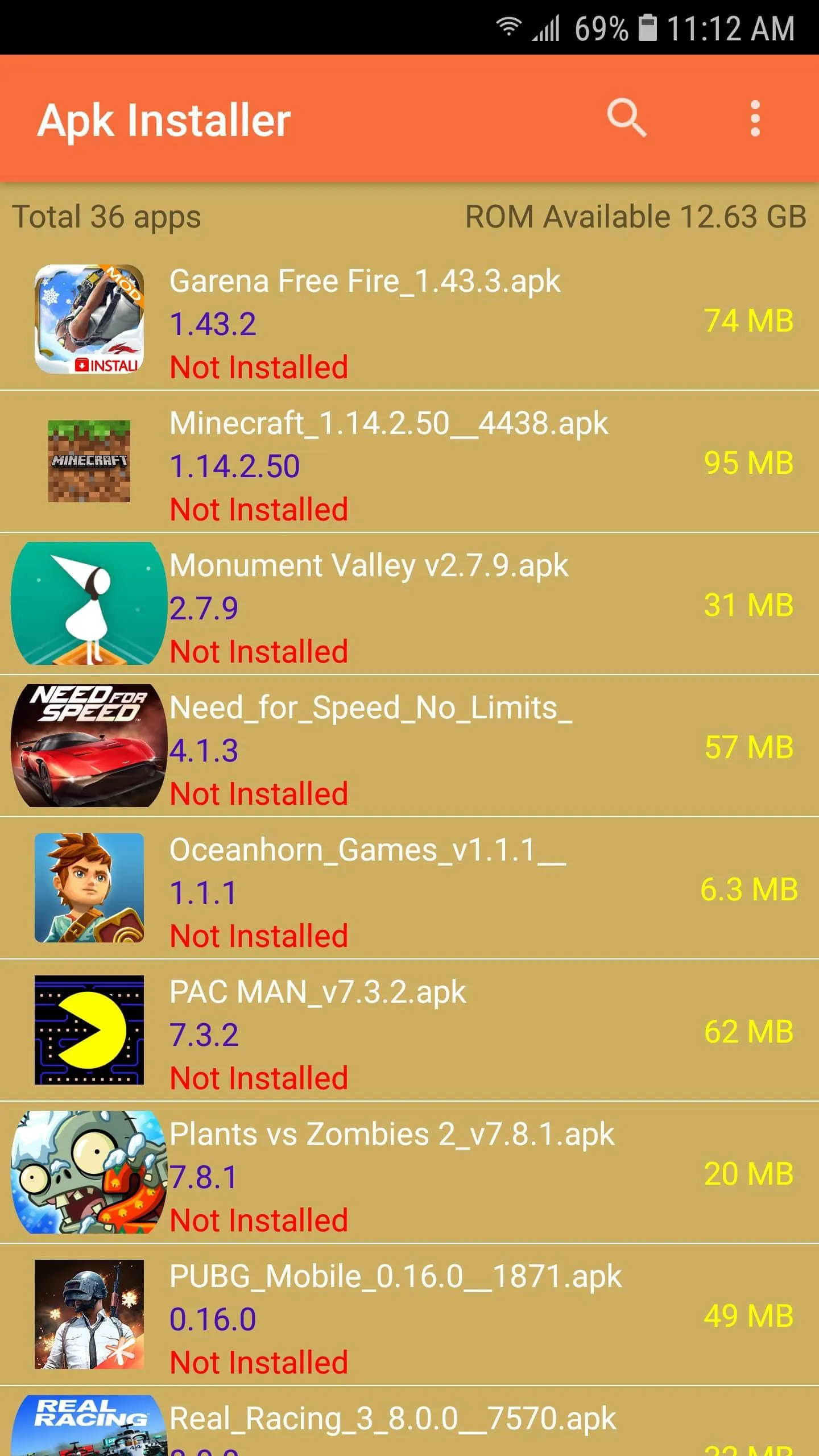

 Download








