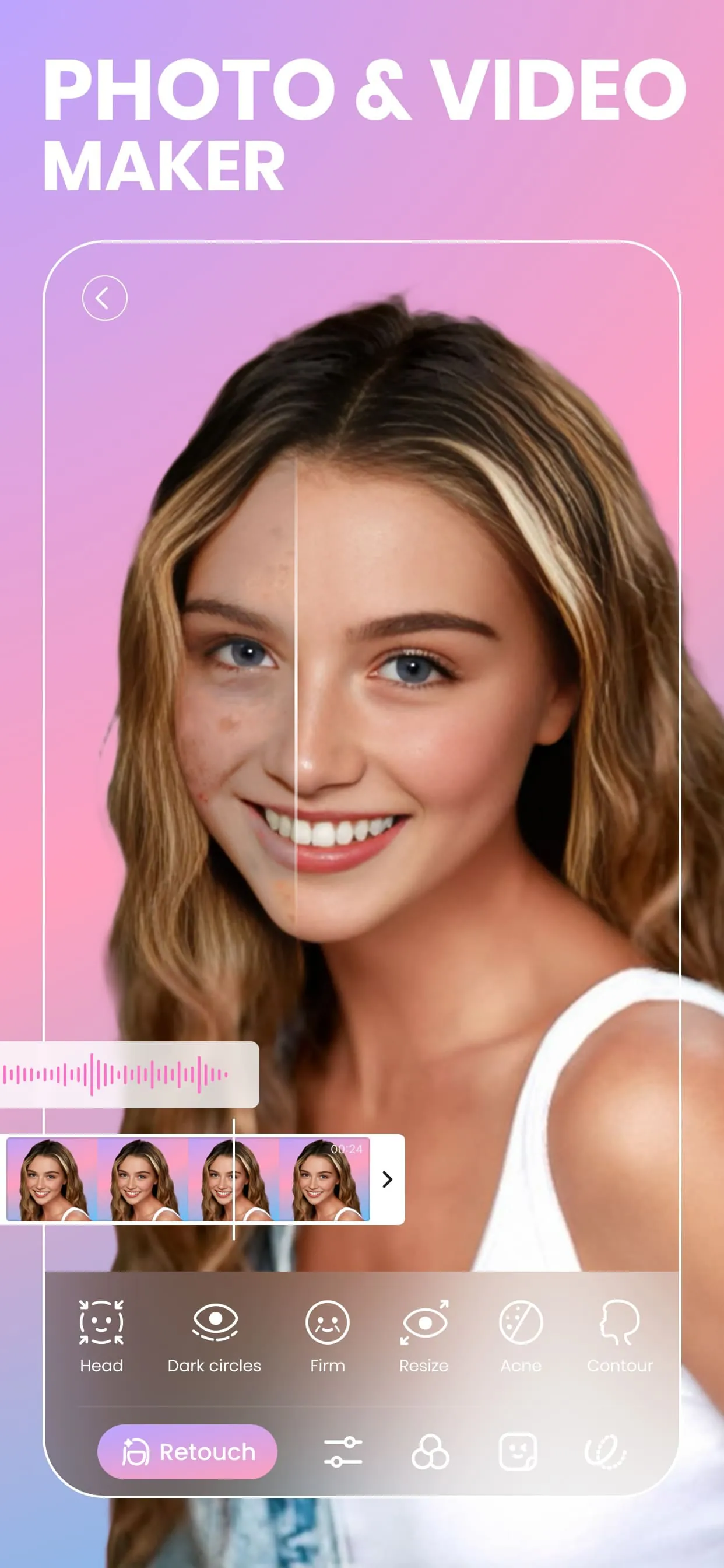
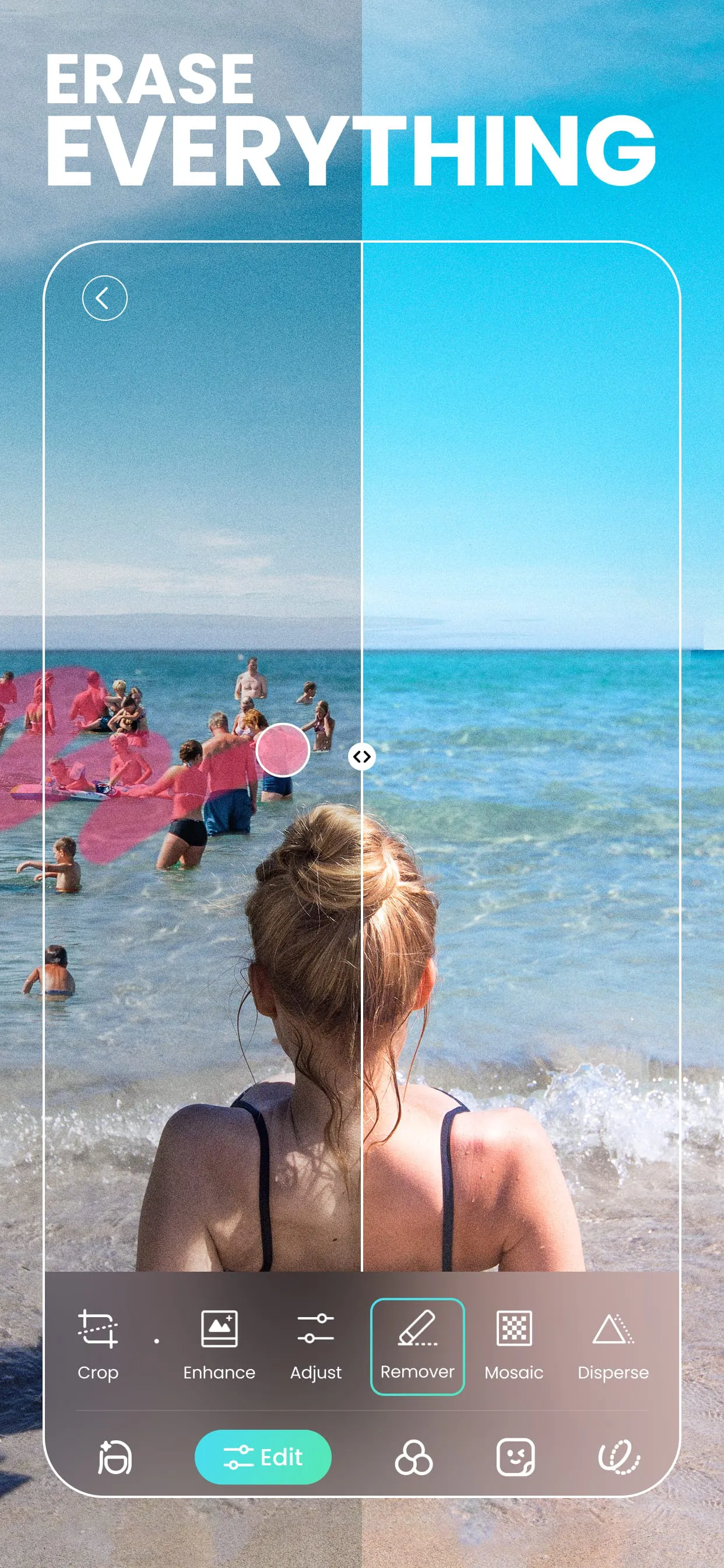
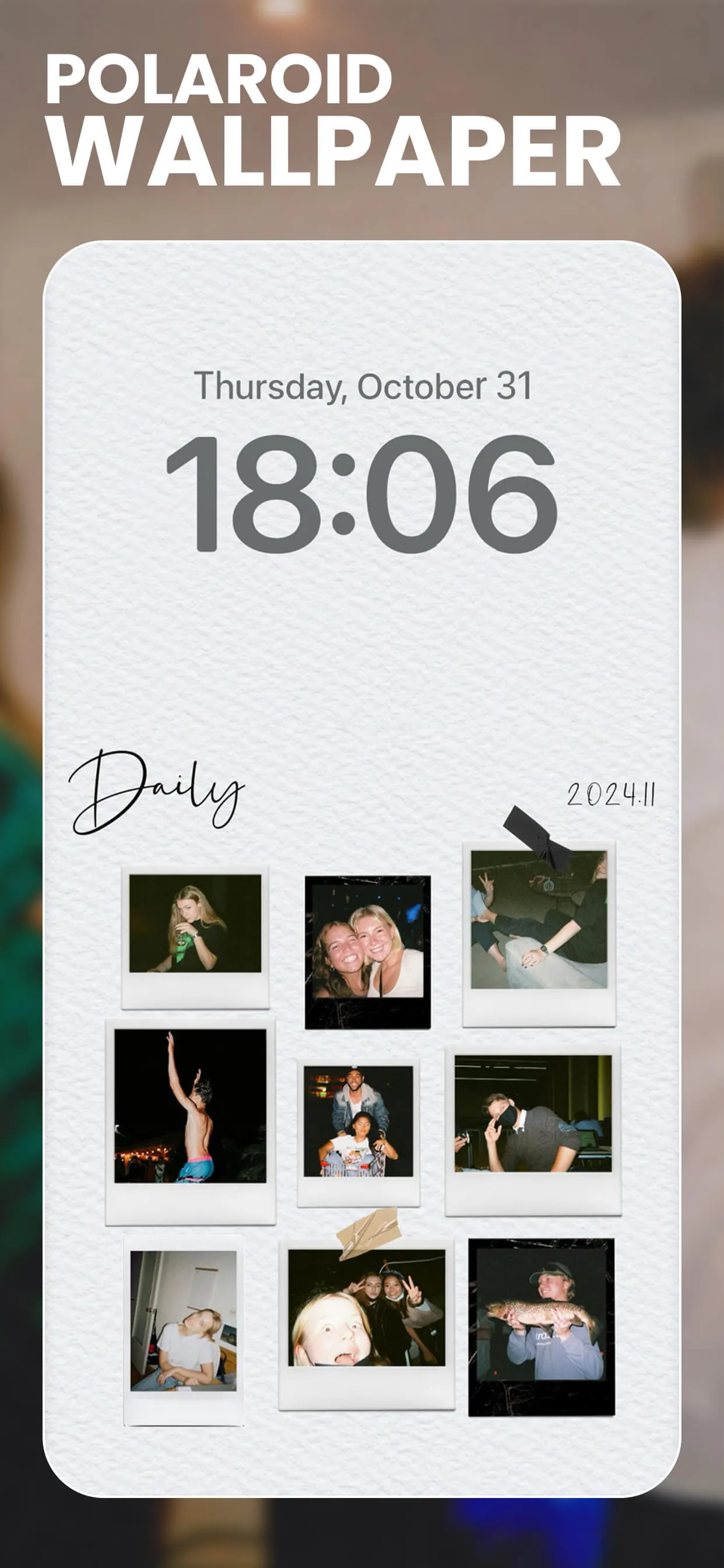
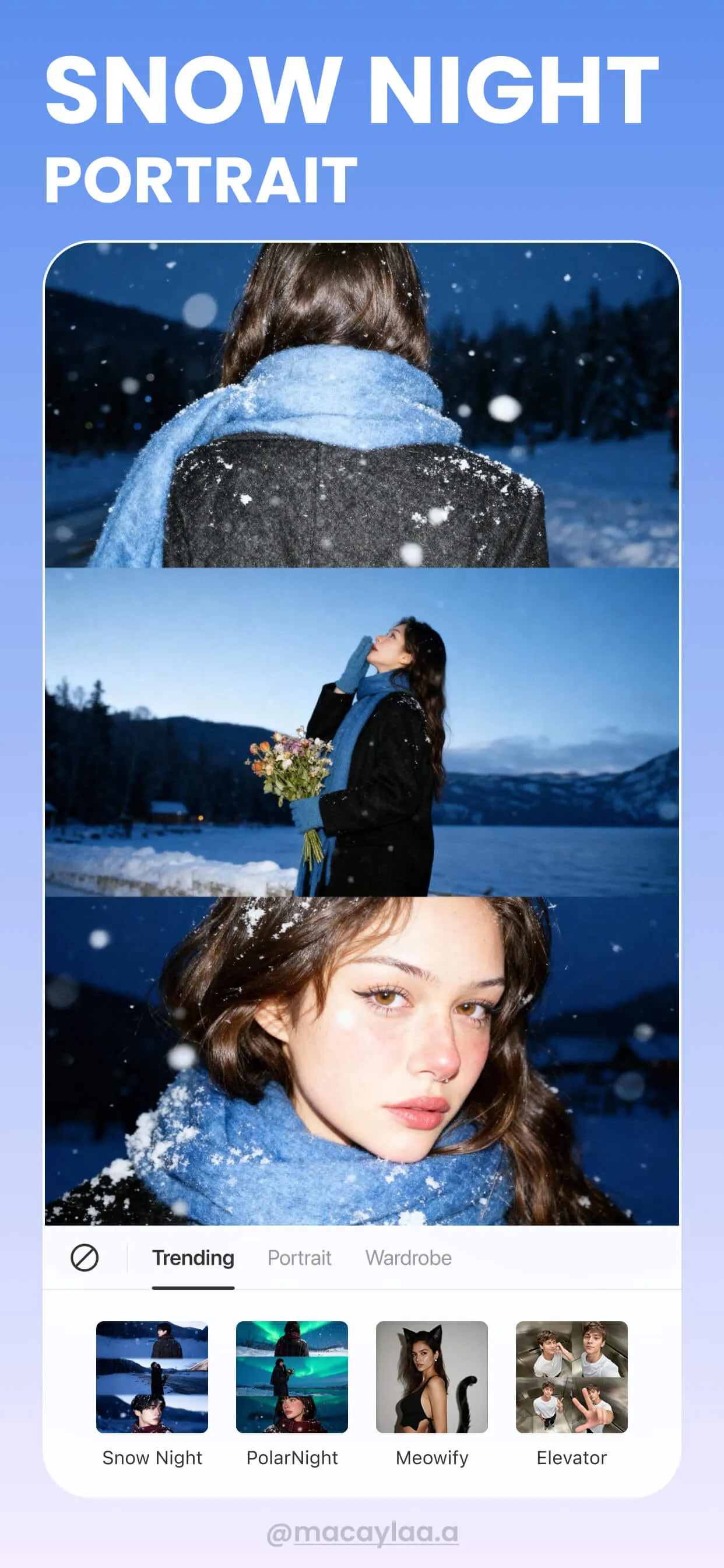
BeautyPlus is a globally recognized mobile photo editing application developed by Meitu, designed to help users effortlessly enhance their selfies and photos with professional-grade retouching tools. Launched in 2013, this app has gained immense popularity for its intuitive interface and powerful AI-driven beauty features, making it accessible to both casual users and photography enthusiasts. BeautyPlus stands out in the crowded market of photo editors by offering real-time beautification during capture, as well as comprehensive post-processing capabilities that allow users to achieve flawless skin, adjust facial features, and apply artistic filters with just a few taps.
Key Features
- AI-Powered Auto-Retouch: Instantly smooths skin, removes blemishes, and enhances facial contours with intelligent algorithms.
- Real-Time Beautification: Applies makeup and skin smoothing effects directly through the camera preview before taking a shot.
- Body Reshaping Tools: Allows users to subtly adjust body proportions, slim waists, lengthen legs, or refine shoulders.
- Extensive Filter Library: Offers hundreds of themed filters ranging from vintage film looks to modern vibrant tones.
- Makeup Editor: Provides virtual cosmetics including lipstick, eyeshadow, blush, and eyebrow styling without physical products.
Pros & Cons
- Pros:
- User-friendly interface suitable for beginners with no editing experience.
- High-quality output that maintains image clarity even after heavy retouching.
- Frequent updates introducing new styles, filters, and seasonal effects.
- Strong privacy measures ensuring user photos are processed securely.
- Cons:
- Some advanced features require a paid subscription or contain ads.
- Heavy reliance on AI may sometimes result in unnatural over-editing if not adjusted carefully.
- Large number of features can feel overwhelming to first-time users.
Functions
- Photo Enhancement: Automatically adjusts brightness, contrast, and saturation for balanced images.
- Blemish Removal: Erases acne, dark circles, and other imperfections seamlessly.
- Background Editing: Changes or blurs backgrounds to create portrait mode effects.
- Collage Maker: Combines multiple photos into creative layouts with customizable borders.
- Video Editing: Supports basic video beautification, including skin smoothing and filter application.
- Sticker and Text Addition: Adds fun stickers, emojis, and stylized text to personalize images.
How to Use
Click the button "Check All Versions" below to download and install it. Once installed, open the app and grant necessary permissions such as camera and storage access. From the home screen, choose between taking a new photo or selecting one from your gallery. Use the auto-enhance option for quick fixes or manually adjust specific features like skin tone, eye size, or lip shape. After editing, save the image to your device or share it directly to social media platforms like Instagram, TikTok, or Facebook. For continuous improvements, explore the tutorial section within the app to master advanced editing techniques and discover trending styles.





 APK
APK  Google Play
  iOS
iOS  4.60
4.60