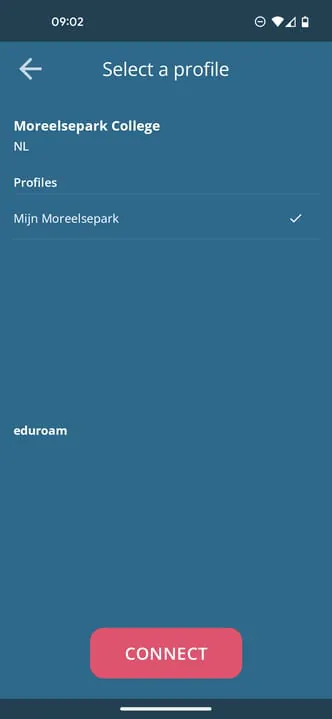
To configure the eduroam WiFi-network, users need to select the appropriate profile for their institution. These profiles are created by the institutions themselves and are specific to their network settings. Once the correct profile is selected, users will be prompted to enter their credentials. This could include their username and password or other authentication information. After providing these details, the eduroam network will be configured and ready to use.
The eduroam network is a global initiative that allows students, researchers, and staff from participating institutions to access WiFi services at other institutions. It provides a secure and seamless connection, eliminating the need for multiple login credentials when visiting different campuses. The network is configured using the eduroam CAT (Configuration Assistant Tool) profile, which ensures compatibility with the institution's network settings.
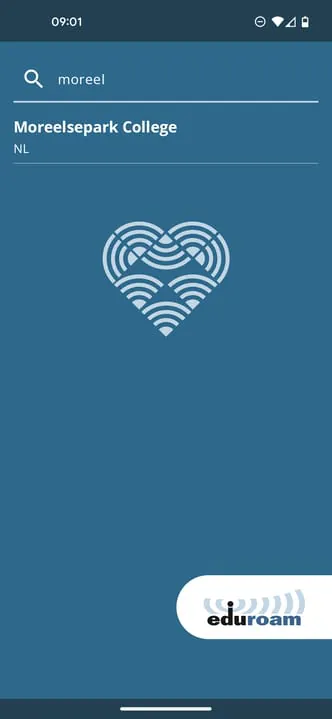
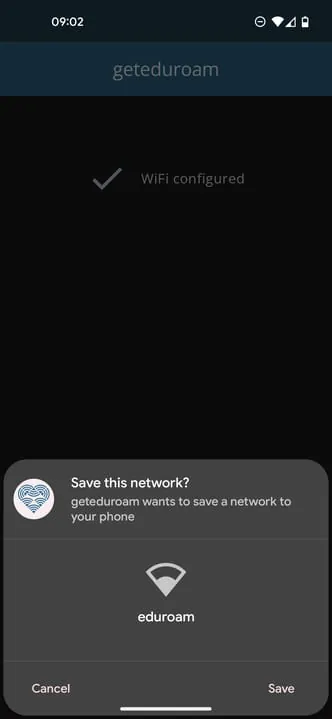
To configure the eduroam network, users must first download the appropriate profile for their institution. These profiles are typically available on the institution's website or through their IT department. Once the profile is downloaded, users can open it using the eduroam CAT tool. This tool guides users through the configuration process, prompting them to enter their credentials and any additional information required by their institution. Once the configuration is complete, users can connect to the eduroam network using their institution's credentials.
In summary, configuring the eduroam WiFi-network involves selecting the correct profile for the user's institution and providing the necessary credentials. This can be done using the eduroam CAT tool, which ensures compatibility with the institution's network settings. Once the configuration is complete, users can enjoy seamless and secure access to WiFi services at participating institutions worldwide.





 APK
APK  Google Play
  iOS
iOS  3.00
3.00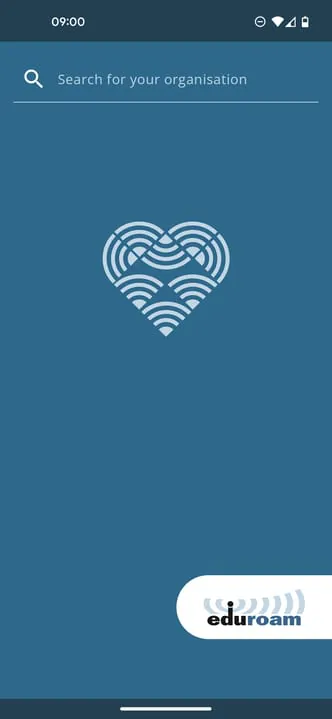
 Download








