



ADVERTISEMENT
ADVERTISEMENT

App Store Link App Store Link
Category
ProductivityVersion
V1.1.6
Tag
App Management | app launcher | Google Play Store | app settings | uninstall app
Rate
3.80
★★★★★
Reviews
500 +
Installs
500k +
Developer
YJLink
Content Rating
Everyone
Go directly to the app's Google Play Store page
 APK
APK  Google Play
  iOS
iOS  3.80
3.80ADVERTISEMENT
ADVERTISEMENT
Author's Review
appspicked Review
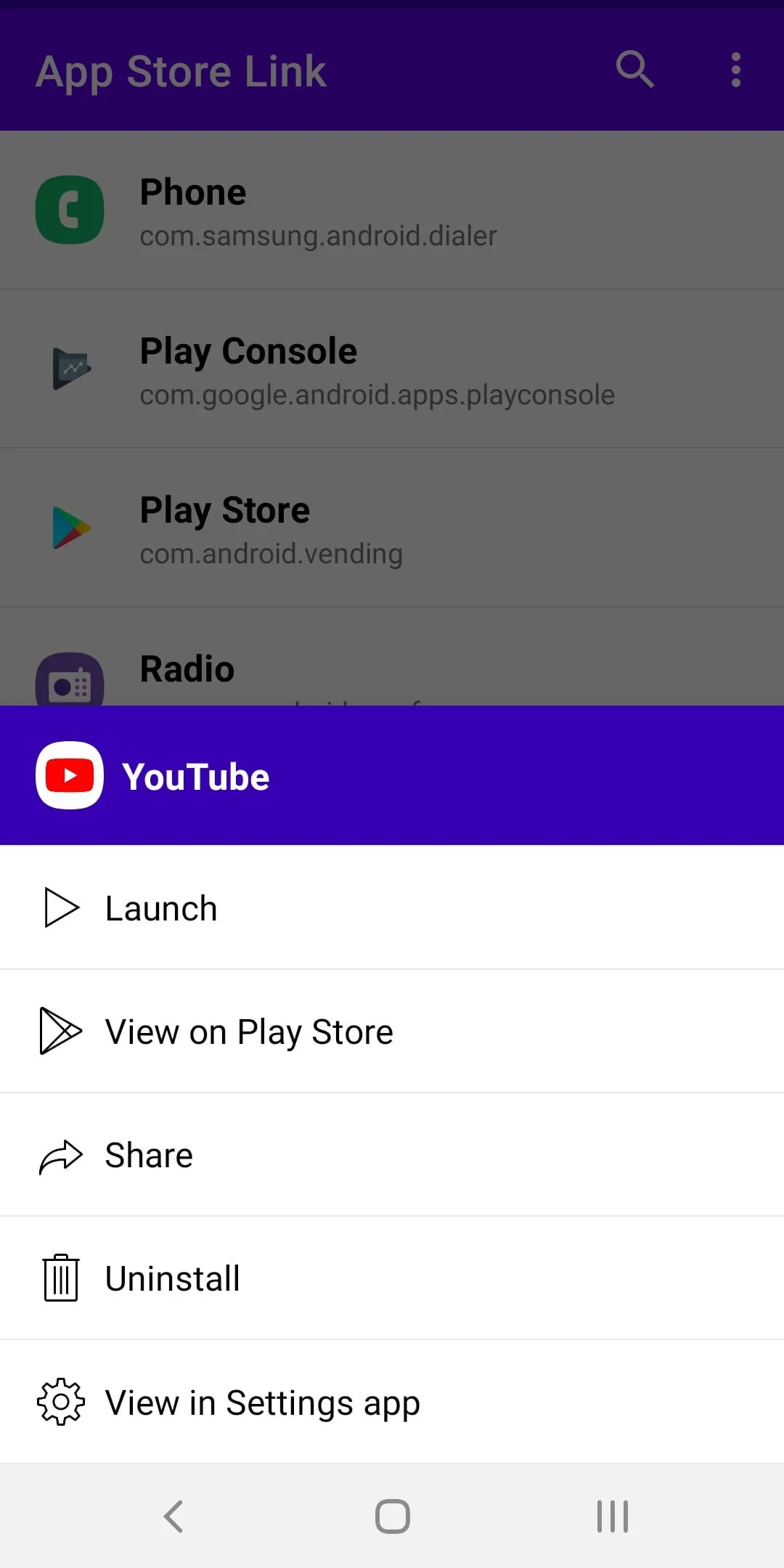
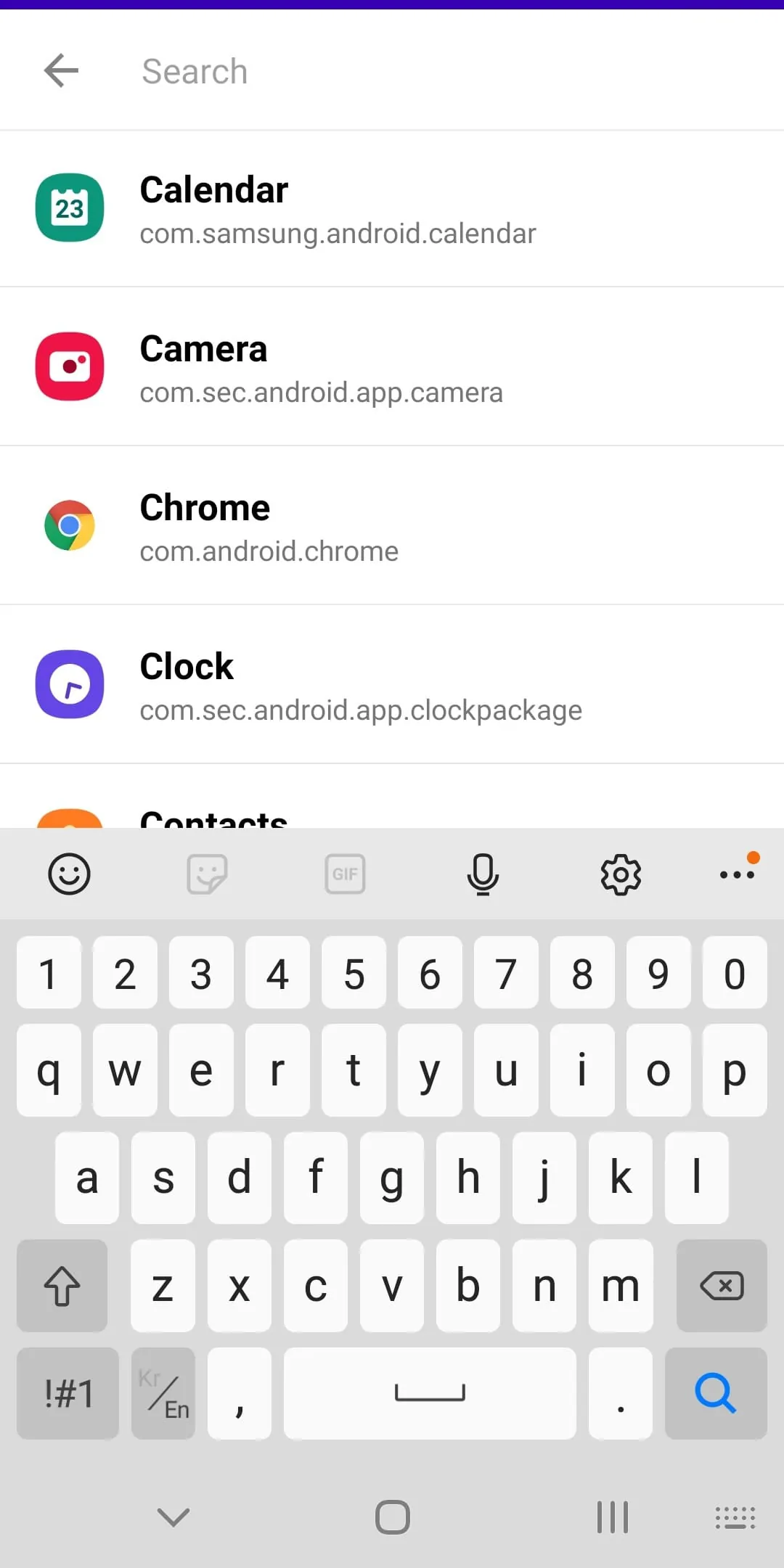
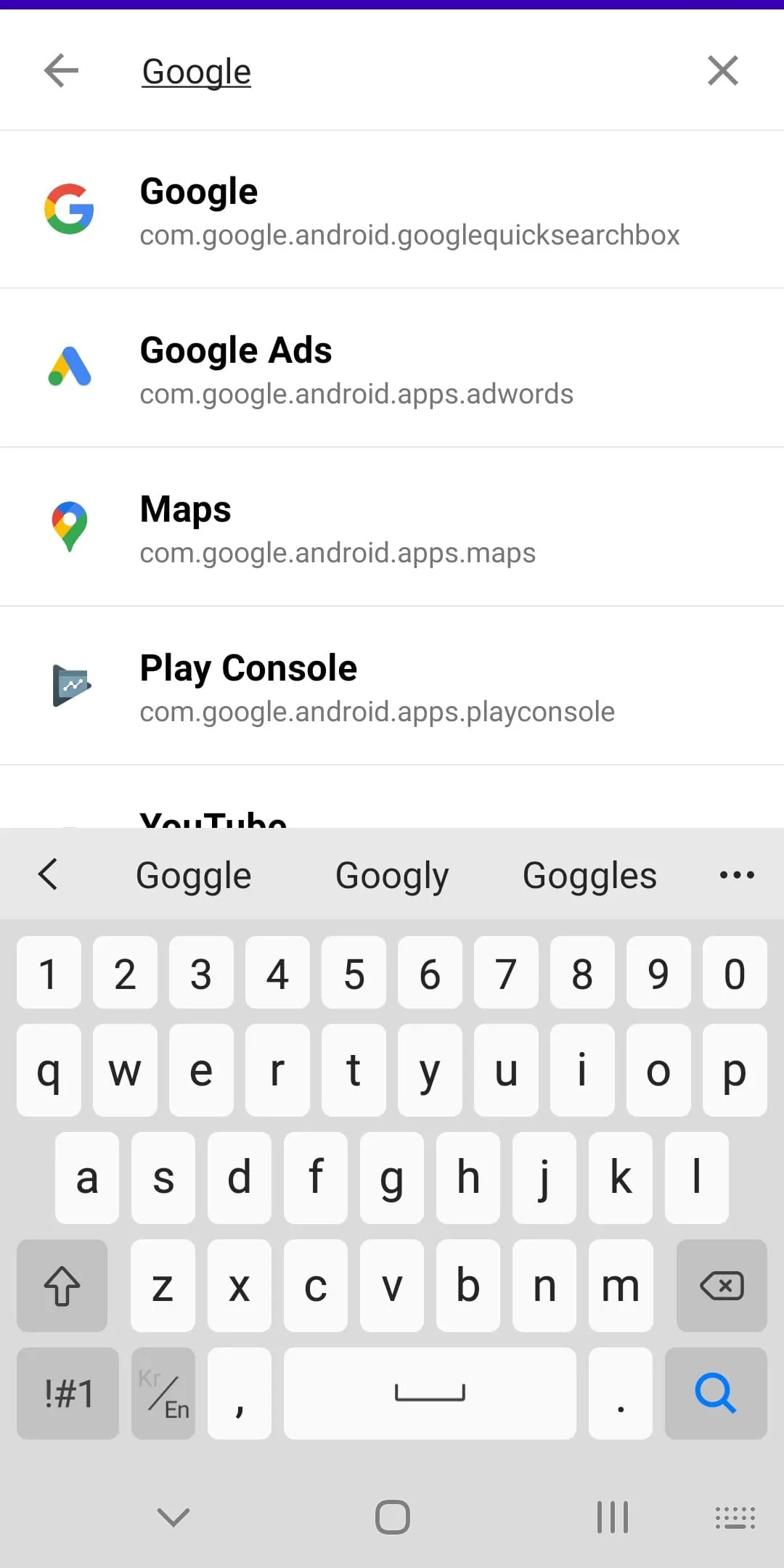
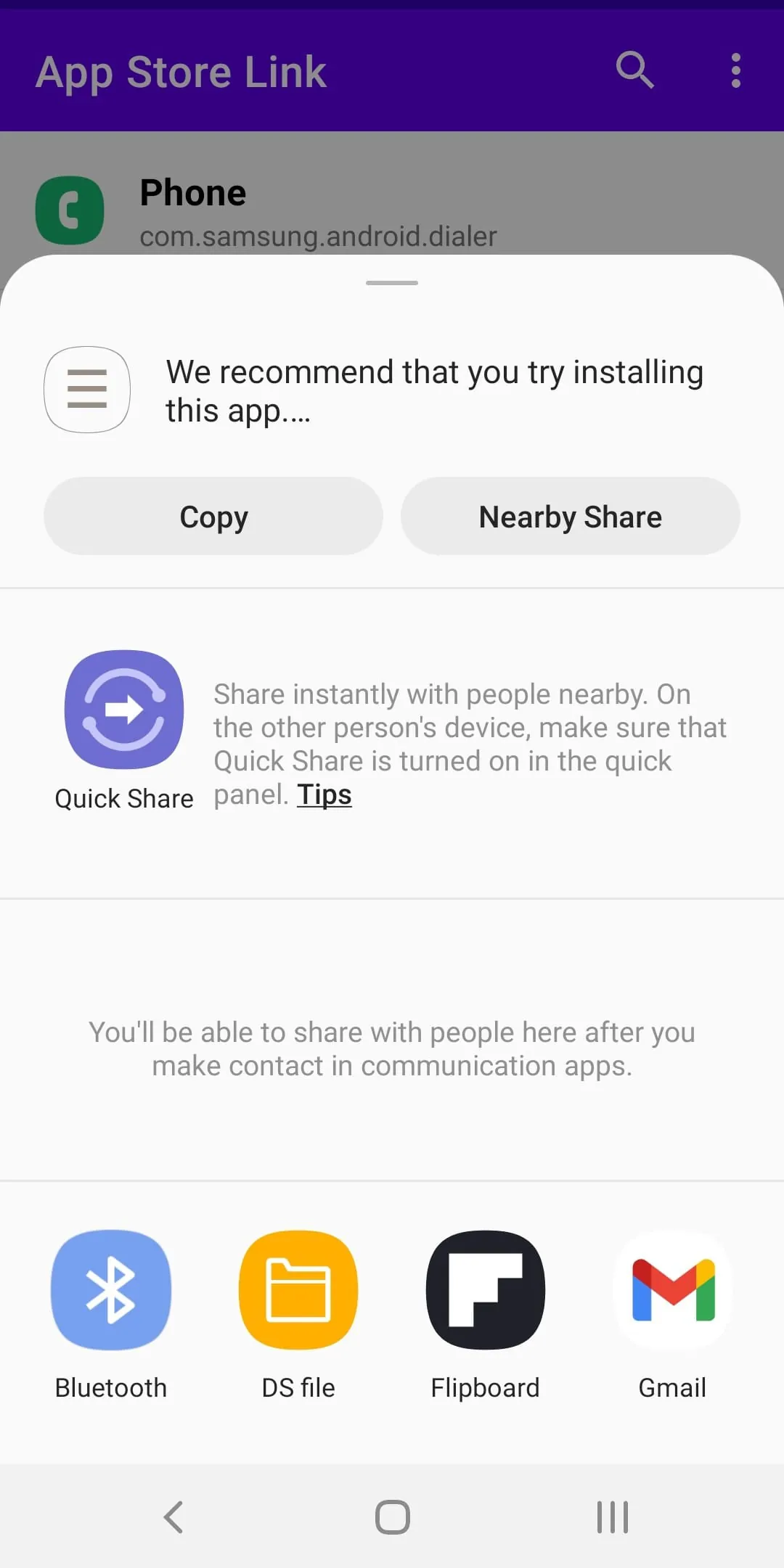
This application provides a streamlined solution for managing installed applications on Android devices, addressing the common problem of scattered apps within the launcher. It offers users a centralized and efficient way to interact with their installed apps, going beyond the basic functionality of a standard app launcher. The core functionality revolves around presenting a comprehensive list of all installed applications, enabling users to quickly locate specific apps through a robust search feature. This is particularly useful for users who have a large number of apps installed, making it difficult to navigate through multiple home screen pages or app drawers. Once an app is located, the application provides a range of options, including the ability to launch the app directly, access its Google Play Store page, share the app's Play Store link, uninstall the app, and access the app's details page within the system settings. Each of these features contributes to a more convenient and user-friendly app management experience. The ability to directly launch an application from the list eliminates the need to search for it on the home screen or within the app drawer, saving time and effort. Accessing the Google Play Store page for an app allows users to quickly check for updates, read reviews, and view related information. Sharing the app's Play Store link enables users to easily recommend apps to friends or colleagues. The option to uninstall an app directly from the list provides a quick and convenient way to remove unwanted or unused apps. Finally, accessing the app's details page in the system settings allows users to configure various app settings, such as permissions, notifications, and data usage. By providing all of these features in a single, easily accessible interface, this application simplifies app management and enhances the overall user experience. The intuitive design and comprehensive functionality make it a valuable tool for anyone who wants to take control of their app collection and streamline their Android experience. Furthermore, the app's focus on direct access to key functions, such as launching, updating, and uninstalling apps, reflects a design philosophy that prioritizes efficiency and user convenience. By minimizing the number of steps required to perform common app management tasks, the application helps users save time and effort, ultimately making their Android experience more enjoyable and productive. The inclusion of features like sharing app links also adds a social dimension, allowing users to easily recommend their favorite apps to others and discover new apps through recommendations from friends and colleagues. Overall, this application represents a significant improvement over the standard app management tools provided by Android, offering a more comprehensive, efficient, and user-friendly experience for managing installed applications. Its focus on streamlining common tasks, providing easy access to key functions, and enhancing the overall user experience makes it a valuable tool for anyone who wants to take control of their app collection and optimize their Android experience. The constant improvement and user feedback integration of this kind of application would be essential to mantain the user experience optimal through time and system updates. The search function is crucial for the usability of this application since most users will have a lot of apps installed. The responsiveness and accuracy of the search can determine the time the user takes to find and manage the installed applications. The organization of the list of installed applications is also relevant, some sorting options may improve the user experience of the application, i.e., sort by name, by install date, by size. The option to create custom groups of apps, like productivity, entertainment, or social, could be added as an advanced feature to the application. This would let the users manage and access the installed applications in a more personalized way. The overall goal is to provide a better and more intuitive management of the installed applications than the standard Android tools provide.
The application's user interface is designed to be intuitive and easy to navigate, ensuring that users can quickly access the features they need without any confusion. The list of installed applications is presented in a clear and organized manner, with each app represented by its icon and name. This makes it easy to visually scan the list and identify the app you're looking for. The search function is prominently displayed, allowing users to quickly filter the list and find specific apps. The options for each app, such as launching, accessing the Play Store page, sharing the link, uninstalling, and accessing the settings page, are presented in a clear and concise manner, making it easy to understand the available options. The application also incorporates visual cues and feedback to guide users through the app management process. For example, when an app is selected, the corresponding options are highlighted, making it clear which actions are available. When an app is uninstalled, a confirmation message is displayed to ensure that the user intended to perform the action. These design elements contribute to a user-friendly experience that is both efficient and intuitive. The absence of unnecessary clutter and complexity further enhances the user experience, allowing users to focus on the task at hand without being distracted by irrelevant information or options. The design is focused on delivering a simple and straightforward app management experience that is accessible to users of all skill levels. The use of standard Android UI elements and conventions ensures that the application feels familiar and consistent with other apps on the device. This helps to reduce the learning curve and makes it easier for users to adopt the application. Furthermore, the application is designed to be responsive and performant, ensuring that users can quickly access and manage their apps without any lag or delays. The application is optimized for a wide range of Android devices, ensuring that it runs smoothly and efficiently on both high-end and low-end devices. This is important for ensuring that the application is accessible to a wide range of users, regardless of the device they are using. The application could include customizable theme options for the user interface, like light or dark mode, that can improve the user experience in different lighting conditions. The option to sort the applications list by different criteria, such as name, size, or install date, would improve the navigation and the application usage. Also the user could choose between a grid or list display of the applications. The inclusion of tutorials or help sections for new users would greatly improve the adoption of this application. The application can offer personalized recommendations for apps based on the user's installed app and usage patterns. This recommendation can be placed in the main screen or in a dedicated section. The application can provide advanced app management features, like app usage tracking and notifications for unused apps.
In conclusion, this application offers a valuable set of features for managing installed applications on Android devices. It provides a centralized and efficient way to interact with apps, simplifying tasks such as launching, updating, uninstalling, and configuring app settings. The user-friendly interface and intuitive design make it accessible to users of all skill levels. The application addresses a common pain point for Android users, which is the difficulty of managing a large number of installed apps. By providing a comprehensive list of all installed apps and a robust search function, the application makes it easy to find and manage specific apps. The inclusion of features such as direct access to the Google Play Store page, the ability to share app links, and the option to uninstall apps directly from the list further enhances the user experience. The application is also designed to be responsive and performant, ensuring that users can quickly access and manage their apps without any lag or delays. The optimization for a wide range of Android devices ensures that the application is accessible to a wide range of users, regardless of the device they are using. By providing a more comprehensive, efficient, and user-friendly app management experience, this application offers a significant improvement over the standard app management tools provided by Android. The potential to integrate with other services, such as cloud storage or social media, could further enhance the value of the application. For example, users could back up their app data to the cloud or share their favorite apps with friends on social media. The application can be updated regularly with new features and improvements. This will help to ensure that the application remains competitive and continues to meet the evolving needs of users. The application can also be localized into multiple languages to make it accessible to a wider audience. Overall, this application represents a valuable tool for anyone who wants to take control of their app collection and streamline their Android experience. Its focus on simplifying common tasks, providing easy access to key functions, and enhancing the overall user experience makes it a worthwhile addition to any Android device. The application could implement advanced features like batch uninstalling, allowing users to select and uninstall multiple apps at once. This would significantly speed up the process of cleaning up their devices. Also the implementation of a feature that identifies duplicate apps or apps with similar functionality would be greatly appreciated for the users to optimize the memory of their devices. The option to organize applications in folders or custom groups would make it easier for users to find and launch the apps they need. The integration of app permission management would give users more control over their privacy and security. The application can provide recommendations for alternative apps based on the user's installed apps and usage patterns. The overall goal is to provide a better and more intuitive management of the installed applications than the standard Android tools provide.
Screenshots
Additional Information
Category
ProductivityVersion
V1.1.6
Tag
App Management | app launcher | Google Play Store | app settings | uninstall app
Rate
3.80
★★★★★
Reviews
500 +
Installs
500k +
Developer
YJLink
Content Rating
Everyone
Go directly to the app's Google Play Store page
ADVERTISEMENT
ADVERTISEMENT
Previous Versions
ZIP files require a Split APKs Installer (e.g., SAI) from Google Play to install. Steps: 1. Download SAI from Google Play; 2. Open SAI and tap "Install APKs"; 3. Select the ZIP file; 4. Complete installation.
V1.1.6

Package Name
com.yjlink.appstorelink
Version Name
V1.1.6
Version Code
V1.1.6
File Size
3.50 MB
Update time
2025-12-25
ADVERTISEMENT
You Might Like









