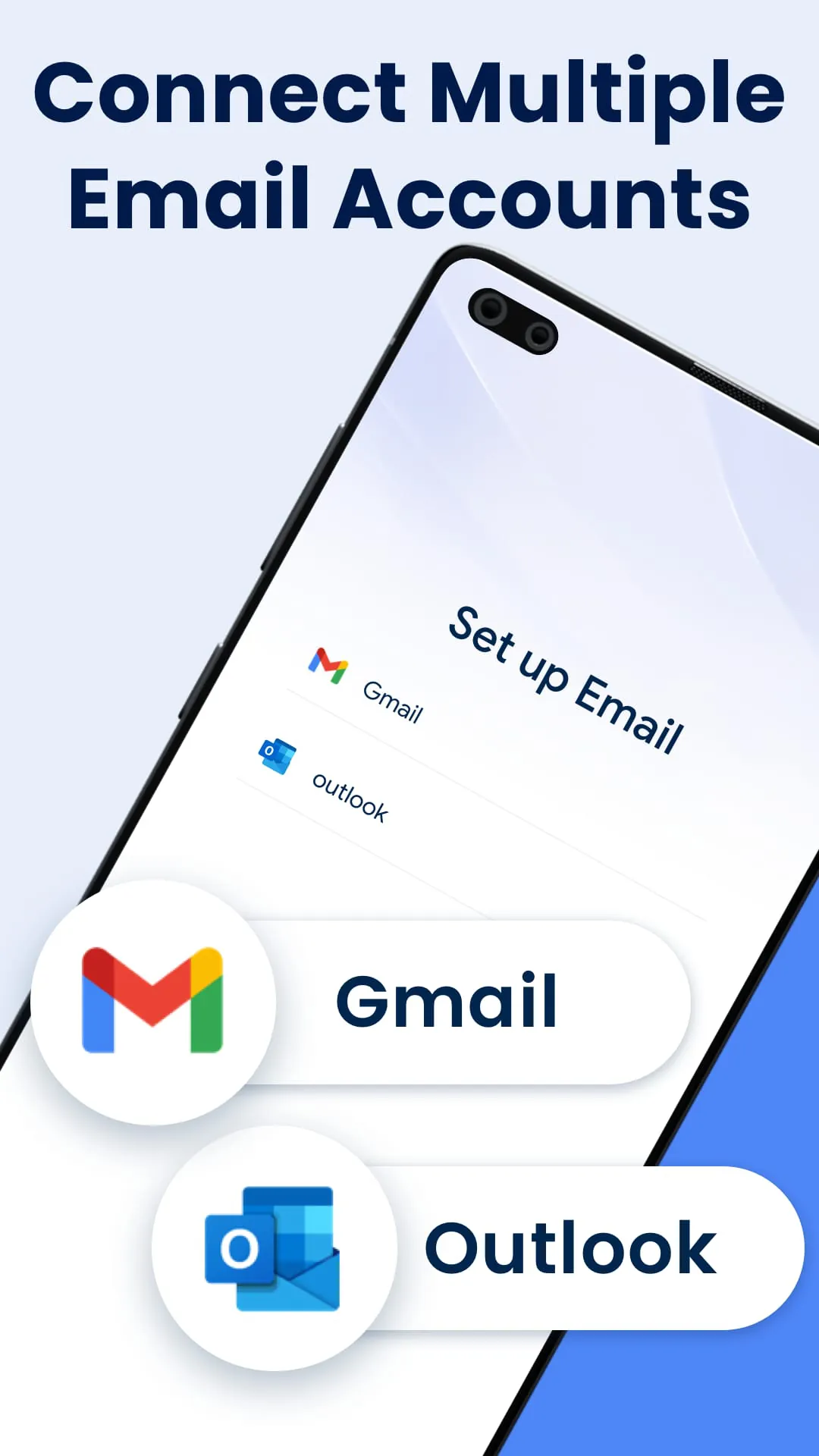
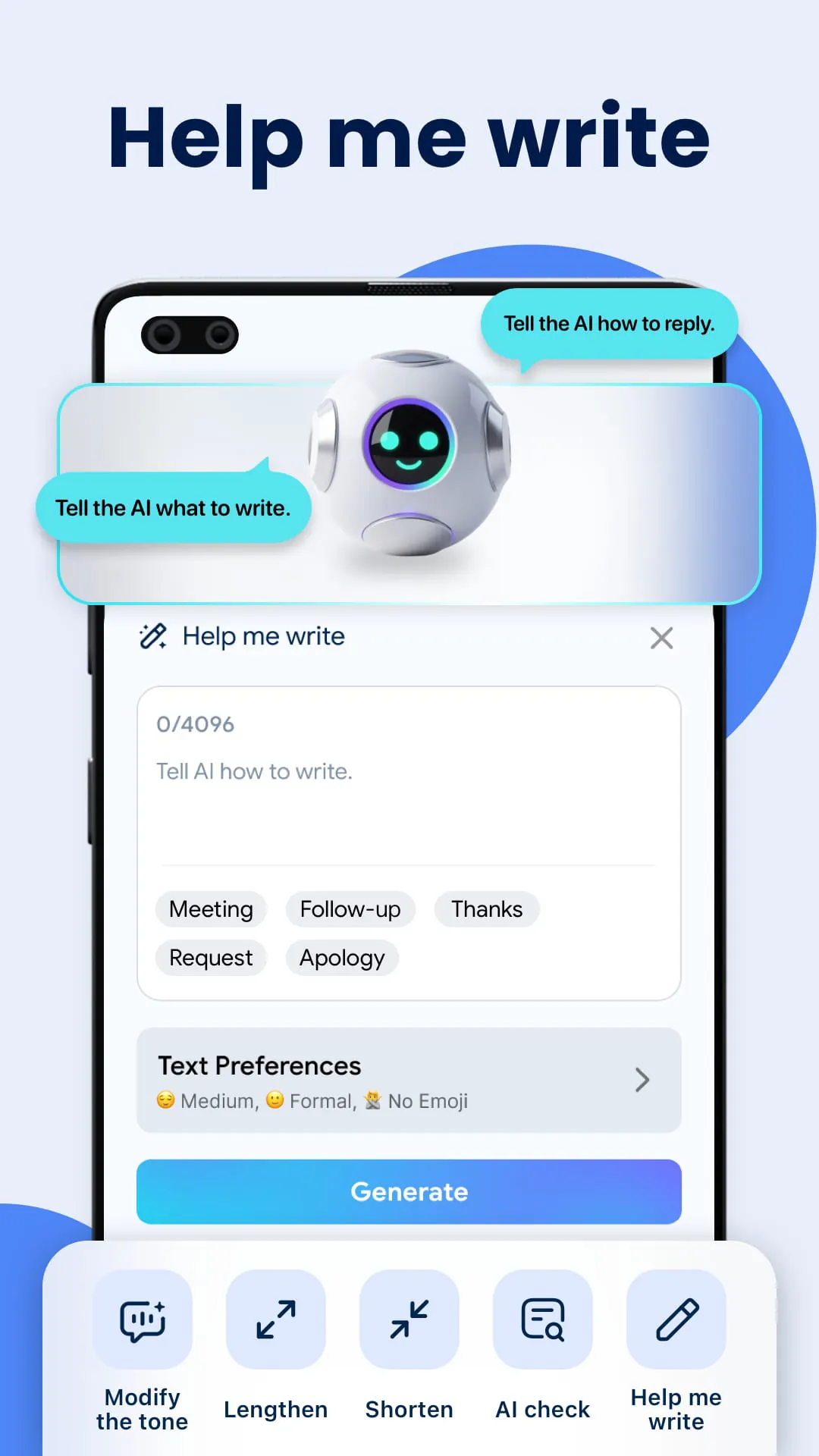
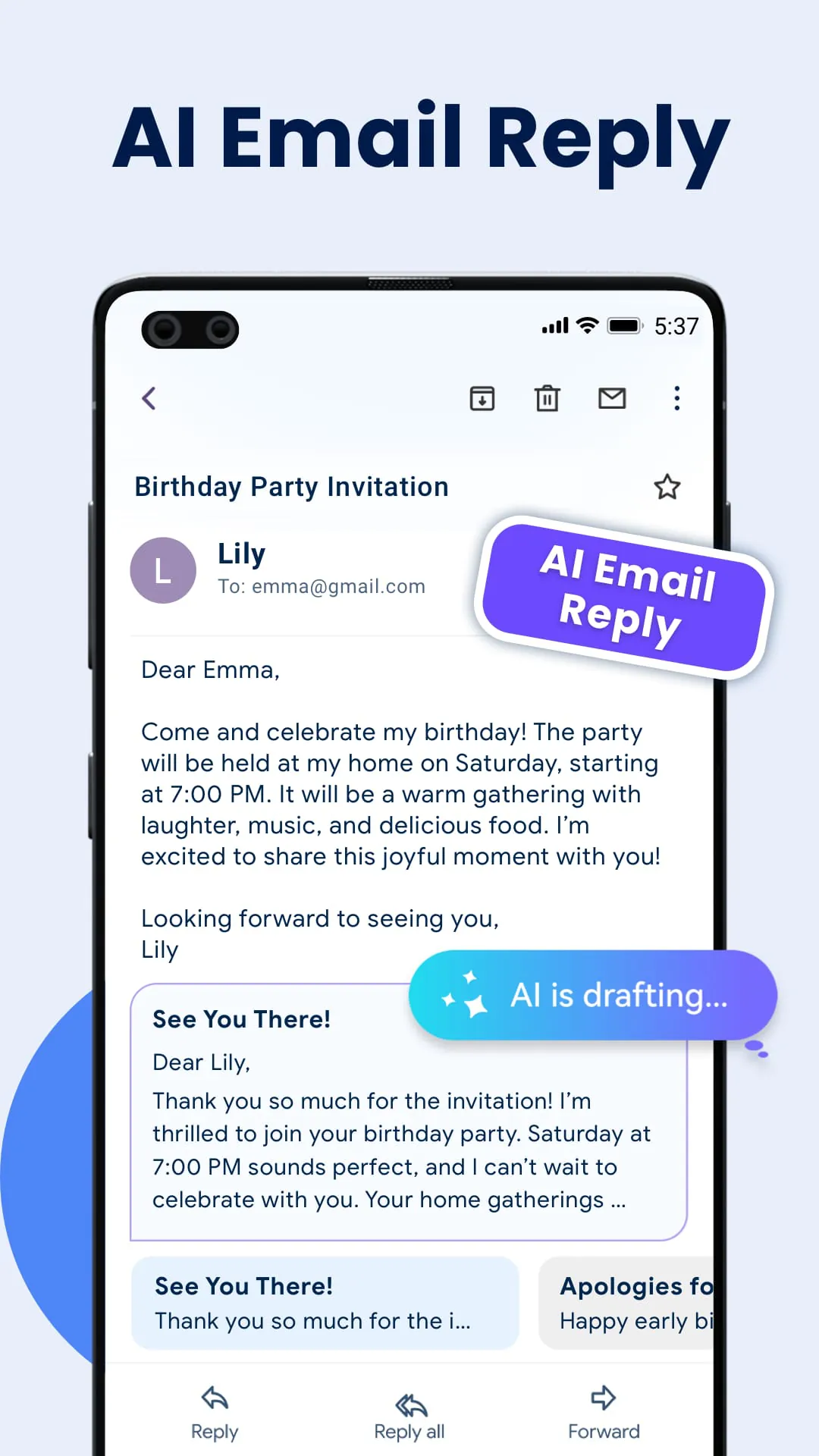
This application presents itself as an innovative solution to the pervasive problem of email overload and disorganization, offering a unified platform for managing multiple email accounts, specifically targeting users of Gmail and Outlook. Its core value proposition lies in the seamless integration of various email inboxes into a single, centralized interface, thereby eliminating the need to switch between different applications and accounts. This consolidation aims to save users valuable time and effort, streamlining their email management processes. Beyond mere aggregation, the application incorporates advanced artificial intelligence (AI) technology to enhance user productivity and improve the quality of email communication. A key feature is the AI-driven grammar and spell checker, which operates in real-time as users compose or reply to emails. This functionality is designed to identify and correct grammatical errors and spelling mistakes, ensuring that users send professional and error-free messages. The application's developers emphasize the time-saving benefits of this feature, suggesting that it can significantly reduce the amount of time users spend proofreading and editing their emails. Furthermore, the application is positioned as a versatile tool suitable for both busy professionals managing multiple email accounts and tech-savvy individuals seeking greater efficiency in their digital communications. The developers highlight the convenience of unified email management combined with AI-driven productivity, promising to revolutionize the way users interact with email. The application's marketing materials emphasize the ease of use and the potential for significant improvements in email management efficiency. By providing a single point of access to multiple email accounts and incorporating AI-powered tools, the application aims to simplify the often complex and time-consuming task of managing email correspondence. The promise of a unified inbox, coupled with intelligent assistance in composing and correcting emails, is designed to appeal to a broad range of users seeking to optimize their email workflows. The underlying message is that this application offers a comprehensive and innovative solution to the challenges of modern email management, empowering users to take control of their inboxes and communicate more effectively. The application's focus on both convenience and advanced technology suggests a commitment to providing a user-friendly and powerful tool for managing email in the digital age. The emphasis on saving time and improving communication quality further underscores the application's value proposition, positioning it as an essential tool for anyone who relies heavily on email for professional or personal communication. By integrating AI-driven features into a unified email management platform, this application seeks to redefine the way users interact with their inboxes, offering a glimpse into the future of email productivity.
The application boasts a comprehensive suite of features designed to address various aspects of email management and enhance user experience. At its core, the unified inbox functionality allows users to access all their Gmail and Outlook email accounts from a single, centralized location. This eliminates the need to constantly switch between different apps or browser tabs, streamlining the process of checking and responding to emails. The multiple account login feature further enhances this convenience by enabling users to quickly switch between different email accounts within the application, providing a seamless experience for managing multiple identities or roles. The AI-powered grammar and spelling check is another key feature, leveraging artificial intelligence to assist users in composing and replying to emails. This tool identifies and corrects grammatical errors and spelling mistakes in real-time, ensuring that users send professional and error-free messages. The application also offers customizable filters, allowing users to easily organize and prioritize their emails based on various criteria such as sender, subject, or keywords. These filters can be used to automatically sort incoming emails into specific folders or labels, helping users to manage their inbox more effectively. The application's email management capabilities extend beyond simple filtering, with a focus on providing a user-friendly and intuitive interface for performing various email operations. The developers have designed a layout that is both visually appealing and easy to navigate, making it simple for users to find the emails they need and perform actions such as reading, replying, forwarding, or deleting messages. The application also includes real-time notifications, ensuring that users are promptly informed about new emails and important updates. These notifications can be customized to suit individual preferences, allowing users to choose which types of emails they want to be notified about. To further enhance the user experience, the application offers a simple and intuitive interface design. The layout is clean and uncluttered, making it easy for users to find the features they need and navigate the application. The application also includes a dark mode option, which provides a darker color scheme that is easier on the eyes, especially in low-light conditions. Finally, the application incorporates advanced encryption to protect user data and ensure secure communications. This is particularly important for users who handle sensitive information via email, as it provides an extra layer of security against unauthorized access. The combination of these features makes this application a comprehensive and powerful tool for managing email, offering a range of benefits for both individual users and businesses.
The application's developers emphasize the importance of security and user privacy, highlighting the use of advanced encryption to protect sensitive data and ensure secure communications. This is a critical aspect of any email management application, as users entrust their personal and professional correspondence to the platform. The application's privacy policy outlines the measures taken to protect user data and ensure compliance with relevant regulations. It is important for users to review this policy carefully to understand how their information is collected, used, and protected. The application also includes a disclaimer stating that it is not affiliated with Google or any third party. This is intended to clarify the application's independence and avoid any potential confusion about its relationship with other companies. The disclaimer also notes that the email function services supported by the application are provided by third-party email service providers. This means that the application relies on existing email infrastructure to send and receive messages, rather than building its own email servers. By installing the application, users agree to the terms of service and privacy policy. These documents outline the rights and responsibilities of both the user and the application developer. It is important for users to read these documents carefully before using the application to ensure that they understand the terms of the agreement. The application provides user support through an email address, allowing users to contact the developers with any questions or issues they may encounter. This is an important resource for users who need assistance with the application or have feedback to share. The application's marketing materials conclude by emphasizing the promise of experiencing the future of email management and productivity. The application is positioned as an all-in-one solution that can simplify users' digital lives and give them control over their inboxes like never before. This message is designed to appeal to users who are looking for a more efficient and effective way to manage their email. The overall impression is that this application offers a comprehensive and innovative solution to the challenges of modern email management, providing a range of features and benefits for both individual users and businesses. The application's focus on convenience, productivity, security, and user privacy suggests a commitment to providing a high-quality and trustworthy service. By combining a unified email management platform with AI-driven features, this application aims to redefine the way users interact with their inboxes, offering a glimpse into the future of email productivity.




 APK
APK  Google Play
  iOS
iOS  4.70
4.70