



ADVERTISEMENT
ADVERTISEMENT

All Document Hub All Document Hub
Category
ProductivityTag
Document Management | File Conversion | PDF viewer tool | Mobile PDF tools
Rate
4.30
★★★★★
Reviews
500 +
Installs
1M +
Developer
Dream Tools
Content Rating
Everyone
Effortless and intuitive - made for your daily PDF needs
 APK
APK  Google Play
  iOS
iOS  4.30
4.30ADVERTISEMENT
ADVERTISEMENT
Author's Review
appspicked Review
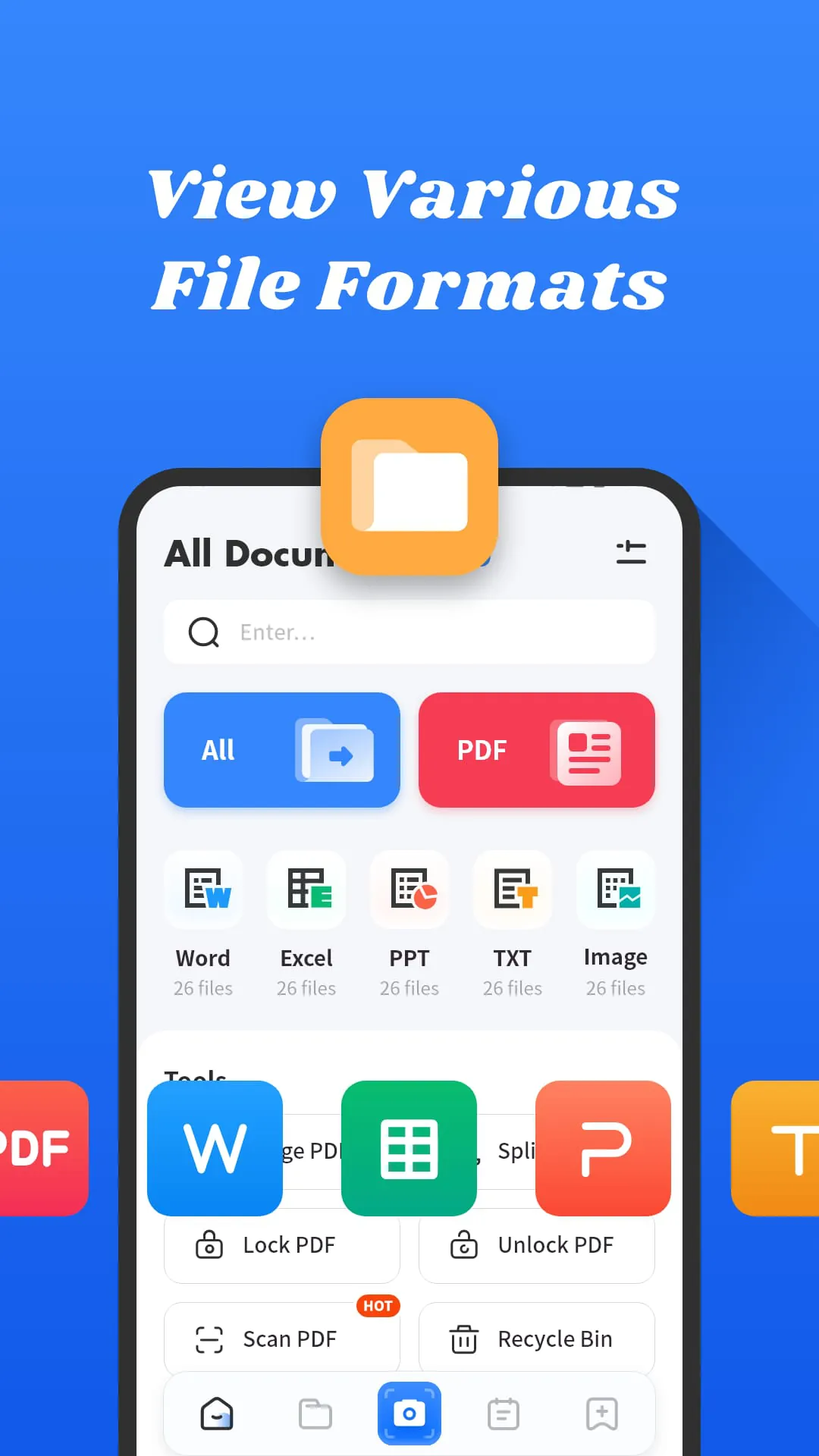
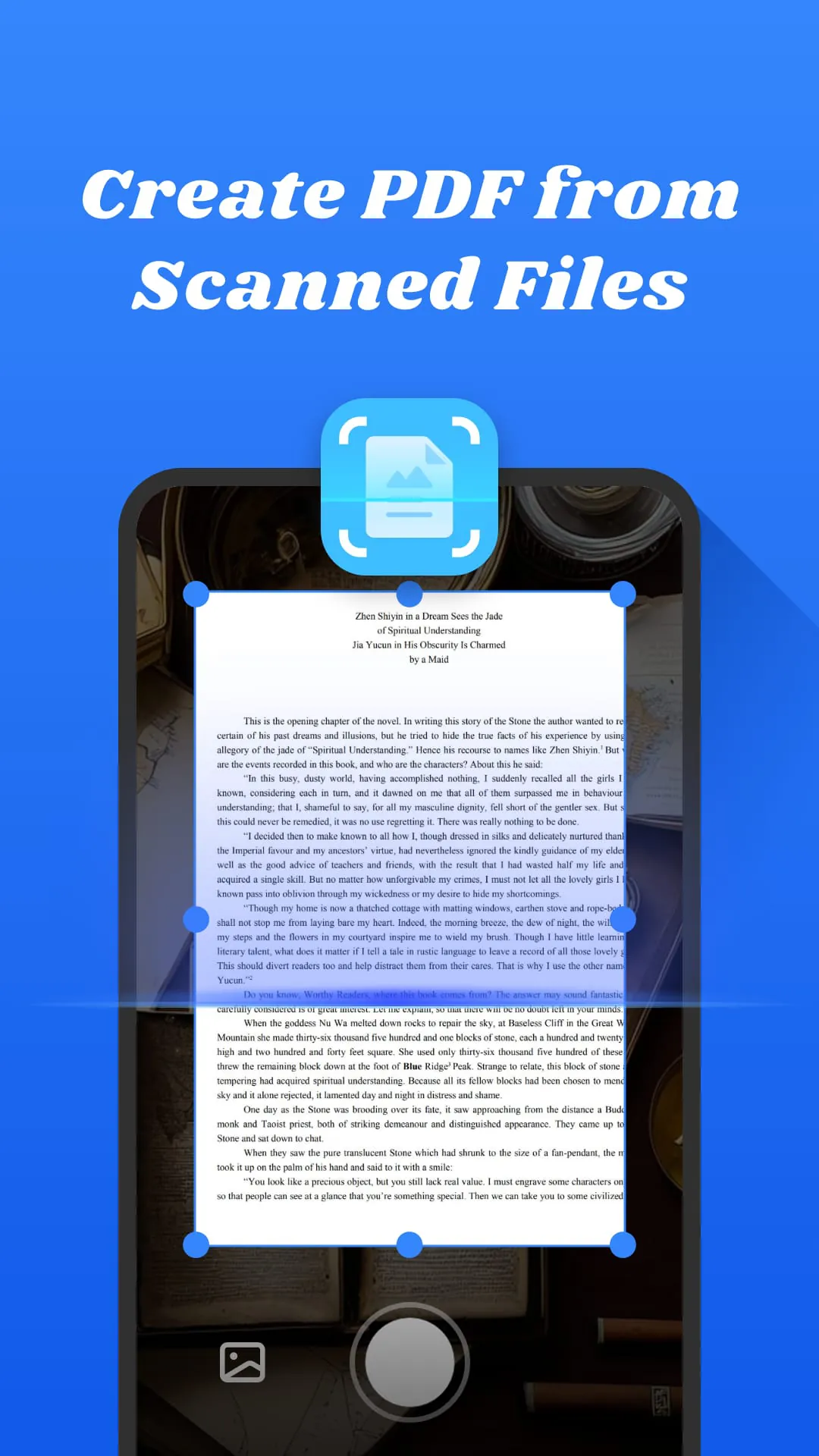
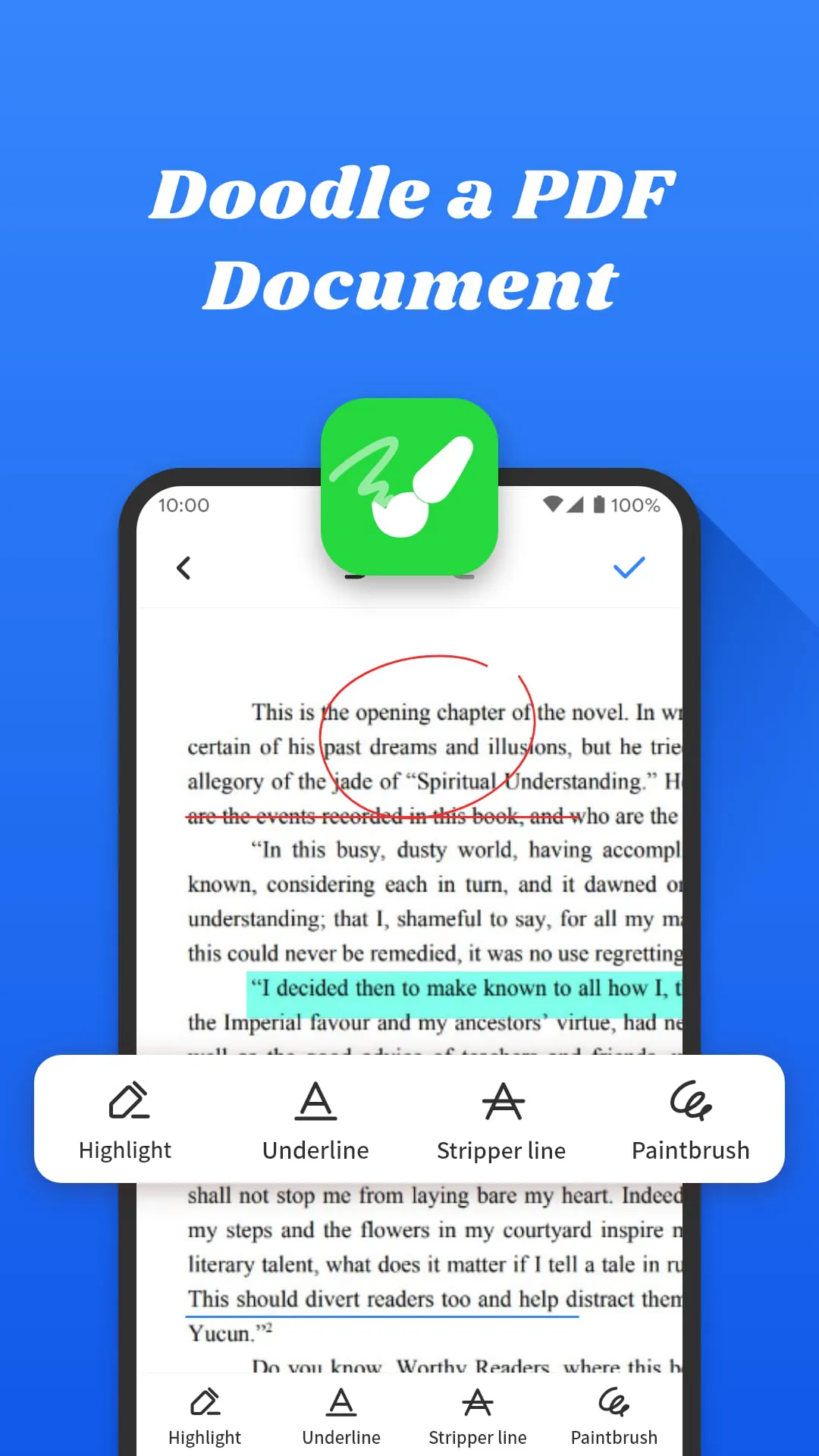
The All Documents Hub emerges as a streamlined and user-centric PDF solution tailored for mobile devices, addressing the ubiquitous need for efficient document management in an increasingly digital world. This application distinguishes itself through its emphasis on simplicity and accessibility, offering a suite of features designed to make interacting with PDF and other document formats as seamless as possible. The core functionality revolves around enabling users to effortlessly open and view a wide array of file types, including PDFs, Word documents, PowerPoint presentations, and Excel spreadsheets, all within a unified and intuitive interface. This eliminates the need for multiple specialized applications, consolidating document viewing tasks into a single, convenient hub. The application's design prioritizes ease of use, ensuring that even individuals with limited technical expertise can quickly navigate its features and accomplish their desired tasks. Beyond basic viewing capabilities, All Documents Hub introduces a range of practical tools aimed at enhancing document manipulation and organization. One notable feature is the ability to merge multiple PDF documents into a single, cohesive file, a function particularly useful for consolidating reports, compiling research materials, or archiving related documents. This merging process is designed to be straightforward and efficient, allowing users to combine files with just a few taps. Conversely, the application also offers the capability to extract specific pages from a PDF document and save them as individual files, providing a convenient way to isolate and share relevant sections of a larger document. This extraction feature can be invaluable for tasks such as creating excerpts, sharing specific findings, or focusing on particular areas of interest within a lengthy report. Furthermore, All Documents Hub incorporates annotation tools that enable users to directly interact with PDF content. These tools include highlighting, underlining, and strikethrough capabilities, allowing users to emphasize key information, add contextual notes, or mark sections for review. The annotation features are designed to be responsive and intuitive, providing a seamless experience for marking up documents on the go. The application also addresses the often-overlooked aspects of document management, offering tools for renaming, deleting, and sharing files directly from the mobile device. This allows users to maintain a well-organized document library and easily share files with colleagues, clients, or collaborators. The file management features are integrated into the application's overall interface, providing a consistent and user-friendly experience. A particularly innovative feature of All Documents Hub is its ability to convert captured images into PDF format. This allows users to quickly digitize physical documents, receipts, or notes by simply taking a photo with their mobile device's camera. The application then converts the image into a PDF file, which can be easily stored, shared, or annotated. This feature streamlines the process of converting paper-based information into a digital format, making it more accessible and manageable. Overall, All Documents Hub presents itself as a versatile and user-friendly PDF solution for mobile devices, offering a comprehensive suite of features designed to simplify document management and enhance productivity.
The simplicity and ease of use of the All Documents Hub are central to its design philosophy, making it an accessible tool for a broad range of users, regardless of their technical proficiency. The application’s interface is deliberately uncluttered, with clear and intuitive navigation that allows users to quickly find the features they need. This focus on simplicity extends to the core functionality of the application, with each feature designed to be straightforward and easy to understand. For example, the process of opening and viewing documents is streamlined, requiring only a few taps to access files from various locations on the device. The merging and extraction tools are similarly intuitive, with clear instructions and visual cues that guide users through the process. Even the annotation features are designed to be user-friendly, with simple controls for selecting different annotation types and adjusting their appearance. This emphasis on simplicity makes All Documents Hub an ideal choice for individuals who are new to PDF tools or who simply prefer a more straightforward and less overwhelming experience. The application's commitment to accessibility is further reinforced by its availability as a free tool. This eliminates any financial barriers to entry, making it accessible to anyone who needs a reliable PDF viewer and document management solution. The free version of All Documents Hub offers a comprehensive set of features, providing users with all the tools they need to view, manage, and annotate their documents. While some advanced features may be reserved for a paid version, the free version provides a substantial value proposition for most users. The combination of simplicity, ease of use, and free availability makes All Documents Hub a compelling option for anyone looking for a basic yet powerful PDF tool for their mobile device. The application's focus on core functionality ensures that it remains lightweight and responsive, even on older devices. This is a significant advantage over more feature-rich PDF applications that can be resource-intensive and slow to load. All Documents Hub is designed to be efficient and performant, providing a smooth and seamless experience even when working with large or complex documents. This efficiency is particularly important for mobile users who may be working with limited battery life or processing power. The application's developers have prioritized optimization to ensure that it runs smoothly on a wide range of devices, making it a versatile choice for users with varying hardware configurations. In addition to its core features, All Documents Hub also incorporates several thoughtful design elements that enhance the user experience. For example, the application automatically remembers the last viewed page in a document, allowing users to quickly resume reading where they left off. It also offers customizable viewing options, such as zoom levels and page orientation, allowing users to tailor the display to their preferences. These small details contribute to a more polished and user-friendly experience, making All Documents Hub a pleasure to use. The application's developers have also demonstrated a commitment to ongoing improvement, regularly releasing updates that address user feedback and introduce new features. This iterative approach ensures that All Documents Hub remains a relevant and competitive PDF solution in the ever-evolving landscape of mobile applications. The developers are responsive to user suggestions and actively seek to improve the application's functionality and performance. This dedication to continuous improvement further solidifies All Documents Hub's position as a reliable and trustworthy PDF tool.
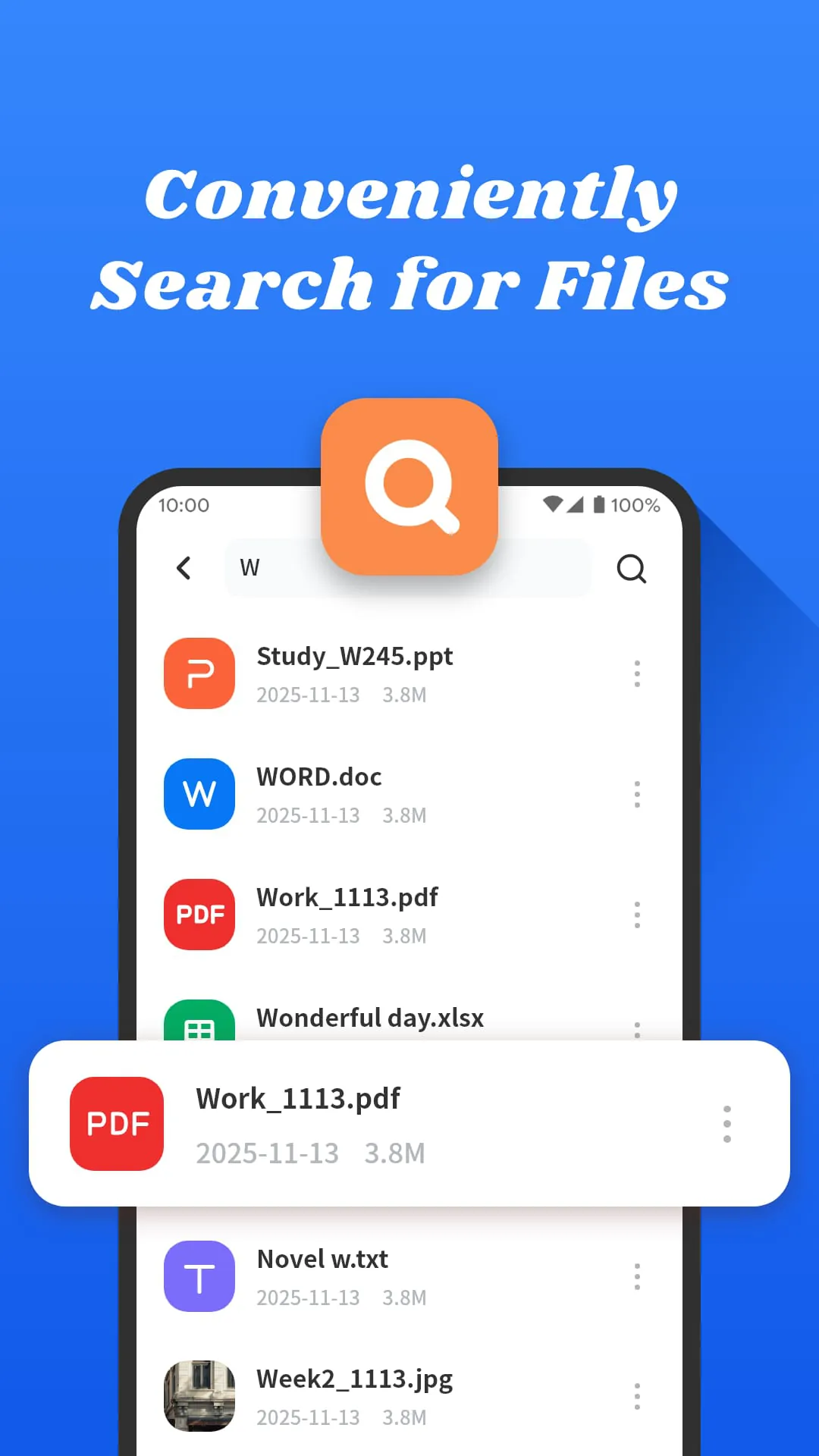
All Documents Hub not only functions as a PDF viewer but also extends its capabilities to encompass a suite of file management features, offering a centralized platform for organizing and manipulating various document types. This comprehensive approach to document handling distinguishes it from basic PDF viewers, providing users with a more versatile and efficient tool for managing their digital files. The file management features are seamlessly integrated into the application's interface, allowing users to easily rename, delete, and share files directly from their mobile device. This eliminates the need to switch between multiple applications for different tasks, streamlining the document management workflow. The ability to rename files is particularly useful for maintaining a well-organized document library, allowing users to assign descriptive names that accurately reflect the content of each file. The deletion feature provides a convenient way to remove unwanted or outdated files, freeing up storage space on the device. The sharing feature enables users to easily share files with others via email, messaging apps, or cloud storage services. These file management features are designed to be intuitive and user-friendly, providing a consistent experience across all document types. The application also supports the creation of folders, allowing users to further organize their files into logical categories. This folder structure can be customized to suit individual needs, providing a flexible and adaptable system for managing a large number of documents. The folder management features are integrated into the application's file browser, making it easy to create, rename, and delete folders. The ability to move files between folders is also supported, allowing users to quickly reorganize their document library as needed. In addition to its file management capabilities, All Documents Hub also offers features for converting documents between different formats. This allows users to convert Word documents, PowerPoint presentations, and Excel spreadsheets into PDF format, ensuring that they can be viewed and shared consistently across different devices and platforms. The conversion process is designed to be simple and efficient, with clear instructions and progress indicators. The application also supports the conversion of PDF files into other formats, such as Word documents and image files. This allows users to extract content from PDF files and repurpose it for other applications. The conversion features are integrated into the application's file menu, making them easily accessible. All Documents Hub's ability to convert captured images into PDF format is a particularly innovative feature, allowing users to quickly digitize physical documents, receipts, or notes by simply taking a photo with their mobile device's camera. The application then converts the image into a PDF file, which can be easily stored, shared, or annotated. This feature streamlines the process of converting paper-based information into a digital format, making it more accessible and manageable. The image-to-PDF conversion feature is particularly useful for tasks such as archiving receipts, scanning documents, or creating digital copies of handwritten notes. The application uses advanced image processing techniques to ensure that the converted PDF files are of high quality and easily readable. Overall, All Documents Hub's file management and conversion features significantly enhance its value as a document management tool, providing users with a comprehensive solution for organizing, manipulating, and sharing their digital files. The application's intuitive interface, versatile features, and efficient performance make it an ideal choice for individuals who need a reliable and user-friendly document management solution for their mobile device.
Screenshots
 Download
 Additional Information
Category
ProductivityVersion
Unknown
Tag
Document Management | File Conversion | PDF viewer tool | Mobile PDF tools
Rate
4.30
★★★★★
Reviews
500 +
Installs
1M +
Developer
Dream Tools
Content Rating
Everyone
Effortless and intuitive - made for your daily PDF needs
ADVERTISEMENT
ADVERTISEMENT
Previous Versions
ZIP files require a Split APKs Installer (e.g., SAI) from Google Play to install. Steps: 1. Download SAI from Google Play; 2. Open SAI and tap "Install APKs"; 3. Select the ZIP file; 4. Complete installation.
ADVERTISEMENT
You Might Like









