Polycam is a versatile 3D scanning application that allows users to create detailed models using just their smartphone’s camera or a LiDAR scanner, turning real-world objects and spaces into digital assets suitable for a wide range of professional and creative projects.
Key Features
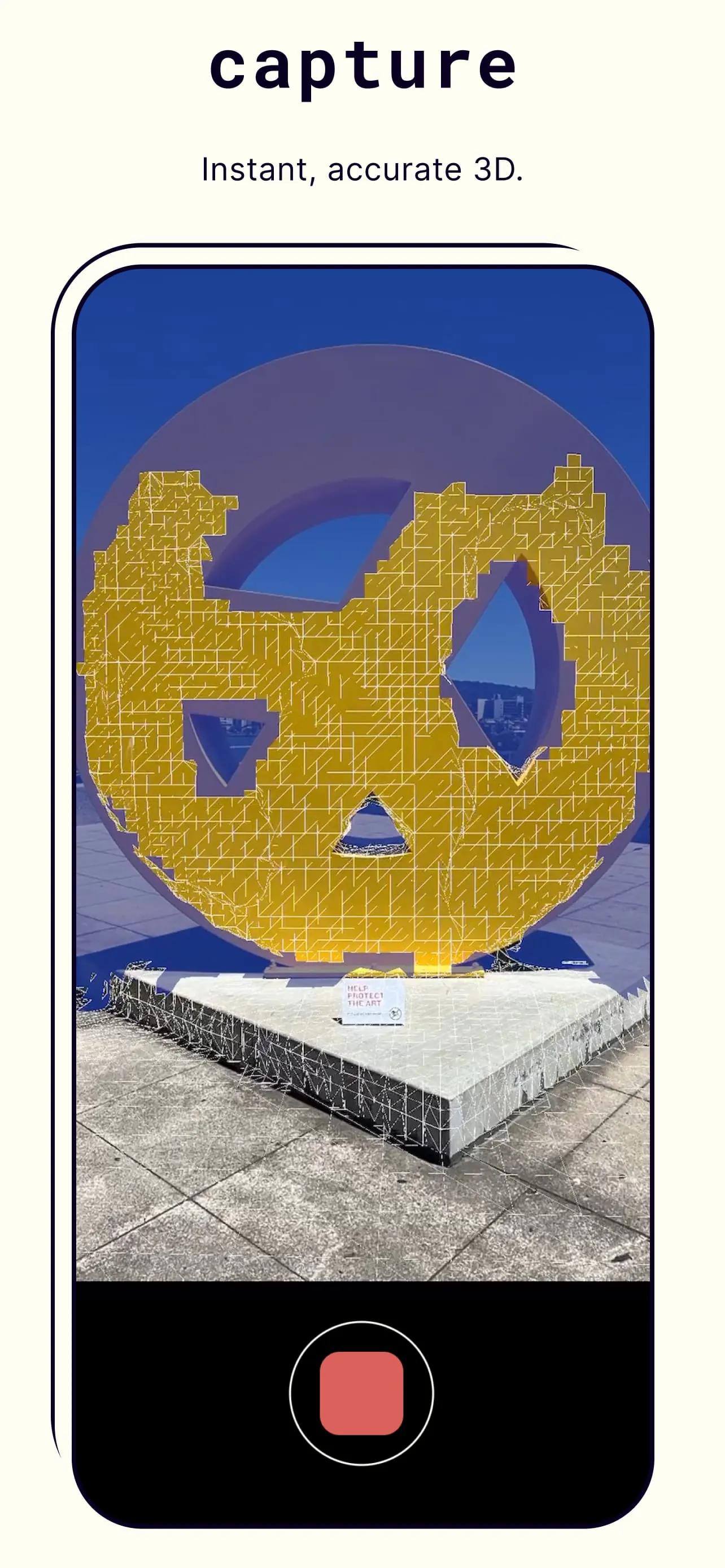
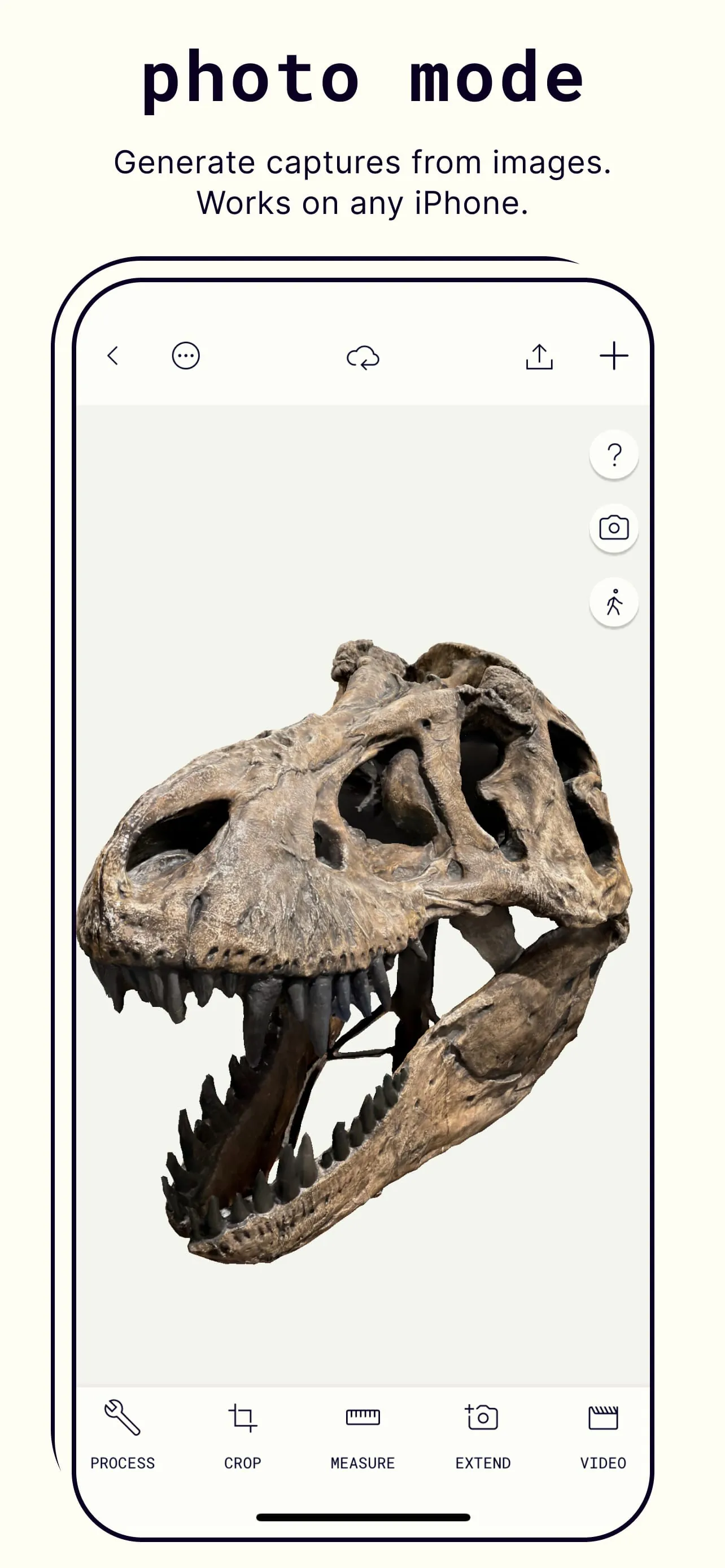
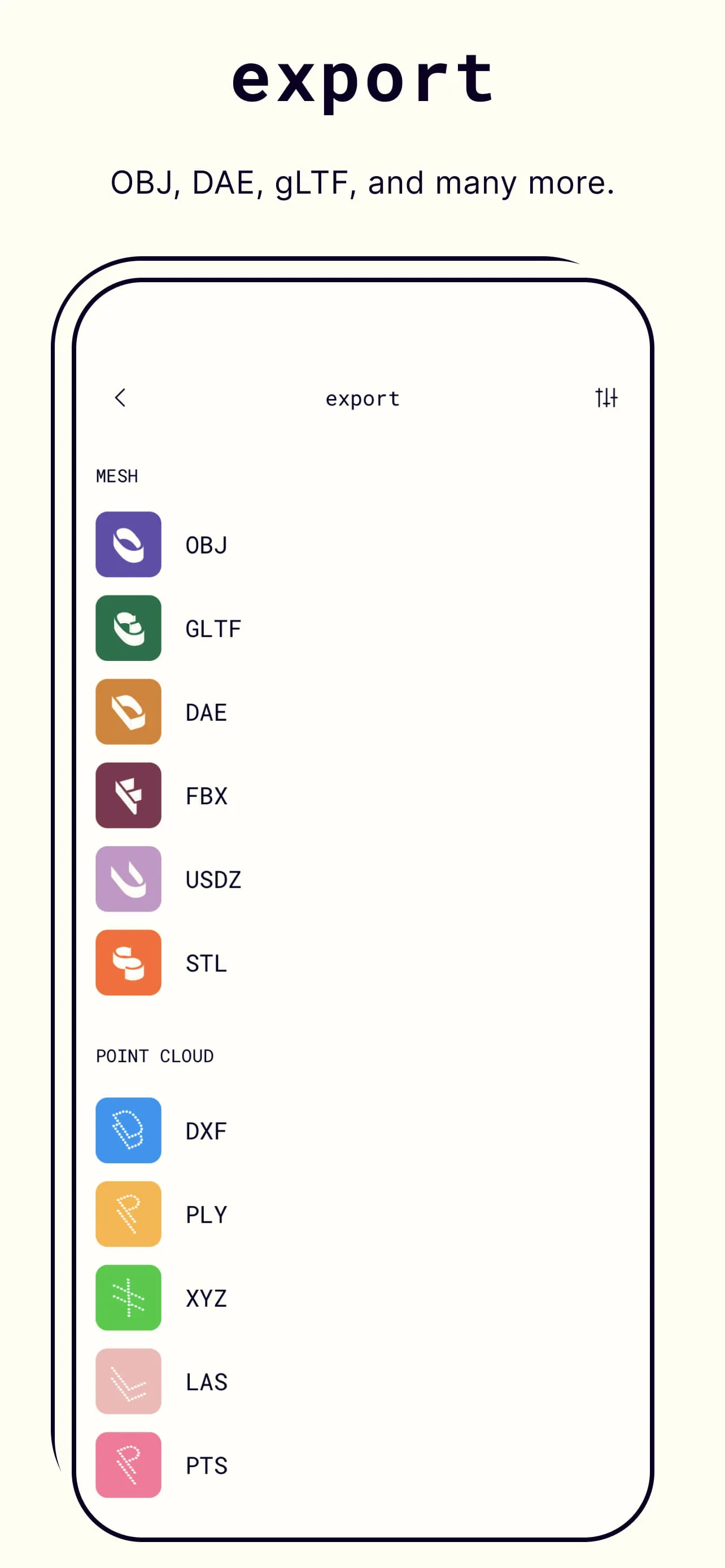
The app stands out with its ability to capture high-fidelity 3D data through multiple methods. It supports LiDAR-based scanning for instant, precise captures on compatible devices, while also offering a powerful photogrammetry mode that processes a series of photos into a model. Additional standout features include a dedicated object mode for scanning smaller items, and a room mode specifically designed for interior spaces. The app also provides robust editing tools and allows for exports in all major 3D file formats, facilitating a seamless workflow into other software.
Pros & Cons
Evaluating the application reveals distinct advantages and some limitations. The benefits are significant, making it a top choice in its category.
- Accessibility and ease of use bring professional-grade 3D scanning to a broad audience.
- Multi-modal capture (LiDAR, photogrammetry, video) offers flexibility for different subjects and device capabilities.
- High-quality output suitable for serious applications in AR, design, and documentation.
- Active community and regular updates that continuously introduce new features.
However, there are certain constraints to consider.
- The highest quality outputs and some advanced features require a paid subscription.
- Processing complex photogrammetry scans can be time-consuming and requires a stable internet connection.
- Optimal results demand good lighting conditions and some user practice to master scanning techniques.
Functions
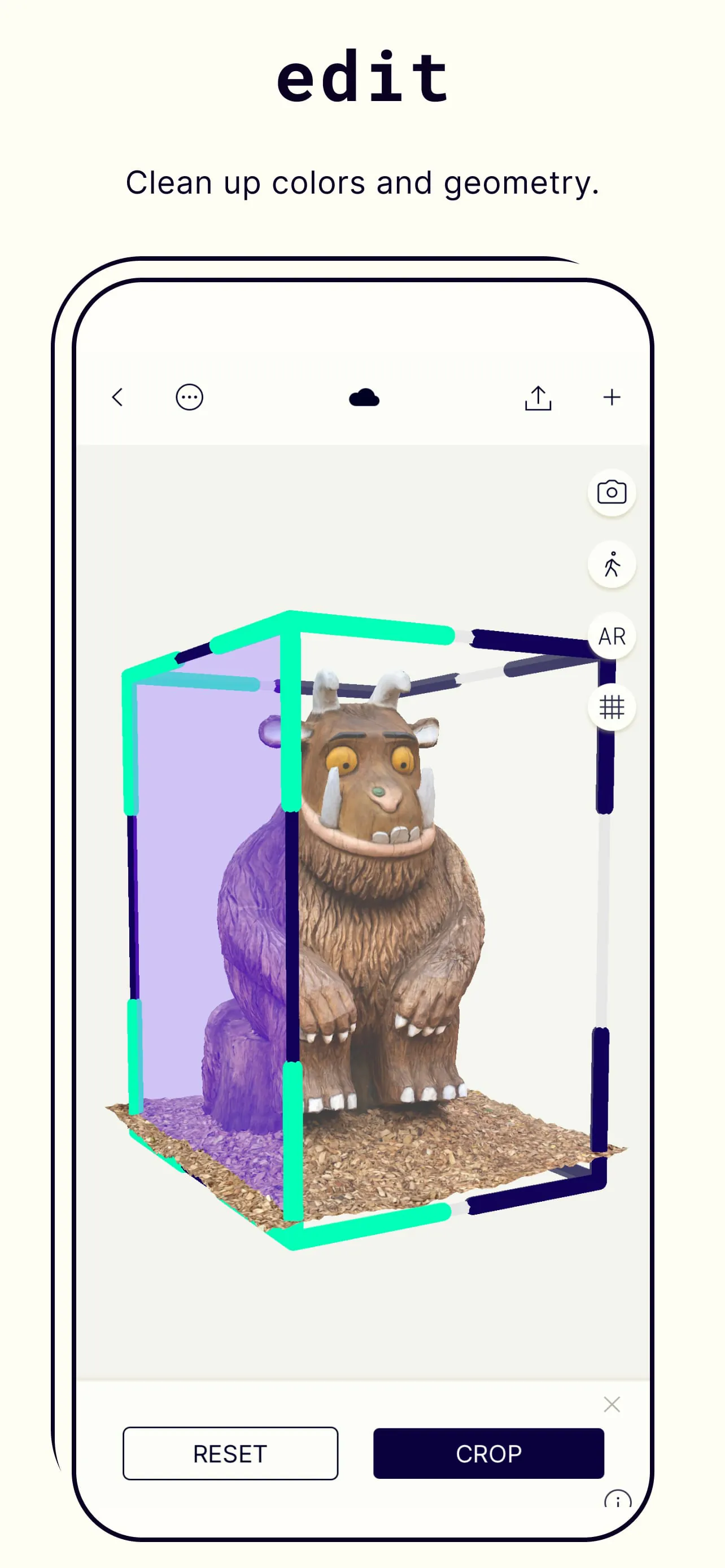
Polycam serves as a comprehensive toolkit for 3D capture and creation. Its core function is generating textured 3D meshes from physical surroundings. Beyond simple capture, the app includes a suite of tools to clean up, refine, and measure these models. Users can remove unwanted parts of a scan, smooth surfaces, and apply new textures. The app also enables the creation of animated GIFs or videos to showcase models and allows for the generation of floor plans from room scans, demonstrating its utility in architecture and real estate.
How to Use
Click the button "Check All Versions" below to download and install it. Once installed, launch the app and grant necessary permissions for camera access. For your first scan, begin with a well-lit, static object. Choose the appropriate capture mode—'LiDAR' for quick scans on supported devices or 'Photo' mode for general use. Slowly move around your subject, ensuring the camera captures it from all angles as guided by the on-screen interface. After capture, the app will process the data. You can then use the editing tools to trim and refine your model before exporting it in your preferred format for use in other applications.





 APK
APK  Google Play
  iOS
iOS  3.70
3.70