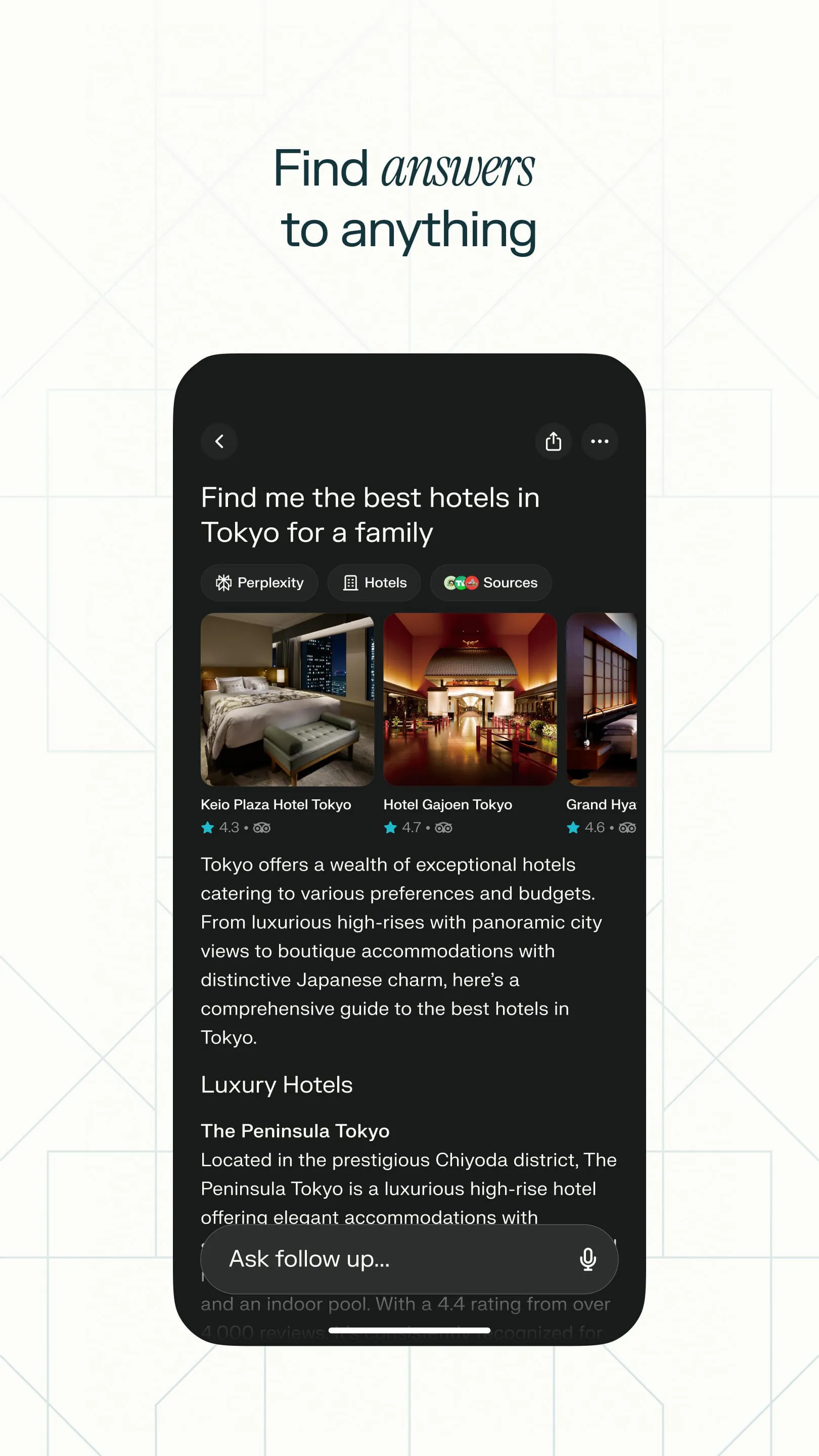
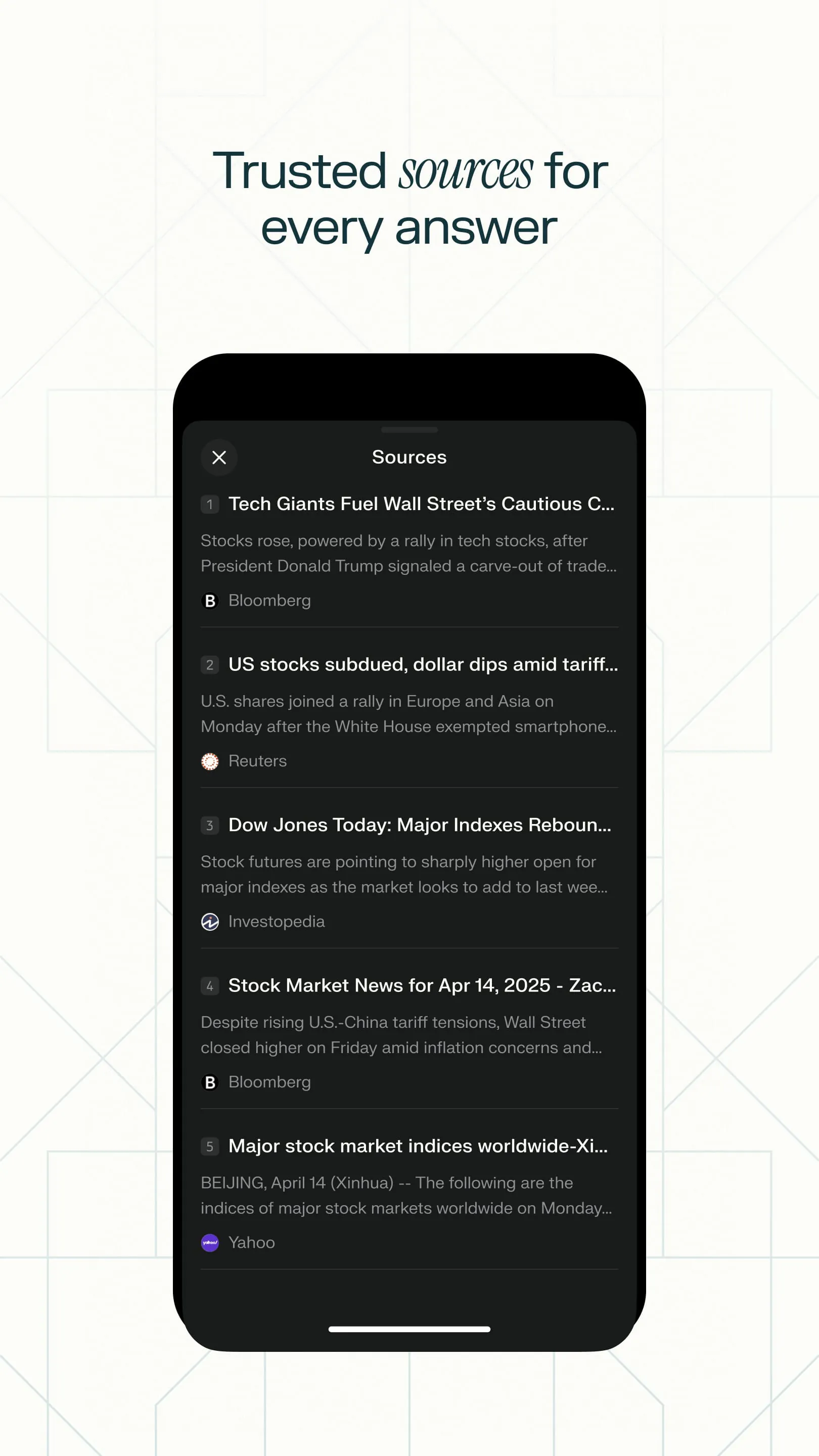
Perplexity (also known as Perplexity AI) is an AI-powered answer engine and conversational search tool that goes beyond traditional search engines by retrieving real-time information from the web and synthesizing it into direct, cited answers rather than just listing blue links, with every response including clickable source citations so users can verify facts—available as a web app, iOS/Android mobile app, Chrome extension, and with a Pro tier that unlocks deeper multi-step research, advanced AI models like GPT-4o and Claude, file uploads, and Spaces for collaborative knowledge bases.
Key Features
Perplexity offers a robust set of research-oriented capabilities designed to replace tab-hopping with instant, sourced answers:
- Real-time web search with automatic citation of multiple sources beneath each answer for transparency and verification.
- Conversational follow-up—ask clarifying or deepening questions in the same thread and it remembers context.
- Focus Modes (Web, Academic for peer-reviewed papers, Social for Reddit/X discussions, Finance, YouTube) to narrow the search scope.
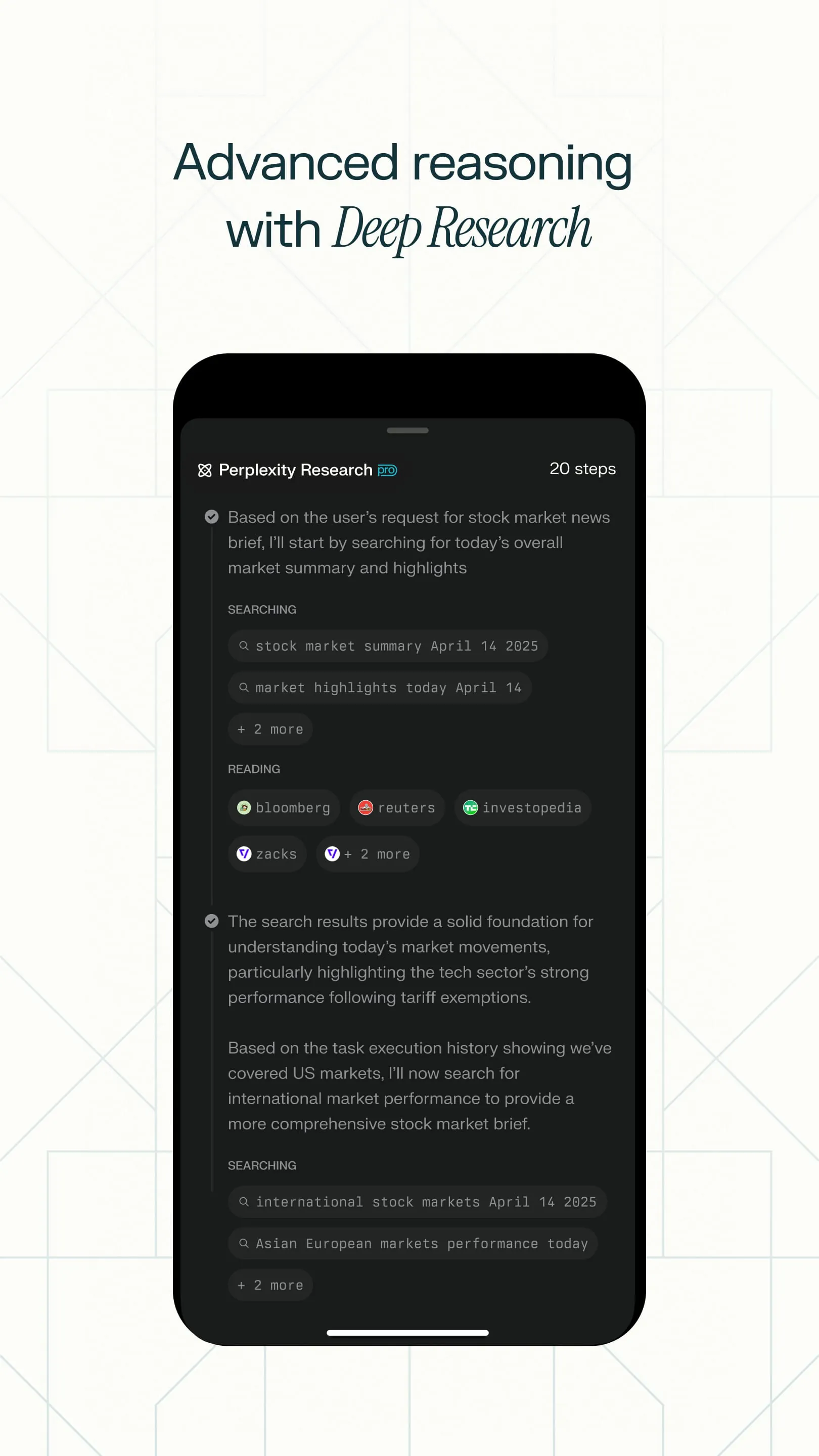
- Pro Search / Deep Research—multi-step reasoning that breaks down complex queries and compiles a structured report.
- File & image upload (Pro)—analyze PDFs, CSVs, Word docs, or images by asking questions about their contents.
- Model selection (Pro)—choose from GPT-4o, Claude 3.5, Sonar, Llama 3, and others depending on the task.
- Spaces—create shareable knowledge collections with uploaded documents and custom instructions for team or personal research.
- Voice input/output on mobile apps, plus a Chrome extension and WhatsApp bot for quick lookups.
Pros & Cons
- Pros:
- Answers are grounded in live web data with visible source links, greatly reducing unchecked AI hallucination on factual queries.
- Free tier is genuinely usable with daily Pro Search credits; no registration required for basic searches.
- Clean, ad-free interface (especially on Pro) and excellent for academic research, news verification, and quick deep-dives.
- Multi-platform availability—web, native iOS/Android apps, browser extension, and API access.
- Cons:
- Free plan has daily limits on Pro Search depth and may queue during peak times; full model switching requires a $20/month Pro subscription.
- Answers can be surface-level on highly niche or newly published topics, and occasionally misattribute or oversimplify sources.
- Less suited for long-form creative writing, complex math derivation, or tasks needing persistent persona memory compared to dedicated chatbots.
- Chinese/non-English language source coverage is narrower than English; some regions may experience slower indexing.
Functions
The core functions of Perplexity span several everyday and professional research workflows:
- Instant Factual Q&A: Type a full-sentence question (e.g., "What are the latest WHO guidelines on indoor air quality in 2026?") and receive a synthesized answer with footnoted web sources.
- Source-Verified Research: Use Academic mode to pull from journals and papers; click citations to cross-check original material.
- Document Analysis: Upload reports, contracts, or articles and ask for summaries, data extraction, translation, or comparison against external web info.
- Deep Research & Comparison: Enable Pro Search to auto-decompose broad questions (e.g., "Compare top three budget EVs available in the US in 2026 by range, price, and safety ratings") and return a formatted analysis.
- Knowledge Organization: Save threads to Collections or build a Space with custom instructions and uploaded references for ongoing projects.
- Quick Lookup Anywhere: Highlight text on any webpage and use the browser extension to "Ask Perplexity" for explanation, translation, or summary without leaving the tab.
How to Use
Click the button "Check All Versions" below to download and install it.
To get started, visit perplexity.ai in your browser or download the Perplexity app from the App Store / Google Play. You can begin using basic search without an account, or sign in with Google/Apple/email to save history and access Pro features. In the search bar, type your question in natural language—being specific yields better results—then press Enter. Review the answer and the numbered source citations underneath; click any citation to view the original page. If you need more depth, toggle Pro Search (included in free daily allowance) before submitting, or switch Focus Mode to Academic/Social/etc. via the globe icon beside the input box. To analyze a file, click the paperclip/upload icon, select your PDF/image/CSV, and ask a question about it. For ongoing projects, create a Space from the sidebar, add files and instructions, and query within that scoped environment. On mobile, tap the microphone icon to speak your question and hear the answer read back.





 APK
APK  Google Play
  iOS
iOS  4.60
4.60