AHA Schools is a comprehensive educational management application designed to streamline the daily operations of schools, teachers, students, and parents. It serves as a centralized digital platform that integrates administrative tasks, academic tracking, and communication tools, fostering a more connected and efficient school community. The app aims to simplify complex processes like attendance monitoring, grade reporting, and event scheduling, making essential information accessible anytime and anywhere.
Key Features
The app stands out with a robust set of features tailored for modern education management. Its core strength lies in creating a seamless ecosystem for all users. The platform offers real-time notifications and updates, ensuring everyone stays informed about important announcements, assignment changes, or schedule adjustments. A dedicated parent portal allows for direct monitoring of a student's academic progress and attendance records. For teachers, it provides intuitive tools for lesson planning, grading, and distributing learning materials. Administrators benefit from powerful dashboards for managing school-wide data, finances, and resource allocation.
Pros & Cons
Like any platform, AHA Schools has its advantages and limitations. Understanding these helps in setting realistic expectations for its implementation and daily use.
- Pros: The interface is generally user-friendly, reducing the learning curve for all age groups. It significantly improves communication efficiency between teachers and parents. Having academic, administrative, and communication functions in one app reduces the need for multiple software solutions. It often leads to better organization and time management for teachers and school staff.
- Cons: Performance can sometimes be dependent on a stable internet connection. Occasional bugs or slow loading times during peak usage (e.g., report card season) have been reported. The wealth of features might feel overwhelming to new users initially. There is a potential learning curve for staff and parents who are less tech-savvy.
Functions
The application encompasses a wide array of specific functions organized into modules for different user roles. These functions work in concert to cover nearly every aspect of school life.
- Academic Management: This includes digital gradebooks, assignment submission portals, online quiz creation, and a repository for lecture notes and syllabi.
- Administrative Operations: Key functions here are student enrollment and database management, automated attendance tracking, timetable generation, and fee collection systems.
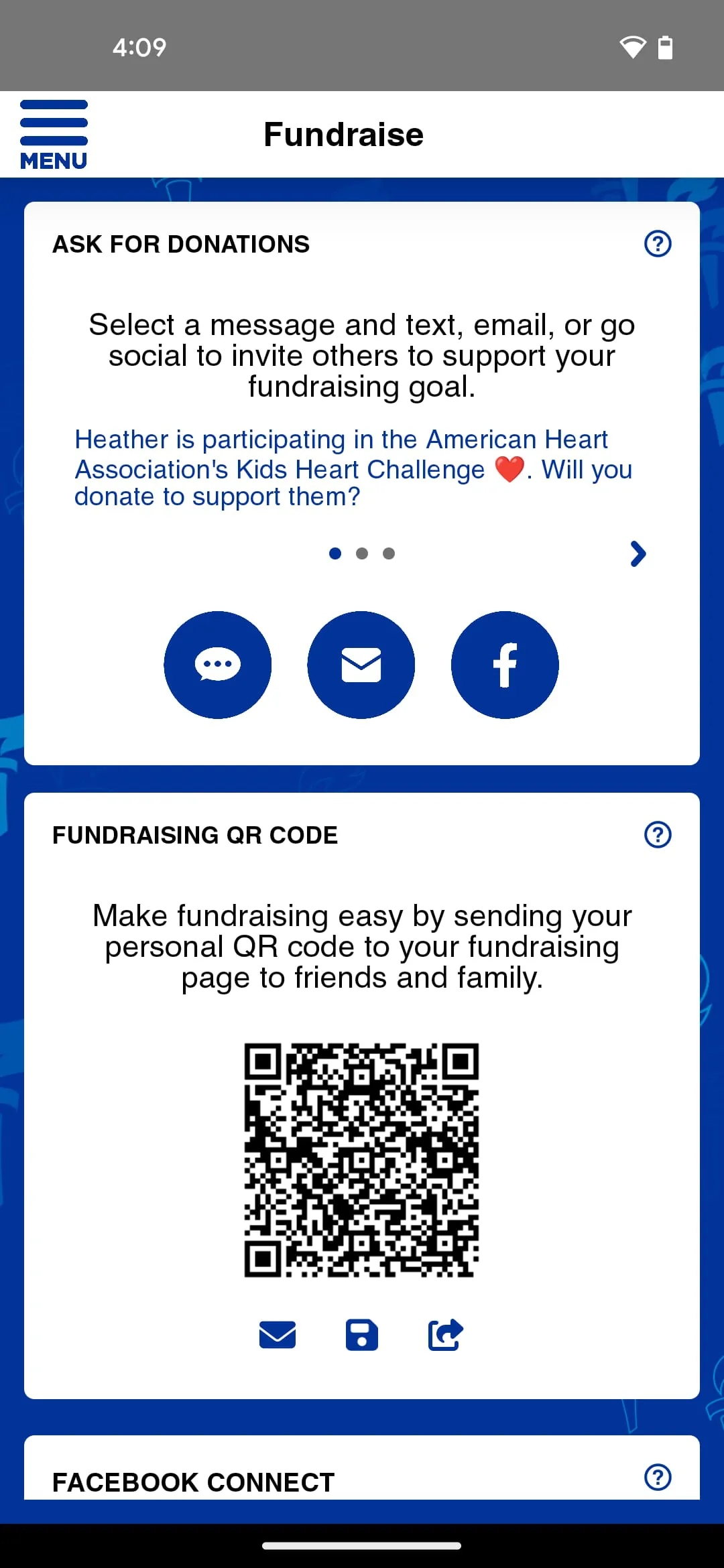
- Communication Hub: The app facilitates direct, in-app messaging between teachers and parents, broadcast announcements, forum-like discussion boards for classes, and event calendars with RSVP options.
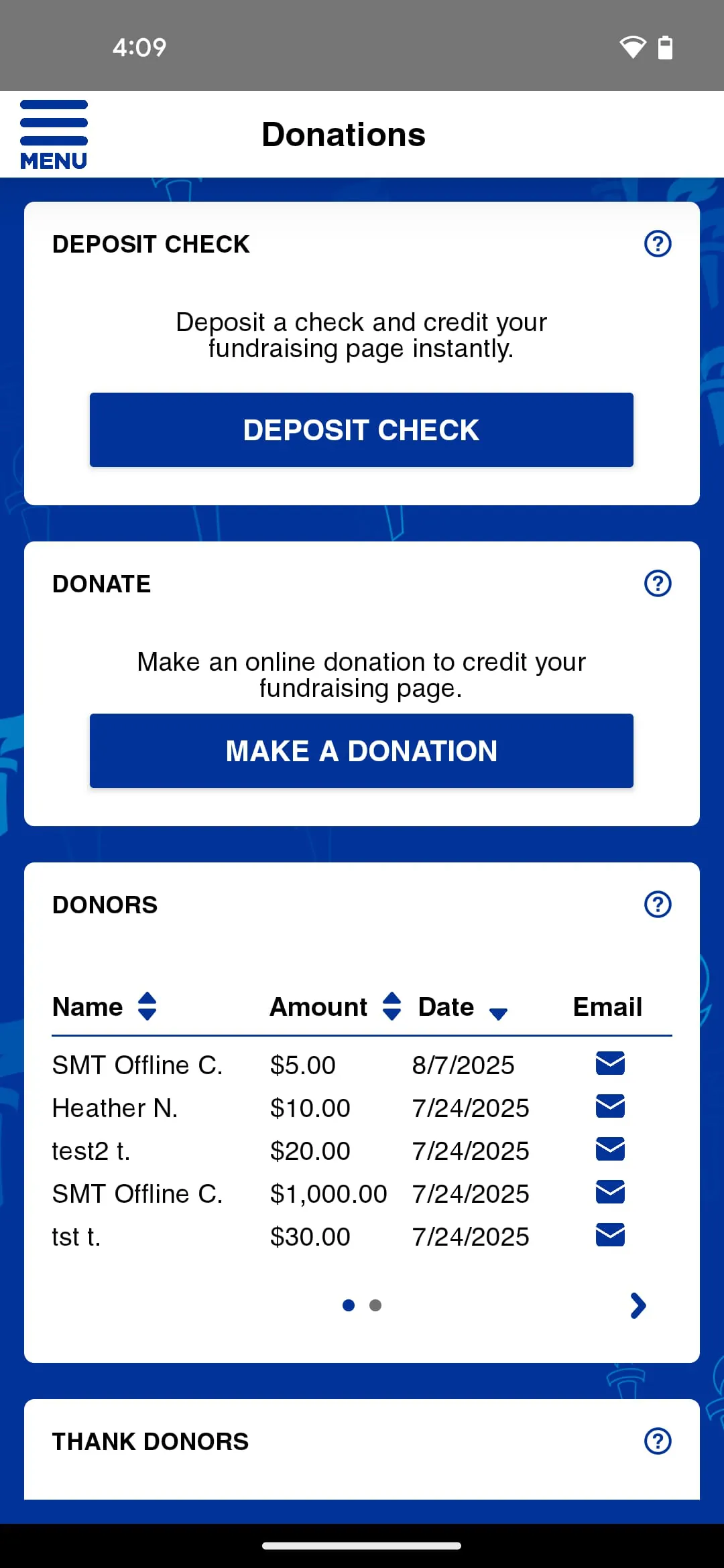
- Reporting and Analytics: It generates detailed performance reports for individual students and groups, provides attendance summaries, and creates visual data dashboards for administrators to track key metrics.
How to Use
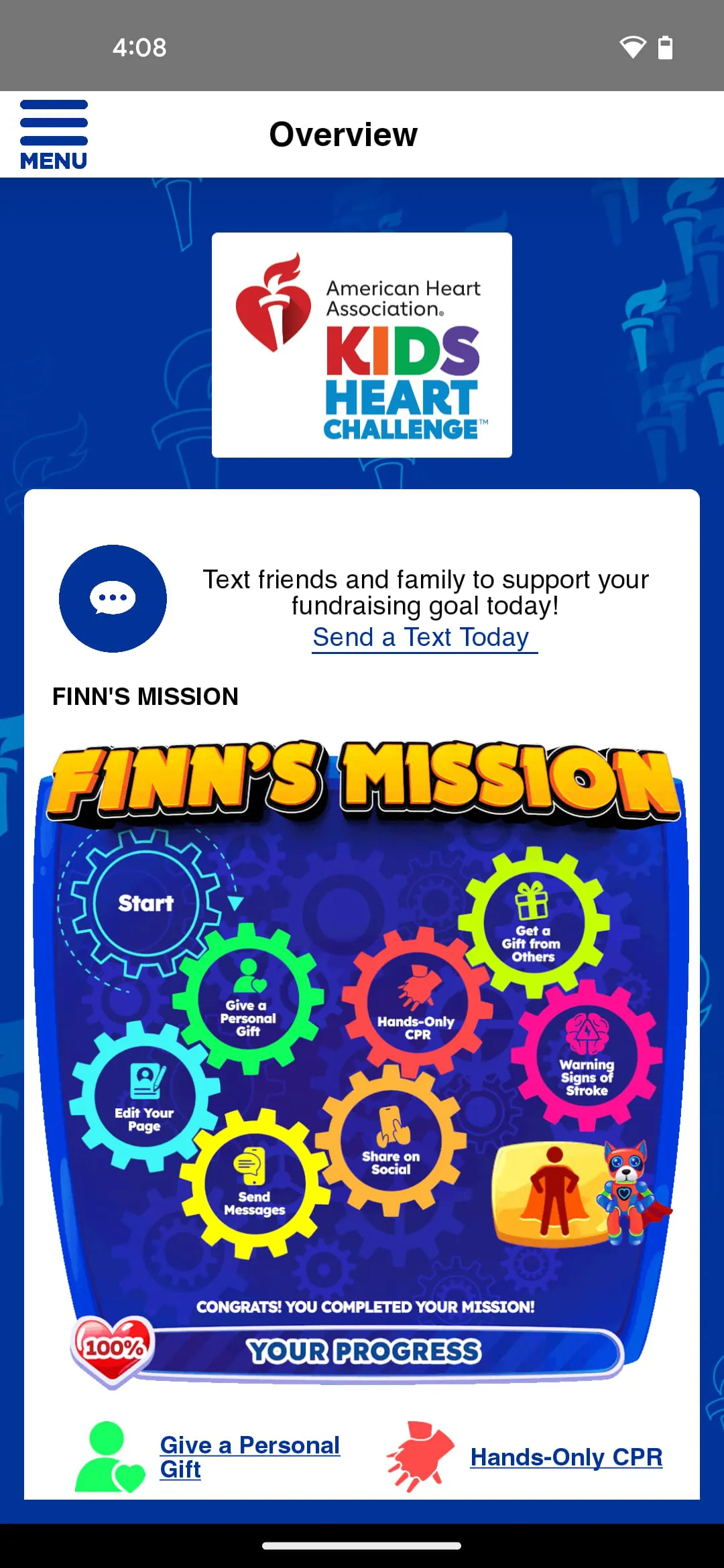
Click the button "Check All Versions" below to download and install it. Once installed, you will need to open the app and log in using the credentials provided by your school administration; these are typically a unique username and password. Upon first login, you may be prompted to set up your profile and adjust notification preferences. The main dashboard will be your central control panel, with clear icons or tabs leading to different sections like "Grades," "Attendance," "Messages," and "Calendar." Teachers can navigate to the "Classes" section to post assignments, and parents can go to the "My Children" section to view updates. For any feature-specific guidance, the app usually includes a "Help" section or tutorial walkthroughs accessible from the settings menu.





 APK
APK  Google Play
  iOS
iOS  4.20
4.20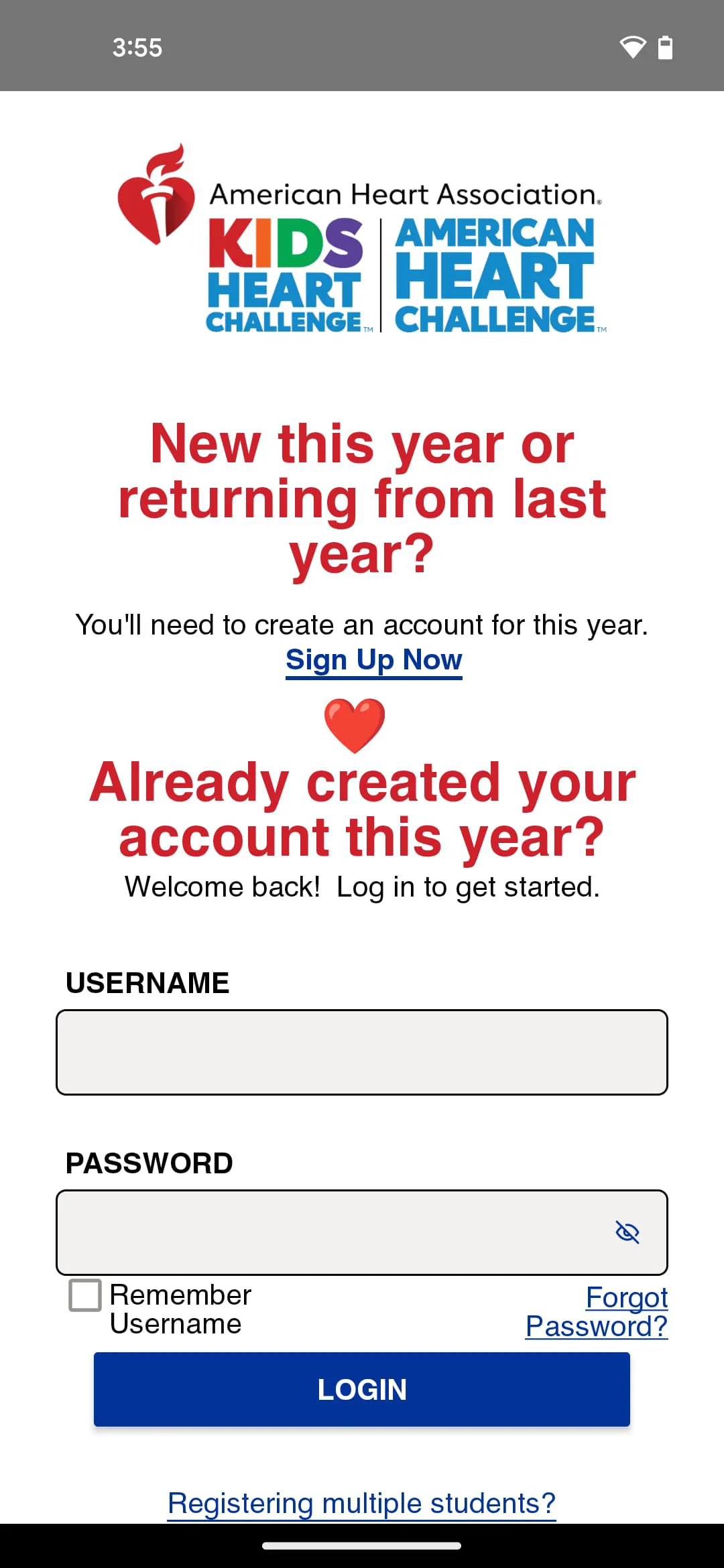
 Download








