Access Corrections is an official mobile application developed for individuals who have loved ones, friends, or family members incarcerated within facilities managed by the New York State Department of Corrections and Community Supervision (DOCCS). It serves as a centralized and secure portal to facilitate communication, provide essential information, and manage the logistical aspects of maintaining contact with an incarcerated individual, thereby aiming to streamline a process that can often be complex and fragmented.
Key Features
The application integrates several critical services into one user-friendly platform. It allows users to easily schedule and confirm visitation appointments, view important facility announcements, and access relevant guidelines. A core function is the secure messaging system, which enables the sending and receiving of electronic messages to and from an incarcerated person, often with faster delivery than traditional mail. Furthermore, the app provides tools to manage inmate trust accounts for depositing funds, which can be used for commissary purchases or communication services, all from a smartphone.
Pros & Cons
- Pros: The app offers significant convenience by centralizing multiple services, reducing the need for phone calls or physical mail. The ability to schedule visits and send messages 24/7 provides great flexibility. Instant notifications for message receipts or visit confirmations improve communication reliability. It also enhances security through verified user accounts and encrypted data.
- Cons: Its functionality is limited to New York State DOCCS facilities only. Some users may face a learning curve with the digital process, especially those less familiar with technology. The app's features are entirely dependent on the rules and operational status of the individual correctional facility, which can lead to inconsistencies. Technical glitches or mandatory system updates can occasionally disrupt access.
Functions
- Visitation Management: Schedule, cancel, view, and confirm upcoming in-person visitation appointments.
- Secure Messaging: Send and receive electronic messages, with options for photo attachments where permitted by facility rules.
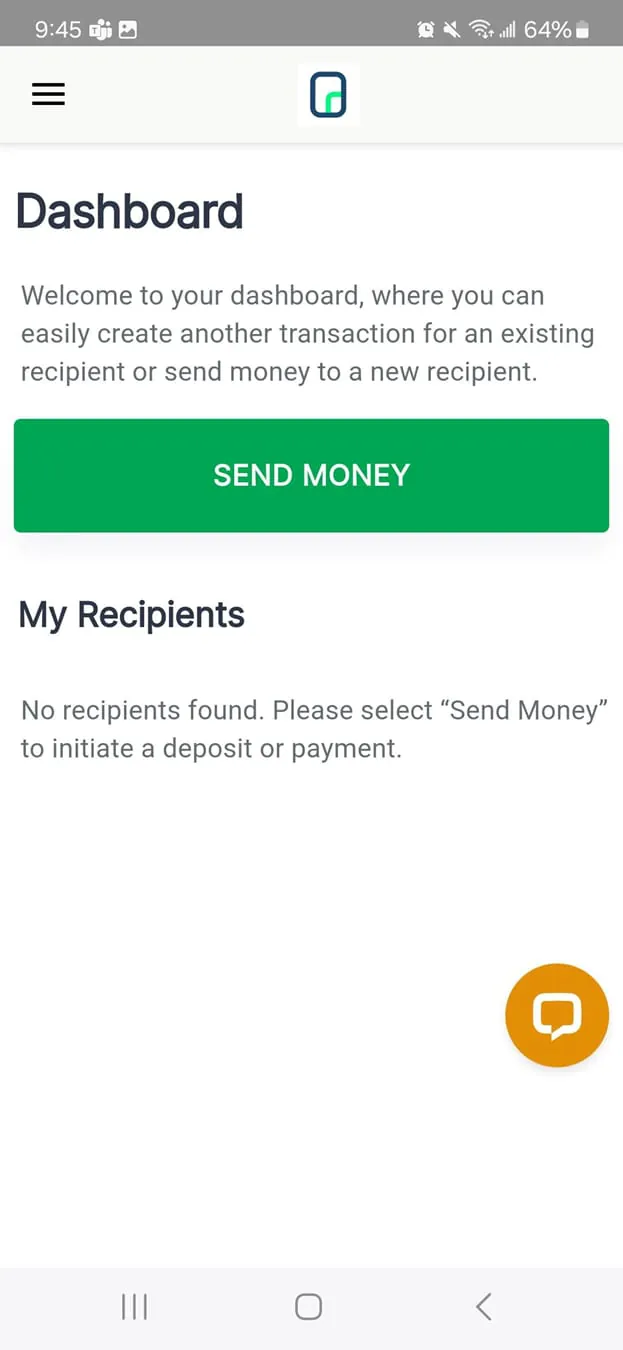
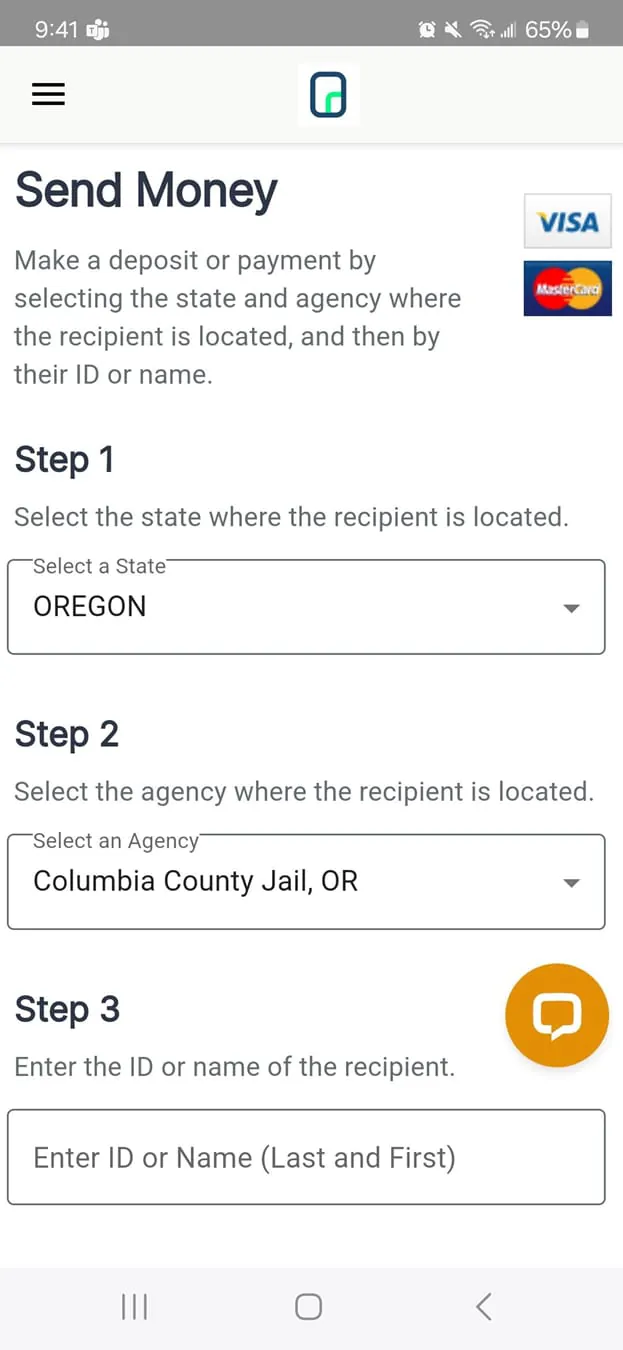
- Account Management: Deposit funds into an inmate's trust account using a debit or credit card, and view the transaction history.
- Information Hub: Access official facility details, visiting hours, rules, directions, and critical announcements or alerts.
- Notification Center: Receive real-time alerts about message deliveries, visit status changes, and other important updates.
How to Use
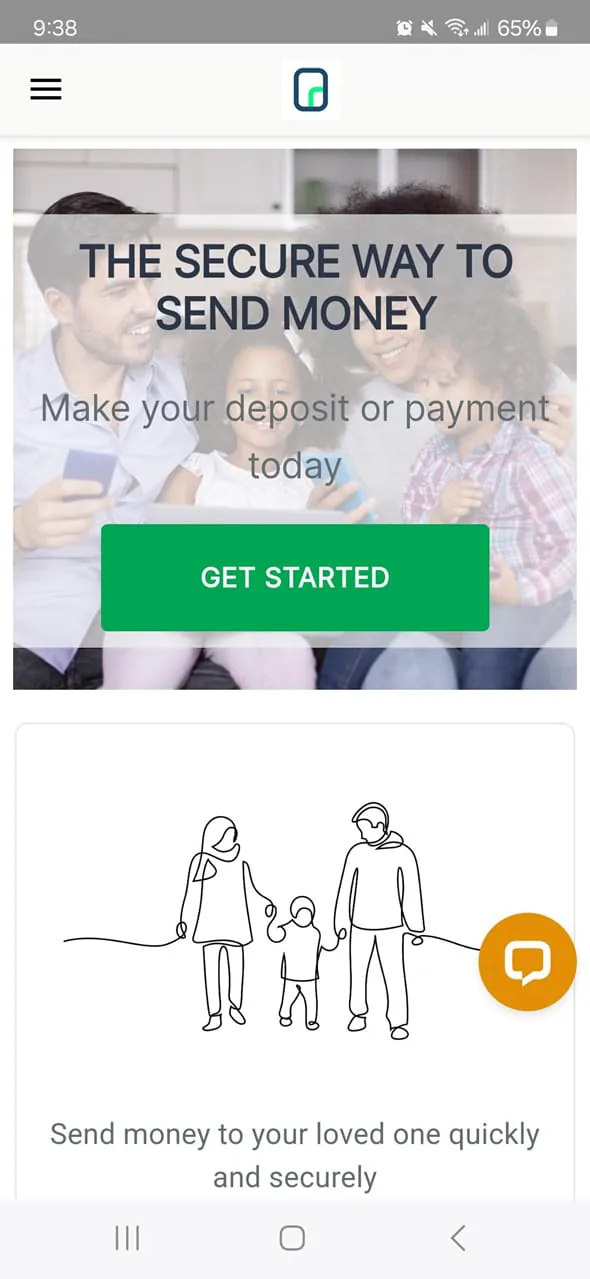
Click the button "Check All Versions" below to download and install it. After installation, you will need to register for an account, which requires verifying your identity by providing your personal information and details of the incarcerated individual you wish to contact. Once your account is verified and linked, you can navigate the app's main dashboard to explore its functions. To send a message, you would select the messaging icon, compose your text, and send it. To schedule a visit, you would go to the visitation section, select the facility, choose an available date and time slot, and submit your request. For depositing money, you select the "Send Money" option, follow the prompts to enter the amount and payment details, and confirm the transaction. It is crucial to regularly check the "Alerts" section and review each facility's specific rules tab to ensure compliance with all current regulations.





 APK
APK  Google Play
  iOS
iOS  3.40
3.40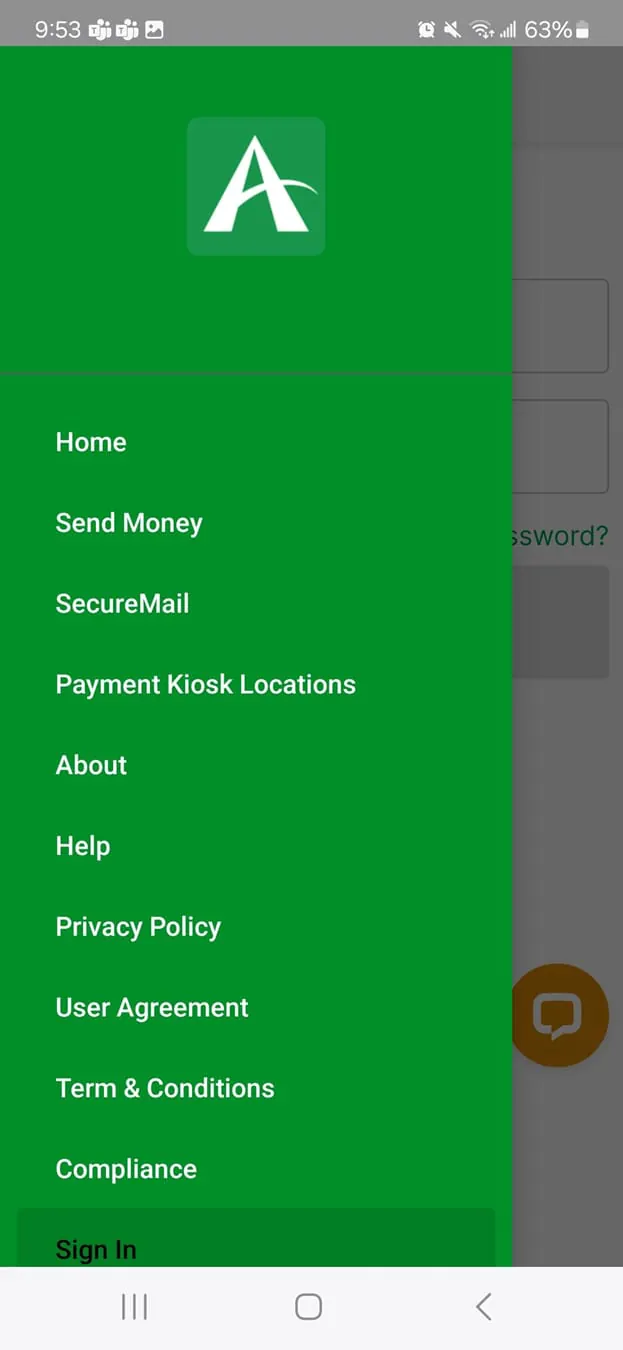
 Download








