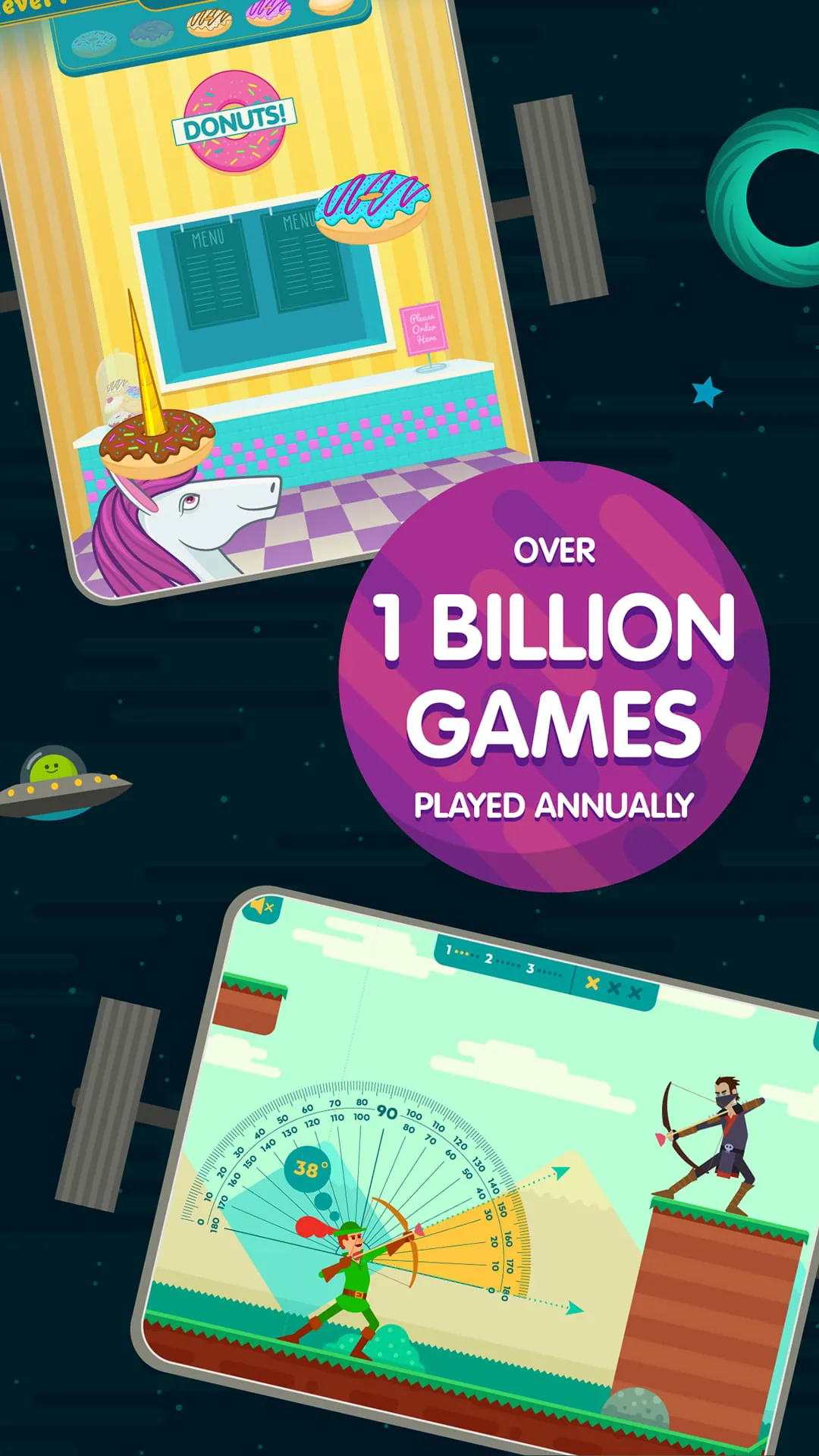
ABCya! Games is an educational gaming platform designed primarily for children in grades Pre-K through 6, offering a wide variety of interactive activities that blend learning with play; developed by certified teachers, the app focuses on reinforcing core academic skills such as math, reading, spelling, and strategy through colorful games that engage young learners while supporting classroom curriculum standards.
Key Features
ABCya! Games stands out for its curriculum-based approach and child-friendly design. Some notable features include:
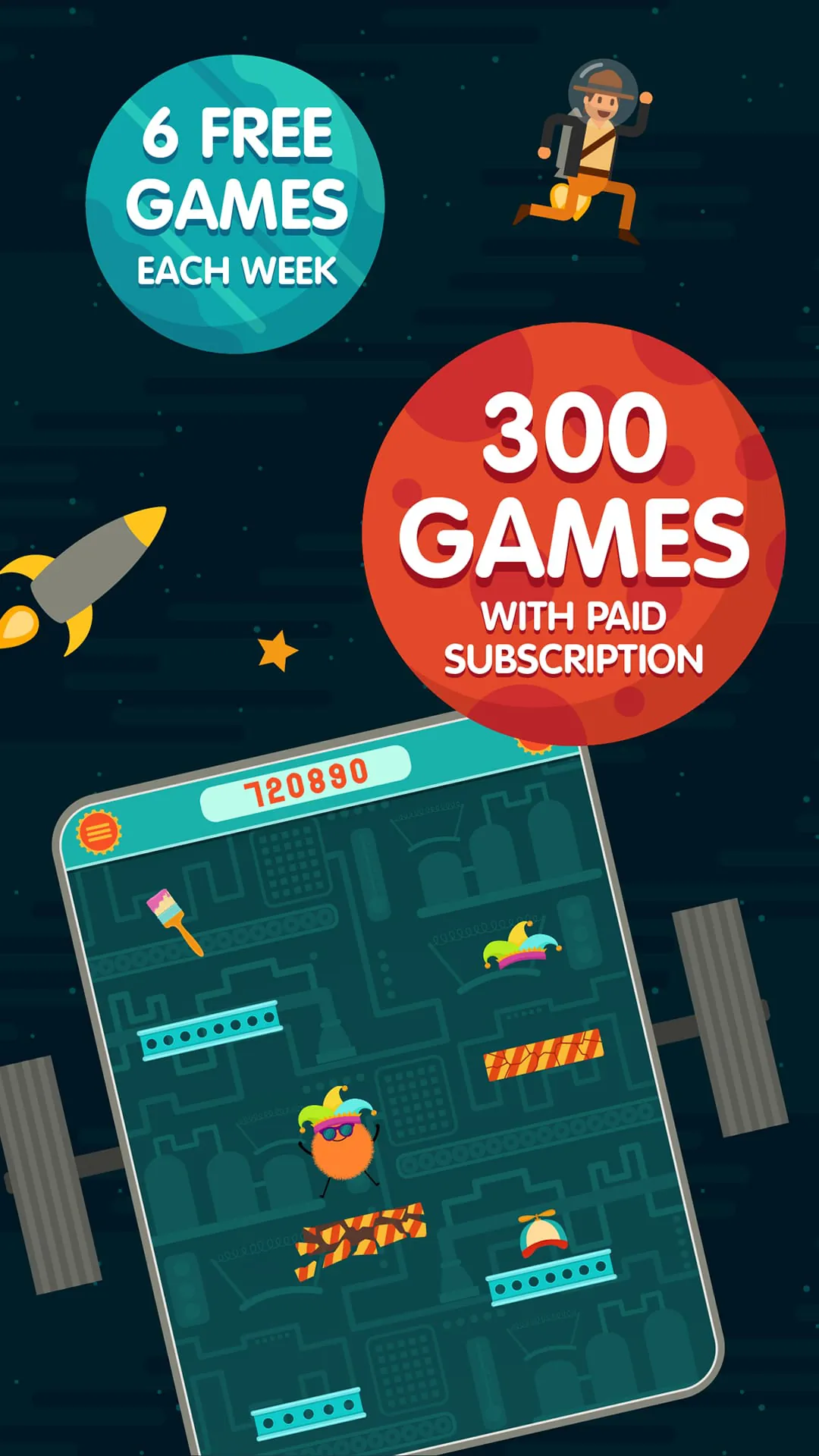
- Hundreds of free and premium games organized by grade level
- Subjects ranging from math and language arts to holiday-themed puzzles
- Bright visuals and intuitive controls tailored for younger users
- No third-party advertising in the paid subscription version
- New games added regularly to keep content fresh and engaging
Pros & Cons
Understanding the advantages and drawbacks helps parents and educators decide if ABCya! fits their needs.
- Pros:
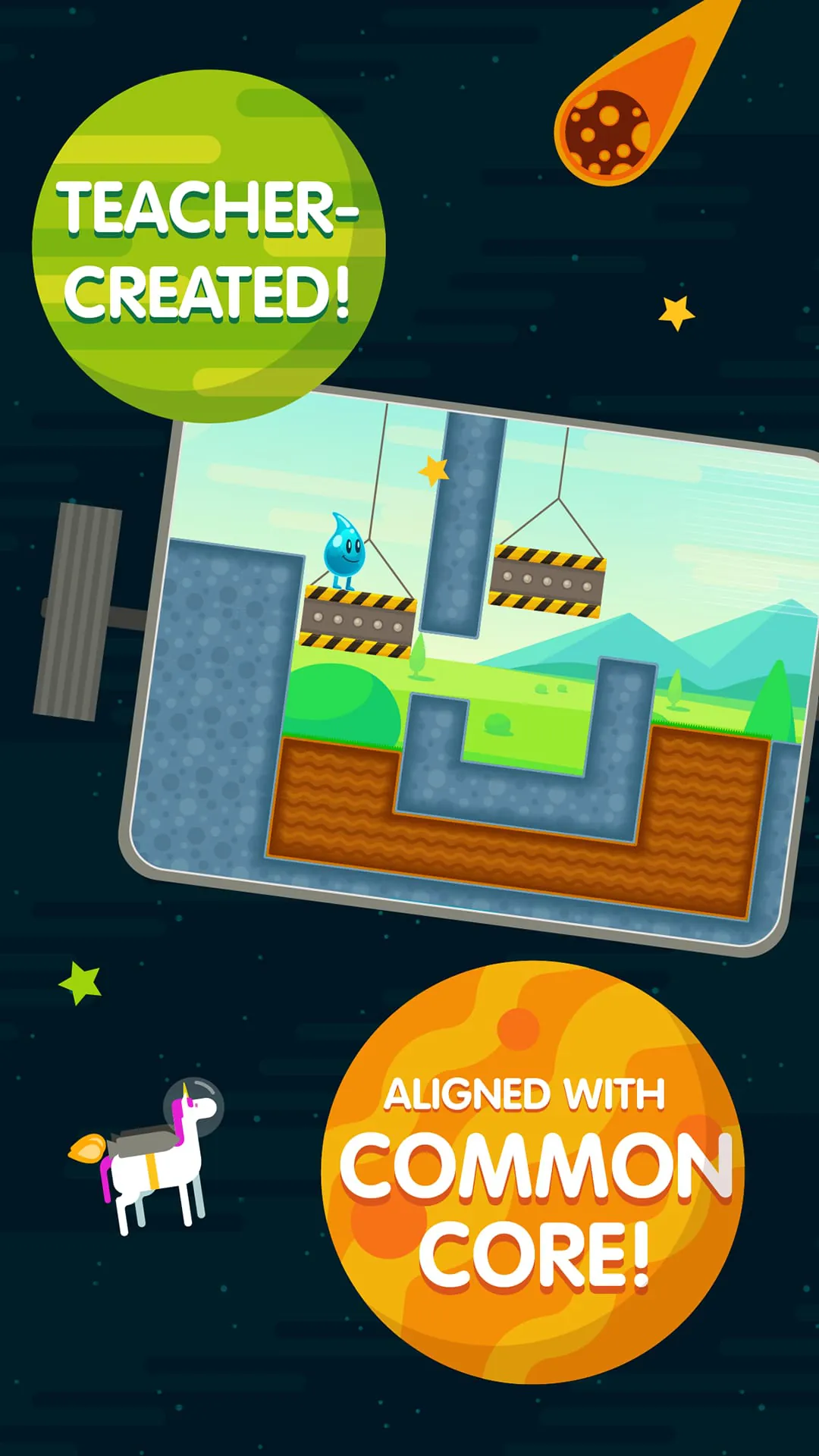
- Aligned with Common Core standards for reliable educational value
- Easy navigation suitable for independent use by children
- Covers multiple subjects in one convenient platform
- Encourages critical thinking through problem-solving challenges
- Cons:
- Limited free content without a subscription
- Some games may feel repetitive over time
- Requires internet connection for most activities
- Primarily focused on elementary-level learners
Functions
ABCya! Games operates as both a classroom resource and a home-learning tool. Its functions include:
- Grade-specific filtering so children access age-appropriate material
- Progress tracking for teachers and parents using premium accounts
- Interactive gameplay that reinforces lessons taught in school
- Cross-device compatibility for tablets, computers, and smartphones
- Seasonal and holiday games that integrate themed learning opportunities
How to Use
Click the button "Check All Versions" below to download and install it. After installation, open the app and select your child’s grade level to unlock relevant games. Browse categories or search by subject to find specific activities. Children can play directly within the app, and adults can monitor progress or adjust settings through the parent/teacher dashboard. For the best experience, ensure a stable internet connection and encourage short, regular play sessions to reinforce learning without screen fatigue.




 APK
APK  Google Play
  iOS
iOS  4.20
4.20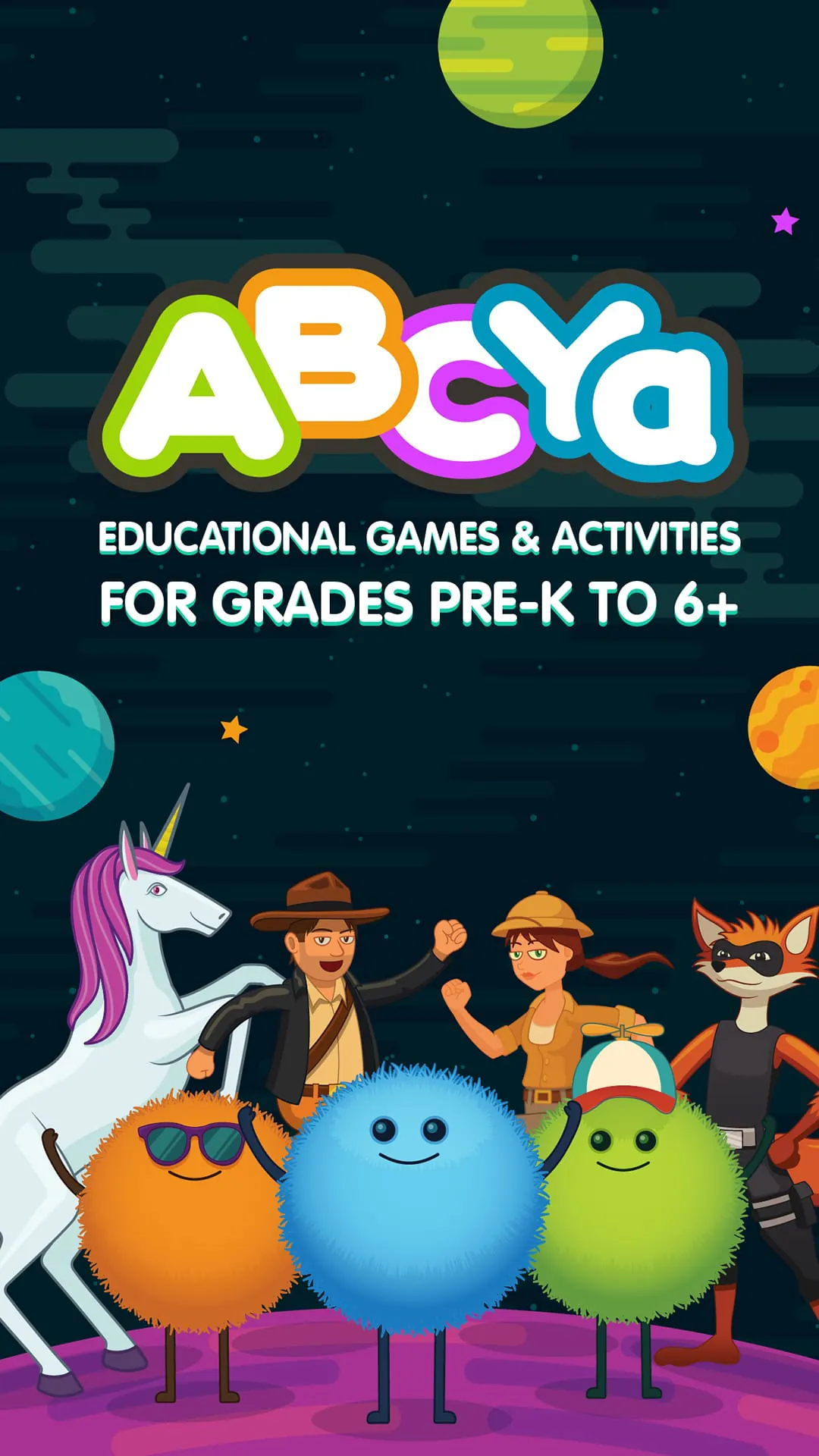
 Download








